
To run a facility in Crimson Desert: Enhanced, follow Renewed Vitality to unlock leasing, rent a liberated stronghold through the map’s Facilities tab, and set up its staff, products, and workstations. Your business continues operating while you explore elsewhere.
The Charting the Unknown DLC adds four business types, but choosing one is only the start. Suitable comrades, accessible equipment, and sensible prices determine how effectively you run it. This guide covers the system introduced in Version 2.04.00 on October 29, 2026, including the earnings correction in Version 2.04.02.
Where do you find the Facilities tab?
Open your map and select the Facilities tab. It contains information about management facilities, including facility levels and associated missions, and lets you select a location to lease.
Strongholds owned by the Greymanes appear in light blue. Use that color to locate your holdings, then check the facility entry and your quest progress before attempting to rent one.
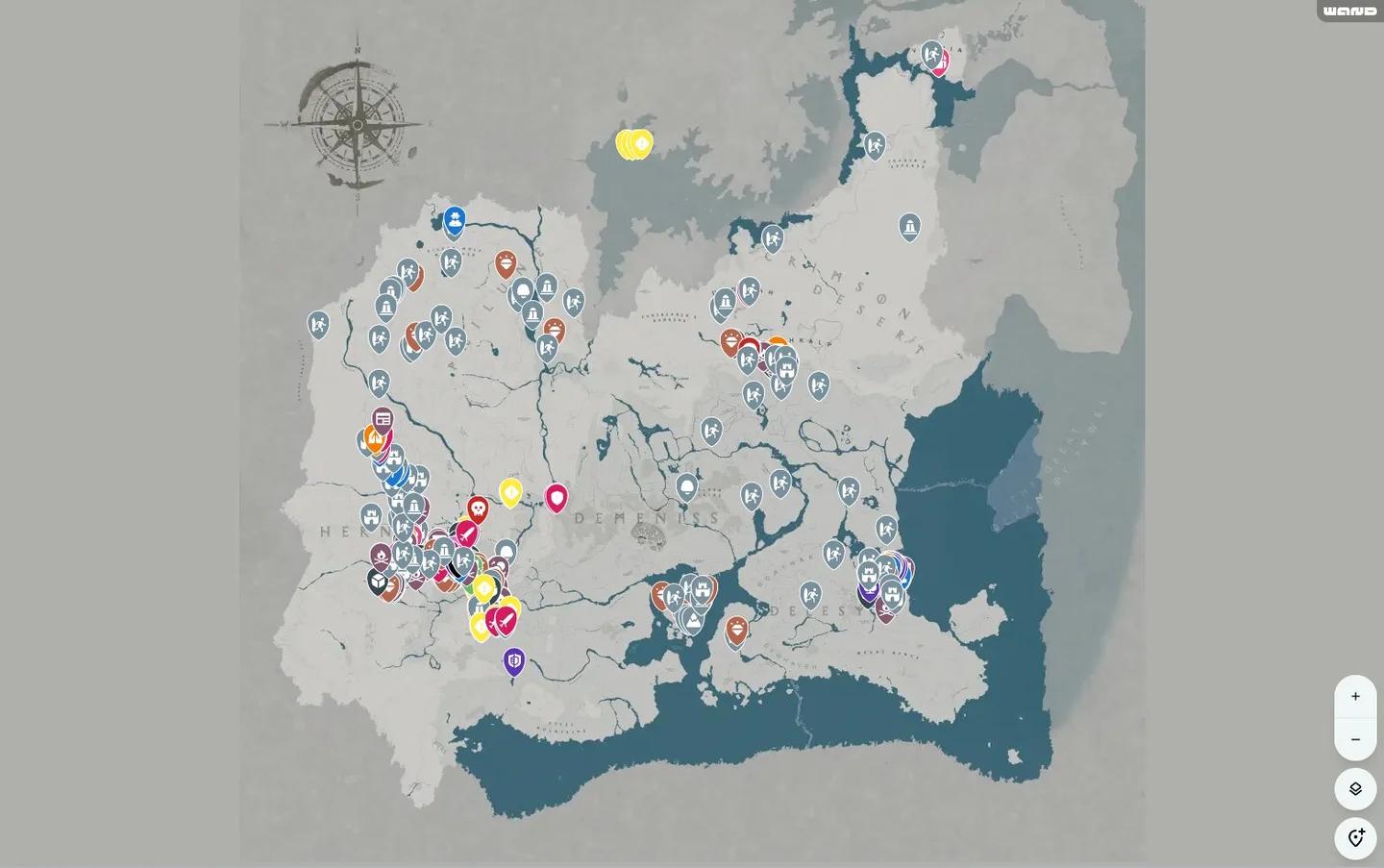
Find the Facilities map tab


How do you rent a liberated stronghold to manage?
A facility needs a liberated stronghold, completion of the relevant region’s faction quest, and an established Greymane camp. Leasing also uses camp funds, so check your camp before committing to a business.
Your comrades supply the workforce. If you still need help organizing Howling Hill, the Greymane camp management guide covers recruitment, dispatches, and camp expansion.
Follow the Timberham leasing introduction
Renewed Vitality introduces facility leasing through Timberham Sawmill. Follow this sequence:
- Start Renewed Vitality and visit the notice board in Hernand.
- Read the notice about Timberham Sawmill.
- Follow the quest’s instruction to lease the sawmill through the map’s Facilities tab.
- Finish the introductory quest to unlock broader facility leasing.
For other eligible locations, watch for the purple lease notice in town. Read it, open Facilities, select the corresponding facility icon, and choose Lease after checking the cost.
Visit your leased facility
Once you are near the leased property, open its management menu. This is where you assign comrades, place installables, choose goods, adjust prices, and open the shop.
Signing the lease gives you access to management. Selling starts when you open the business, so finish the setup before expecting customers to arrive.
Which types of businesses can you operate?
You can manage a restaurant, sawmill, smithy, or tailor’s shop. Each business needs comrades with abilities suited to its work.
| Business | Location | Matching staff skill | Reason to choose it |
|---|---|---|---|
| Restaurant | Vellua | Cooking | Suits a roster with available cooks who can prepare its goods |
| Sawmill | Timberham, Hernand | Woodworking | Introduces leasing through Renewed Vitality and produces lumber for building |
| Smithy | Zargan Tankworks | Smithing | Suits available smiths producing equipment and parts |
| Tailor’s shop | Check eligible entries in Facilities | Tailoring | Suits comrades with tailoring abilities for clothing and cloth goods |
Start with a business you can actually staff. A facility that matches your available comrades is a more practical choice than tying up specialists you already need elsewhere.
Timberham Sawmill is the leasing tutorial’s starting point. Use it to learn the setup process before choosing another business around your roster and its displayed lease cost.
How should you assign staff and place installables?
Match abilities before comparing wages
Assign comrades whose abilities fit the facility’s jobs. Skilled workers create goods more efficiently, but their daily wages are also higher. Compare both suitability and wages when choosing between candidates.
Facility assignments also commit those comrades. A worker assigned to a business cannot simultaneously serve on a dispatch mission or join your ship’s crew, so keep anyone needed for those jobs available.
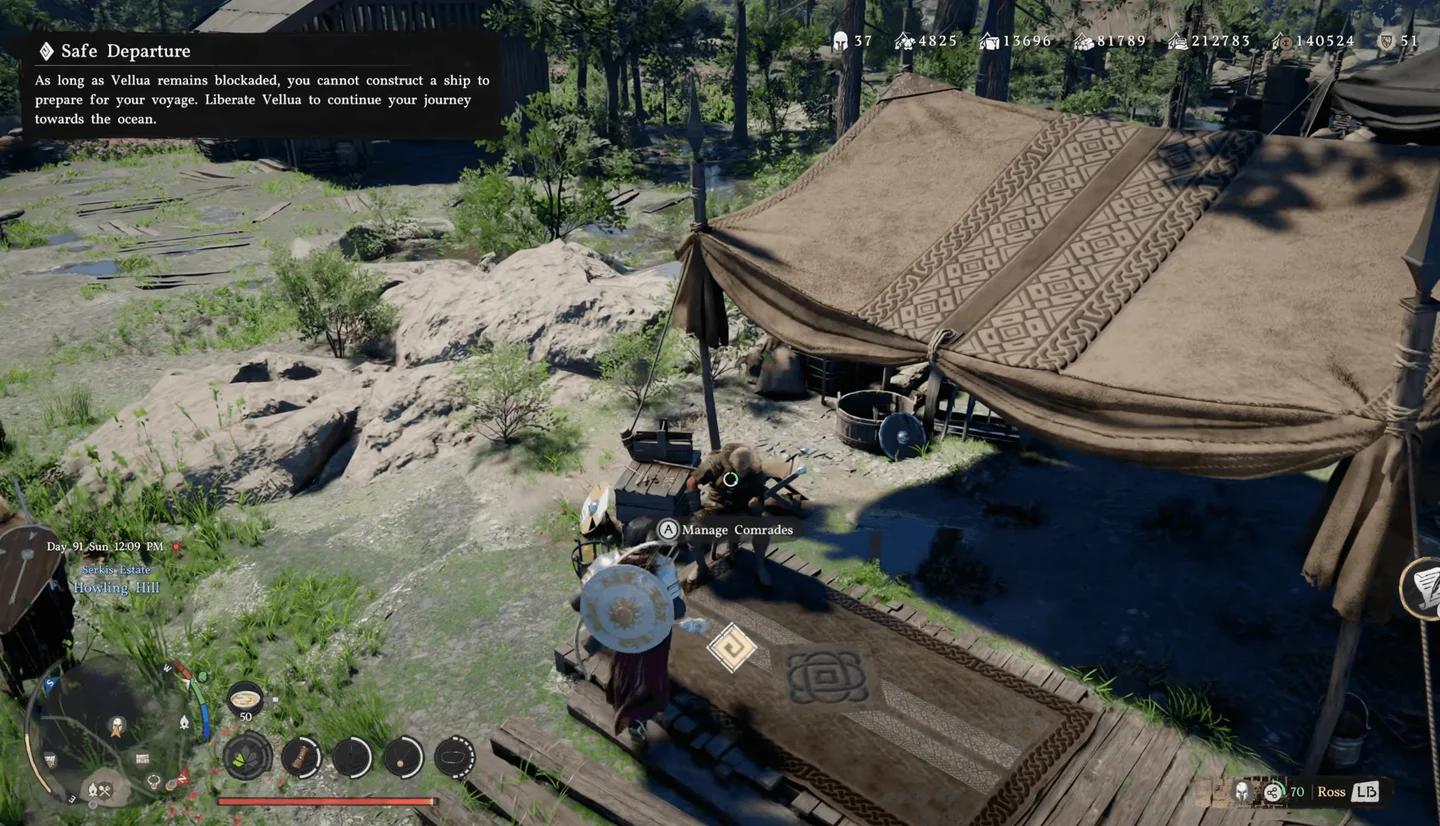
Match comrades to facility jobs
Give workers access to their stations
Installables are the work areas your staff use. Place them within reach and orient them so workers can approach the front. An assigned worker still needs usable equipment to do the job.
If production is not moving, inspect the layout alongside the staffing assignments. Rotate a workstation that faces the wrong way and check whether your comrades can reach its working side.
How should you price goods and open the shop?
Use goods management to choose which products your staff will create and sell, then set their prices. Pricing directly affects customer satisfaction: expensive goods can leave customers unhappy, while cheaper goods improve the chance of a positive response at the expense of profit.
The useful balance depends on what you see after opening. Watch customer responses rather than assuming the highest price is the best setting. Skilled staff already bring higher wages, so heavy discounts also deserve a second look.
When you open the shop, customer icons appear in the upper-left corner of the screen. Staff take orders, prepare the goods, and deliver them. You can then see each customer’s response and satisfaction in real time.
Low prices and decent goods do not guarantee a positive response from every customer. Before changing prices after a complaint, also check whether your workers and installables are functioning properly.
If you also want to manage savings outside your shops, the bank investment guide covers Crimson Desert’s banking system.
How do you increase facility popularity?
Popularity progression requires both sales-based leveling and completion of the tasks shown in the management menu. Selling goods builds progress toward the indicated level, but you must also satisfy the facility’s current popularity objectives.
Those objectives vary by facility and popularity level. They can require particular installables or a certain number of satisfied customers, so read the current requirements before changing your setup.
- Check the level requirement: Keep selling goods to reach the indicated level.
- Check the popularity tasks: Complete the specific objectives displayed for that facility and tier.
Higher Recognition Level unlocks better recipes and craftable items as the facility operates. Revisit your production choices as progression opens more options.
Do managed facilities keep operating while you are away?
Yes. Managed facilities continue operating when you leave their location, letting you explore Pywel without standing beside the business. Open the shop and confirm that workers can use their stations before heading elsewhere.
This makes the initial setup worth checking carefully. Suitable staff and accessible installables let the facility do its work while you handle other activities.
Can special guests visit your managed facilities?
Yes. Special guests may visit facilities that you are managing. Their arrival is a possibility, so an operating business does not guarantee a special guest visit.
Completing management content also grants rewards. Keep working through the facility’s objectives alongside its regular production and sales.
Common mistakes
| Mistake | What to check instead |
|---|---|
| Searching for a claim prompt at the stronghold | Read the lease notice, then use the map’s Facilities tab |
| Trying to lease before the introduction is complete | Follow Renewed Vitality through its Timberham Sawmill introduction |
| Assigning workers without checking their abilities | Match each comrade’s skill to the facility’s jobs |
| Placing stations with their working side inaccessible | Rotate installables and leave access to the front |
| Assuming sales alone will raise popularity | Complete the displayed popularity tasks as well |
| Assigning comrades needed for another job | Keep dispatch and ship-crew requirements in mind before staffing |
Pro tips
- For your first facility, check the roster before the lease. This suits players with limited available comrades because business staff cannot also handle dispatch or ship duties.
- For stalled production, inspect workers and workstations together. Correct skills and front access both matter, so changing prices will not fix an unusable station.
- For popularity progression, read the next task before rearranging equipment. A required installable may be part of the objective, making that check useful before changing the layout.
Frequently asked questions
Do you need Charting the Unknown to manage facilities?
Yes. The facility management system requires the Charting the Unknown expansion, which introduced renting and operating liberated strongholds.
Why can’t you lease a facility yet?
Check that the stronghold is liberated, its regional faction quest is complete, and your Greymane camp is established. You also need to complete the introductory Renewed Vitality quest before broader leasing becomes available.
What does Recognition Level unlock?
Higher Recognition Level gives you access to better recipes and craftable items. Continue operating the facility, and check its management options as it progresses.
For help with camp progression and other systems alongside your business, explore the Crimson Desert guide collection.