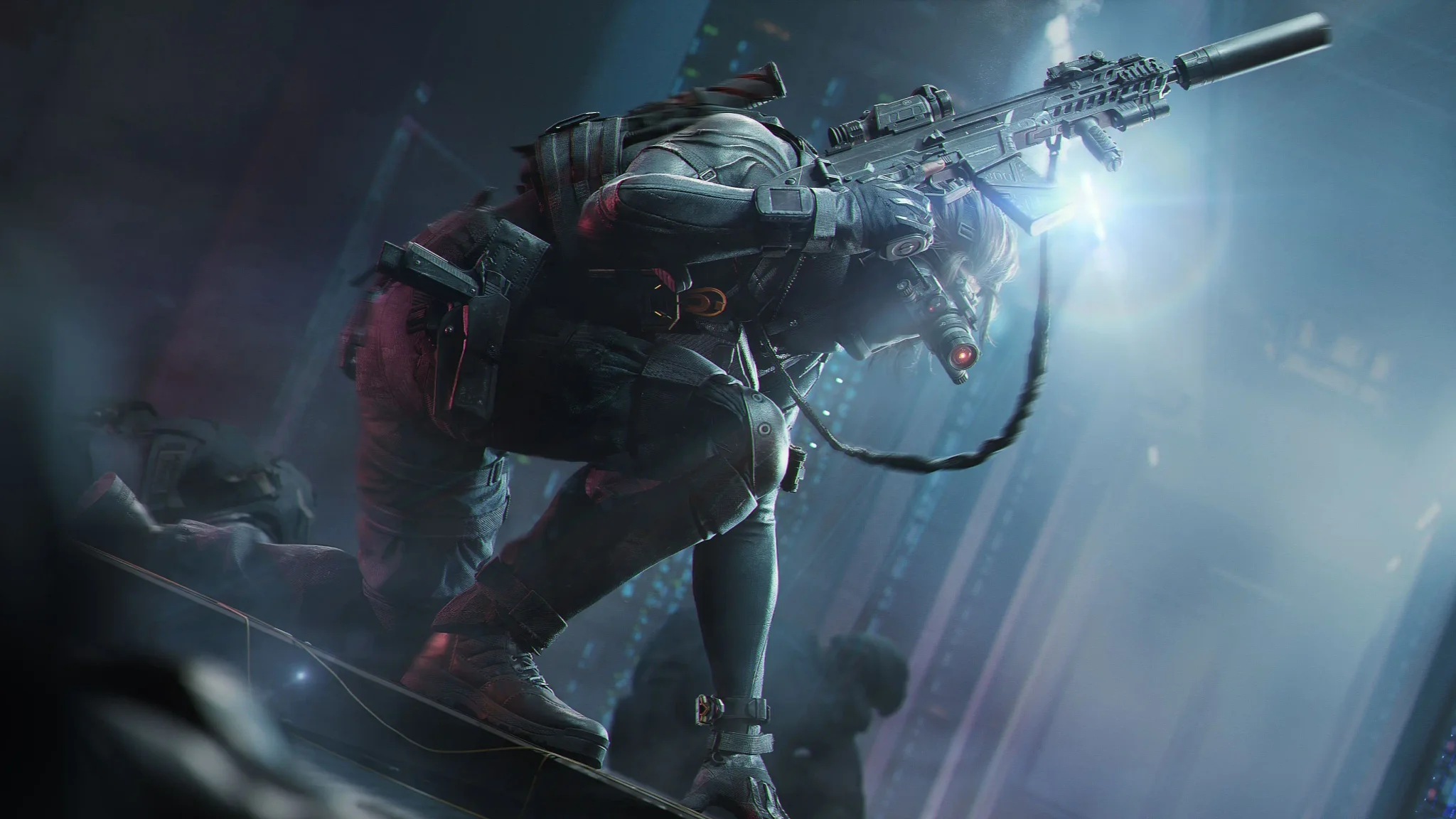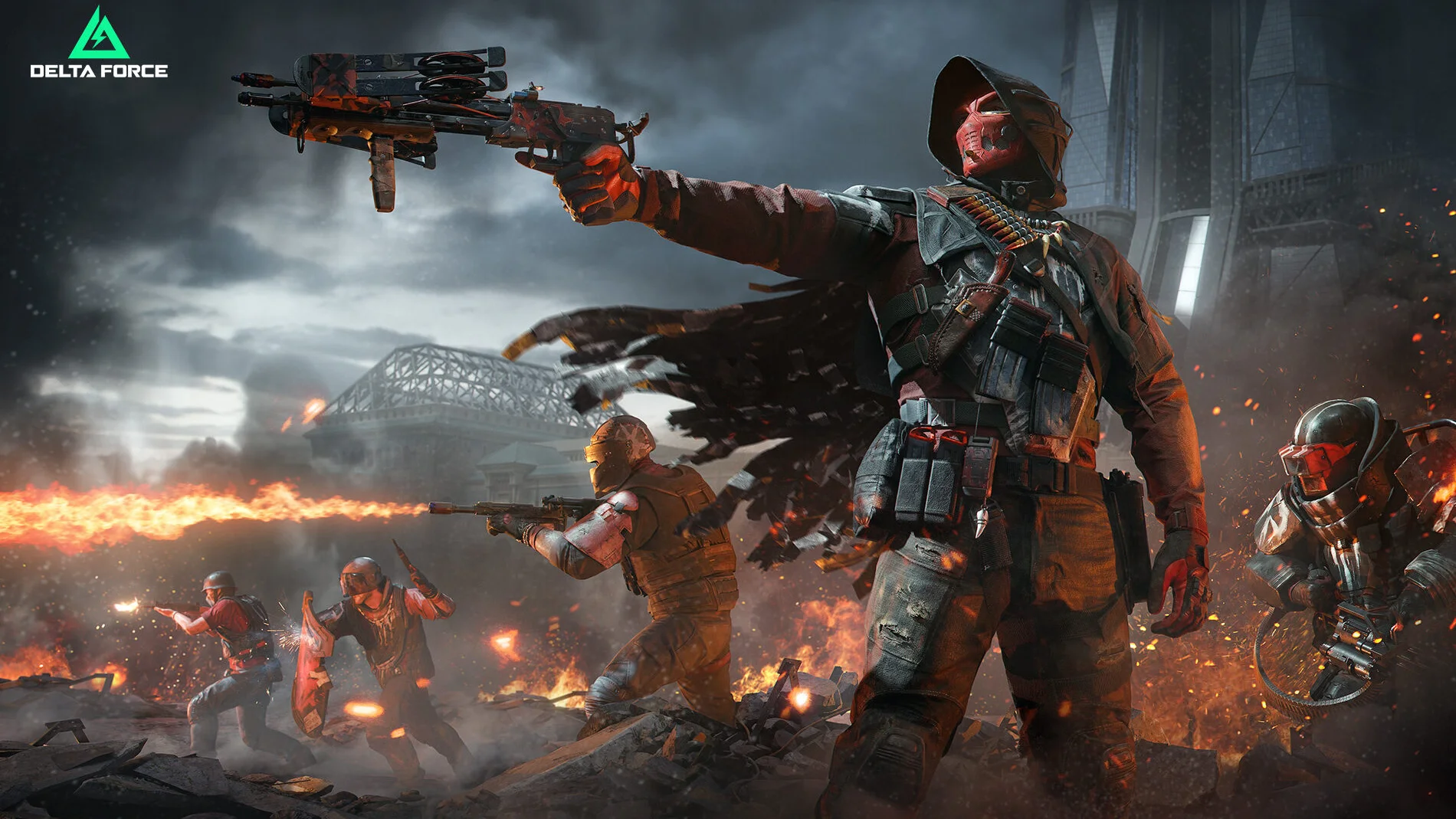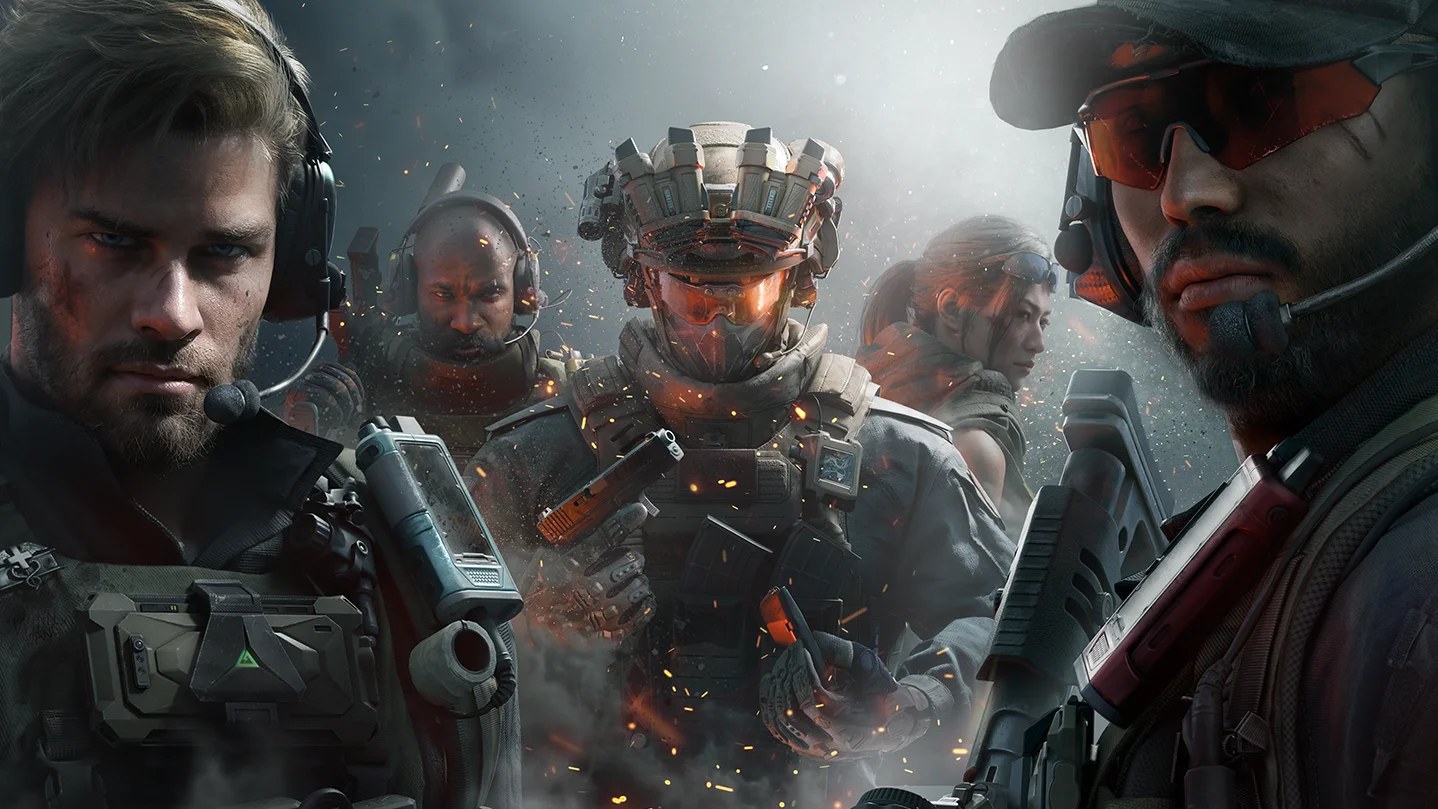
Use the AN-94 Assault Rifle for in-match Kill Missions in Delta Force to earn Avatar - Breakout and Armament Vouchers. The rifle joins the Arsenal with Season Aurora, with New Firearm event entries in Operations and Warfare. Pick the mode you want to play, check its active objectives, and prepare your loadout around the required weapon. Other Aurora events have their own weapon tasks and reward labels, so check the event name before starting.
Where is the AN-94 Assault Rifle available?
The November 10, 2026 Aurora update introduces the AN-94 on PC, mobile, and console. Find the AN-94 Assault Rifle in the Arsenal, then check its weapon entry for any access instructions before preparing your loadout. Follow the instructions displayed for your account when getting the rifle ready.
Look for the New Firearm event when checking the Aurora events for your chosen mode. Read its Kill Mission text before entering a match, including the required objective and any conditions attached to it.


Get familiar with the opening burst
The AN-94's highlighted feature is a fast, precise opening burst. Before starting the missions, use the updated firing range to check where those first shots land and how they compare with a longer firing sequence.
Aurora's firing range lets you adjust training-dummy movement, health, and armor. Keep those settings consistent while comparing firing sequences or changing attachments, so you can tell what caused a difference in your results.
Use a simple practice sequence:
- Keep the same target, distance, and aim point between attempts.
- Compare the opening impacts with the impacts from sustained fire.
- Change one attachment at a time, then repeat the same comparison.
How do you complete AN-94 Kill Missions in Operations?
For Operations, prepare the rifle before entering a match and follow the objectives in that mode's firearm event. Use this sequence to keep your session focused:
- Check the objective. Read the Operations New Firearm Kill Missions and choose the task you want to finish next.
- Prepare the weapon. Put the AN-94 in your Operations loadout before joining a match.
- Complete the listed kills. Use the rifle while meeting the conditions shown on the selected mission.
- Review the result. Return to the event panel after the match, check your progress, and collect any rewards shown as ready.
Use the mission's wording to decide what to pursue in the next match. If an objective remains unfinished, check its conditions before repeating the same approach.
Check Weapon Trial before combining objectives
Brakkesh also has a separate Weapon Trial event. That event asks you to use a specified firearm, complete matches, and defeat enemy targets.
Read its weapon requirement before planning to combine it with your AN-94 missions. If the specified firearm is different, choose which weapon objective you want to pursue before entering the match. The two event names are not instructions to use the same rifle.
How do you complete AN-94 Kill Missions in Warfare?
Equip the AN-94 for Warfare, then work through the Kill Missions in that mode's New Firearm entry. If you move over from Operations, read the Warfare mission panel before starting and use the objectives displayed there to plan your next match.
Review the panel again when you return from a match. Check the remaining task and any completed reward claims before queuing again.
Check the Zenith Port missions alongside the rifle event
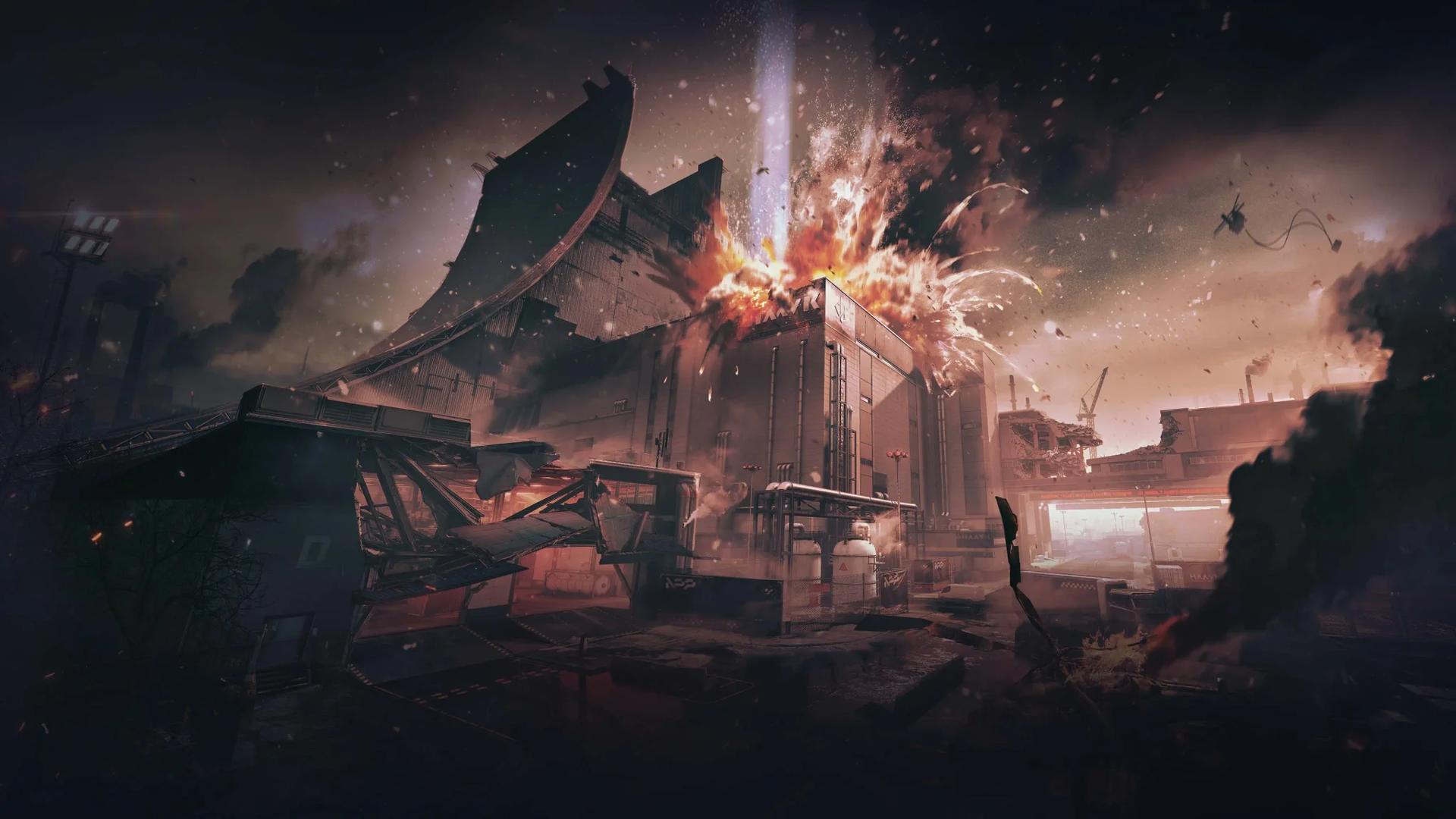
Zenith Port is Aurora's new Warfare map. Its New Map event asks you to play there and complete active missions. Review those tasks if you want to explore the new map during an AN-94 session, and check their requirements separately from the rifle objectives.
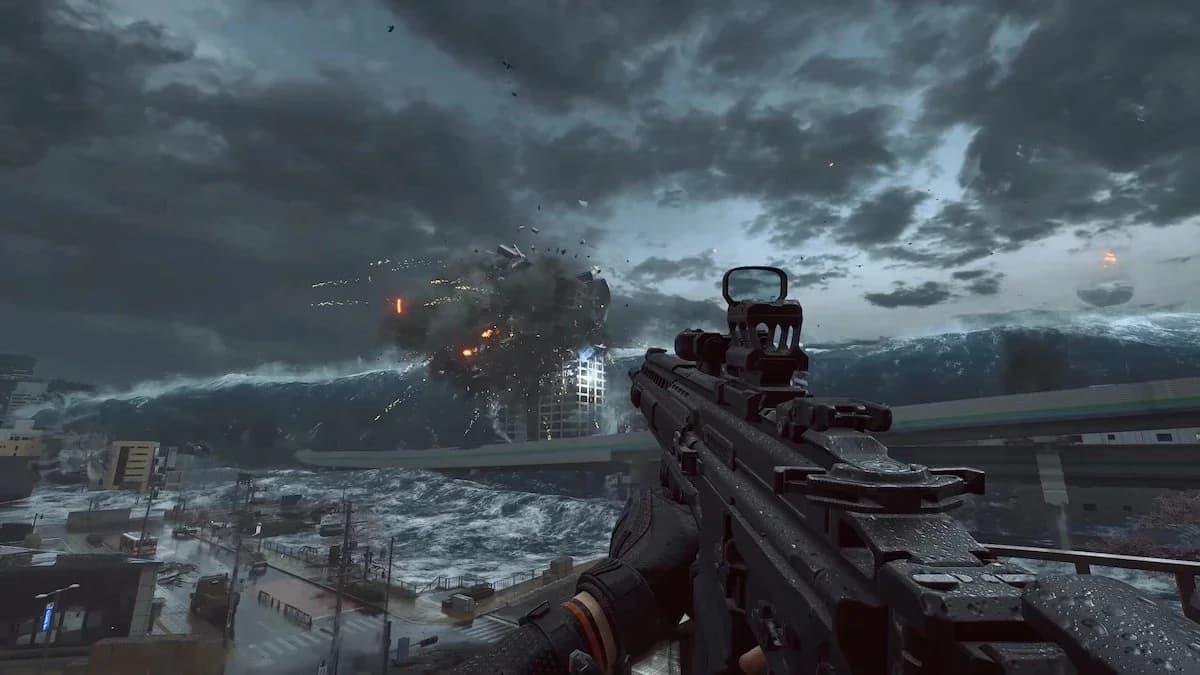
Zenith Port Warfare map
The separate Battle of Zenith Port event awards event points for its missions. Those points advance milestones with rewards including Toro Scatenato - Tank and Premium Weapon EXP Tokens. Check its shorter event window when deciding which objectives to prioritize.
What rewards do AN-94 Kill Missions give?
The firearm event lists Avatar - Breakout and Armament Vouchers as rewards in both Operations and Warfare. Avatar - Breakout is the named cosmetic associated with the AN-94 missions.
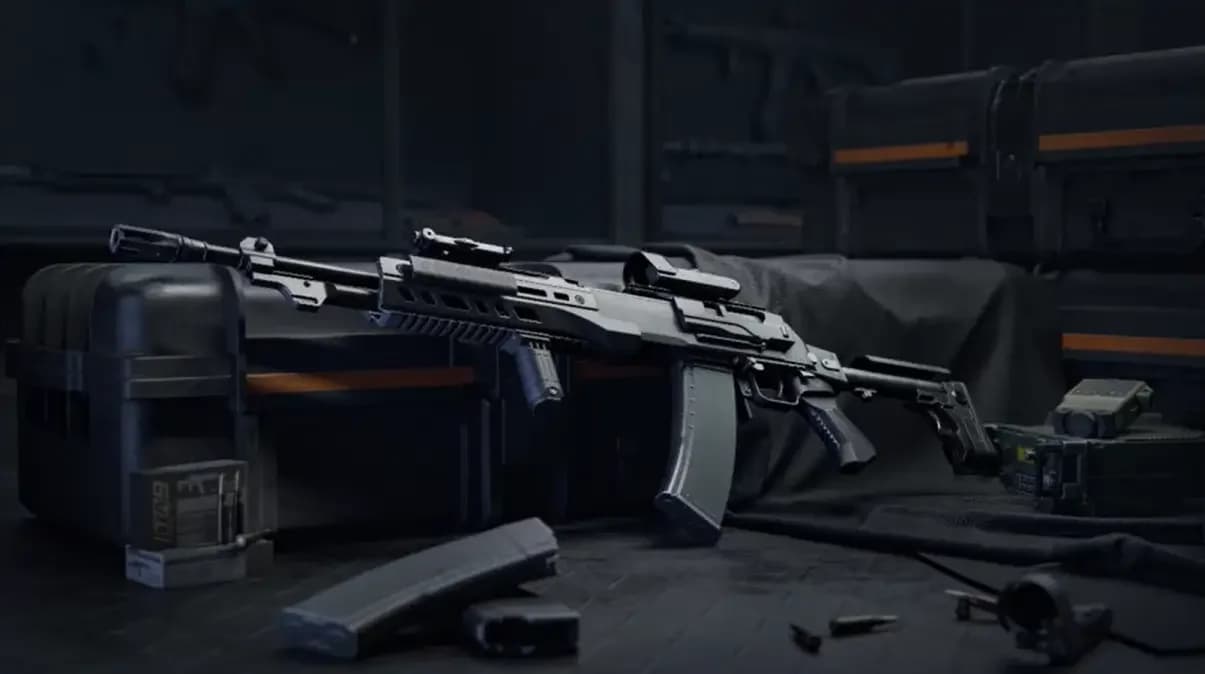
Avatar - Breakout cosmetic
Several Aurora events involve weapons or combat, but their reward labels differ. Match the event name to the objective and reward when checking your progress:
| Event | Required activity | Named rewards |
|---|---|---|
| New Firearm | Complete in-match Kill Missions using the AN-94 | Avatar - Breakout and Armament Vouchers |
| Weapon Trial | Use the specified firearm in Brakkesh to complete matches and defeat targets | Brakkesh Tokens |
| New Map | Play Zenith Port and complete active missions | Tactical Armament Vouchers |
Use the exact reward name in the event panel when choosing a task. A mission awarding Brakkesh Tokens belongs to a different reward track from the AN-94 firearm missions.
When does the New Firearm event end?
The New Firearm event runs from November 10 to December 10, 2026. Operations and Warfare have the same listed window for the AN-94 missions.
Companion events have their own schedules. Use these dates when planning extra objectives around your rifle sessions:
| Companion event | Mode | Event window in 2026 |
|---|---|---|
| Weapon Trial | Operations | November 10 to November 26 |
| New Map, Zenith Port | Warfare | November 10 to December 10 |
| Battle of Zenith Port | Warfare | November 10 to November 19 |
After your final match, review the New Firearm panel and claim any completed rewards before the event closes.