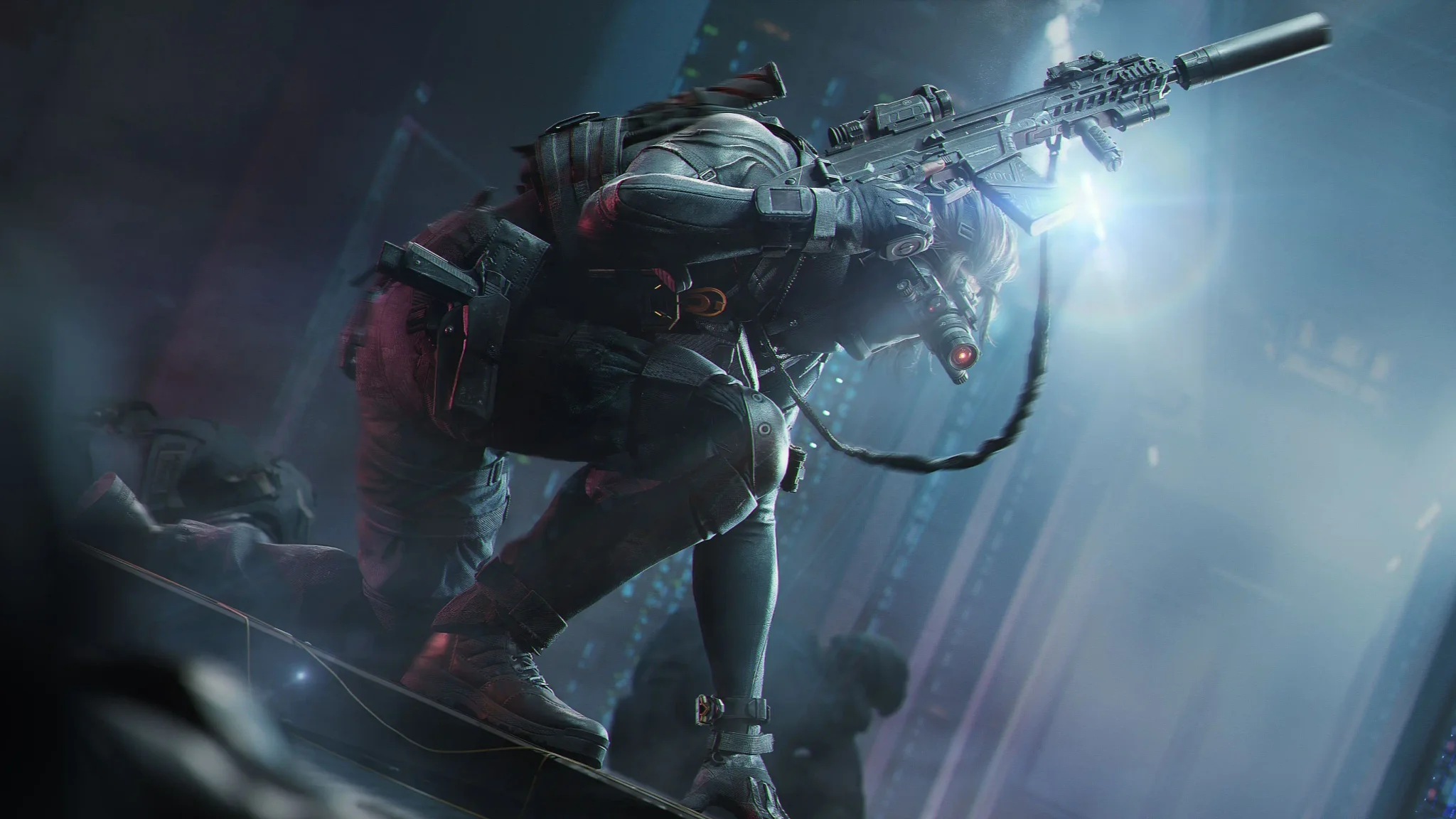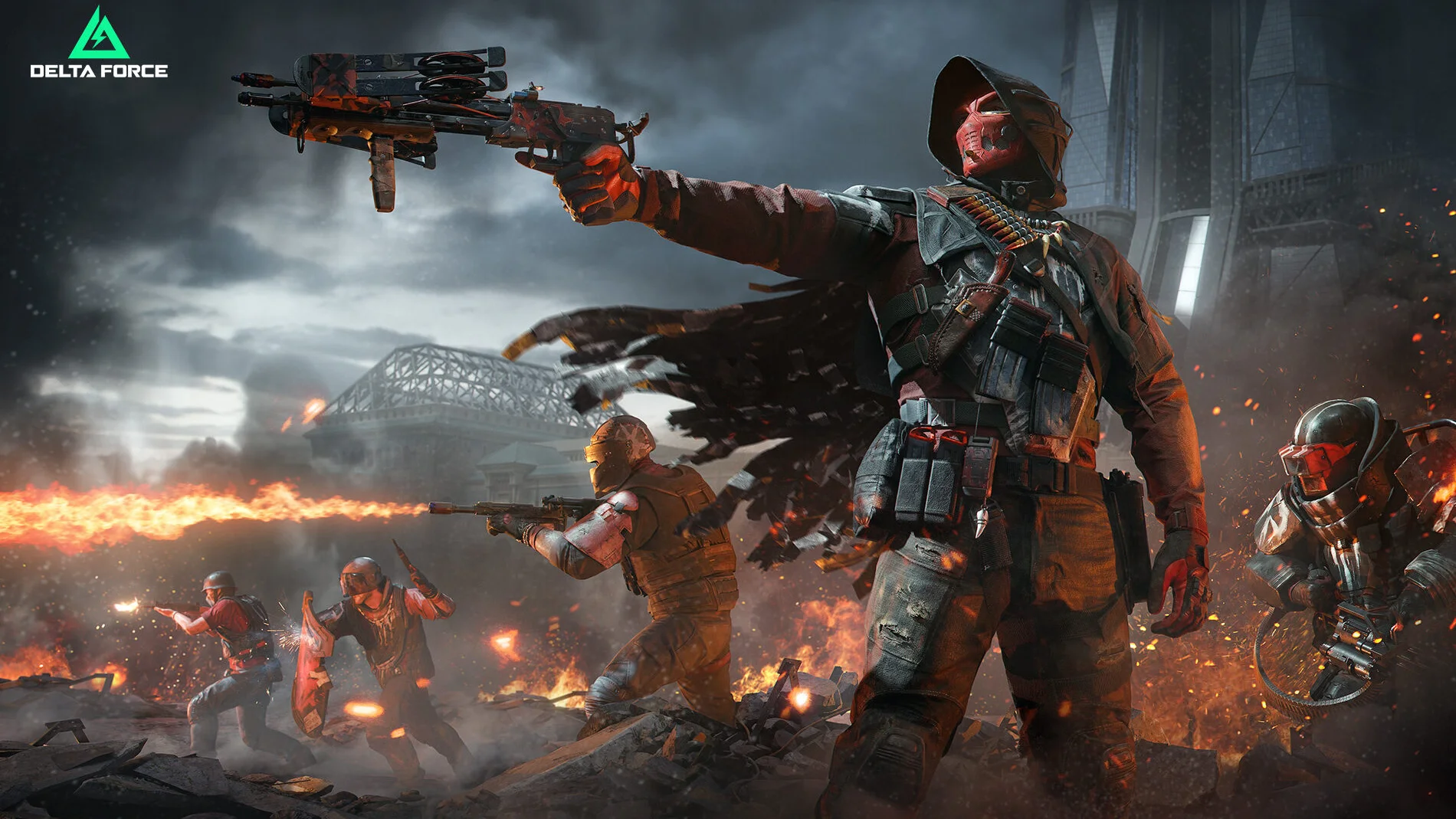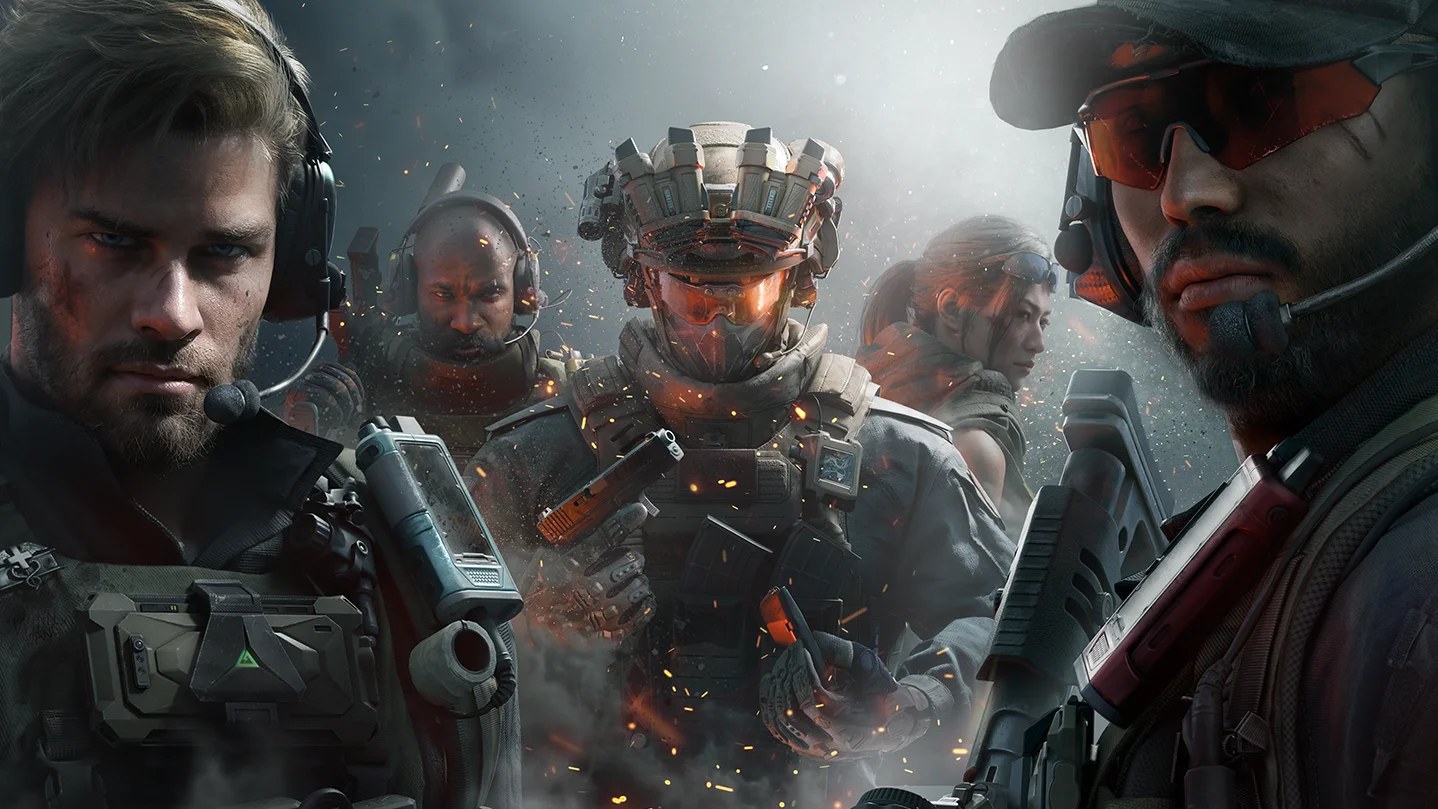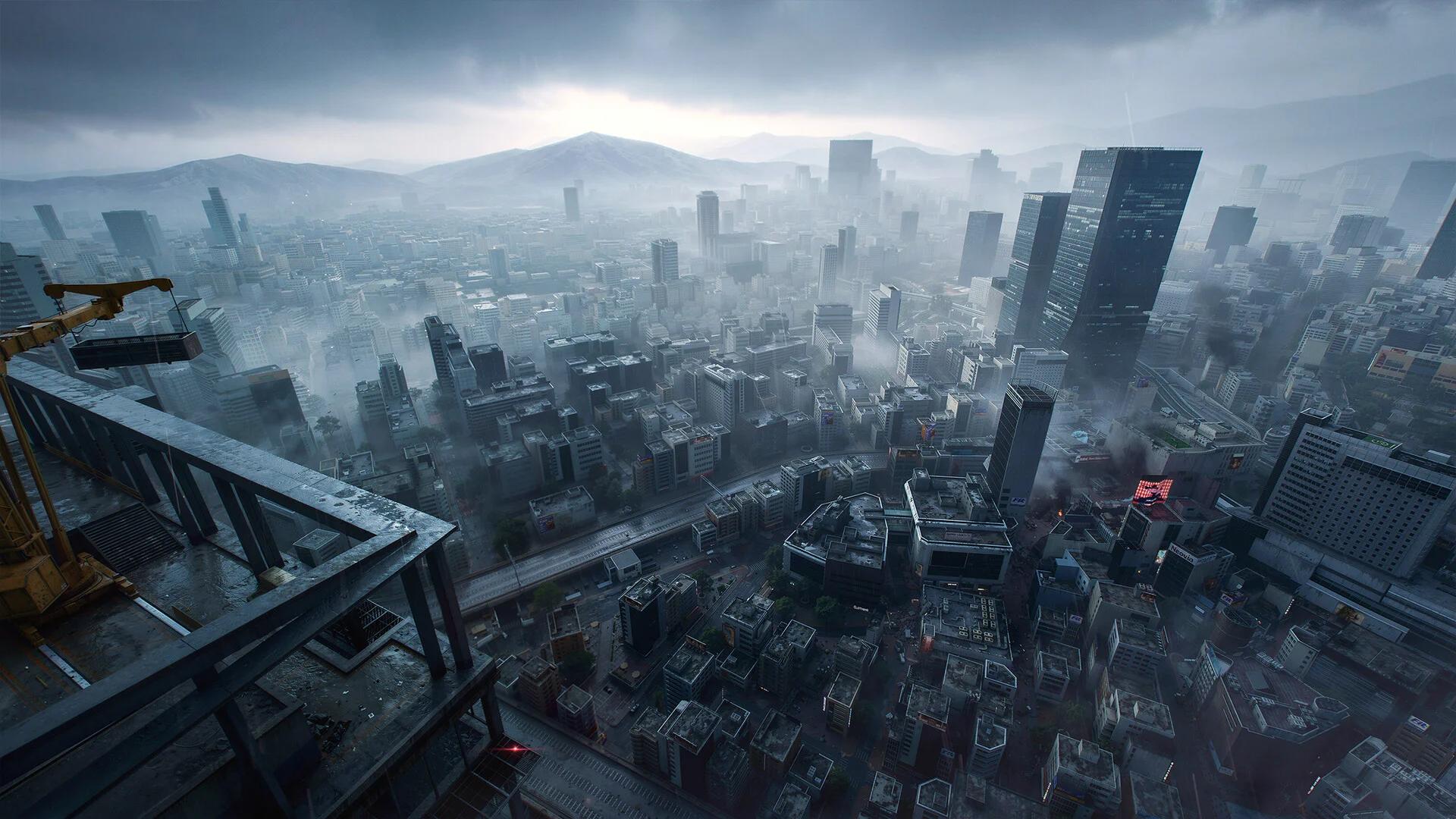

Zenith Port is a Warfare map in Delta Force where Riptide floods lower ground and shifts combat onto rooftops.
Your main preparation is to learn elevated routes alongside ground-level approaches. A position that works before the surge needs an exit toward higher ground, and a familiar flank needs checking once the water rises. Plan for a changing battlefield, then adjust your route to the conditions in front of you. Vehicle crews also need to reassess their water routes as the match changes.
Which mode features Zenith Port?
Select Warfare to play Zenith Port. The map arrived with Season Aurora on November 10, 2026, across PC, Android, iOS, PlayStation 5, and Xbox Series X|S. Aurora also removes Akh Canal from Warfare's rotation.
The setting is a naval assault. G.T.I. forces storm the port under covering fire from the fleet, while the battle for the beach develops above an unstable seabed. The naval bombardment feeds directly into the map's defining environmental event.
Brakkesh 2.0 is Aurora's Operations map update. Keep that separate when choosing your mode: Zenith Port belongs to Warfare, not the season's extraction-map changes.

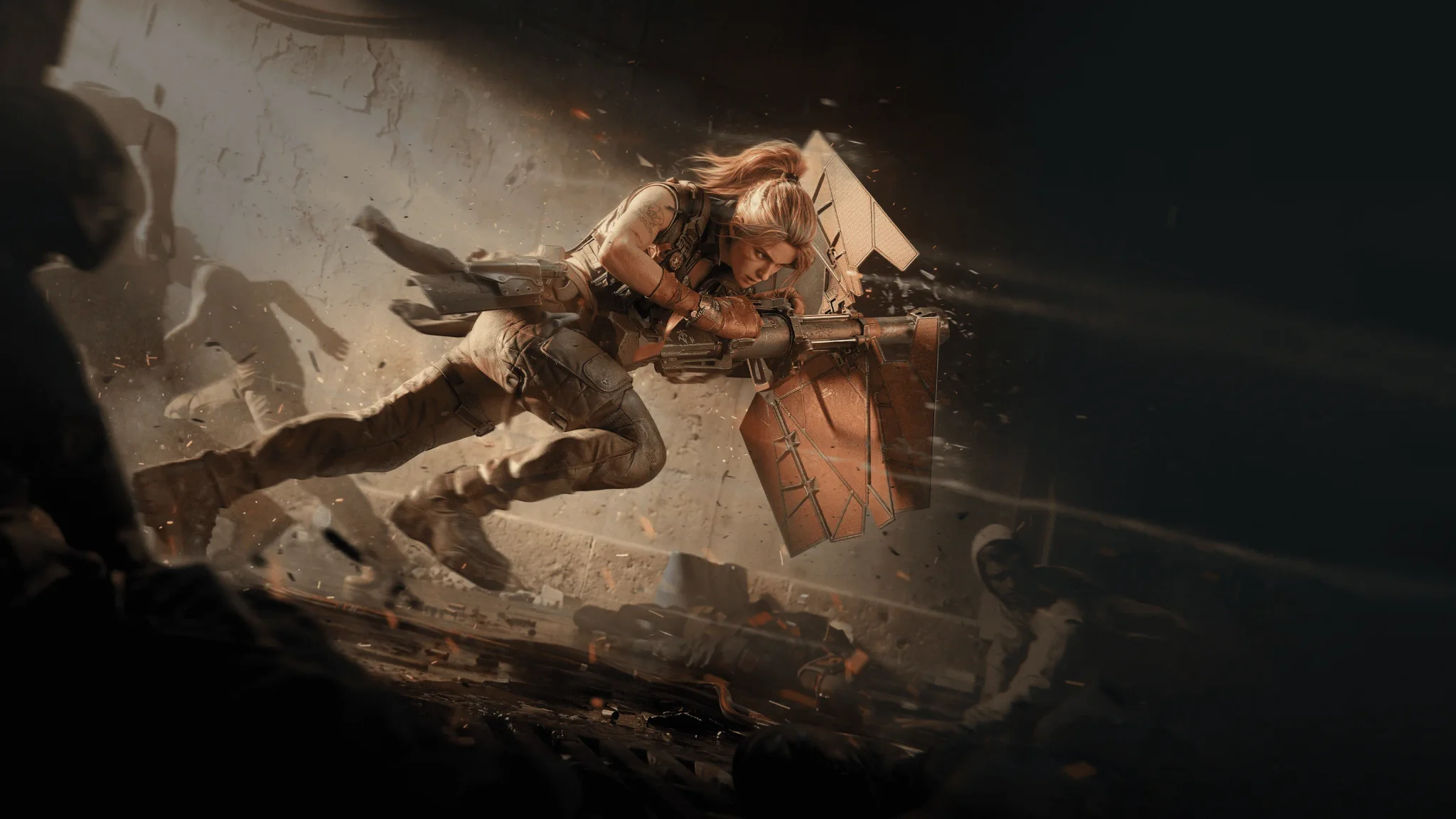
Launch missions and rewards
Two events reward you for playing Zenith Port and completing their missions. Check their active requirements before queuing so your learning matches also contribute toward the rewards you want.
| Event | Event dates | Requirements and rewards |
|---|---|---|
| New Map | November 10 to December 10, 2026 | Play Zenith Port in Warfare and complete active missions for Tactical Armament Vouchers. |
| Battle of Zenith Port | November 10 to November 19, 2026 | Complete event missions for points and reach reward milestones, including Toro Scatenato – Tank and Premium Weapon EXP Tokens. |
What triggers the Riptide event?
Riptide starts through a sustained guided-missile barrage and the air defenses responding to it. The resulting explosions happen at sea, creating the waves that change the battlefield.
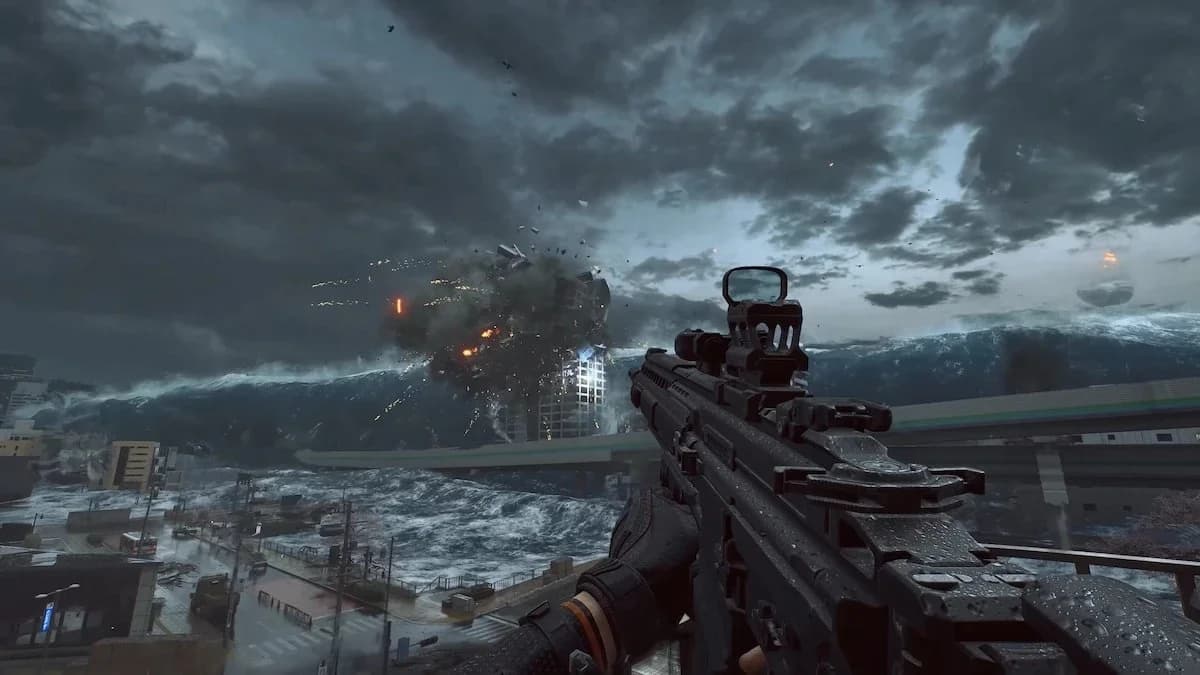
Riptide waves at Zenith Port
Follow the missile sequence
The event has four linked stages:
- A sustained barrage of guided missiles draws fire from the air defenses.
- The air defenses intercept incoming missiles.
- Intercepted missiles explode in the sea, unleashing huge waves.
- The surge floods lower ground and pushes the battle toward elevated positions.
The whole sequence matters. Riptide is an environmental transformation caused by the barrage and interceptions, not simply the damage from a missile striking your position.
For your first matches, watch how the event develops and where the water reaches. Use the battlefield's actual condition to choose your next route. Planning around an assumed flood countdown can leave you committed to a low approach when you need to move upward.
How do Riptide's waves shift combat toward rooftops?
The flood covers lower objectives and changes which ground-level routes and cover remain useful. Rooftops become the focus of attack and defense, bringing fights between elevated positions into the center of the match.
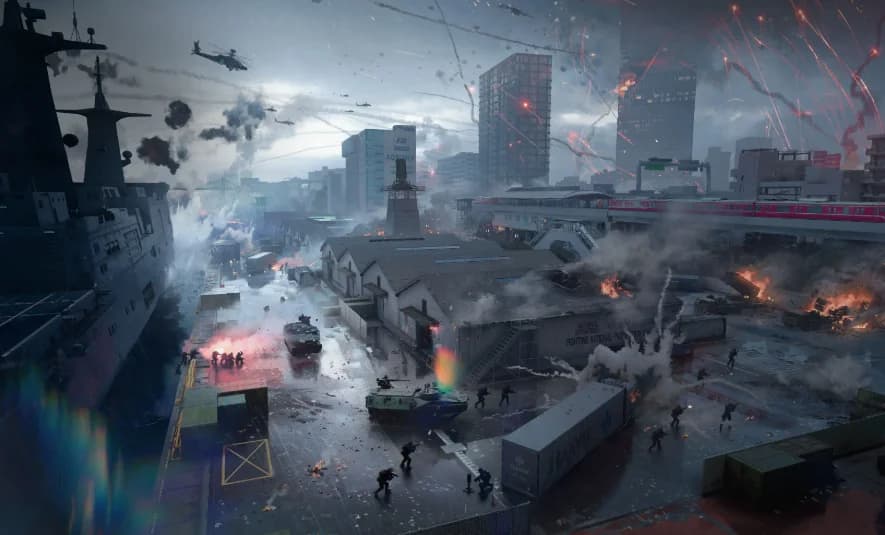
Zenith Port's elevated battlefield
Learn the connections between elevated positions
Learn roofs as routes, not just places to shoot from. Identify how you reach higher structures from the approaches you use, then check which elevated positions connect to each other. Knowing where to climb is more useful than discovering that access while the water is already changing your route.
Attackers and defenders both need to reassess their positions. An attacking approach can become a climb toward higher ground, while a defense built around low cover needs somewhere else to operate.
| Decision | Before the flood | Once low ground floods |
|---|---|---|
| Positioning | Use cover along your current approach. | Reassess the fight from roofs and elevated structures. |
| Movement | Locate access to higher ground. | Check which elevated connections remain usable. |
| Sightlines | Learn the lanes you normally cross or hold. | Recheck angles between roofs and toward lower positions. |
| Vehicle route | Learn the approach in its current state. | Check the route again under flooded conditions. |
Do not judge a rotation only by its horizontal distance. Reaching the right height also takes time. During your early matches, pay attention to how long your usual approach takes when it includes a climb.
Check your weapon at rooftop distances
Start with a familiar Warfare weapon, then judge its control across the rooftop gaps you actually encounter. A close-range setup needs a fresh assessment when the approach to an enemy changes from ground-level movement to exchanges between elevated positions.
When adapting a Delta Force MCX LT loadout for Zenith Port, account for Aurora's all-mode gunshot audibility reduction from 500m to 350m. That change affects how far the weapon can be heard, not its damage range.
Check three things before settling on your setup:
- Whether you can keep accurate fire across the gaps you regularly fight over.
- How comfortably you track targets below your position.
- Whether reloads and movement fit the rotations you need to make.
Account for the new Thermobaric Bomb
Aurora also adds the Thermobaric Bomb to Warfare's Call-in Attack options. You throw a strike beacon to mark its target, and the bomb penetrates obstacles in its path to reach that location.
Its impact creates a small lethal shockwave and releases combustible dust. After a brief delay, the dust detonates and deals burn damage over a wide area. Overhead cover alone should not be the basis of your protection plan against this call-in.
How do waves affect amphibious vehicles and watercraft?
Amphibious vehicles and watercraft now rise and fall with the waves. This behavior is exclusive to Zenith Port in the Aurora update.
Treat a water route as something to check in both the pre-flood and flooded conditions. The moving surface also means a vehicle's height changes relative to nearby structures. Reassess your view and firing position as the vehicle moves with the water instead of treating it as a fixed platform.
Amphibious LSV changes
The Amphibious LSV receives several Warfare adjustments alongside Zenith Port's wave behavior. Its flamethrower heats up faster while firing and cools down faster after firing stops. Its modification costs also fall.
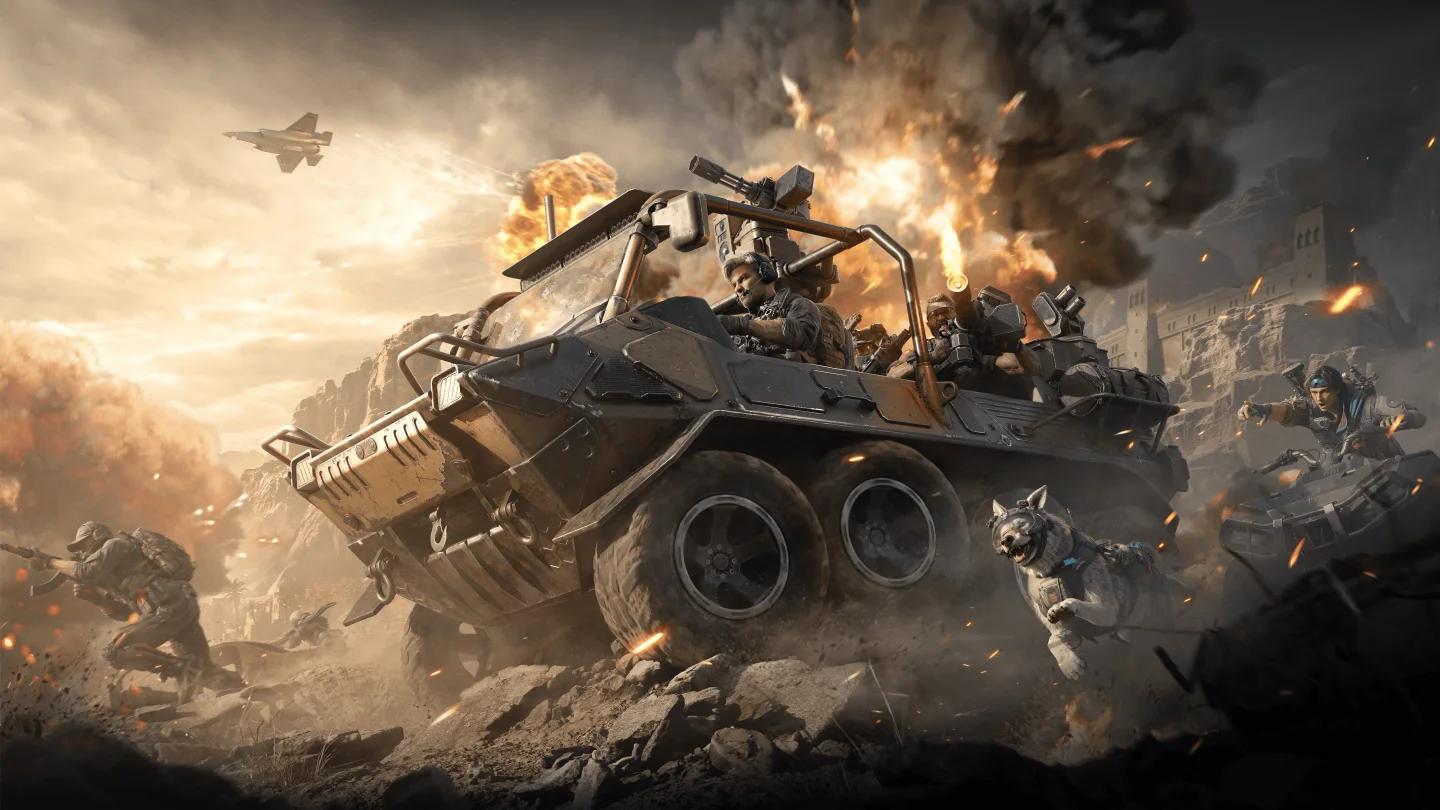
Amphibious LSV in Delta Force
| Amphibious LSV option | Aurora change |
|---|---|
| Variant modification | Cost reduced from 5,000 to 4,000 points. |
| Mortar modification | Costs 500 fewer points. |
| Mortar ammunition resupply | Costs 500 fewer points. |
| Rocket launcher modification | Costs 500 fewer points. |
| Rocket launcher ammunition resupply | Costs 500 fewer points. |
These are Warfare balance changes. The rise-and-fall wave behavior has the separate Zenith Port restriction, so keep the map-specific physics and the wider vehicle adjustments distinct.
UCB-95 Assault Boat and other vehicle adjustments
The UCB-95 Assault Boat's Wire-Guided Missile now has a lower flight speed. If you use the boat while learning the flooded battlefield, account for that weapon change alongside the moving water.
Other relevant Warfare changes include:
- TV-Guided Missiles can be intercepted and destroyed in flight.
- The LAV-G1 IFV has a narrower guided-missile lock-on area, with its maximum lock-on distance unchanged.
- Wheeled Tank Destroyers retain relatively high movement speed after their engine is destroyed.
- Disrupting an enemy vehicle with tactical gear displays a score notification, alerts your side, and grants an assist if the vehicle is destroyed.
Which settings help you read Zenith Port?
You can toggle it in Settings and apply it immediately, including during a match.
Compare the map-exclusive audio mix
The Verity Mode (preview) audio mix is available only on Zenith Port. It changes gunfire, footsteps, explosions, ambient sound, spatial audio, and the mix between them.
Compare it while learning the map's sound cues. Other maps and modes are unaffected by this preview option.
Keep the interface while learning
On PC, Settings > Screen > Warfare Mode contains Immersive Mode. It hides most of the interface and applies only to Attack and Defend, King of the Hill, and Victory Unite.
Leave it off while learning Zenith Port if you want the normal interface visible during rotations. For your next match, focus on one practical task: learn an elevated route from the low-ground approach you use most, then check that route again after Riptide changes the battlefield.