The Picture This: Neon CD Demo Player duty in Disney Dreamlight Valley trips up a lot of players because there's no in-game tracker pointing you toward items you haven't bought yet. The duty asks you to photograph a specific piece of furniture, but if you haven't spent Tokens on the right reward page, you won't even know what you're looking for. This guide breaks down exactly where the item comes from, what it costs, and how to tick off the duty in under a minute.
How do you get the Neon CD Demo Player?
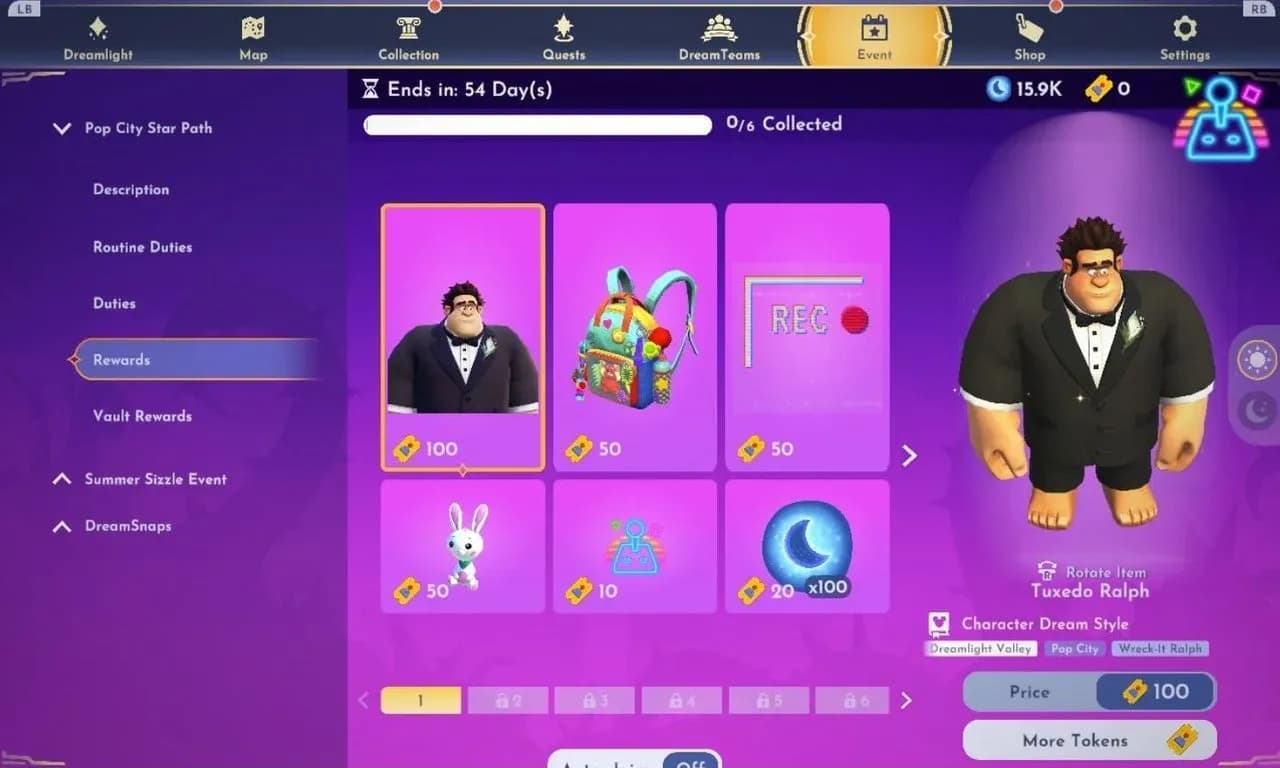
The Neon CD Demo Player is exclusive to the Pop City Star Path event. You cannot find it foraging in biomes or buy it from any shop. The only path to owning it is spending 75 Tokens in the event's prize catalog.
There's a catch: the item sits on the second page of rewards. That page doesn't open until you've claimed at least three prizes from the first page. So before you can even see the Neon CD Demo Player as a purchasable option, you need to have already spent Tokens on earlier rewards.
The item itself is a tall CD player and shelf unit topped with a glowing sign that reads "Listen Here." On the second page's top row, three furniture items are available side by side. The Neon CD Demo Player sits in the middle of that row. Only this specific piece counts toward the Star Path duty, so don't accidentally spend your Tokens on the other two furniture items flanking it.
50 Tokens earned on completion

How to complete the Picture This: Neon CD Demo Player duty
Once you own the item, place it anywhere in your valley. Then open the in-game camera and take a photo with the Neon CD Demo Player visible in the frame. That's the entire requirement. You don't need a specific angle, a particular character in the shot, or any special lighting. Any photo where the item appears counts.
Photo duties in the Star Path can occasionally be finicky about registering. If your first shot doesn't trigger completion, take a few more from different angles without closing the camera menu. You don't need to save any of the photos to your gallery for the duty to count, so spam away until the task marks itself complete.
Finishing this duty rewards 50 Tokens, which is a solid return for a single task. That said, 50 Tokens won't cover most of the bigger prizes on their own, so treat this as one piece of a larger Token-farming strategy.
What else should you spend Tokens on?
| Reward Page | Item | Token Cost |
|---|---|---|
| Page 1 | Various prizes (3 required to unlock Page 2) | Varies |
| Page 2 (middle) | Neon CD Demo Player | 75 Tokens |
| Page 2 | Two other furniture items | Varies |
The duty itself costs you 75 Tokens to set up but pays back 50, so the net spend is 25 Tokens once you factor in the duty reward. That math only makes sense if you actually want the item for your valley decor. If you're purely chasing Tokens, other duties that don't require a purchase first will have a better return.
How do you earn more Tokens quickly?
Completing the Picture This duty is just one source of Tokens. The event also offers routine duties that refresh weekly, giving you a steady drip of Tokens throughout the Star Path's run. Main duties tend to offer larger payouts per task, so clear those first before cycling through the routine ones.
For other Star Path duties worth tackling alongside this one, check out the full Disney Dreamlight Valley guides collection for step-by-step walkthroughs on everything from talking to specific characters to cooking requirements. Spreading your effort across multiple duties in a single session is the fastest way to stack Tokens without burning out on repetitive tasks.
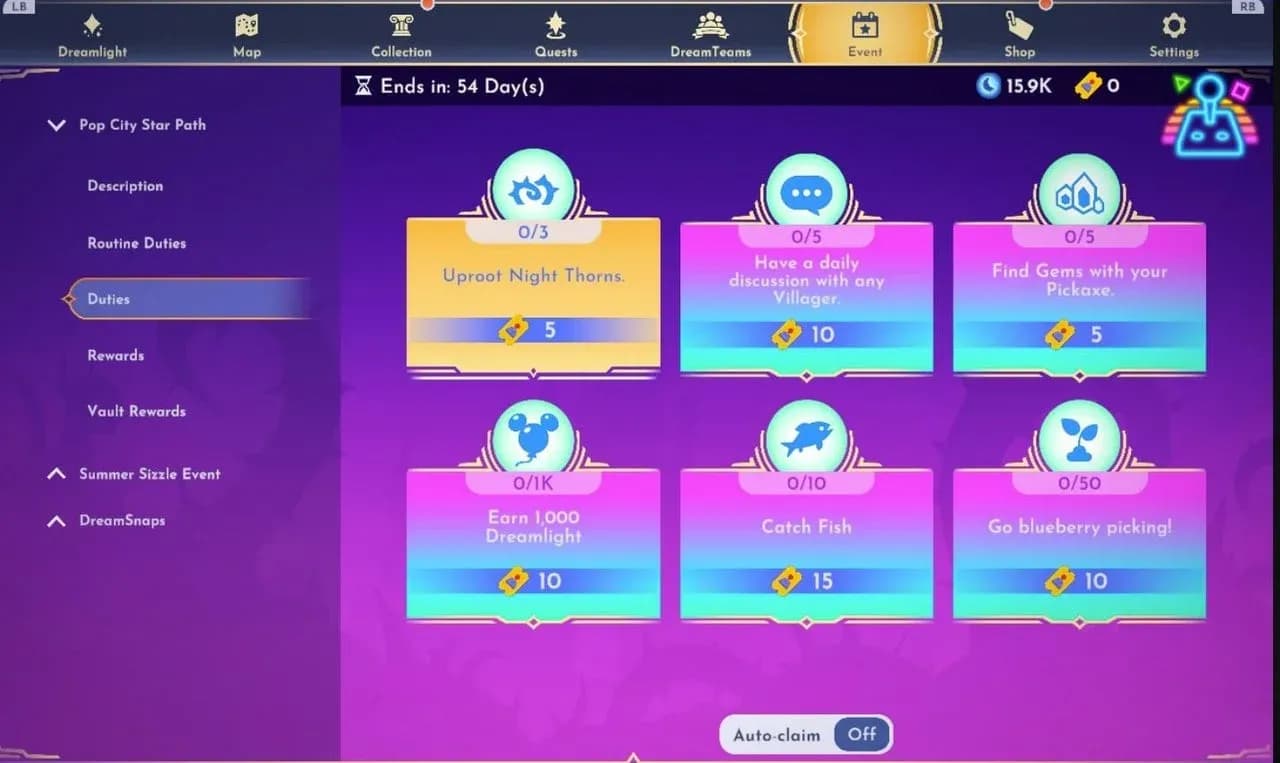
Stack duties for faster Tokens
If you're working through other event content at the same time, the Picture Pursuit quests guide covers a similar photo-based format and is worth reading before you burn through your camera uses. The Playground Games quest walkthrough is another solid parallel task if you want to knock out biome decoration duties at the same time.
The Neon CD Demo Player duty is one of the shorter tasks in the Star Path once you own the item. The real time investment is in earning enough Tokens to reach Page 2 of rewards. Get that sorted first, then the actual duty takes about 30 seconds.