

Everwind drops you into its world quickly, but character creation is tucked away in a spot that catches a lot of new players off guard. Unlike most survival or RPG games where you build your character before loading a world, Everwind handles this through a separate Profiles system accessible right from the main menu. Once you know where to look, the whole process takes just a few minutes and gives you a character that actually feels like your own.
Where Is Character Creation in Everwind?
This is the question that trips up most players on their first session. Character creation in Everwind is not tied to world creation or the initial gameplay launch sequence. Instead, it lives in the Profiles section of the main menu.
Here is exactly how to get there:
- Launch Everwind and arrive at the main menu
- Locate the Profiles option in the menu list
- Select it to open the character creation screen
- Create a new profile, which becomes your custom character
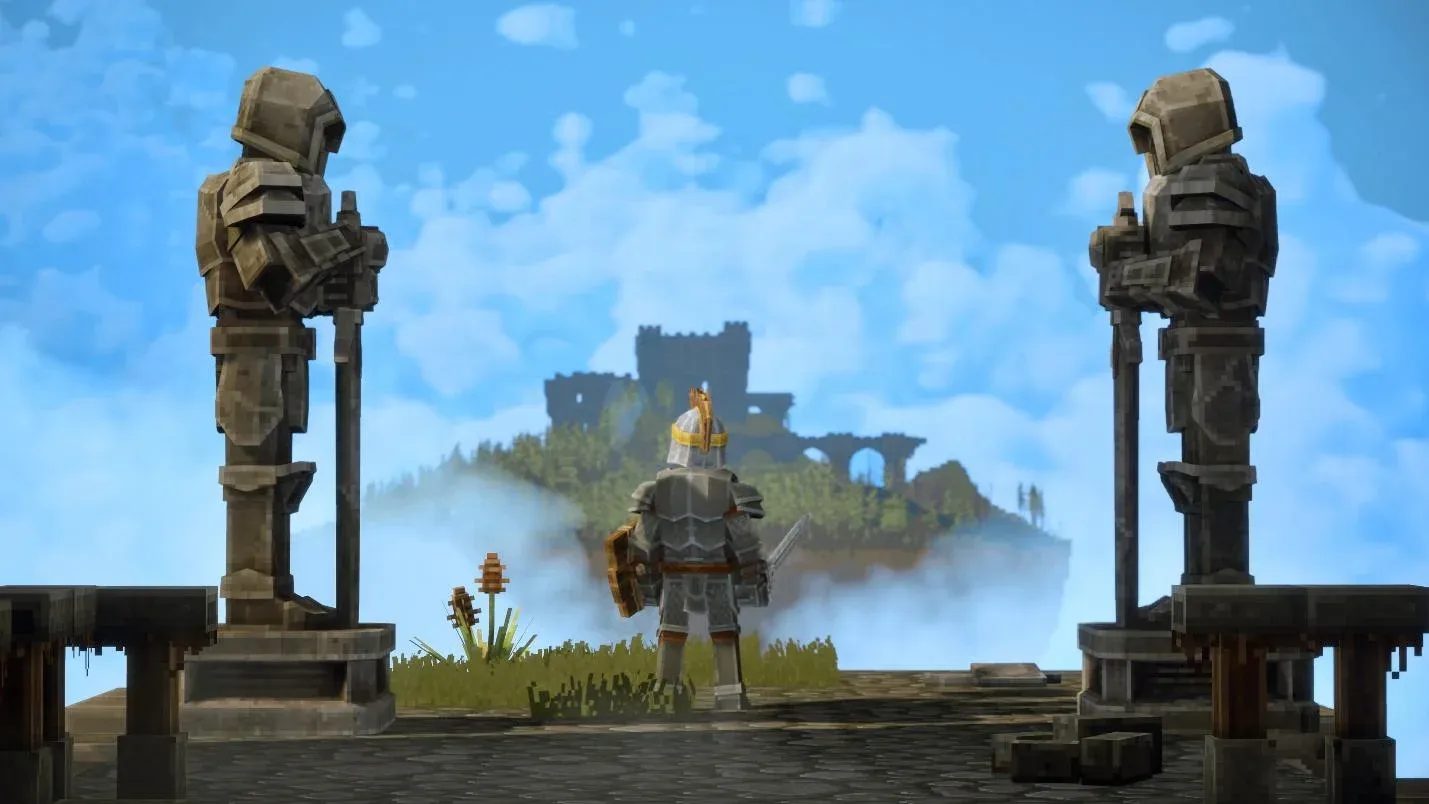
Access character creation here
Once you are inside the Profiles screen, you will find all the tools needed to shape your character's appearance before ever stepping into the game world.
What Can You Customize in Everwind?
For an early access title, Everwind offers a solid range of appearance options. You will not find the depth of something like a dedicated RPG character creator, but there is enough variety to make your character distinct. Here is a breakdown of every category available:
Each category works independently, so mixing and matching across all of them gives you a wide range of possible looks even within the current early access build.
How to Get the Best Results From the Creator
Start With Face Shape
Face shape is the single most impactful option in the creator. Changing the jaw style and overall face structure affects how every other feature reads on your character. Nail this first before touching hair or eye color, and the rest of the process becomes much easier.
Match Hair and Beard Colors Intentionally
If you are building a character with both hair and facial hair, take a moment to align the colors. Mismatched tones are the most common reason a character ends up looking unpolished. This does not mean they need to be identical, but they should feel intentional together.
Keep Features Consistent
The creator works best when your choices feel cohesive. Pairing a strong jaw with dramatic brow shapes reads well, while mixing very soft facial features with sharp angular elements can look inconsistent. Think about the kind of character you want to portray and let that guide your choices across every category.
Can You Change Your Character After Creation?
This is an important limitation to understand going into the creator. Currently in Everwind, your character appearance is tied directly to your Profile. Changing your look after the fact is not straightforward.
- You may need to create an entirely new profile to change your character's appearance
- The early access nature of the game means these systems could be updated at any time
- Additional customization options and editing features may arrive in future patches
For more tips and guides across all kinds of games, browse the latest guides on GAMES.GG to keep your sessions running smoothly.