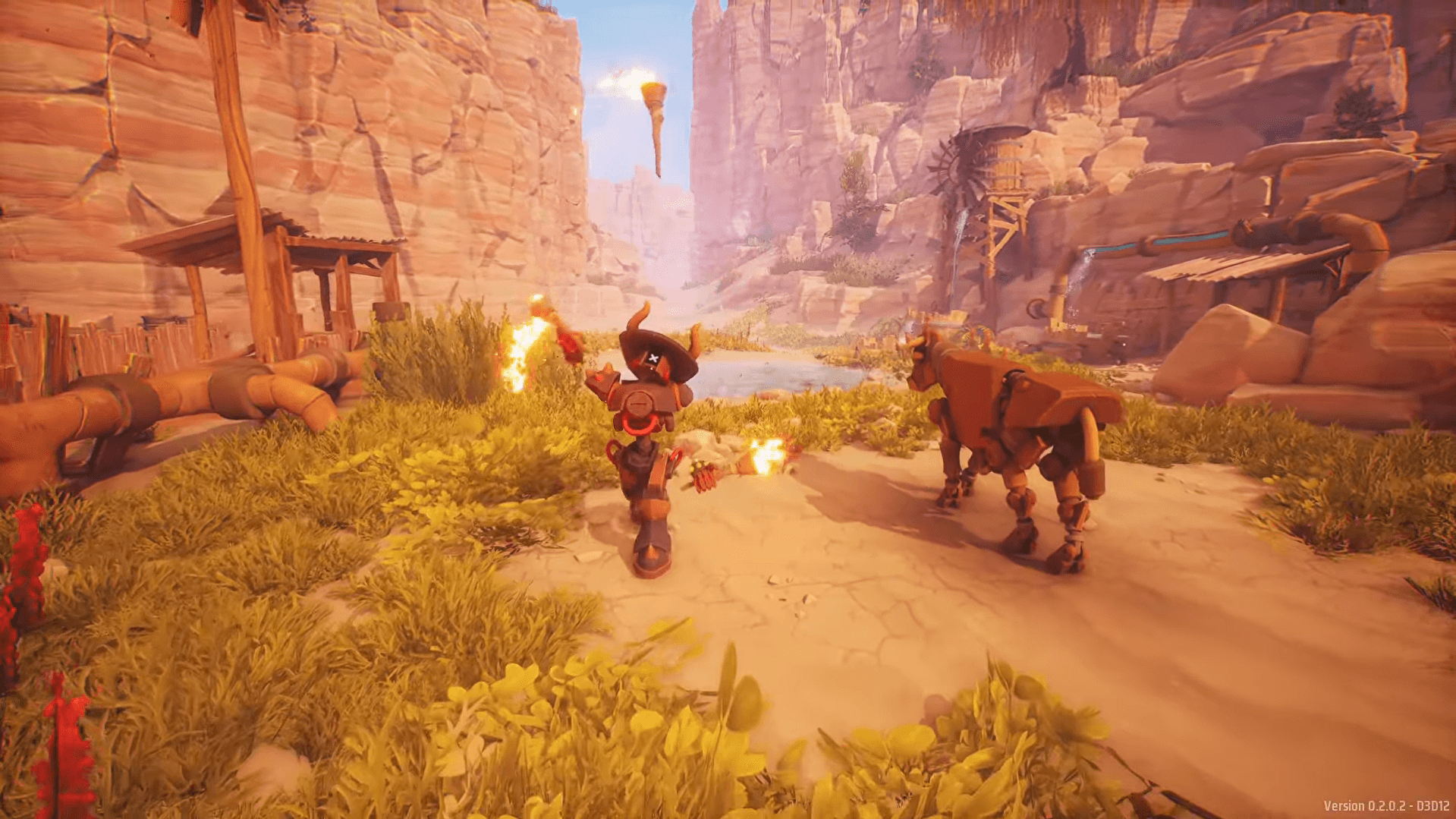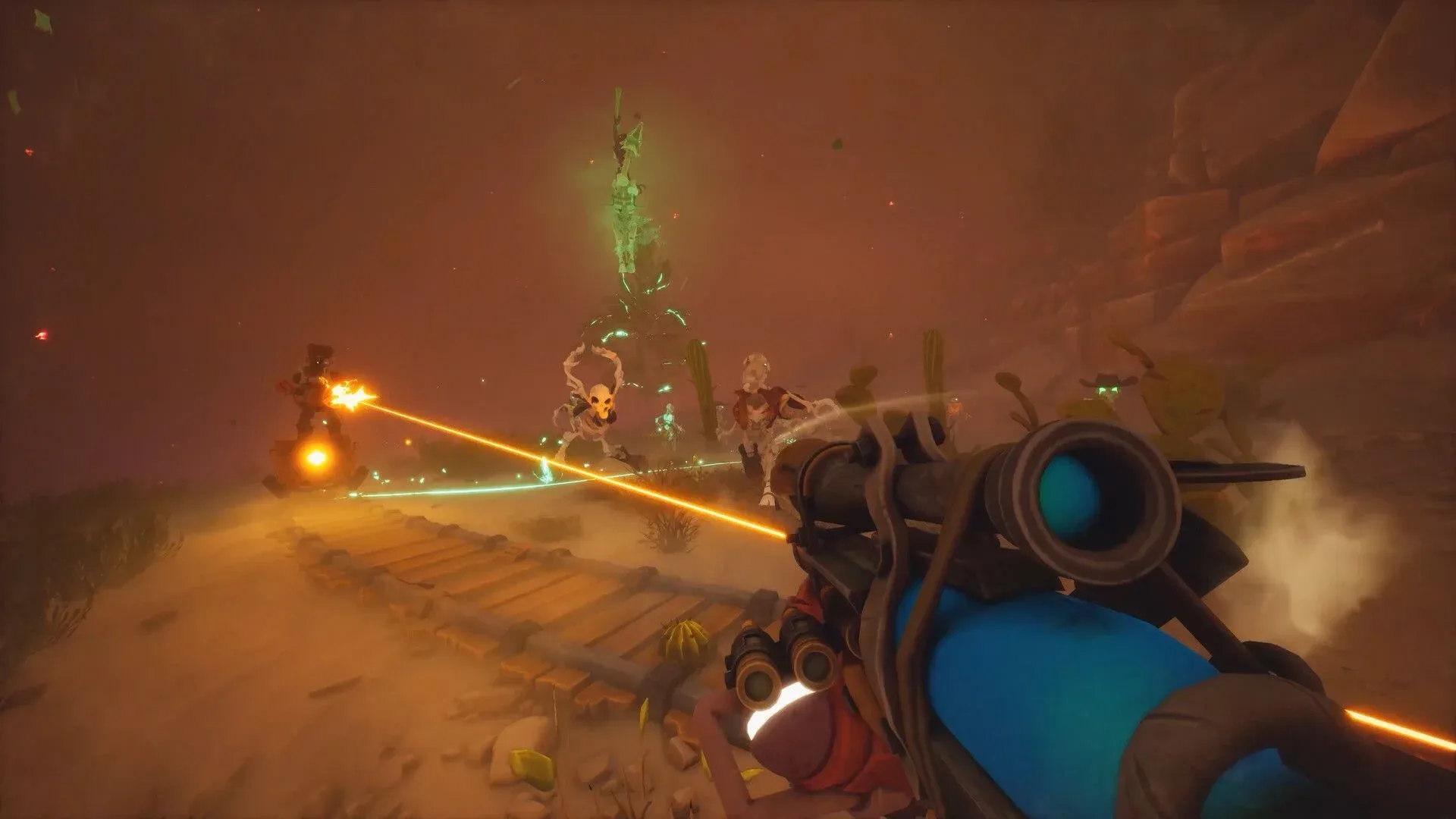

Far Far West is a co-op PvE shooter from Fireshine Games that puts up to four robot cowboys on bounty contracts against spectral and skeletal enemies. Playing Far Far West solo is entirely possible, but the game's spell combo system genuinely rewards having teammates around. Each player brings limited spell slots to a run, so a full squad can chain elemental effects that a solo player simply cannot pull off alone.
Getting into a session with friends trips up more players than it should. The menu flow is not immediately obvious, and there are two separate paths depending on whether you want to host or join. This guide walks through both, covers what changes at each party size, and explains how to fix the most common connection problems.
How does co-op work in Far Far West?
Far Far West supports 1 to 4 players in a single session. You can bring up to three friends for a four-player squad total. Sessions are built around cooperative contracts where your group clears enemy zones, completes objectives, and extracts before the post-boss infinite wave phase overwhelms you.
Voice chat is built into the game and works once everyone is in the lobby. Solo play is fully supported across all content, but harder difficulty levels punish single players quickly because enemy pressure scales up and there is nobody to revive you when you go down.

Session lobby overview

How to host a game in Far Far West
Hosting is the faster path if your friends are waiting on you to set things up.
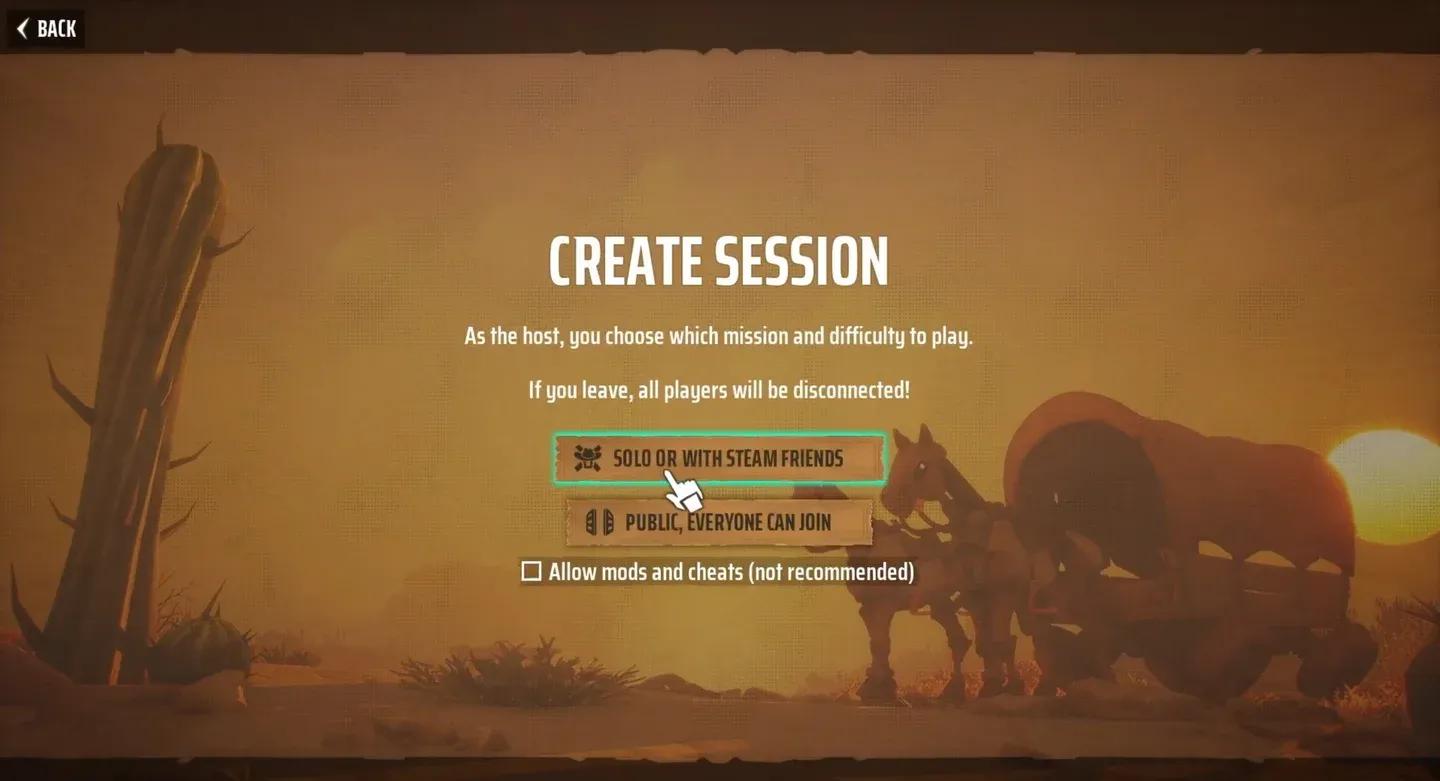
- From the home screen, select Create Session.
- Choose Solo or with Steam Friends to create a private lobby. If you want random players to find you immediately, select Public, Everyone Can Join instead.
- After loading into the session, press Escape and click Current Session.
- Your session code appears at the top of this panel. Copy it and share it with your friends directly.
- To skip the code step entirely, click the Invite Steam Friend button on the Current Session panel and pick an online friend from your Steam list. They receive an in-game invite they can accept to drop straight in.
If you started a private session and still have open slots, you can switch visibility to public from the Current Session tab at any point. That lets random players fill the remaining spots without you needing to reshare a code.
Copy or share your session code
How to join a friend's session
Joining is straightforward once you have a code or a Steam invite waiting for you.
- From the home screen, select Browse Sessions.
- Click Join with Code and type in the code your friend shared. Confirm with OK and the game searches for that exact session.
- When the confirmation prompt appears, accept it. You load directly into the host's lobby.
Alternatively, if the host sent a Steam invite, accepting it from your Steam overlay skips the code entry entirely and drops you straight into their session.
The Browse Sessions screen also lets you filter public lobbies by difficulty, geographical distance, and whether cheats or mods are permitted. That filter is useful for matchmaking into a run that matches your current progression.
What changes at each party size?
Party size has a real mechanical impact on how Far Far West plays, not just how fast objectives clear.
| Party size | Key differences |
|---|---|
| 1 (Solo) | No teammate revives. All objectives and extraction decisions fall on you. |
| 2 (Duo) | Revives become available. One player can hold enemies while the other pushes objectives. |
| 3 (Trio) | Roles split naturally between damage, crowd control, and objective work without leaving gaps. |
| 4 (Full squad) | Maximum build flexibility. Side objectives can clear before the post-boss infinite wave phase begins. |
For harder bounty contracts specifically, the difference between a duo and a full squad is significant. A full squad can dedicate players to side objectives during the main fight, which prevents the post-boss wave from stacking up while everyone is still dealing with the primary target.
How to enable voice chat
Voice chat is off by default on some setups. Press Escape, open Options, then go to Audio. Make sure Voice Chat Volume is above zero and the correct microphone device is selected. You can choose between Push to Talk (default key N) or Always On. A speaking indicator appears in the top-left corner of the screen when your mic is live.
Getting voice sorted before the contract starts saves a lot of typed coordination mid-fight.
How to fix common co-op connection problems
Server issues hit hard during launch week because server providers mistakenly flagged traffic spikes as abnormal. If you cannot connect to a friend, work through this list before assuming the game is broken.
- Restart Steam and relaunch Far Far West
- Re-send the session invite or generate a fresh session code
- Use a session code instead of relying on matchmaking
- Verify game files through Steam's built-in tool
- Confirm both players are on the same game version (version mismatches block sessions)
- Disable any active VPN software temporarily
Session codes are case- and character-sensitive. If a friend keeps getting an error on the join screen, have them re-type the code manually rather than relying on an autocorrected paste.
Building for co-op runs
Once your squad is connected, the next step is making sure your builds actually complement each other. Far Far West's spell slot system rewards deliberate role distribution across the party. The Far Far West build guide covering Jokers, upgrades, and progression explains how to structure your character around your teammates' loadouts rather than just optimizing in isolation.
For everything else the game throws at you, the full Far Far West strategy guides collection has you covered from beginner runs through advanced bounty farming.