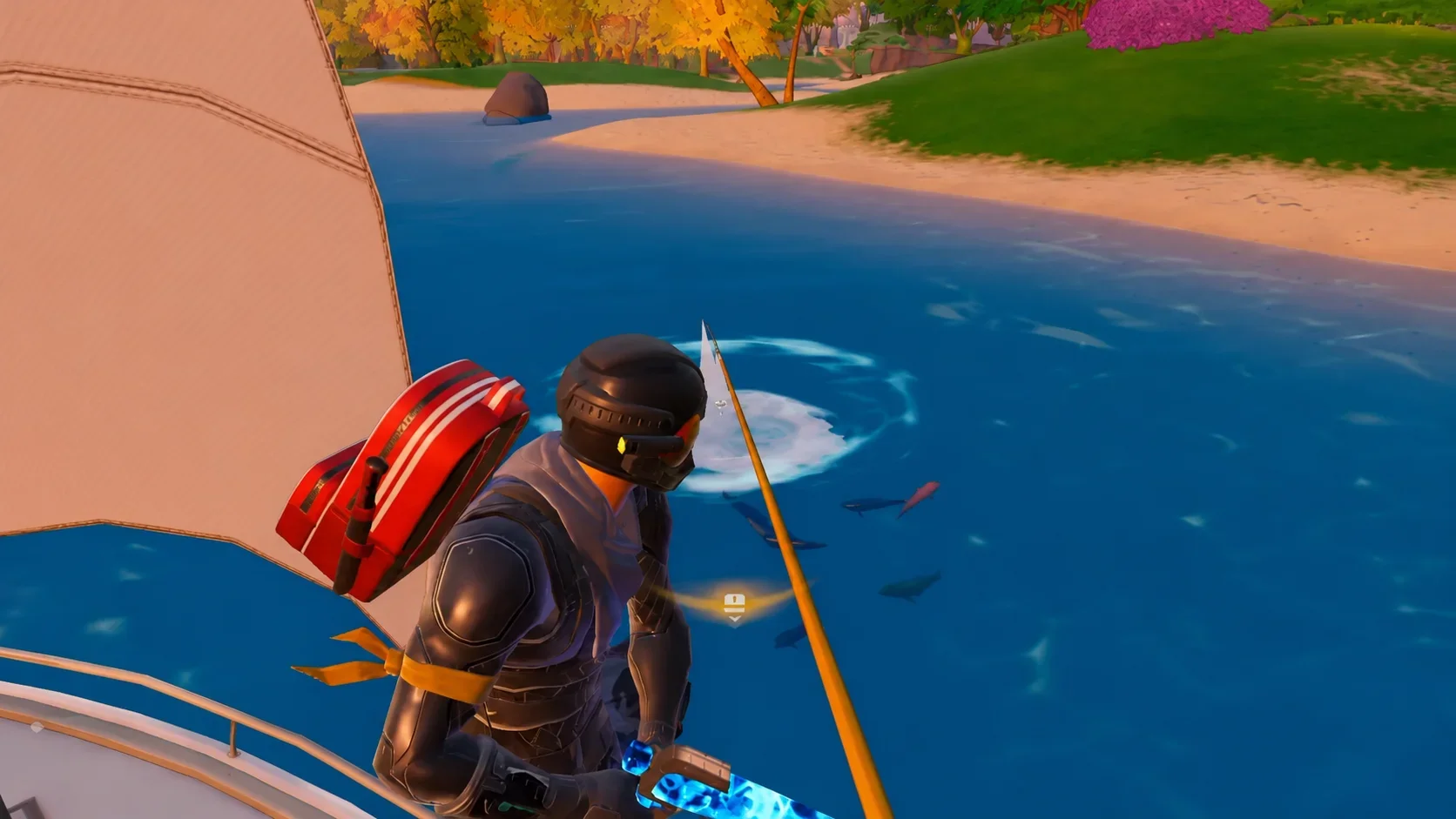

Fortnite has no VR mode, but the Xbox app on Meta Quest lets you stream the regular game free to a big screen inside your headset. Here’s what you need and how to set it up.
Is There a Fortnite VR Mode?
Fortnite VR does not exist as a native mode. Fortnite has no virtual reality version, but you can play the regular game on a Meta Quest headset by streaming it through the Xbox app. The game appears on a large flat screen floating in front of you, and you play it the same way you would on a console.
That means no hand tracking, no motion aiming and no first-person VR view. You move and aim with a gamepad, and the match itself is the standard version everyone else plays.

What You Need to Play Fortnite on Meta Quest
| Requirement | Detail |
|---|---|
| Headset | Meta Quest 2, Quest 3 or Quest Pro |
| App | The Xbox app from the Meta Horizon Store, which runs Xbox Cloud Gaming |
| Account | A free Microsoft account |
| Controller | An Xbox controller connected to the headset |
Do You Need Xbox Game Pass?
You do not need an Xbox Game Pass subscription for Fortnite. Most of the Xbox Cloud Gaming catalog sits behind Game Pass, but free-to-play games such as Fortnite only ask for a free Microsoft account.
How to Set Up Fortnite on Meta Quest
- Install the Xbox app. Find it in the Meta Horizon Store on your headset and download it.
- Sign in with your Microsoft account. A free account is enough for Fortnite.
- Pair an Xbox controller. Connect it over Bluetooth, or plug it in with a USB-C cable if you want a wired connection.
- Pick Fortnite from the catalog. Launch it and wait for the stream to load.
- Choose how the screen looks. You can keep passthrough on and see your room around the screen, or switch to a virtual environment.
What Playing Fortnite on Quest Is Like
Cloud Streaming, Not a Native Game
The headset does not run Fortnite itself. The game streams from the cloud, so a strong home internet connection matters more than the headset model.
A Giant Private Screen
The big upside is the screen size. A Quest gives you a giant private screen anywhere in the house, which is handy when the TV is taken or when you would otherwise set up split screen to share one display.
Everything else, from the map to the modes, is the same game, so the beginner guide applies on Quest too.