

Gears of War: E-Day was built around the idea of never fighting alone. The entire campaign, from the first Locust emergence in Kalona to the third desperate day of the invasion, supports up to 4 players online and 2-player split-screen on Xbox Series X|S. Beyond the campaign, there's a 12-player Horde Siege mode and 4v4 Versus to keep squads busy after the credits roll. This guide covers every co-op option, the rules that trip people up, and how to get your group ready before launch.
How many players can play the E-Day campaign together?
The campaign supports up to 4 players online, with each player controlling one of the four Bravo Squad members: Marcus Fenix, Dominic Santiago, Mags Carter, and Lucas Reyes. All four characters are available from the very first mission, so nobody has to unlock their slot before joining a squad.
Solo players get AI companions filling the remaining seats. In co-op, real players take those spots instead, and downed squadmates can be revived by teammates. Drones that pin a downed player can also be pulled off or shot from range, which makes active squad coordination genuinely matter rather than just being a nice bonus.

Bravo Squad character select
Does Gears of War: E-Day have split-screen?
Yes, but with one firm restriction. 2-player split-screen is available on Xbox Series X|S only. The PC version, whether through Steam or the Xbox app, does not support local split-screen at all. PC players co-op online exclusively.
On console, a split-screen pair can also team up with additional players online to fill out a full 4-person squad, giving you flexibility if part of your group is in the same room and part isn't.
Co-op rules worth knowing before you start
A few mechanics catch groups off guard, so it's worth knowing them upfront.
Pausing: In solo play, opening the menu pauses the game normally. In co-op, only the host can pause. Everyone else opening the menu keeps the action running.
Save slots: The campaign holds up to 5 separate playthroughs simultaneously, which is useful if you're running the story with multiple groups or want a separate solo save alongside a co-op run.
Ping system: While aiming, you can ping enemies, objects, and locations. Squadmates see those markers even through walls, making communication easier without requiring a headset.
For a full breakdown of start times and how to get in early, check the exact release date and regional start times guide.
What do you need for online co-op on Xbox vs. PC?
The requirements differ by platform, and it's worth sorting this out before launch day.
On Steam, you can play online co-op without linking a Microsoft account. You only need to link one if you want to send cross-platform squad invites to Xbox or PC players on the Xbox app. To do that, open the social pane from the main menu, hit the Link Account button in the upper-left corner, and follow the Microsoft sign-in steps.
Xbox Play Anywhere means a single digital purchase covers both Xbox Series X|S and Windows PC with shared progression and achievements, so you're not buying twice if you switch between platforms.
What is Horde Siege and how does it work?
Horde Siege is E-Day's large-scale co-op mode, and it's a significant step up from the classic 4-player Horde format the series is known for.
- 12 players total, organized into three squads of four
- Before each match, every player selects a class: Assault, Marksman, Medic, or Breacher
- All three squads cooperate on a shared large-scale map set across Kalona
- Objectives are shared between squads, and the mode includes world-boss encounters
- Proximity chat lets you hear players from other squads nearby, which is unique to this mode
Horde Siege sits alongside the classic 4-player Horde format rather than replacing it, so squads that prefer the smaller-scale version still have that option.
All co-op modes at a glance
The split-screen restriction applies across every mode, not just the campaign.
Getting your squad ready for launch
If you're coordinating a group for day one, a few things are worth sorting in advance. Everyone needs their own copy or Game Pass access. Decide whether you're doing 4 separate online connections or a mixed local/online setup, since that changes whether split-screen is relevant. Steam players who want cross-platform invites should link their Xbox account before launch rather than troubleshooting it mid-session.
The campaign spans five Acts, and one achievement, You're My Brother (15 Gamerscore), specifically requires completing all Acts in co-op on any difficulty. If you're going for the full achievement list, co-op is part of the checklist, not just an optional way to play.
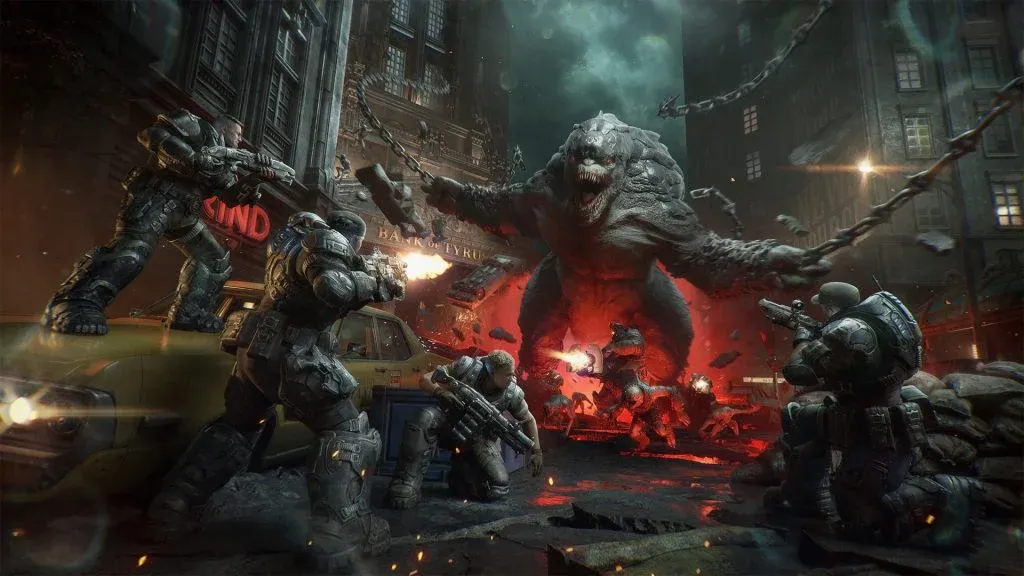
Versus mode in Kalona
For everything else you need before the game drops, the full Gears of War: E-Day strategy guide collection covers beta rewards, early access details, Game Pass access, and more.