
These are the Default on-foot and driving controls for PS5 and Xbox Series X|S, followed by the Settings steps to switch run, jump, crouch and melee to the Classic scheme.
What Are the Controls in Grand Theft Auto 6?
Grand Theft Auto 6 uses the Default control scheme, where you sprint by clicking the left stick: L3 on PS5 or LS on Xbox. You can change to the Classic or Left-Handed scheme in Settings.
The tables below use the Default scheme. Every input is given for PS5 and Xbox Series X|S.

On-Foot Controls
| Action | PS5 | Xbox |
|---|---|---|
| Sprint | L3 (click left stick) | LS (click left stick) |
| Jump or climb | Cross | A |
| Crouch | Circle | B |
| Melee | Square | X |
| Interact | Triangle | Y |
| Take cover | R1 | RB |
| Aim | Hold L2 | LT |
| Shoot | R2 | RT |
| Phone | D-pad Up | D-pad Up |
| Radio | D-pad Left | D-pad Left |
| Objective and mini-map | D-pad Down | D-pad Down |
| Switch character | Hold D-pad Right, tap R1 | Hold D-pad Right, tap RB |
Pause with Options on PS5 or Menu on Xbox. Character switching only works once the story allows it; the guide on playing as Lucia explains when it becomes available.
Driving Controls
| Action | PS5 | Xbox |
|---|---|---|
| Accelerate | R2 | RT |
| Brake or reverse | L2 | LT |
| Handbrake | Cross | A |
| Exit vehicle | Triangle | Y |
| Horn | L3 | LS |
The driving guide covers handling and the rest of the vehicle inputs.
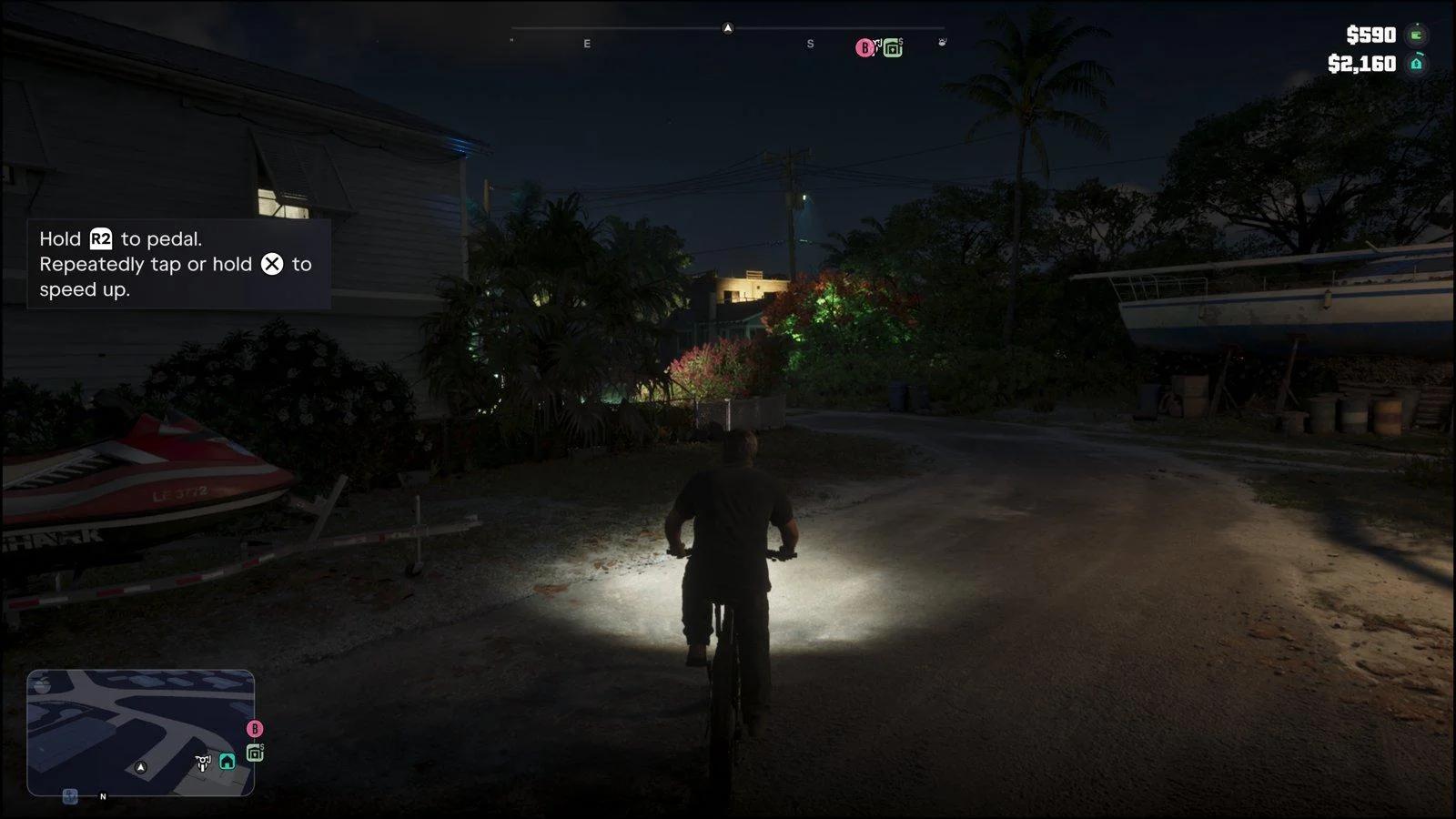
Bicycles on PS5
On PS5, hold R2 to pedal a bicycle.
How to Switch to Classic Controls in Grand Theft Auto 6
To use Classic controls, open Settings from the pause menu, go to the Control Scheme tab and change the scheme to Classic.
- Open the pause menu. Press Options on PS5 or Menu on Xbox, then choose Settings.
- Go to the Control Scheme tab. It is the first tab.
- Change the scheme. Cycle through the options until you reach Classic.
- Save. Back out of the menu and confirm so the change is kept.
The same tab shows a diagram of the full layout for on-foot play, weapons, vehicles, boats, aircraft and bicycles, so you can preview a scheme before you commit.
What Changes in Classic
Only four on-foot actions change. Everything else stays where it was.
| Action | Default | Classic |
|---|---|---|
| Run | L3 (PS5), LS (Xbox) | Cross (PS5), A (Xbox) |
| Jump or climb | Cross (PS5), A (Xbox) | Square (PS5), X (Xbox) |
| Melee | Square (PS5), X (Xbox) | Circle (PS5), B (Xbox) |
| Crouch | Circle (PS5), B (Xbox) | L3 (PS5), LS (Xbox) |
Left-Handed Scheme
The Left-Handed scheme swaps the sticks, triggers and bumpers between sides. The controller settings guide covers sensitivity and the other controller options, and the accessibility guide covers tap and hold assists.