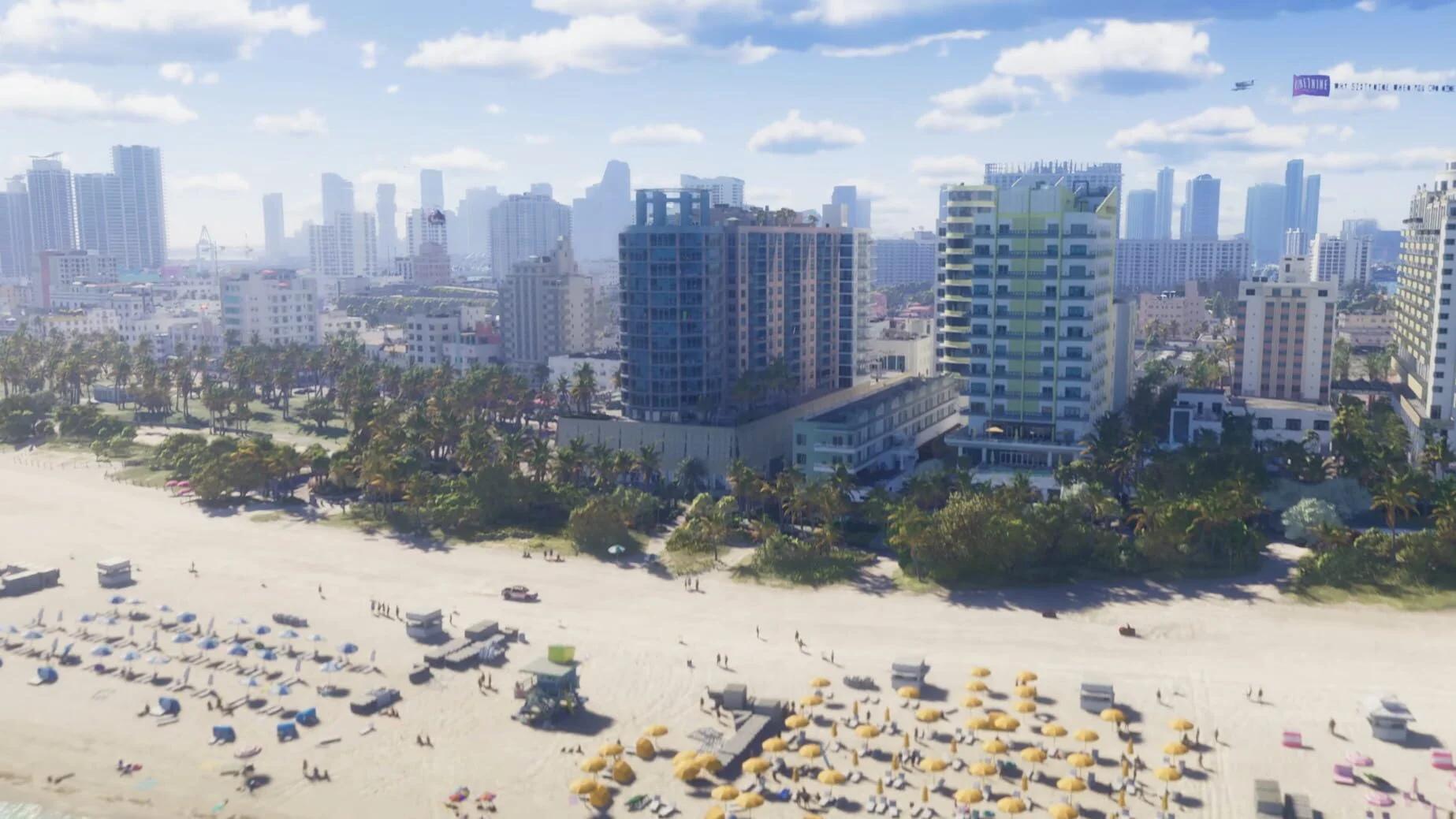

Remove map fog in Grand Theft Auto 6 by travelling through unexplored areas, preferably in a plane for fast coverage.
Driving also reveals the map, and Auto-Drive counts if you want a lower-input trip. Choose your transport around the task: aircraft cover ground without following roads, while cars let you explore along a planned route. You can reveal areas during normal travel, but a dedicated exploration trip makes it easier to track what remains hidden.
Which method should you use to clear map fog?
Leonida's map starts blank. Exploring fills it in, helping you find your way around roads, shops, and activities. There is no cheat code that reveals the full map, so choose a travel method you can sustain across a long exploration run.
A standard plane is the best practical choice for broad coverage. Auto-Drive suits a slower road trip with fewer inputs, while manual driving gives you control over detours. A military jet offers more speed, but its risks make it a poor choice for uninterrupted exploration.
| Method | Main advantage | Main drawback |
|---|---|---|
| Standard plane | Crosses large areas without road detours | Requires access to an aircraft |
| Manual driving | Lets you choose turns and side routes | Rivers, dead ends, and road layouts affect your path |
| Auto-Drive | Follows a waypoint with fewer driving inputs | Even its fastest cruise option is slow |
| Military jet | Travels faster than a standard plane | Turns a map-clearing trip into a high-risk flight |

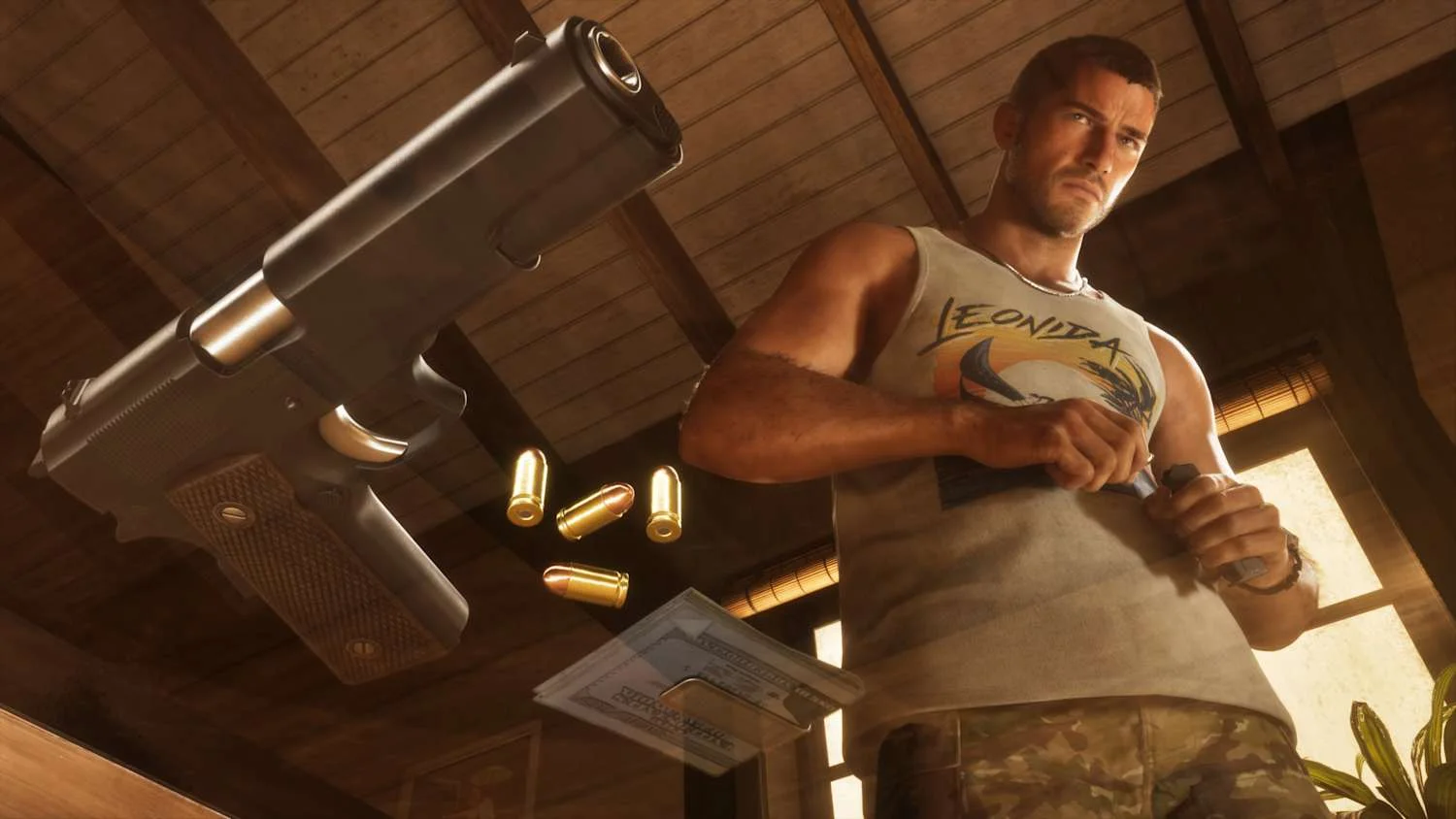
How to remove map fog by plane
Fly over the covered areas
Use a standard plane to reach sections that would require long drives or awkward detours on the ground. You do not need to discover the entire map on foot.
Once you have an aircraft, work through the map in a deliberate sequence:
- Check the map before setting your course. Pick a black, unexplored section instead of flying toward an area you already know.
- Fly across that section, using the map to check how much coverage you have gained.
- Change course toward the next covered patch nearby.
- Finish neighboring gaps before making another long trip across the state.
- After a broad pass through a region, inspect it again for sections your flight path missed.
Treat the remaining black coverage as your route planner. Visiting a region once does not mean every part of it has been revealed, so check the spaces between your previous flight paths before moving on.
Check your fuel during the trip
Press D-pad Down to check the plane's fuel gauge. Make this part of your routine when reviewing the next section of your route.
Plan your return while the aircraft still has fuel. A map-clearing flight can carry you far from your starting point, so turning back before the gauge runs empty is more practical than trying to squeeze another distant patch into the same trip. Break the exploration into separate flights if needed.
Should you use a military jet?
A military jet can cover distance faster, but speed is not the only consideration. A routine exploration route needs time to inspect the map and adjust course without an aerial fight interrupting it.
If you choose that aircraft and trigger pursuit, focus on losing the police in Grand Theft Auto 6 before returning to your exploration plan. Stick with a standard plane when clearing fog is your only goal.
How to remove map fog with Auto-Drive
Enable Auto-Drive on PS5 or Xbox
Auto-Drive lets Jason or Lucia drive a car toward your selected waypoint. It is the low-input option for revealing roads, and you can choose a cruising speed once the feature is active.
Get into a car and set a waypoint on the map first. Then use the controls for your platform:
| Action | PS5 | Xbox Series X/S |
|---|---|---|
| Enter cinematic driving mode | Hold D-pad Down, then press Options | Hold D-pad Down, then press Menu |
| Enable Auto-Drive | Hold Circle | Hold B |
Cinematic driving mode is the first step, not the final one. Use the second input to enable Auto-Drive after entering that view.
The driver follows the rules of the road. Choose this method when reducing manual driving is more useful to you than finishing the trip quickly.
Choose a route that reveals new ground
Set a distant waypoint whose route passes through unexplored territory. A long journey along roads you have already covered does little for the remaining fog, so check the planned path before starting.
Highways, bridges, and coastal routes are useful starting points for ground exploration because they provide long, connected journeys. Save short side-street detours for the gaps left after those larger routes.
When you reach the destination, inspect the map and select another route through covered ground. Switch to manual driving if you want to leave the main route and investigate nearby roads directly.
How to finish the remaining map fog
Track coverage across Leonida
Organize your Grand Theft Auto 6 map unlock route around these six named exploration regions:
- Vice City
- The Leonida Keys
- Grassrivers
- Port Gellhorn
- Ambrosia
- Mount Kalaga National Park
The story does not take you everywhere in Leonida. Leave room for free-roam exploration instead of expecting mission destinations to reveal every corner of the state.
After a broad tour, inspect each region for black patches between revealed sections. Use the shape of those gaps to choose your next trip: fly across a large covered area or drive through an unexplored road connection. There is no need to repeat a complete statewide lap when only a few sections remain.
Unlock The Goodtime State trophy
The Goodtime State requires you to fully unfog Leonida's map. Fly over the remaining black areas until the entire map becomes visible.
A region checklist helps organize the trip, but visible coverage is the requirement. Before ending your exploration run, scan the map for overlooked patches instead of relying on how many places you remember visiting.
Separate map fog from bad weather
Black coverage on the map represents unexplored territory. Stormy conditions during travel are a separate visibility problem. The Grand Theft Auto 6 weather system includes localized storms, so another region can offer clearer conditions for your next exploration leg.
If visibility makes a route uncomfortable, explore elsewhere and return later. Keep directing each new trip toward the black sections until none remain.