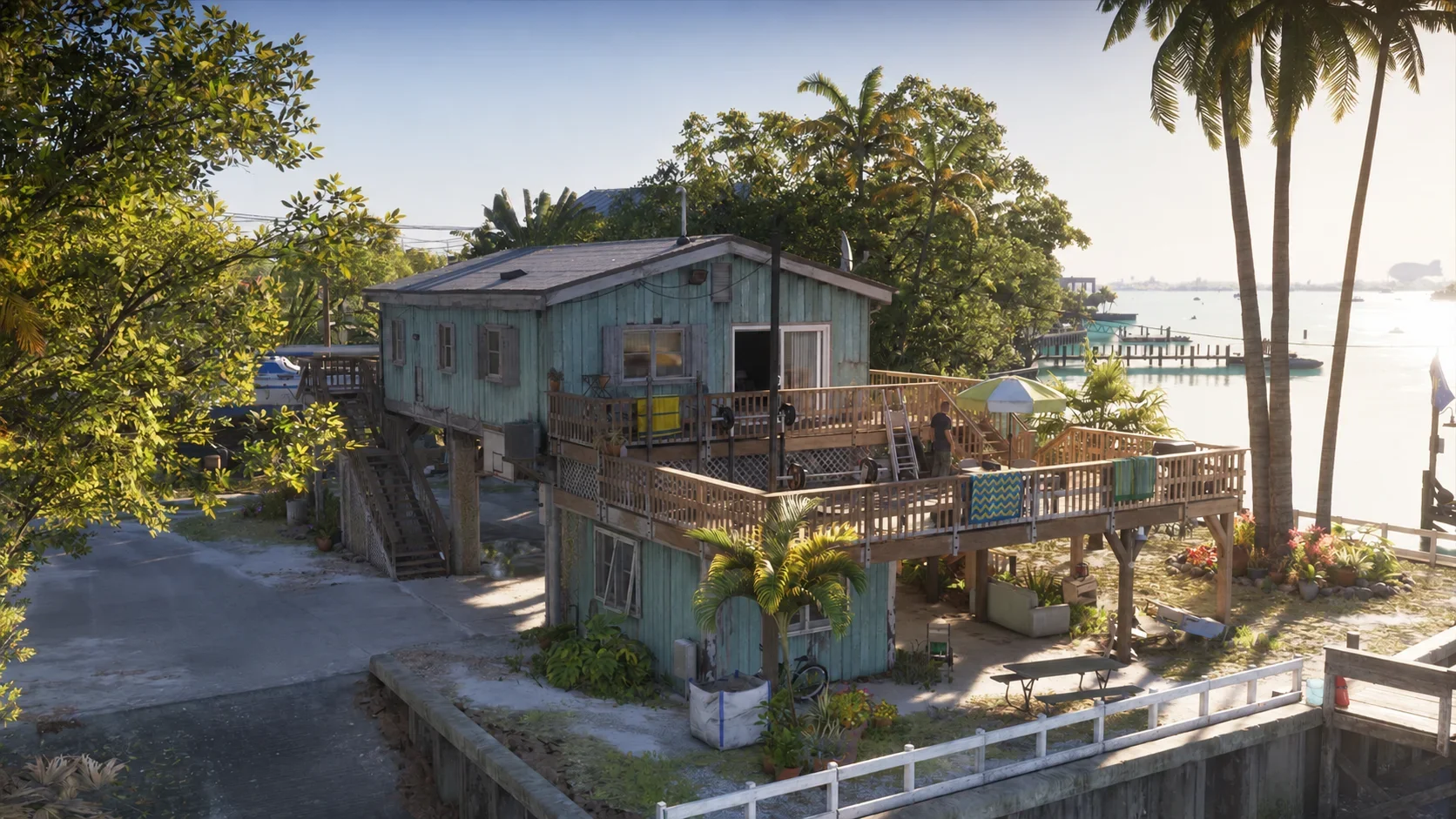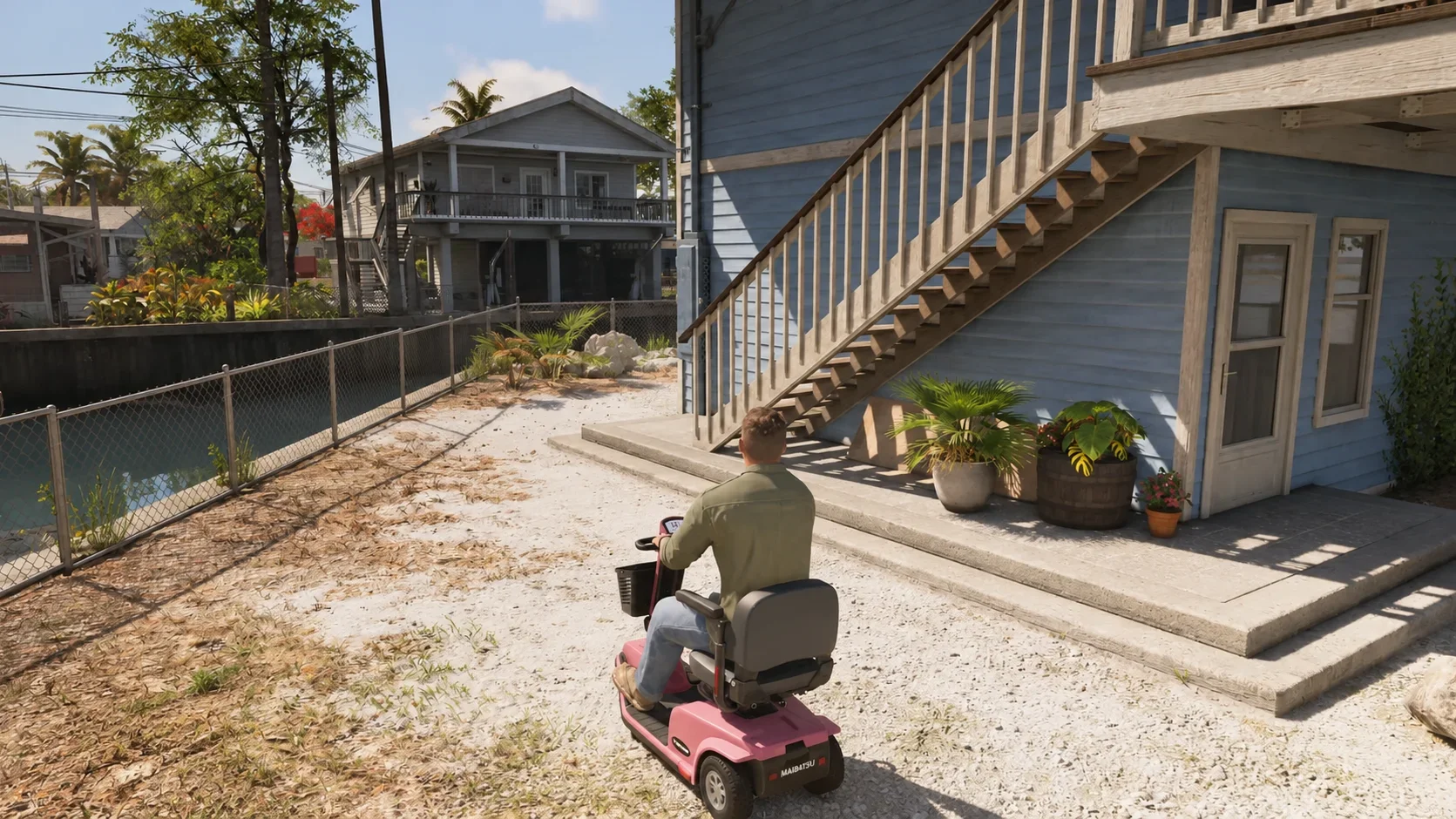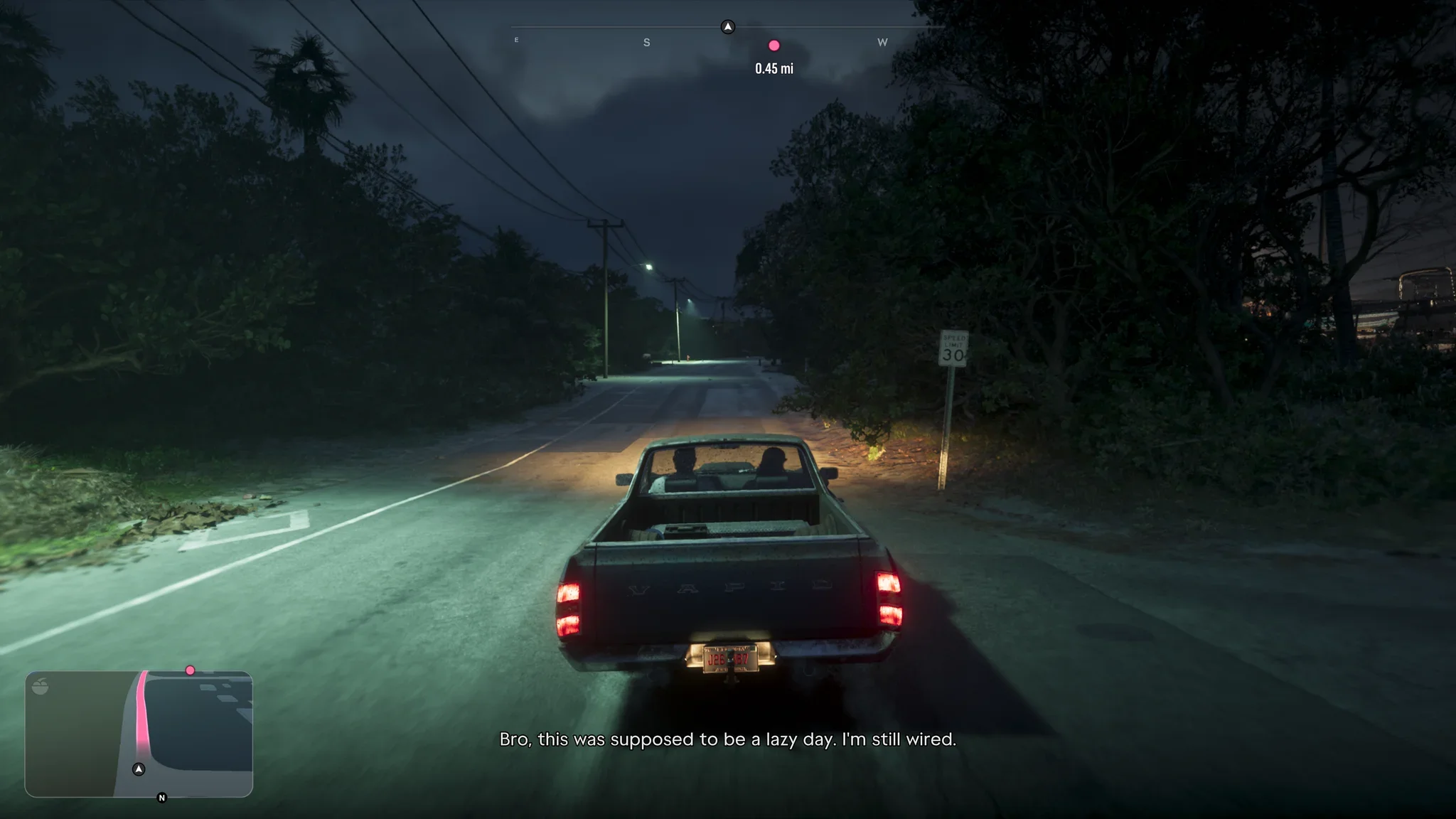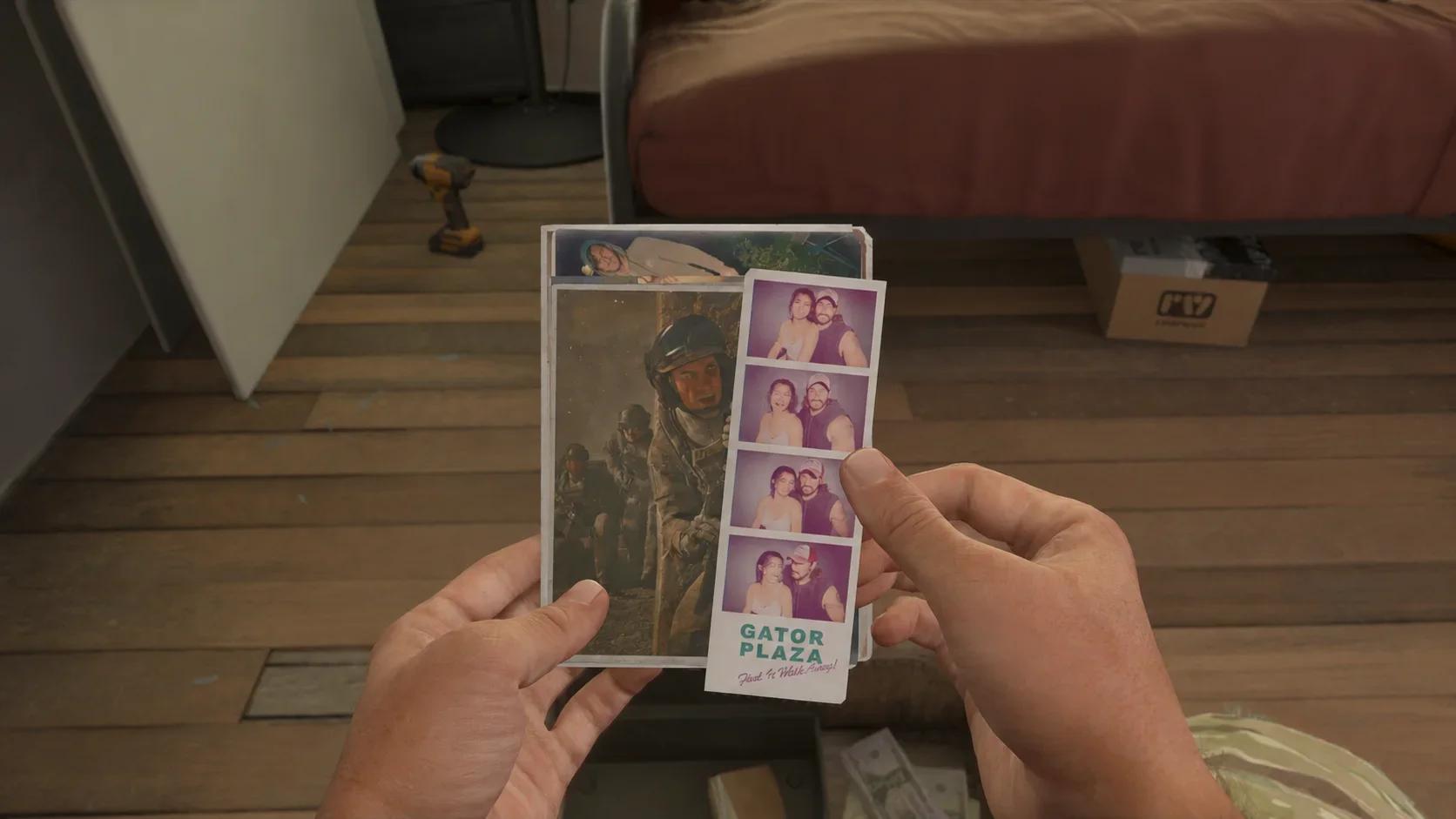

Photo Studio pictures in Grand Theft Auto 6 save to your console’s capture library: Media Gallery on PS5 and Captures on Xbox Series X|S.
They do not appear in Jason or Lucia’s in-game phone gallery. Use the platform steps below to open the right library, or the controller table if you still have a composition open and need to save it.
Where to find your saved Photo Studio pictures

PS5: Open Media Gallery
Open the PS5 home screen and select if its icon is visible among your recently used games and apps.
If the app is not on your home screen, use this route:
- Move to the right-hand end of the home screen’s game and app icons.
- Open Game Library.
- Find and open Media Gallery. If the library is sorted alphabetically, look under M.
- Open your saved Grand Theft Auto 6 picture.
The entry you need in Game Library is the Media Gallery app. You are not looking for an image folder inside the game’s own library entry.
Xbox Series X|S: Open Captures
From the Xbox system menu, open My games & apps, select Apps, and then open . This is the console capture library where your Photo Studio screenshots appear.
For a picture you have just taken, you can also use the Xbox guide:
- Press the Xbox button to open the guide.
- Move to Capture & share.
- Select Recent captures.
- Open the Grand Theft Auto VI capture you want to view.
The guide also has a Share last capture option for sending your newest screenshot. A selected capture’s options include uploading it, setting it as a background, and deleting it.
How to save a Photo Studio picture
Open Photo Studio from the pause menu
Pause the game, then select Photo Studio. Both consoles also have a shortcut that opens the tool directly from the pause menu.
The opening shortcut and the save button are different inputs. Use the matching column for your controller:
| Action | PS5 | Xbox Series X|S |
|---|---|---|
| Open the pause menu | Options | Menu |
| Open Photo Studio from the pause menu | Square | X |
| Confirm Save Photo inside Photo Studio | X (cross) | A |
Finish your adjustments before saving
Use the sticks to move and angle the camera, and the triggers to zoom. The Grand Theft Auto 6 Photo Studio controls also let you adjust field of view, aspect ratio, exposure, contrast, filters, and added lighting.
Once the composition looks right, use the save input in the table. On Xbox, a Screenshot saved notification appears when the capture is created. You can then open it through either Xbox route above.
How Photo Studio differs from the phone camera
Recognize which camera you opened
Jason and Lucia also have a simpler camera on their phones. Press Up on the D-pad, then select the camera icon to open it.
Photo Studio is the pause-menu tool with detailed camera, effects, and lighting controls. Its lighting options include stage lights, ring lights, and reflectors, making it the better choice when you want to light a subject separately from the surrounding scene.
The phone camera offers basic filters, a flash toggle, selfies, and character poses. Choose it for an in-character snapshot; use Photo Studio when you want more control over the finished picture.