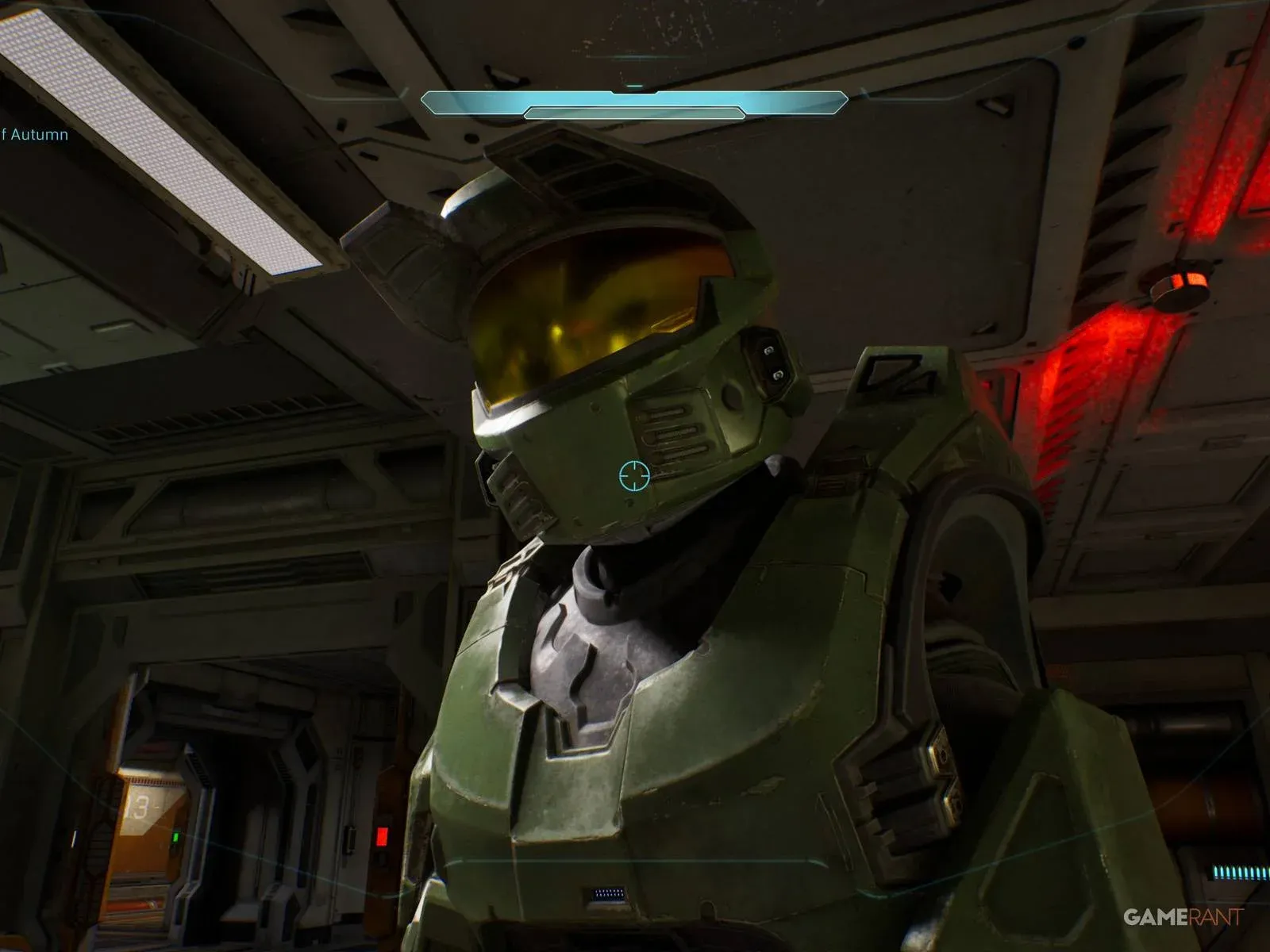

Halo: Campaign Evolved is almost here, and the last thing you want on launch day is to sit through a multi-hour download while everyone else is already fighting Elites. Halo: Campaign Evolved is a full ground-up remake built in Unreal Engine 5, which means the file sizes are substantial and preloading is worth doing the moment it becomes available. Here is everything you need to know about when preloads go live, how much storage to clear, and exactly how to start the download on each platform.
When do Halo: Campaign Evolved preloads begin?
Halo Studios is running a global simultaneous launch, so there is no regional stagger on the actual release. Preload timing, however, splits based on which edition you purchased.
Early Access owners (Premium and Collector's Edition) get preload access on July 21, 2026, at 11:00 AM EDT. That is today, so if you have one of those editions, you can start the download right now.
Standard edition buyers get their preload window on July 26, 2026, at 11:00 AM EDT, five days later.

Xbox Store preload button
The table below breaks down both preload windows across every major region:
| Region | Early Access Preload | Standard Preload |
|---|---|---|
| US West (PDT) | July 21, 8:00 AM | July 26, 8:00 AM |
| US East (EDT) | July 21, 11:00 AM | July 26, 11:00 AM |
| Brazil (BRT) | July 21, 12:00 PM | July 26, 12:00 PM |
| UK (BST) | July 21, 4:00 PM | July 26, 4:00 PM |
| Germany / France (CEST) | July 21, 5:00 PM | July 26, 5:00 PM |
| South Africa (SAST) | July 21, 5:00 PM | July 26, 5:00 PM |
| Turkey (TRT) | July 21, 6:00 PM | July 26, 6:00 PM |
| Russia (MSK) | July 21, 6:00 PM | July 26, 6:00 PM |
| UAE (GST) | July 21, 7:00 PM | July 26, 7:00 PM |
| India (IST) | July 21, 8:30 PM | July 26, 8:30 PM |
| Singapore / Philippines | July 21, 11:00 PM | July 26, 11:00 PM |
| China (CST) | July 21, 11:00 PM | July 26, 11:00 PM |
| South Korea / Japan | July 22, 12:00 AM | July 27, 12:00 AM |
| Australia (AEST) | July 22, 1:00 AM | July 27, 1:00 AM |
| New Zealand (NZST) | July 22, 3:00 AM | July 27, 3:00 AM |


How big is the Halo: Campaign Evolved download?
Building the game from scratch in Unreal Engine 5 comes with a cost, and that cost is measured in gigabytes. Console versions land around 70 GB, while PC players need to set aside considerably more.
| Platform | Estimated File Size |
|---|---|
| PC (Steam / Xbox App) | ~100 GB |
| Xbox Series X | ~69.80 GB |
| Xbox Series S | ~70 GB (estimated) |
| PlayStation 5 | ~70 GB (estimated) |
The Xbox Series X figure of 69.80 GB is the only confirmed console size at the time of writing. The Series S and PS5 numbers are estimates based on the Series X build.

Storage space required
How to preload Halo: Campaign Evolved on PS5
The PS5 process is straightforward if you have already pre-ordered:
- Open the PlayStation Store and search for Halo: Campaign Evolved.
- If you have already pre-ordered, go directly to your games library instead.
- Find Campaign Evolved in your library and select Download.
- If you have not pre-ordered yet, purchase the game first. The download option becomes available once the transaction is complete.
How to preload Halo: Campaign Evolved on Xbox
- Go to the Microsoft Store page for Halo: Campaign Evolved.
- If you have already pre-ordered, head to My games and apps directly.
- Select the game and choose Download.
- If the download option is not showing, confirm your pre-order went through. The game should appear in your Ready to Install queue once the purchase is confirmed.
How to preload Halo: Campaign Evolved on PC (Steam)
- Open the Halo: Campaign Evolved Steam page.
- Confirm your pre-order is active on your account.
- Navigate to your Steam library and find Campaign Evolved.
- Once the preload window opens, the Preload button becomes clickable.
- Choose your installation directory and confirm. Make sure that drive has the full ~100 GB free.

Steam preload install setup
What else should you know before launch?
Beyond the preload itself, there are a few things worth sorting out before you jump in. The game supports full crossplay across Xbox, PC, and PS5, so coordinating with friends on different platforms is not an issue. If you are planning a co-op run, Campaign Evolved supports online 4-player co-op as well as local split-screen, which is covered in detail in the multiplayer and co-op guide.
For everything else, from skull locations to how long the campaign runs, the full Halo: Campaign Evolved guide collection has you covered heading into launch.