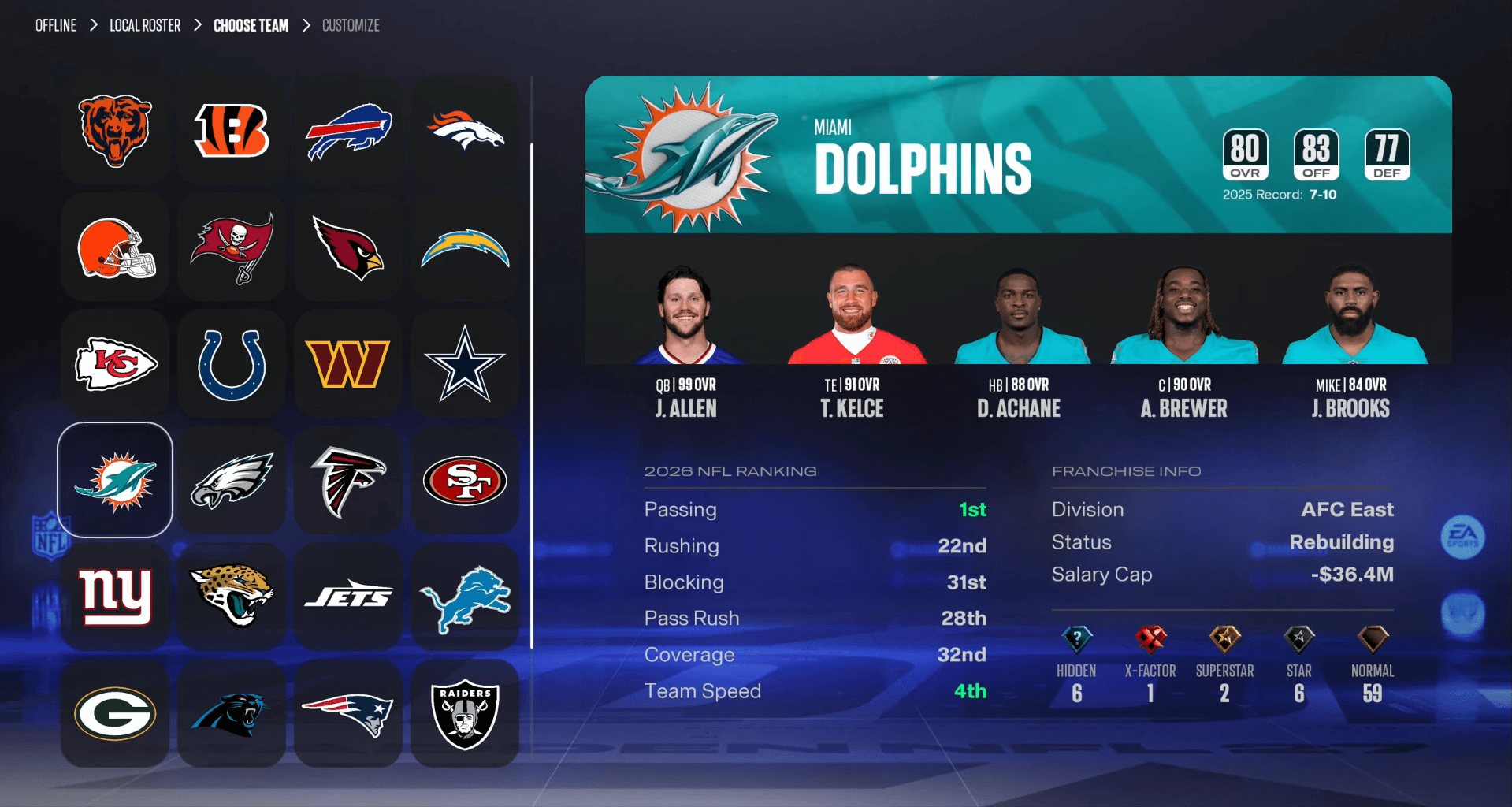

Roster accuracy matters more than most players realize. A stale depth chart can mean your star running back sits on the bench while a backup gets starter snaps, or a freshly traded wide receiver never shows up on your team at all. Madden NFL 27 keeps things current through weekly official updates, but you have to know where to pull them from and what to do with them afterward.
How do you update rosters in Madden NFL 27?
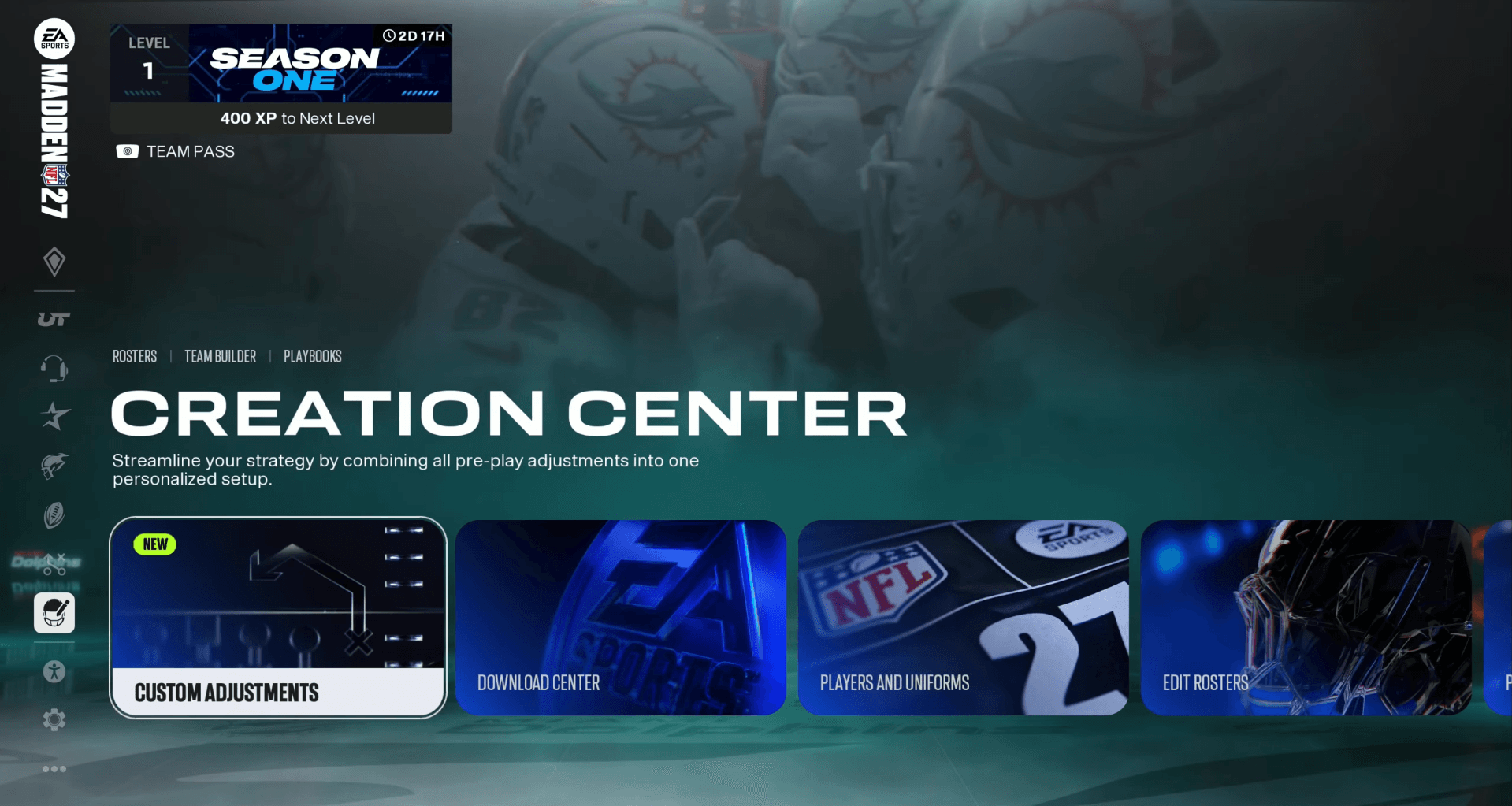
The whole process runs through Creation Center, which sits on the main menu just above the accessibility settings. Getting there is quick, and the actual download takes under a minute once your connection is stable.
Here are the exact steps:
- From the main menu, select Creation Center
- Choose Edit Rosters
- Select Update Rosters
- Hit Download and wait for the process to finish
One thing to watch out for: Edit Rosters and Download Rosters are separate options in that menu. Download Rosters pulls community-created custom files, not the official EA Sports update. Make sure you pick Edit Rosters first, then Update Rosters, to get the legitimate weekly data.
Madden NFL 27 Guide: How to Update Rosters

Why should you update rosters regularly?
EA Sports pushes a new roster file every week throughout the NFL regular season and playoffs. Each update adjusts player attribute ratings based on real-world performance and accounts for roster moves that happened during the week, including:
- Trades between teams
- Free agent signings
- Player cuts and practice squad moves
Skipping these updates means your in-game rosters drift further from reality as the season progresses. After downloading, pull up your favorite team's depth chart and manually verify the starting lineup. The generated depth charts are not always accurate, so a quick check saves you from running the wrong personnel into a game.
How do you create and use custom rosters in Madden NFL 27?
Official updates cover the real NFL, but if you want a fantasy draft setup, a historical roster, or a completely reworked league, custom rosters are the way to go. Building one takes a few extra steps compared to the standard update process.
Creating a custom roster
- Select Creation Center from the main menu
- Choose Edit Rosters
- Select Manage Players
- Edit, release, or trade players as needed
- Select Save when your roster is finished
Madden NFL 27 Guide: How to Update Rosters
Loading a custom roster into Franchise mode
Saving the roster is only half the job. You still need to load it before Franchise mode can see it.
- Go back to Creation Center
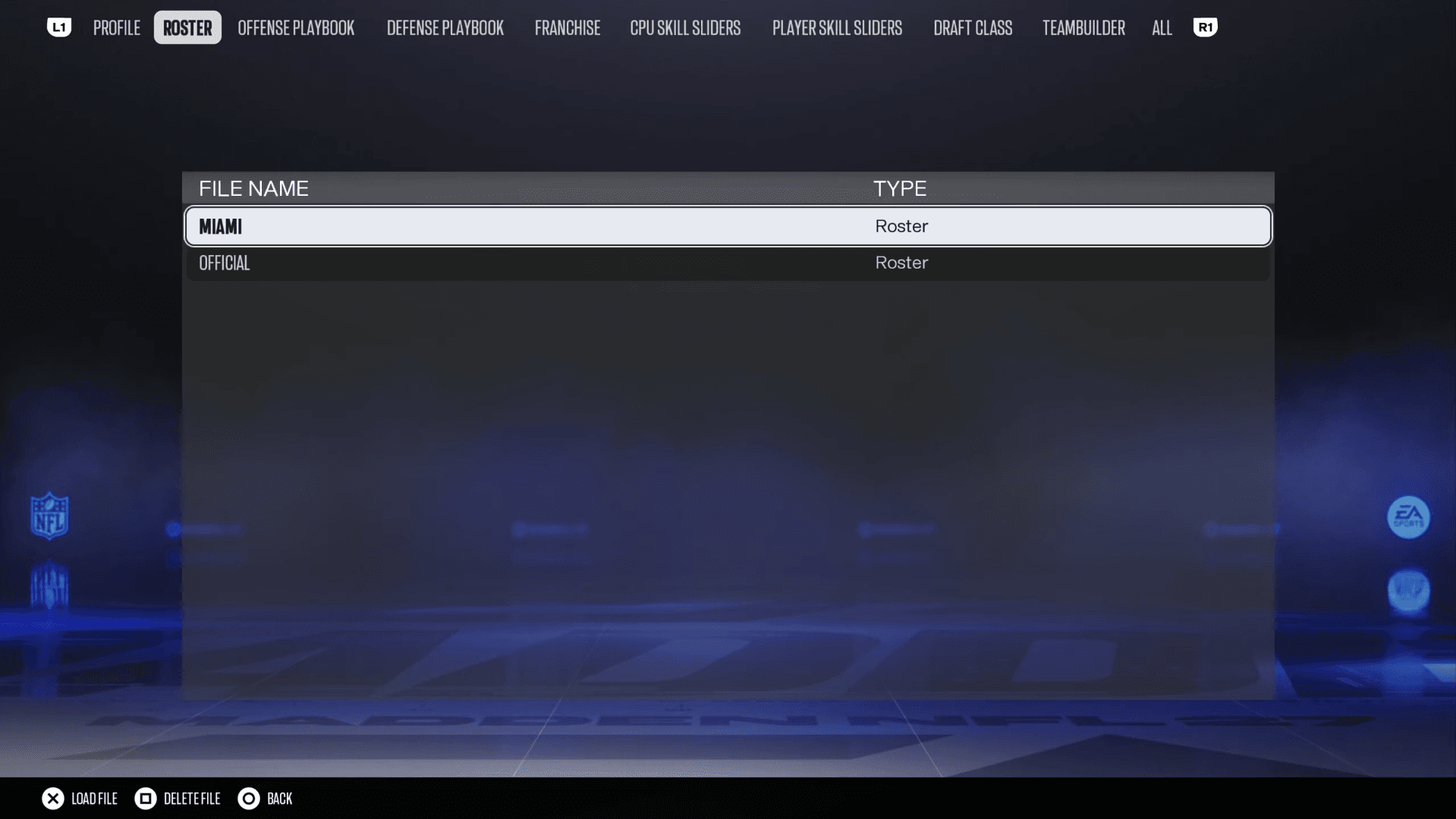
- Scroll to Load/Delete Files and select it
- Open the Roster tab and choose your saved file
- Select Load File
- When starting or continuing Franchise mode, choose Roster File to import your custom roster
What to do after every roster update
Downloading the file is the easy part. The follow-up work is where most players cut corners. After each weekly update drops:
- Check your starting lineup at every position, especially after a trade deadline or free agency period
- Look at newly added players and confirm their ratings match what you expected
- Verify that cut or traded players are no longer on their old teams
EA's depth chart logic does not always mirror what real NFL coaches would do, so treat the auto-generated lineups as a starting point rather than a finished product.
For a broader look at getting the most out of every mode in the game, the Madden NFL 27 beginner tips and tricks guide covers offense, defense, and MUT roster building in one place. If you are still sorting out when you can first access the game and download that initial roster file, the Madden NFL 27 release dates and early access breakdown has the exact launch windows for every platform.
For everything else the game has to offer, browse the full Madden NFL 27 strategy guides collection to find mode-specific walkthroughs as the season unfolds.