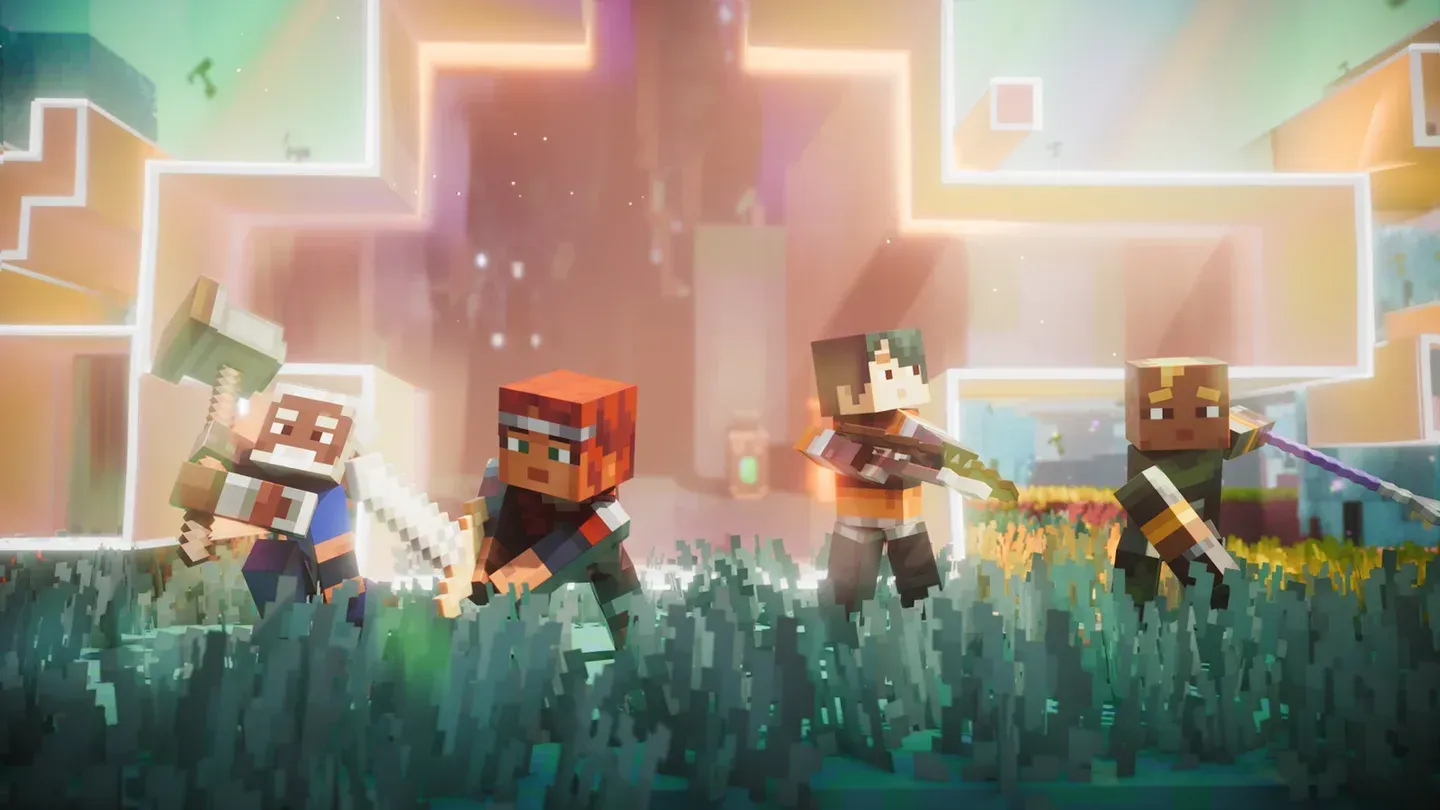

Minecraft Dungeons II launched on September 29, 2026 across PC, PlayStation 5, Xbox Series X|S, Nintendo Switch, and Nintendo Switch 2, and every single one of those platforms can play together in the same party. The connection runs through Microsoft accounts rather than each console's native friends system, which keeps the setup consistent no matter what hardware you're on. Here's exactly how to get it working.
Does Minecraft Dungeons 2 have crossplay?
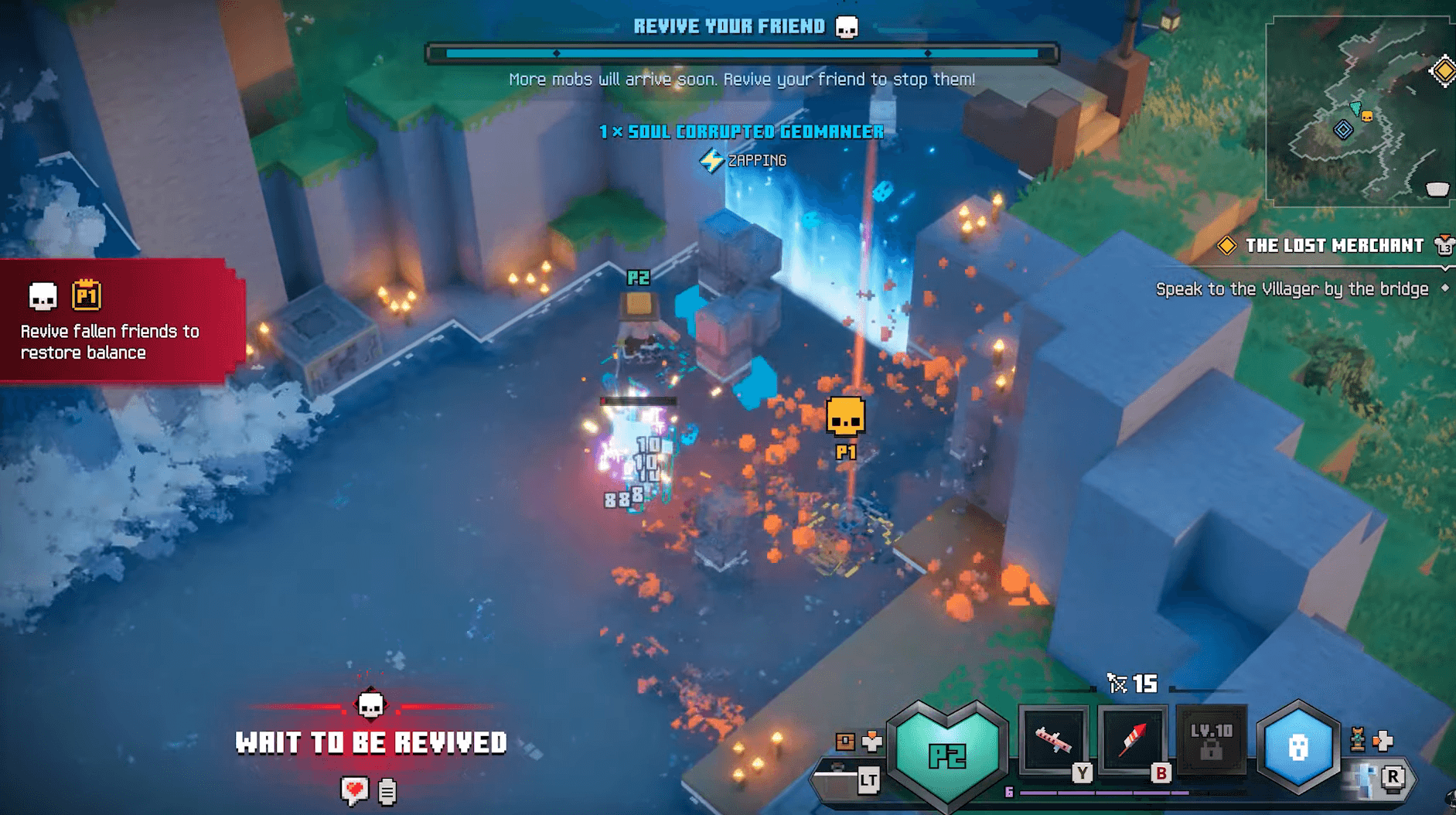
Yes, full crossplay is supported across all five launch platforms. Any combination works: a PS5 player can join a PC party, a Switch 2 player can squad up with someone on Xbox Series X|S, and so on. Sessions support up to 4 players, and enemy difficulty scales as more players join.
The game also supports Xbox Play Anywhere, meaning a single supported Xbox purchase covers both Xbox consoles and Windows PC. The standard edition is included with Xbox Game Pass Ultimate and PC Game Pass from day one.
What do you need before enabling crossplay?
The whole system runs on a shared Microsoft account identity. Before you try inviting anyone, confirm you have the following sorted:
- Microsoft account: Free to create. Xbox players already have one tied to their profile. PlayStation and Switch players need to link an existing account.
- Xbox: Game Pass Essential, Premium, or Ultimate required for online console multiplayer.
- PlayStation 5: Active PlayStation Plus membership required.
- Nintendo Switch / Switch 2: Active Nintendo Switch Online membership required.
- PC: No subscription needed for online play on PC.
Here's a quick breakdown of what each platform supports:
Minecraft Dungeons 2 Guide: How to Turn On Crossplay
How to turn on crossplay in Minecraft Dungeons 2
The activation process is the same regardless of platform. Work through it once and cross-platform play stays enabled by default afterward.
- Launch Minecraft Dungeons 2 and open the main menu.
- Navigate to Settings, then locate the Game options section.
- Find the Cross-Platform Play option and select it to configure.
- Choose Link Account when prompted.
- On a browser, go to the Microsoft device link page and enter the code shown on your screen.
- Wait for the browser to show the "All done!" confirmation, then let the game finish syncing your account.
Once complete, the game updates to reflect your linked account and cross-platform play shows as active. Xbox players skip most of this because their profile is already tied to a Microsoft account automatically. The manual linking step mainly affects PlayStation and Nintendo Switch players.
To disable crossplay or unlink your account later, return to the same Cross-Platform Play settings page.
How to add friends and start a cross-platform party
Once your account is linked, the friends system works through Microsoft Gamertags exclusively. PSN IDs and Nintendo friend codes don't come into it.
- Open the multiplayer or friends menu from the main screen.
- Search for your friend's Gamertag and send them an invite.
- Wait for them to accept, then invite them into your party or join theirs.
A full session holds 4 players. Because the Gamertag is the universal identifier, a Steam player can find and party with someone on PlayStation 5 or Switch 2 without any workarounds.
For a deeper look at the full multiplayer setup, including how to invite friends and manage online sessions, check out the Minecraft Dungeons 2 crossplay and cross-progression guide.
Crossplay vs. cross-progression
These are two separate features and it's worth keeping them straight.
Crossplay lets players on different platforms share a live session. Cross-progression is about carrying your character, gear, and save data from one platform to another.
Crossplay is fully confirmed and active at launch. Cross-progression details between console platforms are less clear. The Microsoft account system does mean your purchases and progress should align across platforms where the game supports it, particularly between Xbox consoles and PC through Game Pass, but the full picture for all platform combinations hasn't been spelled out.
If you're just getting started and want to understand the full scope of what the game offers before jumping into co-op, the Minecraft Dungeons II ultimate beginner's guide covers gear slots, possession mechanics, and starter builds.
Troubleshooting common crossplay issues
- Invite not showing up: Confirm both players have crossplay enabled and are signed into their Microsoft accounts.
- Can't find a friend by Gamertag: Double-check the spelling. Gamertags are case-insensitive but spaces and numbers matter.
- Linked account not syncing: Exit the game fully, relaunch, and check the Cross-Platform Play settings page again.
- Online multiplayer blocked on console: Verify your platform subscription is active (PlayStation Plus, Xbox Game Pass, or Nintendo Switch Online depending on your platform).
For everything else the game has to offer, including release timing by region and all 28 achievements, the full Minecraft Dungeons II guides collection has you covered.