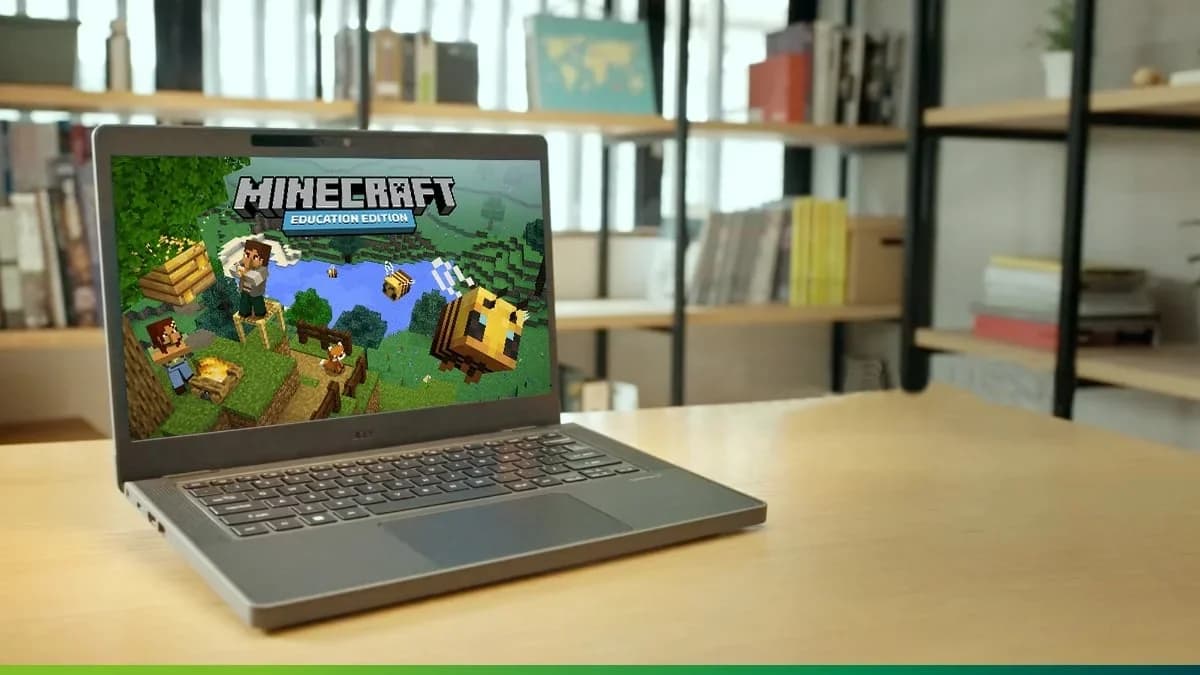

Minecraft coding happens in Code Builder, the coding window inside Minecraft Education. You write code in MakeCode using blocks, JavaScript or Python, then watch the Agent robot carry it out in your world.
Minecraft Education is the classroom version of Minecraft. Its Hour of AI coding lesson also runs as a free demo that needs no license.
How to Start Coding in Minecraft

Open Code Builder and Run a Project
- Open a world in Minecraft Education. Code Builder works in any world you can play in.
- Press C or tap the Agent icon. On a touch screen, the icon sits next to the pause and chat buttons at the top center.
- Start a new MakeCode project. MakeCode is the only editor in Code Builder.
- Pick blocks, JavaScript or Python. Blocks suit first-time coders, and you can switch to Python or JavaScript when you are ready to type code.
- Give your code a chat command. Drag in the on chat command block, rename it, for example, tp, and put your code inside it.
- Run it from the chat. Go back to the game, press T to open the chat, type the command name and press Enter.
What the Agent Can Do
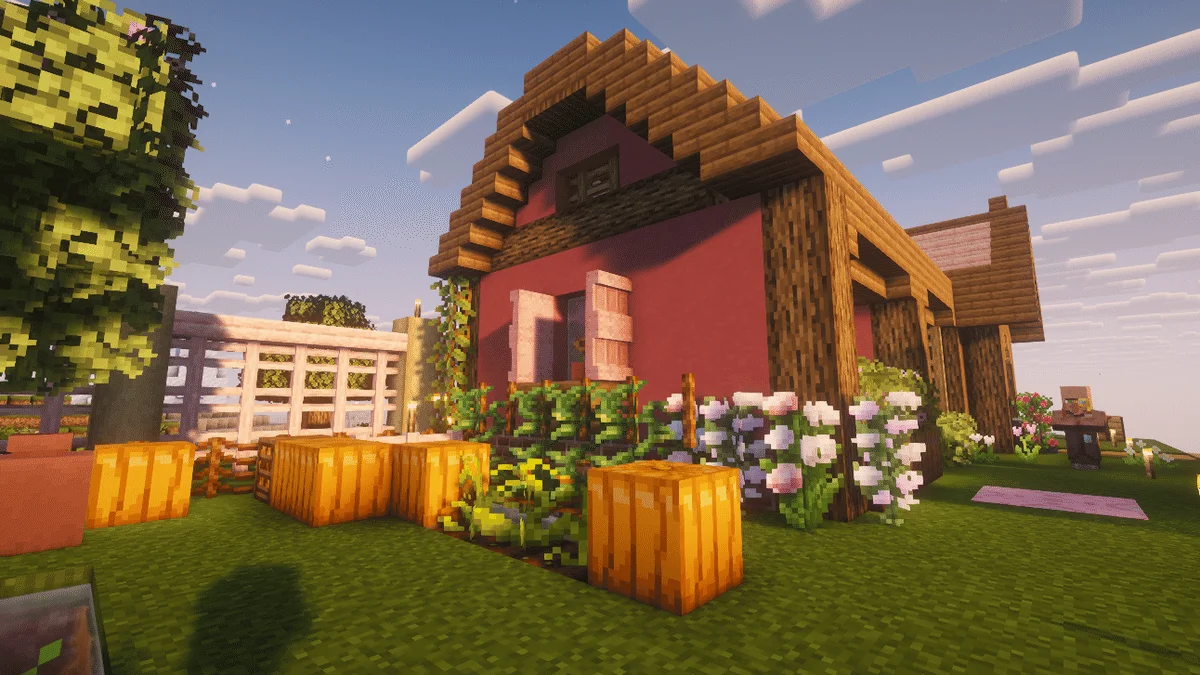
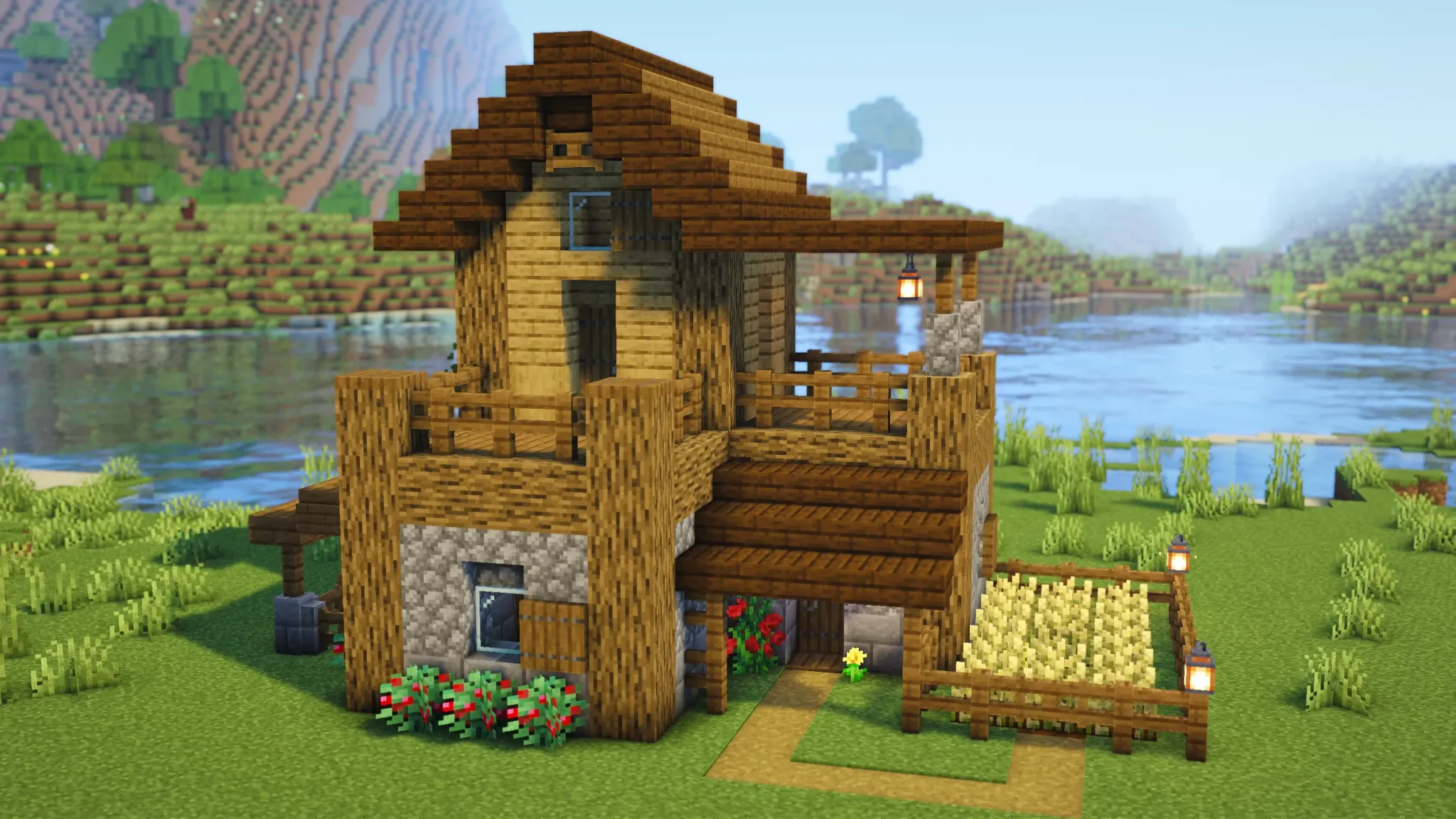
The Agent is a small robot that follows only your code. You tell it to move, turn, place blocks and break them, so it can build a wall, put up a fence or plant a farm while you watch.
Programming Ideas You Will Learn
Coding the Agent teaches the same ideas as a first programming course:
- Loops repeat a task.
- Conditionals let the Agent react to the block in front of it.
- Variables store values, such as how long a wall should be.
Changes to Code Builder in 2026
The February 2026 update of Minecraft Education, version 1.21.132, removed Python Notebooks from Code Builder. MakeCode is now the only coding option, and it still covers blocks, JavaScript and Python. Tynker is no longer offered either.
Moving an Old Python Notebook Project
Projects saved in an old Python Notebook no longer run. To keep one:
- Copy the code into a MakeCode Python project.
- Update the function and variable names, which differ between the two.
Free Minecraft Coding Lessons
Minecraft Hour of AI
The Minecraft Hour of AI lessons carry on from the Minecraft Hour of Code tutorials and are free to play. In The First Night, you guide an AI helper to recognize resources, craft tools and build a shelter before dark.
Browser and Tablet Tutorials
Code.org lists every one of its Minecraft activities for grades 2 to 12. Its older Minecraft tutorials, such as Voyage Aquatic and Hero's Journey, run in modern browsers and on tablets, so they work without a copy of the game.
Coding in Regular Minecraft
Regular Minecraft has no Code Builder. The coding approach depends on your edition:
| Edition | How Coding Works |
|---|---|
| Bedrock Edition | Write JavaScript with the Script API and package it in a behavior pack, working on a Windows 10 or 11 PC with an editor such as Visual Studio Code. |
| Java Edition | Game changes come from mods. The best Minecraft mods list shows what modders have built. |
A coded world is easy to share with friends. The Realms guide explains Minecraft's own private servers, and the first night guide covers the survival basics that the Hour of AI lesson builds on.