
NBA 2K27 has a full emote system built into its Showoff Animations menu, and it is easier to miss than you'd expect. The 6-7 celebration tied to the viral six-seven trend is in the game, emotes come from default ownership or the in-game Animation Store, and the slot you pick determines exactly when your animation fires. Here's the complete breakdown.
What are emotes in NBA 2K27?
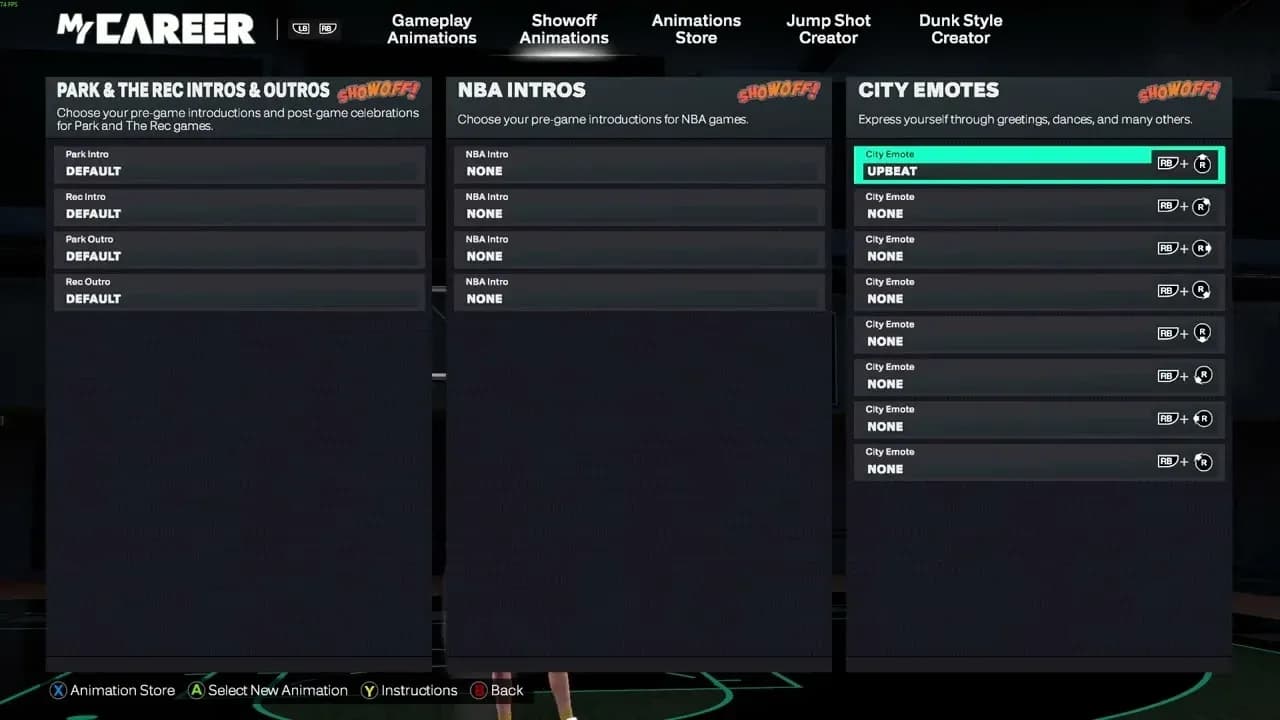
Every emote in NBA 2K27 is a cosmetic celebration that lives inside the Showoff Animations section of your MyPLAYER settings. These animations change what your player does on screen after a play or while hanging out in The City. They carry zero stat impact, no attribute boosts, and no gameplay effect whatsoever. The only thing they change is how your MyPLAYER looks and feels to you and everyone else on the court.
The emote system splits into two slot types that serve different moments:
- City Emote slots fire on demand from your emote wheel while in The City, Rec, or Pro-Am.
- Park and Rec Intro/Outro slots trigger automatically during pre-game introductions and post-game exits.
Keeping those two slot types straight matters more than anything else in this guide. An emote slotted into the wrong category simply will not appear when you expect it.
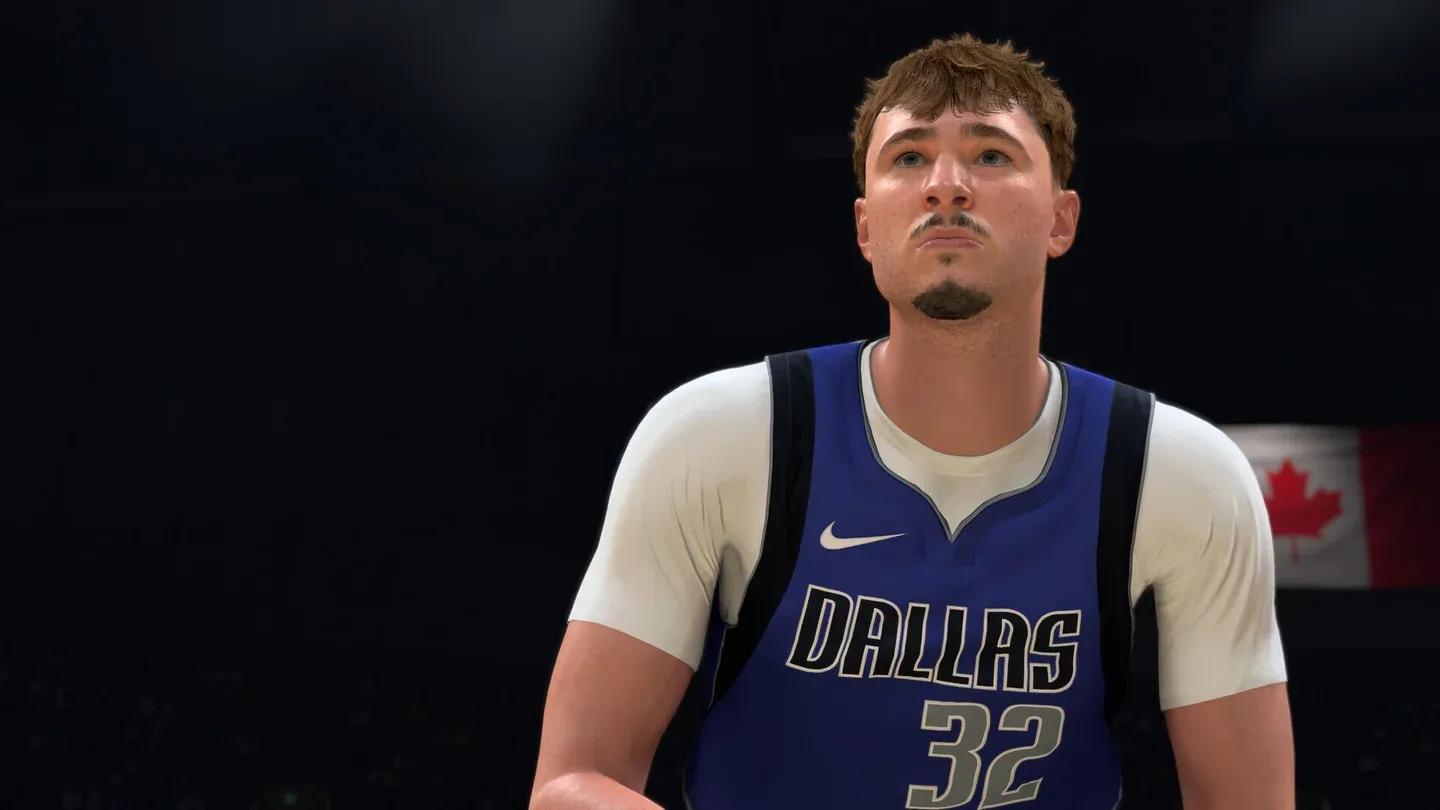
Showoff Animations slot layout

How do you get the 6-7 emote in NBA 2K27?
The 6-7 emote is the in-game celebration based on the viral six-seven trend. It sits inside the Showoff Animations menu like every other City celebration, so the equip process is identical once you own it.
Ownership is the first thing to confirm. Emotes in the series come from two sources:
- Default ownership — some celebrations are available on every fresh MyPLAYER at no cost.
- Animation Store purchases — the rest require VC to unlock.
The fastest way to check is to open Showoff Animations and look for the 6-7 emote in the celebration category. If it appears greyed out or is missing entirely, it is a store item. City celebrations typically run in the low hundreds of VC, but check the in-game store entry for the current price before buying.
How to equip the 6-7 emote step by step
The equip flow takes about 30 seconds once you know it. All six steps happen from the pause menu while in The City.
Platform category-switch buttons
| Platform | Category-switch button |
|---|---|
| Xbox | RT |
| PlayStation | R2 |
| Nintendo Switch | ZR |
Step-by-step equip process
- Pause the game while in The City.
- Open the MyPLAYER tab from the pause menu.
- Select Animations, then navigate to Showoff Animations.
- Highlight an empty City Emote slot on your emote wheel.
- Press your platform's category-switch button to flip from the default Moving Emote view into the celebration list.
- Highlight the 6-7 emote and confirm to lock it into that slot.
City Emote slot selection
Where can you actually trigger emotes?
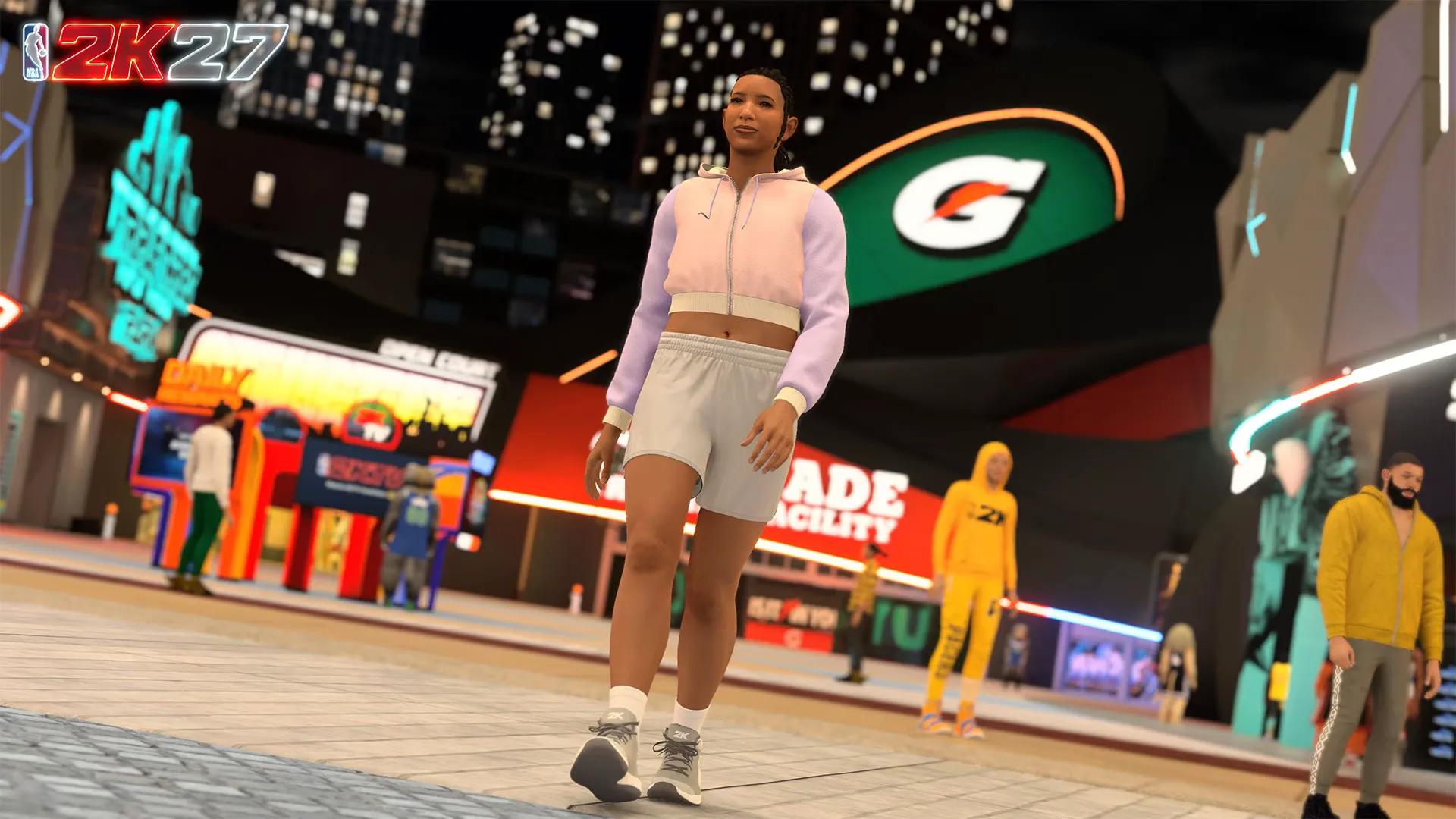
Once the 6-7 emote is slotted, it fires from your emote wheel in the social areas of the game. A few location rules apply:
- The City main area: emotes work here. Pop open your wheel and fire away.
- Rec and Pro-Am: the emote wheel functions the same as in The City.
- Parks and interior buildings: emotes do not play inside these spaces. Step back into the main City area first.
For intro and outro animations specifically, those belong in the Park and Rec Intro/Outro slot inside the same Showoff Animations menu. If you want the 6-7 emote playing when you walk out for tip-off, equip it there instead of a standard City Emote slot. The two slot types are separate, so equipping to one does not affect the other.
Emote wheel in The City
How do emotes connect to The City's bike and travel system?
The City's size makes navigation a real consideration for players grinding rep and completing daily objectives. The bike system cuts travel times significantly, and certain emote unlocks tie directly into how much time you spend moving through The City. Arriving at courts via bike can trigger unique entrance animations based on your current reputation tier, so players who build up their CityREP consistently get more impressive arrival sequences over time.
If you are still getting your bearings across all of NBA 2K27's systems, the NBA 2K27 tips and tricks guide covers controller settings, Badge Tokens, and early progression habits that make the whole experience click faster.
What other emote slots should you know about?
The Showoff Animations menu holds more than just City Emote slots. Here is a quick reference for every slot type and when it fires:
| Slot Type | When It Fires | Best Use |
|---|---|---|
| City Emote | On demand from emote wheel in The City | Celebrations, taunts, social moments |
| Moving Emote | While walking or jogging in The City | Idle style while traversing |
| Park and Rec Intro | Pre-game walk-out animation | First impression before tip-off |
| Park and Rec Outro | Post-game exit animation | Exit statement after a win |
| Teammote | Triggered with teammates | Group celebrations |
Slotting the right emote into the right category is the single most common mistake players make. Running through the full Showoff Animations menu once and assigning something to every slot you care about takes five minutes and saves a lot of confusion later.
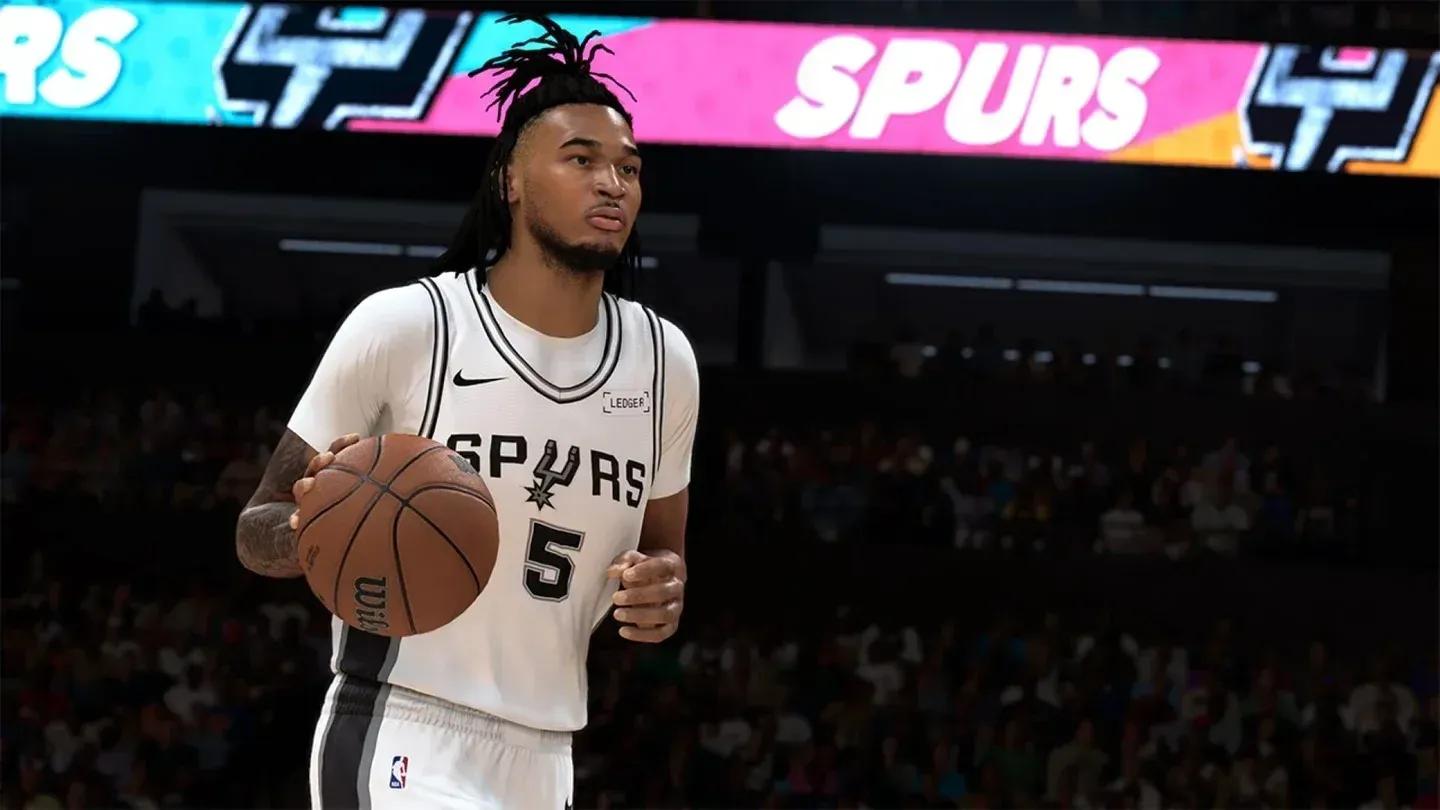
Park and Rec Intro slot
Frequently asked questions
Is the 6-7 emote free or does it cost VC?
It depends on whether it is a default-owned celebration or an Animation Store item. If it requires a purchase, City celebrations typically run in the low hundreds of VC. Check the in-game store entry for the exact current price.
Why is my emote not showing up after I equip it?
Two likely causes. First, confirm you pressed the category-switch button after selecting the slot — City Emote slots default to the Moving Emote category and hide the celebration list until you flip it. Second, confirm you are in the main City area rather than inside a park or building, since emotes do not fire in interior spaces.
Can I use emotes during an actual game?
No. Emotes are social and cosmetic features tied to The City, Rec lobbies, and Pro-Am spaces. They do not activate during live gameplay.
Do emotes affect my MyPLAYER stats or badges?
Never. Emotes are purely cosmetic. No celebration in the Showoff Animations menu affects attributes, badges, or any gameplay variable. For the full breakdown of what actually does affect your build, the NBA 2K27 MyPLAYER badge list covers all 53 badge requirements and the attribute thresholds behind them.
For a broader look at every system in the game, the full NBA 2K27 guides collection has you covered from MyTEAM strategy to dunk packages and beyond.