
Stop losing greens to lag: fix NBA 2K27 performance for good
NBA 2K27 runs on Unreal Engine 5 and pushes serious visual fidelity, but that comes at a cost. Plenty of players hit the Park or REC and immediately notice their player feels sluggish, their shot meter stutters, or the frame rate tanks mid-fast break. The frustrating part is that most of these problems are fixable with the right combination of in-game settings, Windows tweaks, and network configuration. This guide covers everything from identifying whether your issue is hardware or network-based, to the exact settings that give you the smoothest possible experience across PC, PS5, and Xbox.
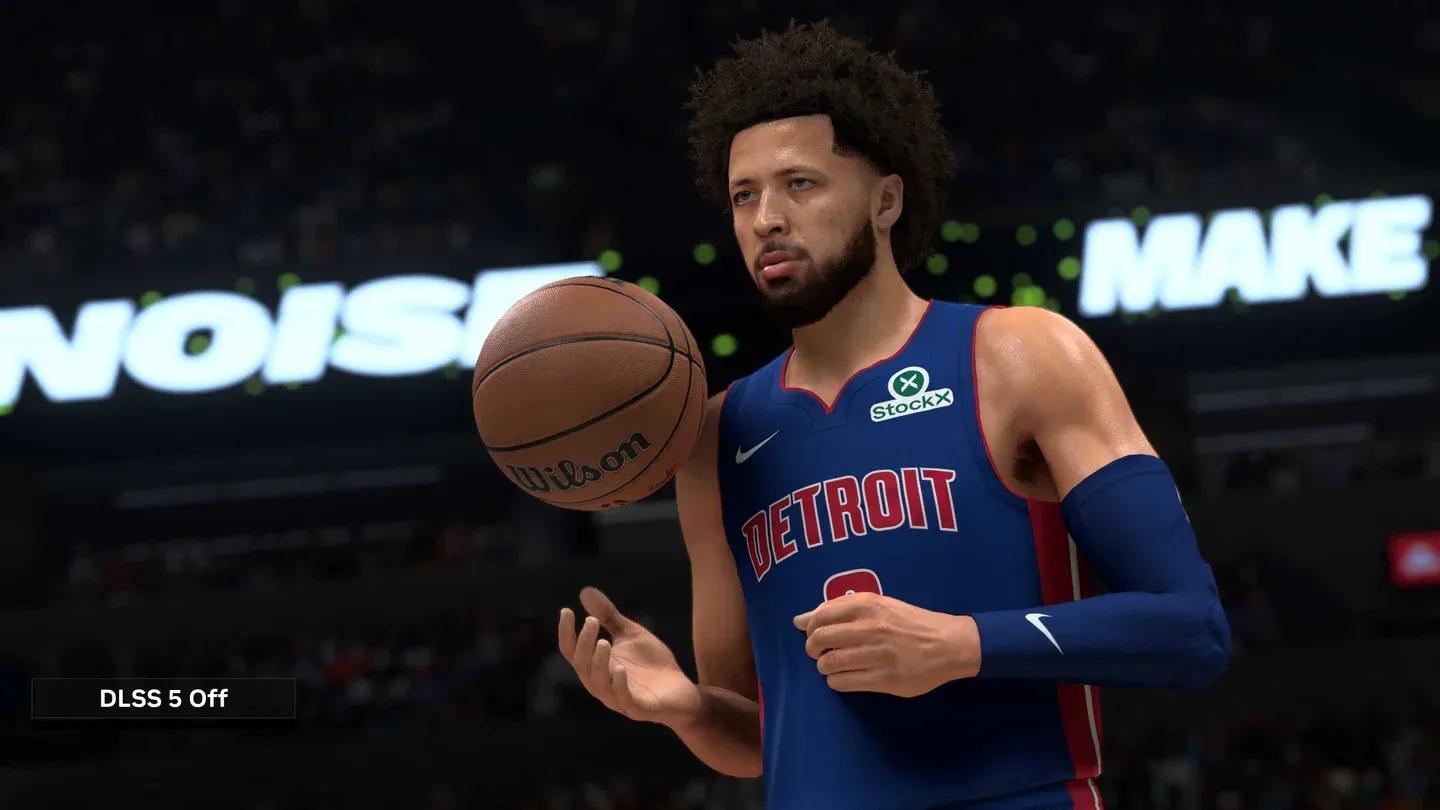
Optimal video settings panel

What's actually causing the problem?
Before touching a single setting, you need to know what you're dealing with. NBA 2K27 performance problems split into two distinct categories, and the fixes for each are completely different.
Network lag shows up as rubberbanding, delayed shot meters, and inputs that register a half-second after you press them. Your frame counter might look fine at 60 FPS while the game still feels broken. That's a connection problem, not a hardware one.
Local stuttering looks different: sudden drops to 20-30 FPS, the screen freezing during court transitions, or choppy animation during fast breaks. This points to your CPU, GPU, or RAM struggling to keep up with what the game is rendering.
There's also a third factor that catches a lot of PC players off guard: the 60 FPS online cap. In modes like Play Now Online, REC, and Park, the game's engine locks base rendering to 60 FPS to keep all players synchronized. Even an RTX 40 or 50 series GPU that runs 160+ FPS in offline MyCareer will drop to 60 online. That's not a bug. It's hardcoded.
| Issue type | Key symptoms | Root cause | Primary fix |
|---|---|---|---|
| Online 60 FPS cap | Display locked at 60 FPS in online modes | Hardcoded engine limit | G-Sync/FreeSync or Frame Generation |
| Network lag | Rubberbanding, delayed inputs, shot meter desync | High ping, packet loss, server routing | Wired connection, DNS changes, port forwarding |
| Local stuttering | Frame drops, screen freezing, choppy animations | GPU/CPU overload, thermal throttling | Lower graphics settings, driver config, Task Manager priority |
| Shader compilation | Freezing when entering The City for the first time | Shaders loading and caching | Wait a few minutes before queuing |
How to fix NBA 2K27 stuttering with optimal graphics settings
These settings reduce rendering load on your GPU without making the game look noticeably worse. After testing these against the default presets, the performance difference in crowded areas like The City is significant.
| Video setting | Recommended value |
|---|---|
| Display Mode | Fullscreen (exclusive) |
| Overall Quality | Custom |
| Anti-Aliasing | 2X or Off |
| Shadow Detail | Low |
| Texture Detail | Medium |
| Volumetric Lighting | Off |
| Motion Blur | Off |
| Crowd Detail | Low |
| Environment Detail | Low |
| Reflections | Off |
| Ambient Occlusion | Off |
Exclusive Fullscreen matters more than most players realize. It hands the game direct control over your display, which reduces input lag and frees up rendering overhead compared to Windowed Fullscreen.
Turn off V-Sync entirely. V-Sync holds frames back to match your monitor's refresh rate, which introduces micro-stutters and input delay. Instead, set a hard FPS cap in the game menu that matches your monitor's refresh rate. This keeps GPU temperatures stable and prevents thermal throttling without the frame-delivery inconsistency V-Sync creates.
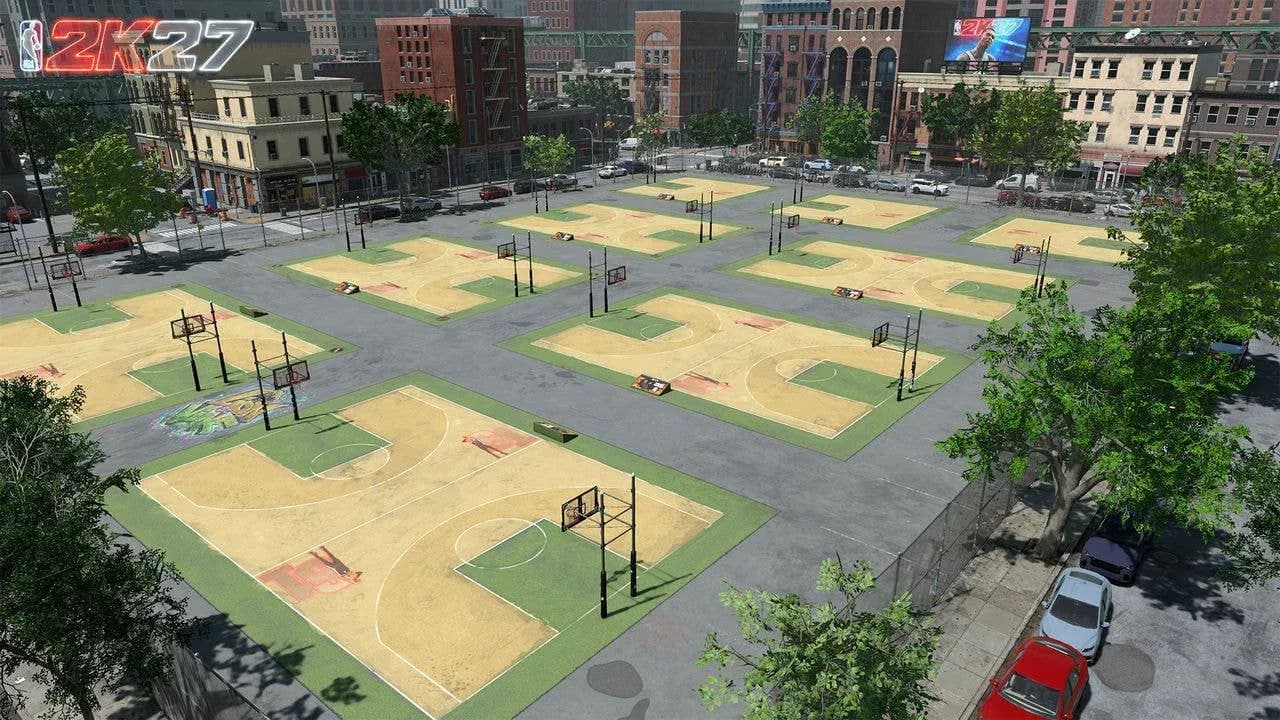
The City environment detail impact
Essential Windows tweaks to stop NBA 2K27 frame drops
Enable Windows Game Mode
Game Mode stops background Windows updates and system processes from interrupting your session. Open Settings, navigate to Gaming, select Game Mode, and toggle it on. It takes 30 seconds and has a measurable effect on frame consistency.
Switch to High Performance power plan
Power-saving modes throttle your CPU frequency, which directly causes stuttering when the game needs burst processing power. Open Control Panel, go to Hardware and Sound, then Power Options. If you don't see it, click Show additional plans and select High Performance or Ultimate Performance.
Set NBA 2K27 to High Priority in Task Manager
Press Ctrl+Shift+Esc while the game is running, navigate to the Details tab, find the NBA 2K27 process, right-click it, hover over Set Priority, and select High. This dedicates CPU threads directly to the game and is one of the fastest ways to eliminate micro-stutters.
Close background applications
Before launching, close anything that eats CPU cycles unnecessarily:
- Web browsers with multiple tabs open
- Unused game launchers (Epic Games, EA App)
- Active antivirus scans or file backup software
- Discord overlay and Xbox Game Bar if you're not using them
How to configure GPU drivers for maximum NBA 2K27 performance
Nvidia Control Panel
Right-click your desktop and open Nvidia Control Panel. Go to Manage 3D Settings, scroll to Power Management Mode, and change it to Prefer Maximum Performance. This stops the GPU from dropping clock speeds during gameplay and is a common culprit behind random frame drops that seem hardware-related but aren't.
AMD Radeon Software
Right-click your desktop and open AMD Radeon Software. Go to the Gaming tab, select NBA 2K27, find Texture Filtering Quality, and change it from Standard to Performance.
How to fix NBA 2K27 stuttering specifically in The City and REC
These multiplayer environments stress hardware significantly harder than offline modes. Two issues are specific to them.
Shader compilation stutters happen when you first enter The City. The game loads and compiles new shaders on the fly, causing freezes that can last several seconds. The fix is simple: walk into The City and wait a few minutes before queuing for a REC match. Once the shaders cache, the stuttering disappears and won't return until a major patch forces recompilation.
VRAM overload from background elements is the other culprit. The crowd, building reflections, and ambient occlusion in multiplayer hubs consume massive VRAM. Setting Crowd Detail to Low and turning off Reflections and Ambient Occlusion specifically for these modes makes a noticeable difference without affecting competitive gameplay at all.
For players exploring other aspects of their MyPLAYER build, the NBA 2K27 dunk packages unlock and equip guide covers attribute requirements and Dunk Meter timing once your performance issues are sorted.
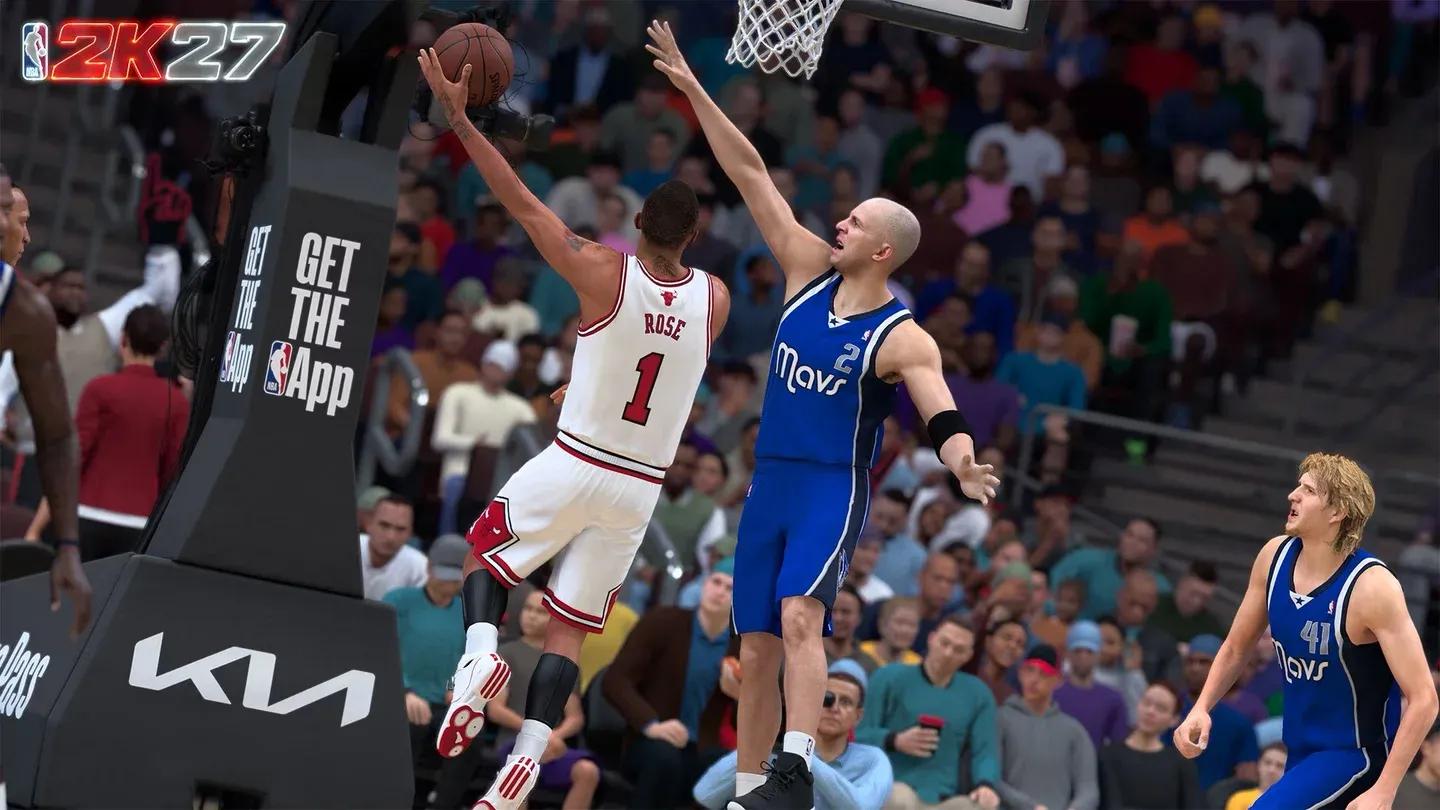
Task Manager priority configuration
How to fix NBA 2K27 input lag and shot meter delay
Input lag in online modes has a different feel than frame drops. Your player moves like they're wading through water, crossover animations chain slowly, and defensive slides arrive a half-second too late. Here's what actually helps.
Turn off controller vibration. The motor activation introduces a physical micro-stutter in your hands that compounds the on-screen delay. Disabling it makes your inputs feel cleaner immediately.
Adjust your shot timing visual cue. Online modes have inherent server latency. The REC runs 10 real players through a single server instance, which raises the baseline ping compared to offline play. You need to release your jump shot slightly earlier than your offline muscle memory suggests. Experiment with your visual cue setting to find a release point that accounts for your specific display latency.
Use a gaming monitor. A monitor with a 1ms response time makes a meaningful difference for hitting green releases consistently. Playing on a TV with 20-40ms input lag compounds every other source of delay in the chain.
Network fixes for NBA 2K27 lag spikes on PC, PS5, and Xbox
Power cycle your network hardware
Unplug both your modem and router from the wall. Leave them unplugged for at least 60 seconds to clear cache memory. Plug the modem back in first, wait for the connection lights to stabilize, then plug in the router. This clears stale routing data and forces a fresh handshake with your ISP.
Switch to a wired Ethernet connection
Wi-Fi introduces packet loss and variable latency that no software fix can fully compensate for. A direct Ethernet connection is the single most effective change for eliminating mid-game lag spikes.
Configure manual DNS settings
Your ISP's default DNS servers are often congested. Switching to Google's public DNS (8.8.8.8 primary, 8.8.4.4 secondary) reduces lookup times and improves connection stability.
On PC: Open Command Prompt as administrator, run ipconfig /flushdns, then navigate to Network and Sharing Center, open your active adapter's IPv4 properties, and enter the DNS values manually.
On PS5: Go to Settings, then Network, select Set Up Internet Connection, highlight your network, press Options on your DualSense, go to Advanced Settings, switch DNS to Manual, and enter 8.8.8.8 and 8.8.4.4.
On Xbox: Press the Xbox guide button, go to Profile & system, Settings, General, Network settings, Advanced settings, DNS settings, switch to Manual, and enter the same values.
Set up router port forwarding
A Strict NAT type blocks direct connections to game servers and causes matchmaking issues. Opening the right ports fixes this. For PS5 and Xbox, forward TCP ports 3478-3480 and UDP ports 3074, 3478-3479. For PC via Steam, forward TCP ports 27015 and 27036, plus UDP ports 27015 and 27031-27036. Assign your device a static IP in the router's DHCP reservation menu first so the forwarding rules don't break after a restart.
Enable Quality of Service on your router
QoS prioritizes gaming traffic over other household internet usage. Log into your router's admin panel, find Quality of Service or Traffic Management under Advanced settings, enable it, and add your gaming device's MAC address to the Highest Priority list. This prevents a family member streaming 4K video from spiking your ping mid-game.
Clear console cache and rebuild storage
Accumulated cache files cause stutters that feel exactly like network lag. On PS5, hold the power button until you hear a second beep to enter Safe Mode, connect your controller via cable, and select Clear Cache and Rebuild Database. On Xbox, go to Settings, Devices & connections, Blu-ray, Persistent Storage, and click Clear Persistent Storage. Pull the power cable for five minutes after clearing storage on either console.
Frequently asked questions
Why does NBA 2K27 stutter only in online modes?
Online stuttering almost always points to packet loss or server routing rather than hardware failure. Your frame rate can look stable at 60 FPS while the game still feels broken because the issue is in the data pipeline between your machine and the server, not in your rendering.
Does installing NBA 2K27 on an SSD improve performance?
An SSD won't raise your peak FPS, but it eliminates stuttering caused by slow texture streaming during gameplay. The difference is most noticeable in The City, where the game constantly loads new assets as you move through the environment. An NVMe SSD is the target.
Why is my GPU usage low while playing?
Low GPU usage usually means a CPU bottleneck. Your processor can't feed the GPU fast enough to keep it fully loaded. It can also mean an in-game FPS cap or V-Sync is artificially restricting the GPU. Check both.
Should I use Windowed Fullscreen or exclusive Fullscreen?
Exclusive Fullscreen every time. It gives the game direct control over the display, reduces input lag, and generally produces a higher frame rate than Windowed Fullscreen.
For more on building out your MyPLAYER once performance is dialed in, check the NBA 2K27 best builds guide for every position and the full NBA 2K27 strategy guide collection for everything from locker codes to MyCAREER progression.