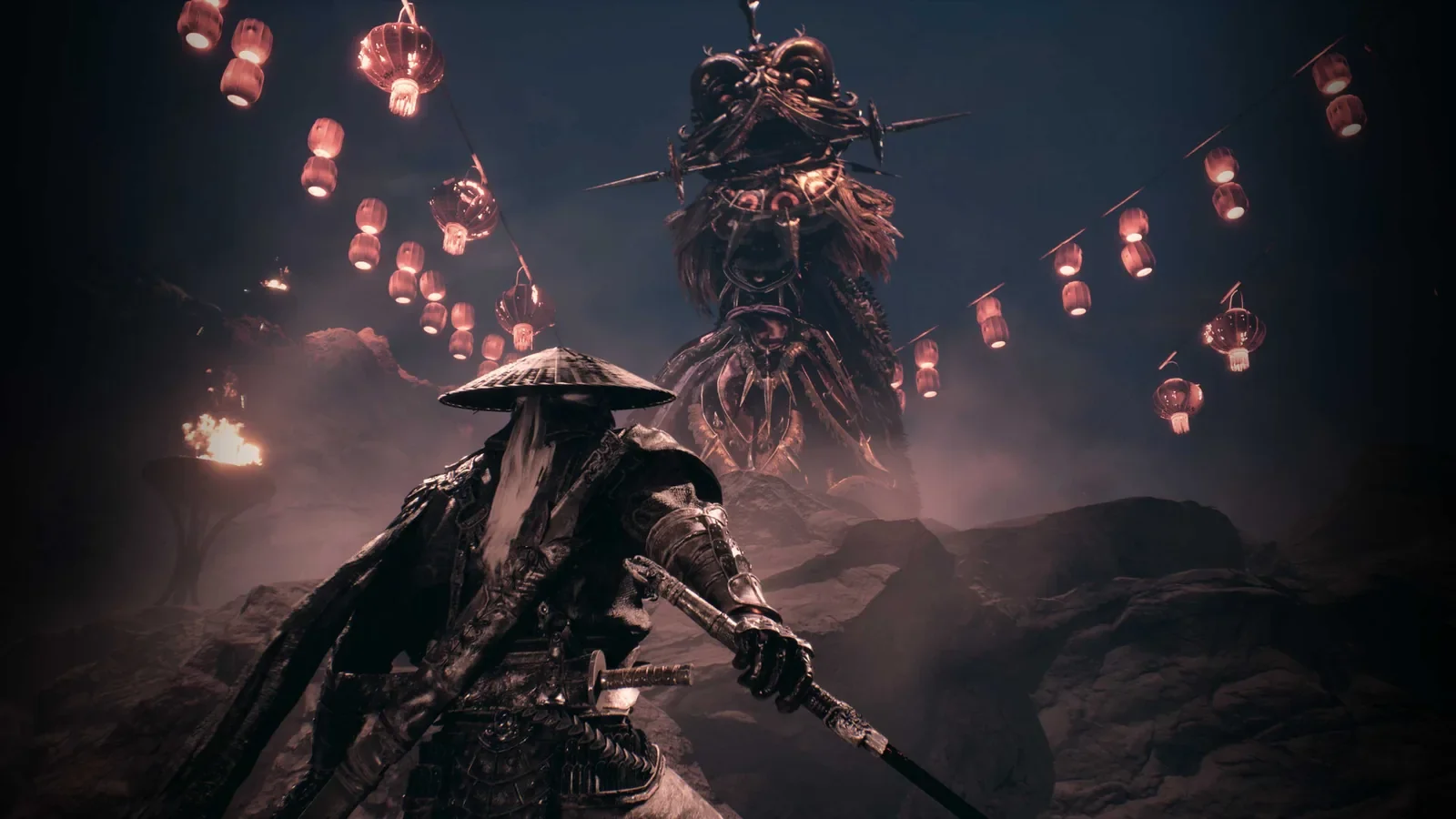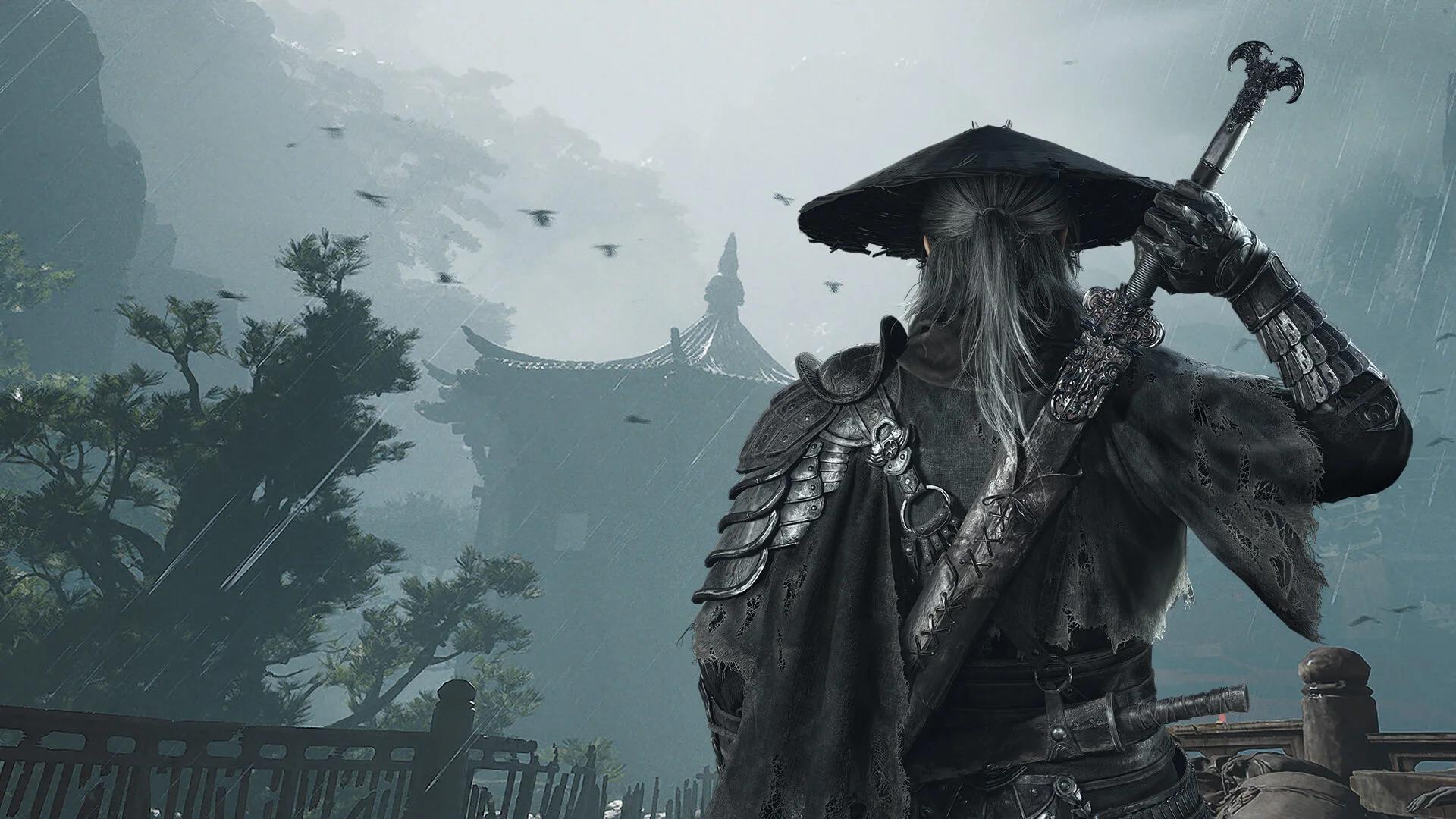

The late-November patch for Phantom Blade Zero reduces video memory (VRAM) and system RAM usage on PS5 and PC. The biggest memory savings are in cutscenes and snow-covered areas.
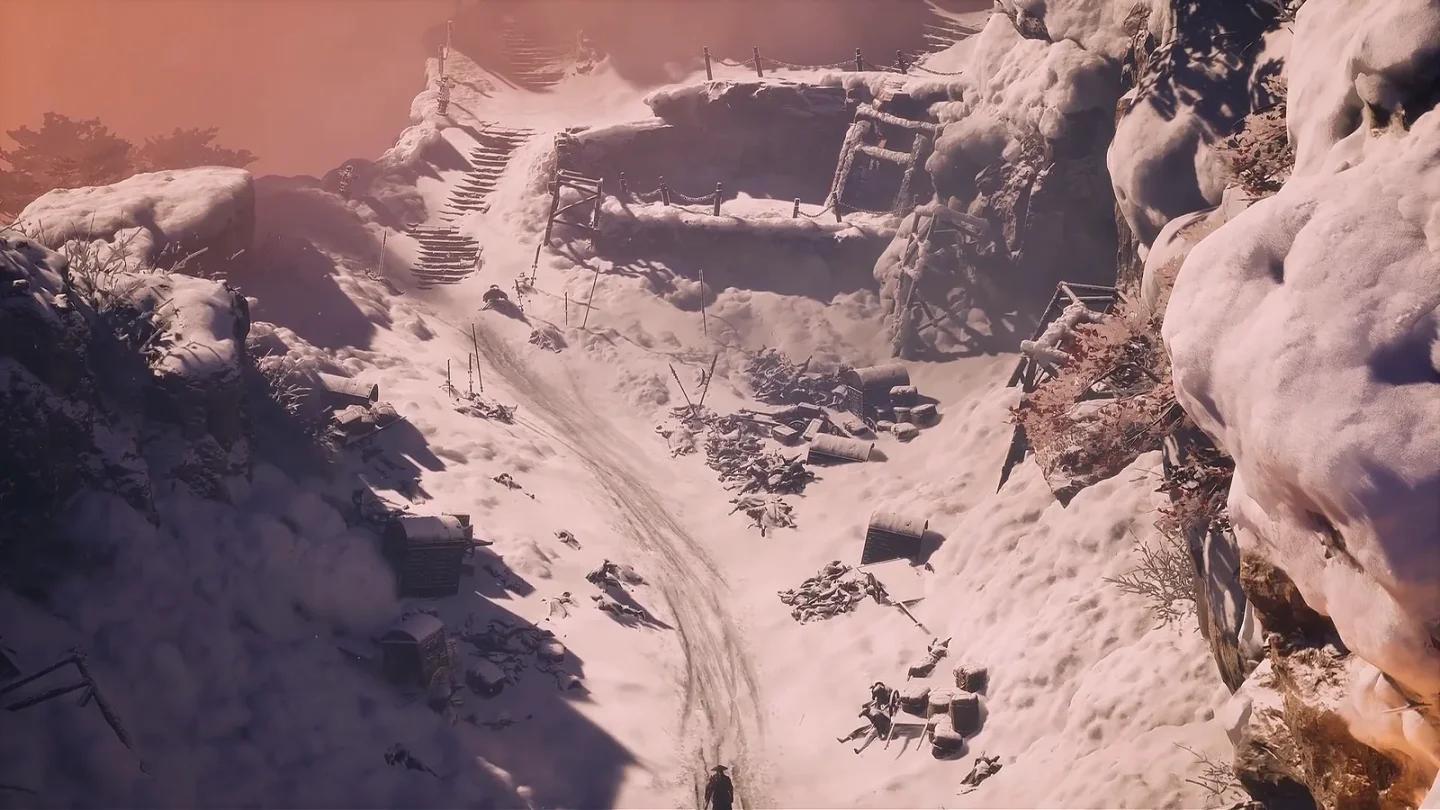
Phantom Blade Zero in the snow
S-GAME has not published performance benchmarks or before-and-after figures for the memory reduction.
Target switching and sword controls
PC players get a new Mouse Lock-On Target Switching Sensitivity setting. It controls how far you need to move the mouse to switch targets while locked on. Setting it to 0 disables mouse-based target switching.
Automatic lock-on during combat has also been improved, separate from the new mouse sensitivity control.
The Soft Snake Sword receives changes to its controls and defensive options:
- Sword Blossom Shield: Hold Execute to perform the move.
- Guard Stance: Sidesteps now have a longer invulnerability window.
The weapon's effects have also been updated.

Visual fixes and PC precautions
The patch updates several weapon and skill descriptions and corrects errors in UI elements, icons, and localized text. It also fixes playback problems in certain cutscenes, image flickering, and light leaking through objects in several scenes.
S-GAME recommends removing third-party mods before installing the patch because some may be incompatible with the update.
S-GAME suggests clearing the shader cache if crashes or stuttering occur afterward; our Phantom Blade Zero PC fixes guide covers driver, Steam, and settings troubleshooting if you need more options.
The patch also fixes a combat bug involving enemies reset by ringing a bell. Some could remain invisible while still moving and attacking.