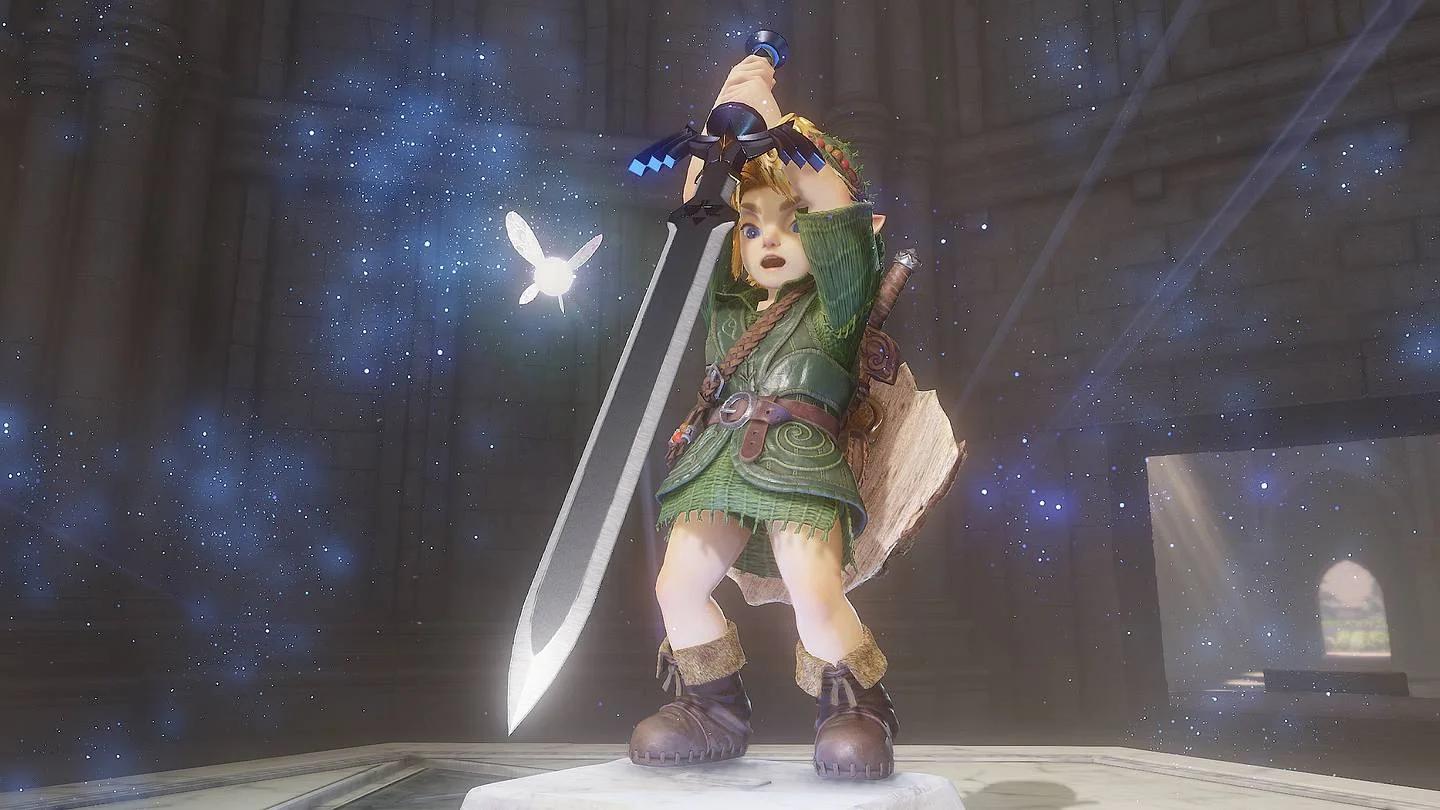

The Legend of Zelda: Ocarina of Time has received update 1.1.2 on Nintendo Switch 2, fixing a bug that prevented the Malon's Friend event from progressing.
Nintendo's patch notes explicitly cover players who have already run into the problem. Downloading the update allows them to carry on with the affected event.
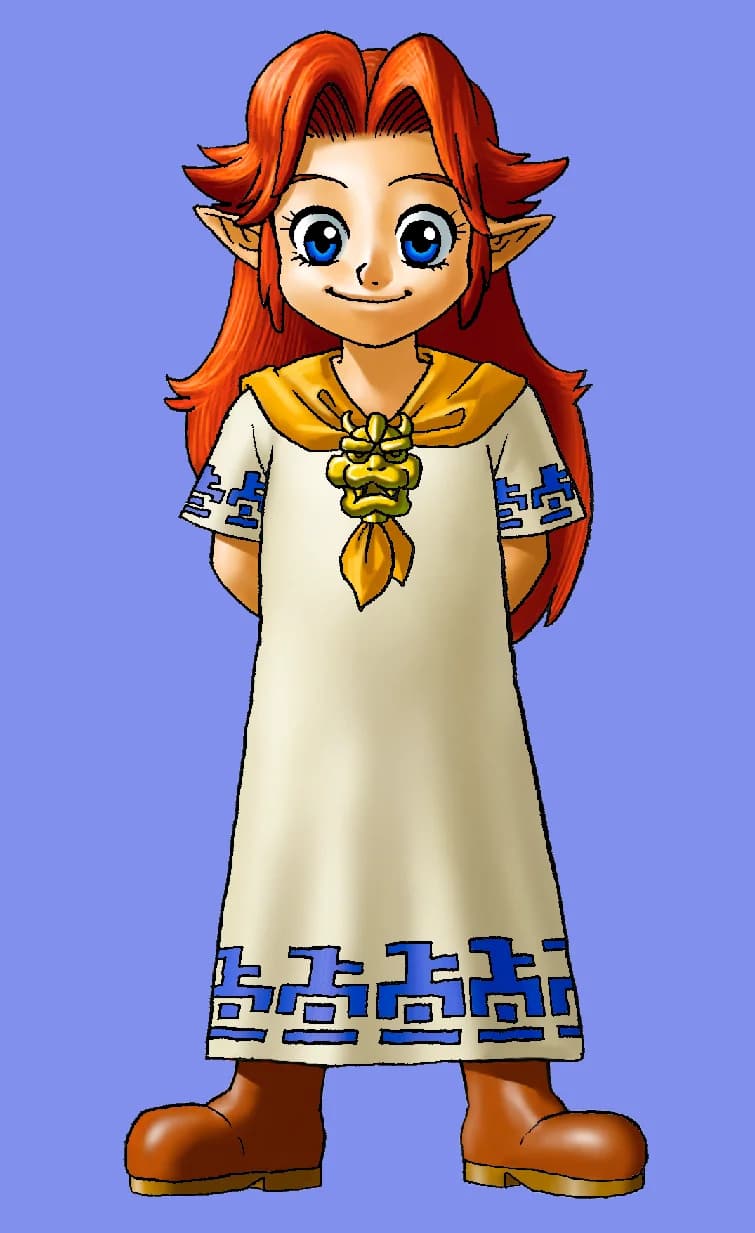
Malon in Ocarina of Time

The patch also addresses several other issues to improve the gameplay experience. Nintendo groups those changes together in the notes without naming the individual bugs or describing specific performance improvements.
The previous update, version 1.1.1, added support for the Zelda Notes mobile app. This latest release focuses on bug fixes.
How to install update 1.1.2 on Switch 2
The patch may download automatically when your console is connected to the internet and automatic software updates are enabled. If you want to start the download manually, use the following steps:
- Open the HOME Menu on your Nintendo Switch 2.
- Highlight The Legend of Zelda: Ocarina of Time without launching the game.
- Press the + or - button on your controller to open its software options.
- Select Software Update, then choose Over the Internet.
The installed version number appears beneath the game's title in the software information menu. Nintendo also notes that installing the update is required to use the game's internet features.