
Aquariums are one of the biggest new systems in Planet Zoo 2, and they work nothing like a standard terrestrial habitat. You are not just drawing a barrier loop and dropping animals inside. Every aquarium depends on a powered filtration network, correctly matched salinity, temperature controls, two separate cleanliness values, and staff who can physically enter the water. Get any one of those wrong and your animals start losing welfare fast.
This guide covers the full build order, how the filtration network actually connects (it is not where most players first look), the difference between Water Cleanliness and Tank Cleanliness, and the maintenance routines that stop barriers from cracking.
How do aquariums work in Planet Zoo 2?
Aquariums are the dedicated habitat type for fully aquatic species. The system tracks three welfare parameters: salinity, temperature, and cleanliness. Each is managed through a different part of the infrastructure, which is why a tank can look fine on the surface while quietly failing one of the three.
The Aquarium Staff Gate is the single most important piece of the build. Staff enter the water through it wearing diving equipment, the filtration network connects to a node on the gate, and powering the gate is what lets you control the aquarium's temperature. If something is wrong with the gate, the whole setup breaks down.
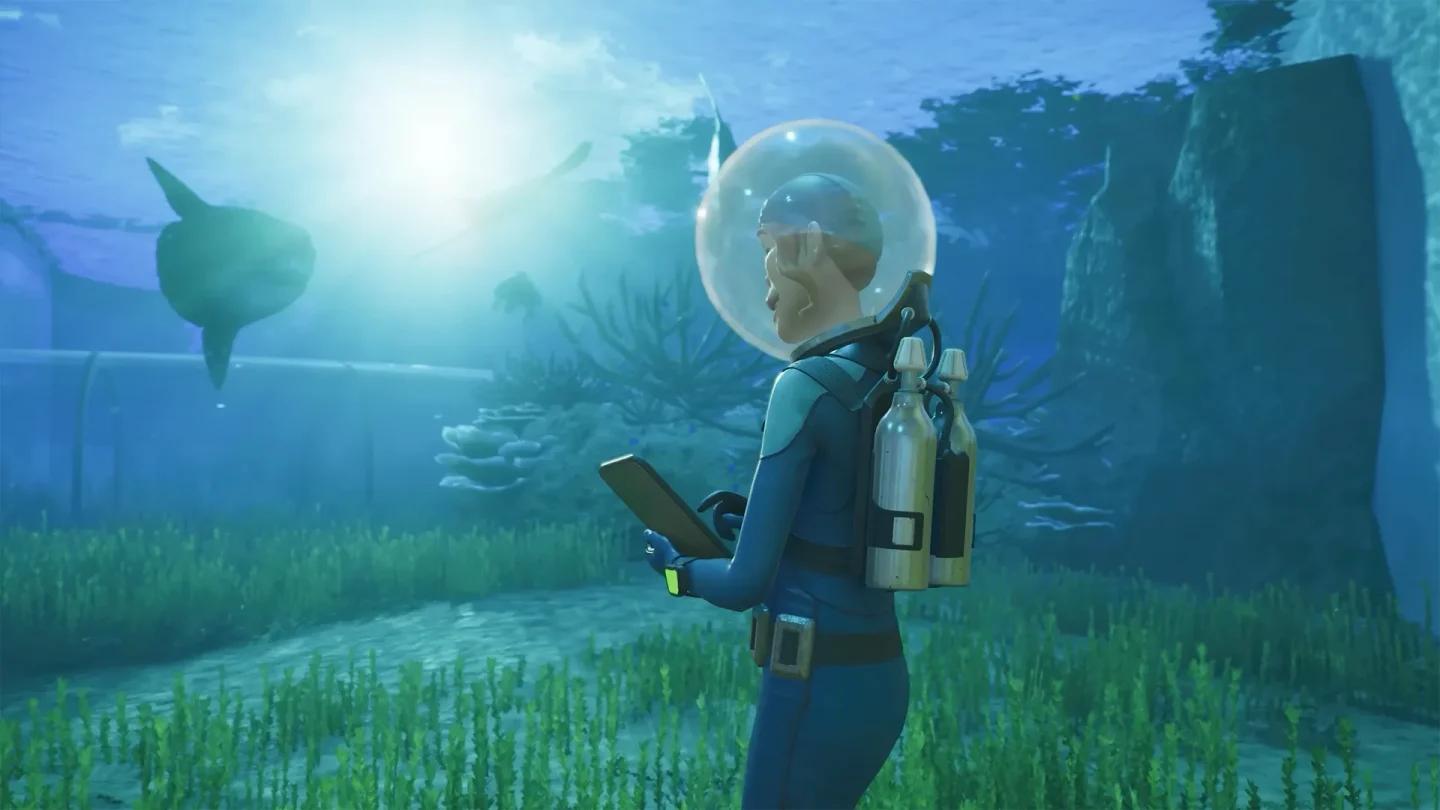
Staff gate is your filtration hub

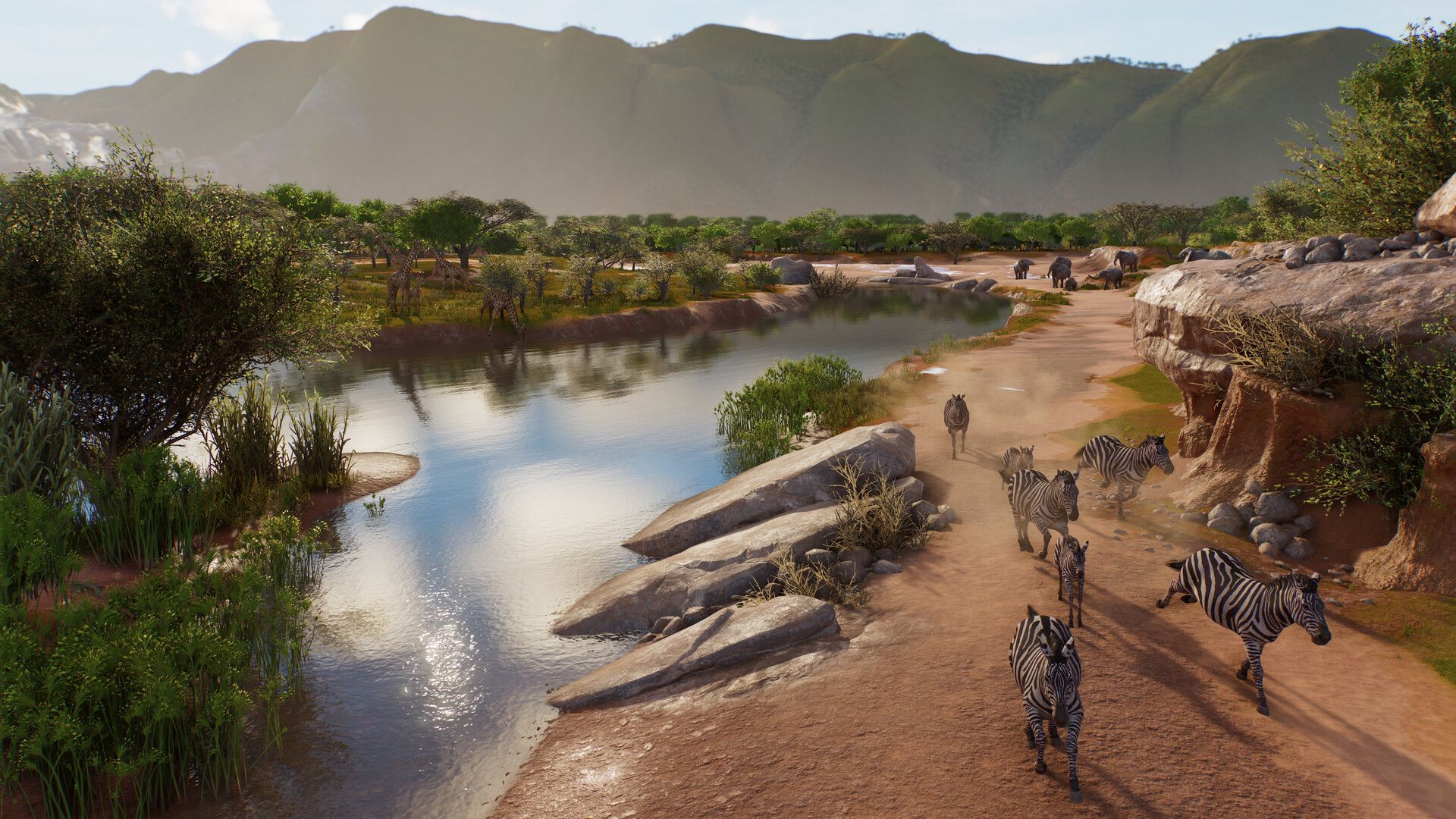
What animals can live in a Planet Zoo 2 aquarium?
There are 37 species that can use aquariums at launch. Twenty-two are dedicated aquarium-only animals, and another 15 can be housed in either an aquarium or an exhibit.
Aquarium-only species (22)
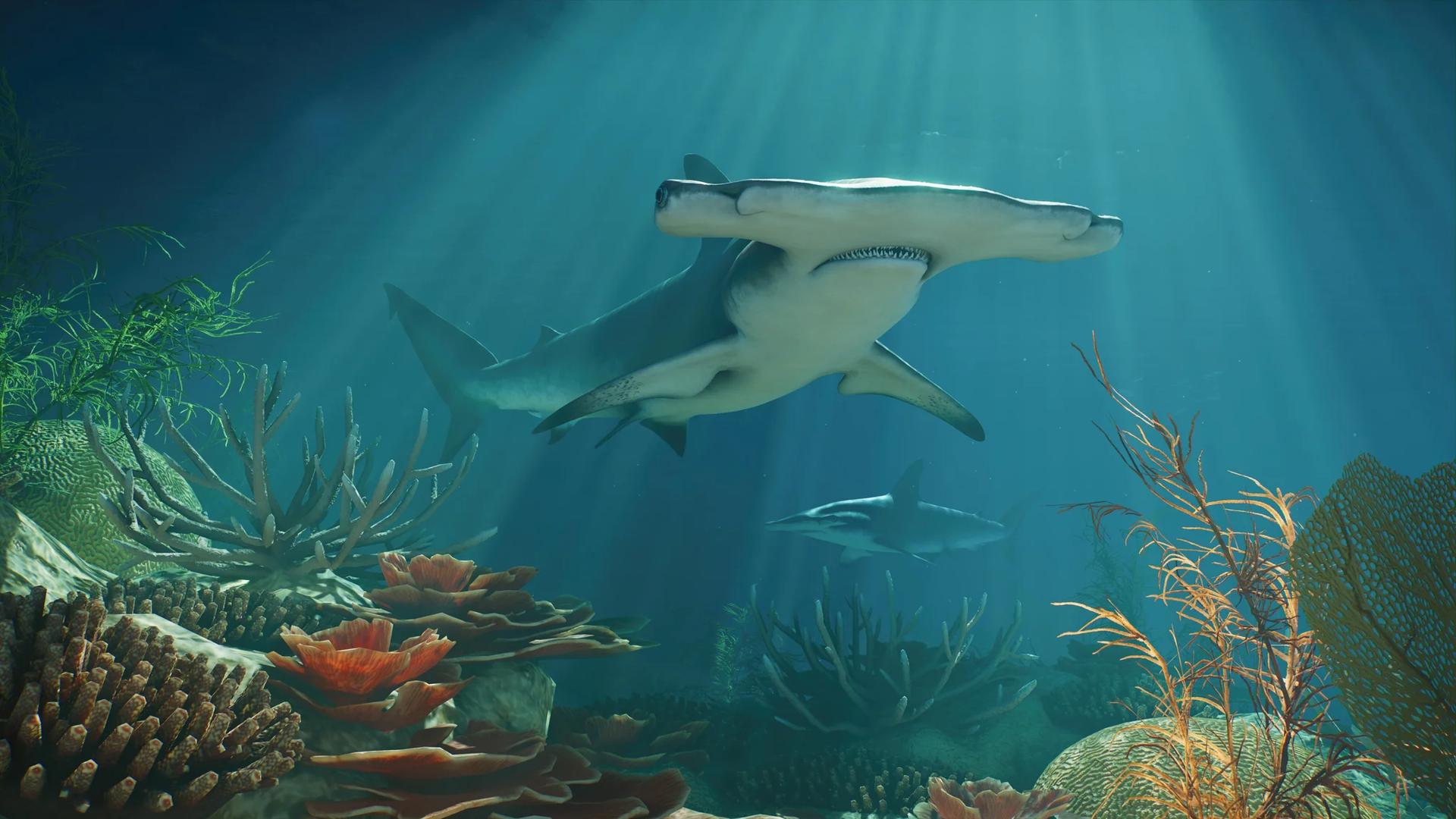
- Great Hammerhead (Deluxe)
- Longfin Batfish (Deluxe)
- Hawksbill Turtle
- Blacktip Reef Shark
- Ocean Sunfish
- Blackspotted Puffer
- Humphead Wrasse
- Golden Trevally
- Pacific Sardine
- Red Lionfish
- Indo-Pacific Leopard Shark
- Dolphinfish
- Ocellated Eagle Ray
- Clown Triggerfish
- Sailfin Snapper
- Pacific Bluefin Tuna
- West Indian Manatee
- Indian Ocean Oriental Sweetlips
- Giant Grouper
- Javanese Cownose Ray
- Sand Tiger Shark
- Koi
Aquarium or exhibit species (15)
These include the Blue and Gold Fusilier (Deluxe), Yellow Tang, Schooling Bannerfish, Palette Surgeonfish, Brown Trout, Blunthead Cichlid, African Tigerfish, Clown Loach, Indo-Pacific Sergeant, Boeseman's Rainbowfish, Bluespine Unicornfish, Common Rudd, Giant Gourami, Clown Anemonefish, and Threespot Damselfish.
Shoaling species like Pacific Sardine and Schooling Bannerfish behave differently from individually managed animals. Shoals regenerate their population rather than breeding individually, do not use the genetics system, and can split as numbers grow. Contraception stops a shoal from splitting; sustained poor welfare causes the population to decline.
How to build a Planet Zoo 2 aquarium step by step
Building the tank in the right order saves a lot of rework. Finish all the support systems before adding animals.
- Open the Barrier menu and select Aquarium Barriers, then draw a closed loop around the tank footprint. An open loop registers as no habitat at all.
- Add an Aquarium Staff Gate to the barrier loop. This is not optional — it is the connection point for filtration and the entry point for staff.
- Connect the aquarium to a power network. The Staff Gate needs power before temperature controls and filtration can function.
- Place a Water Filter under Facilities > Utilities and open Edit Filtration Network to link the filter's connection node to the node on the Aquarium Staff Gate. Connect to the gate node, not to a standard barrier panel.
- Set the correct salinity (Freshwater, Brackish, or Saltwater) in the filtration network settings.
- Open the Environment tab of the aquarium's Info Panel and configure the target temperature.
- Add underwater enrichment: foliage, rocks, and coral. Fish AI uses these as grazing surfaces and cover, and species like the Blacktip Reef Shark need enough horizontal space to keep swimming continuously.
- Adopt animals from the Animal Trading menu and release them from Animal Storage once the environment is ready.
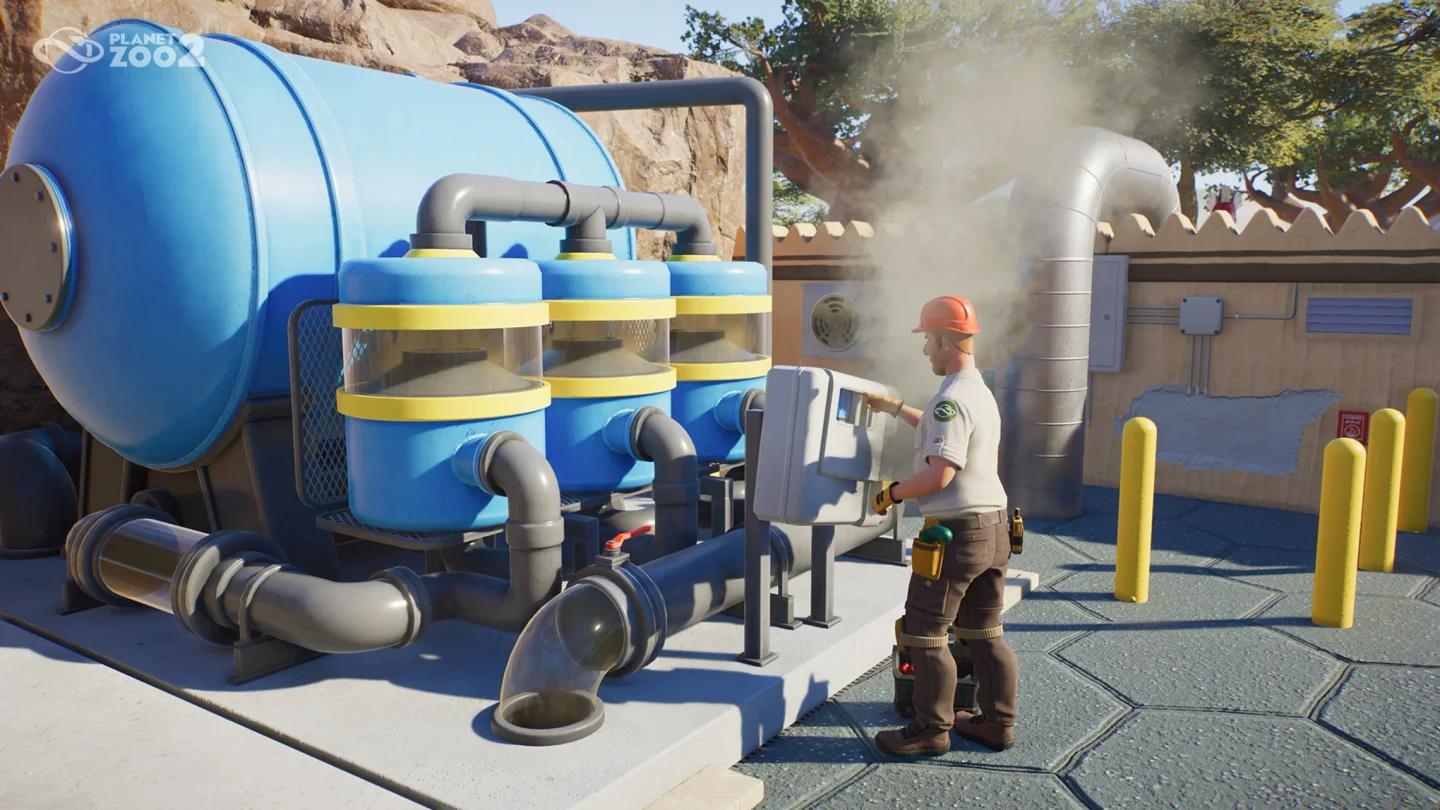
Find Water Filter under Utilities
How does aquarium filtration work?
Here's the short answer: the Water Filter connects to the Aquarium Staff Gate node, not to the barrier wall. This trips up a lot of players who spend time clicking around the glass panels looking for a connection point that does not exist there.
Once connected, the filtration network produces a Filtration Rate that must meet or exceed the aquarium's current demand. Demand increases with both the volume of water and the number of animals inside. A network that handles a freshly built tank can fall short after you expand the enclosure or add substantially more residents.
If Filtration Rate drops below demand, Water Cleanliness starts declining. Bringing filtration back above the required level lets water quality recover on its own.
What to check if the filter is not working
- Confirm the filtration network is connected to the Staff Gate node, not a barrier panel.
- Verify the Water Filter has a nearby power source and is receiving power.
- Check if the filter's staff entrance is facing an accessible area. An "Invalid Rotation" error usually means the white staff-entry arrow is pointing somewhere staff cannot reach. Rotating the facility 180 degrees often fixes it.
- Compare the network's current Filtration Rate against the aquarium's demand in the Info Panel.
- Check that the salinity setting on the network matches the species inside.
Freshwater, brackish, or saltwater: which salinity does your tank need?
Salinity is set through the filtration network, not through the aquarium panel directly. Select the Water Filter, open Edit Filtration Network, and switch between Freshwater, Brackish, and Saltwater.
A saltwater species placed in freshwater will lose welfare immediately, and the reverse is equally true. Always cross-reference the Zoopedia entry for every species before committing to a water type.
| Water Type | Example Species | Notes |
|---|---|---|
| Freshwater | Koi, Brown Trout, Blunthead Cichlid | Separate network from saltwater tanks |
| Saltwater | Great Hammerhead, Hawksbill Turtle, Blacktip Reef Shark | Most dedicated aquarium species |
| Brackish | Species with mixed requirements | Check Zoopedia carefully |
Planning multiple aquariums with different water types? Use separate filtration networks for each. A single network cannot serve both a shark tank and a freshwater koi pond.
How to manage aquarium temperature
Temperature is configured through the Environment tab in the aquarium's Info Panel, and the Staff Gate must have power before those controls become active. Check each species' acceptable temperature range in the Zoopedia before setting the value.
One thing worth knowing: the further the set temperature is from the current weather temperature, the higher the running cost. Planet Zoo 2 runs a 60-real-time-minute seasonal year, so a cold-water species in a warm-climate zoo will cost noticeably more to maintain than one whose preferred range matches the local season.
Grouping species with similar temperature requirements in the same tank keeps both management and operating costs simpler.
What is the difference between Water Cleanliness and Tank Cleanliness?
These are two separate values and they are fixed by two separate systems. The mistake most players make is adding more filters when the real problem is a keeper who cannot reach the gate.
Water Cleanliness is maintained by the filtration network. As long as Filtration Rate meets the aquarium's demand, the network keeps the water clean.
Tank Cleanliness is maintained by Keepers. It decreases over time regardless of filtration quality and is restored when a Keeper enters the aquarium and physically scrubs the tank.
The two values interact: poor Water Cleanliness causes Tank Cleanliness to deteriorate much faster, which in turn increases the keeper workload. If both values drop far enough, the aquarium becomes a Disease Risk for its animals, potentially requiring quarantine and vet treatment.
How to prevent leaks and maintain barriers
Aquarium barriers lose condition over time. Mechanics are responsible for servicing them, and neglected barriers can crack and eventually spring a leak.
Leaks have consequences beyond animal welfare. Guests near a leaking aquarium will flee the area, and an Inspector who spots an active leak can end the inspection and issue a fine.
Two practical rules keep barriers in good shape:
- Use reinforced glass for large tanks. Heavier barrier materials resist cracks better, and this matters most for tanks over a million litres.
- Build vertically rather than horizontally. Digging down gives species more water column depth for the same plan area, and it reduces the total barrier surface that needs maintenance. Subterranean aquariums with underwater guest tunnels, one-way glass, and concave or convex walls are all supported.
Make sure Mechanics have reliable access to aquarium areas before barriers reach a critical condition. Assign short, overlapping Work Zones so staff covering the aquarium also cover the Animal Trade Centre nearby.
How to edit an aquarium after it is built
You cannot reshape an aquarium while it contains water and animals. Box up the animals first, then use the Drain Water button below the aquarium's Info Panel to empty the tank. Once clear, use the Barrier Tool to alter the shape, change wall height, or lower the terrain underneath.
After construction changes, refill the tank and verify that filtration, salinity, temperature, and all environmental settings are still correct before returning the animals. Because edits require temporarily clearing everything out, it is worth building larger than you think you need from the start.
Common aquarium problems and how to fix them
Most aquarium failures trace back to one of the support systems rather than the tank design itself. Run through this checklist in order before assuming something is broken.
| Problem | Most Likely Cause | Fix |
|---|---|---|
| Filtration not working | Filter connected to barrier wall, not Staff Gate node | Reconnect to Staff Gate node |
| Water Cleanliness dropping | Filtration Rate below demand | Add more Water Filters or reduce tank size |
| Tank Cleanliness dropping | Keeper cannot reach the gate | Check Work Zone and gate accessibility |
| Invalid Rotation on filter | Staff entrance facing inaccessible area | Rotate filter 180 degrees |
| Animals losing welfare despite clean water | Wrong salinity or temperature | Check Zoopedia for species requirements |
| Barrier cracks or leaks | Mechanic not servicing barriers | Assign Mechanic with overlapping Work Zone |
| Disease Risk warning | Both cleanliness values too low | Fix filtration and keeper access simultaneously |
For broader zoo management strategies, including how to keep your finances healthy while building out aquarium infrastructure, the Planet Zoo 2 money guide covers the best ways to keep cash flowing as your zoo expands.
If you are working toward specific unlocks, the Planet Zoo 2 achievements and trophies guide breaks down all 39 trophies across every category, including habitat-building milestones that aquarium construction counts toward.
For everything else across the game's systems, the full Planet Zoo 2 strategy guides collection has dedicated pages for every habitat type, game mode, and management mechanic.