
Getting around Pokemon Pokopia on foot can eat up a surprising amount of time, especially once your island starts filling with Pokemon and your quest list grows. The good news is that the game gives you multiple ways to zip around the map instantly, and once you understand how each method works, exploration becomes a completely different experience. Here is everything you need to know about fast travel in Pokemon Pokopia, from the basics to the smartest ways to use each system.
How Does Fast Travel Work in Pokemon Pokopia?
Pokemon Pokopia does not use a single fast travel system. Instead, it offers three distinct methods, each serving a different purpose depending on where you want to go and what you are trying to do. Understanding when to use each one is the key to efficient exploration.

Method 1: Return Home via the Pokedex
The most accessible fast travel option is Return Home, found directly inside your Pokedex. Selecting it brings up a prompt asking which area you want to travel to. If you have claimed a home in that biome using a Ditto Flag, you will land at that house. If you have not set up a home there yet, the game teleports you to the nearest safe location in that region instead.
Setting up a home is straightforward. You build a house structure first, then claim it by placing a Ditto Flag on it. Professor Tangrowth hands over the Ditto Flag recipe very early in the game, so this option becomes available almost from the start. Prioritizing a home in every new zone you unlock is one of the smartest early habits you can build.
Method 2: Fast Travel to a Specific Pokemon Using Fly or Teleport
The second method lets you travel directly to a specific Pokemon rather than a fixed location. To use it, open the Pokedex, hover over the Pokemon you want to find, and press the + button. This triggers a search. Then walk up to any nearby Pokemon with the Fly or Teleport specialty and interact with them. After a short animation, you are instantly transported to wherever that target Pokemon currently is.
Pidgey is one of the most commonly used Fly-capable Pokemon for this purpose. Because Pokemon in Pokopia roam around and follow their own routines, this method is especially useful when you are hunting a specific Pokemon that keeps moving around a busy area.
The more Pokemon you have discovered in a zone, the more destinations become available. Every new Pokedex entry in a region is effectively a new warp point, which means thorough exploration early on pays off with a much denser travel network later.
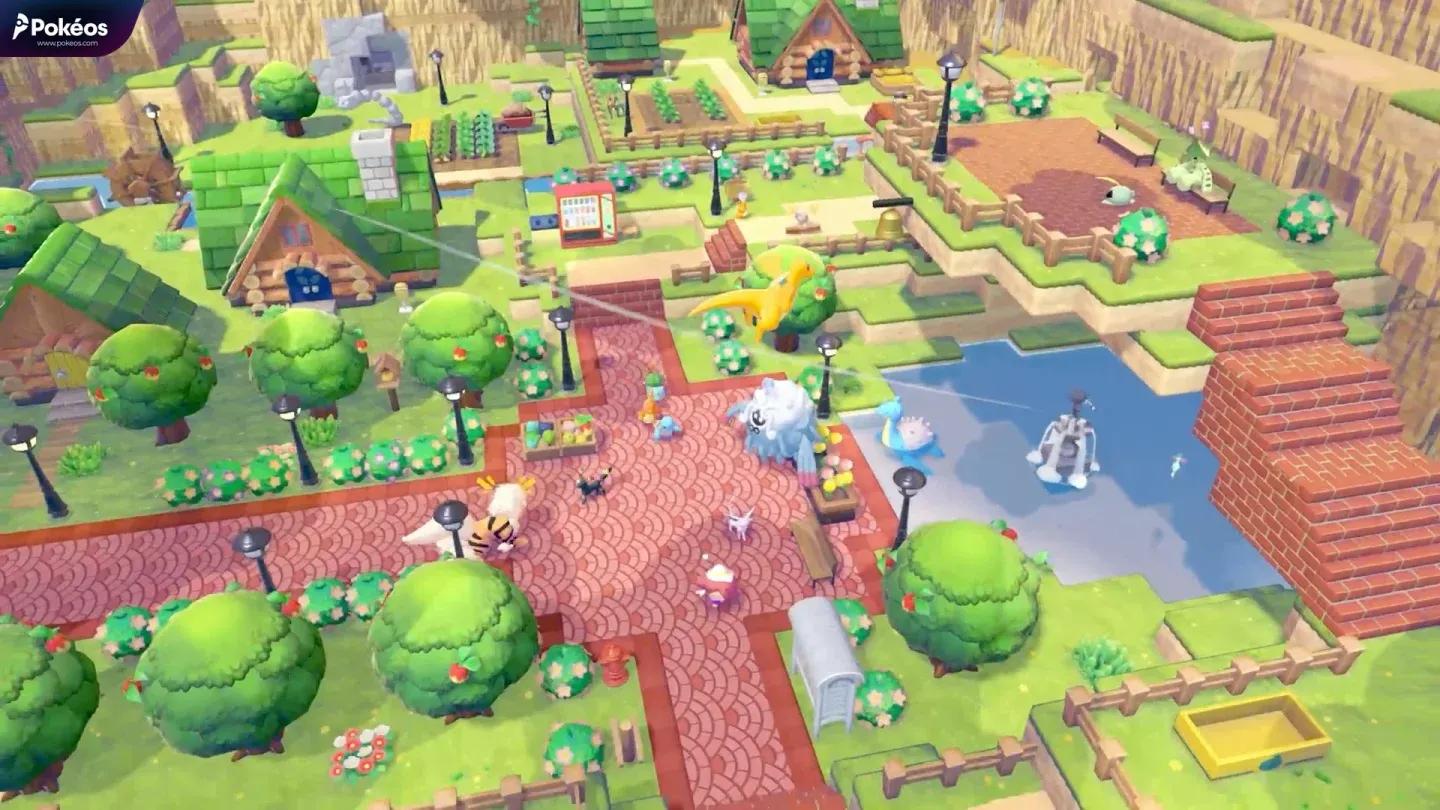
Pidgey activating Fly specialty
Method 3: Travel to Other Player Islands via the Pokemon Center PC
The third method is for multiplayer. Inside any Pokemon Center, you can access the PC and open Link Play. From there, you can invite other players to your world, join someone else's island, or create a shared Cloud Island for your group.
This feature unlocks once your island reaches Environment Level 2, so it is not available at the very start of the game. Reaching that level requires building up your environment and increasing comfort ratings for the Pokemon living on your island.
Fast Travel Methods Compared
| Method | How to Access | Destination Type | Zone Restriction |
|---|---|---|---|
| Return Home | Pokedex menu | Your claimed home or nearest safe spot | Cross-biome, any unlocked area |
| Fly / Teleport Specialty | Pokedex + nearby Fly/Teleport Pokemon | Specific discovered Pokemon's location | Same zone only |
| Pokemon Center PC (Link Play) | Pokemon Center PC | Other player islands or Cloud Islands | Requires Environment Level 2 |
When Should You Use Each Method?
When You Are Stuck or Stranded
If Ditto gets stranded somewhere dangerous, such as a platform surrounded by water (Ditto will black out if it stays in water too long), use Return Home immediately. It is the fastest escape option in the game and works regardless of your surroundings.
When Your Inventory Is Full
Heading out to explore and suddenly running out of bag space is a common problem. Return Home lets you warp back to your base instantly, drop off your materials, and head back out without wasting time on the return walk.
When You Need to Find a Specific Pokemon
Use the Fly or Teleport method when you are tracking down a particular Pokemon for a request, a specialty interaction, or just to add it to your Pokedex. Because Pokemon roam freely and the world gets busier as you progress, manually searching for one specific Pokemon can take a long time. The Pokedex search plus a Fly Pokemon cuts that down to seconds.
When You Want to Reach a New Area
New areas unlock as you progress through requests. The first new zone opens after completing the Yawn up a Storm! request from Slowpoke, which upgrades your rank to Great Trainer and unlocks the gate to the east of the Pokemon Center. Once a new area is available, you can use Return Home to travel there if you have a home set up, or simply walk through the unlocked gate for the first time.

Claiming a home with Ditto Flag
How to Unlock More Fast Travel Points Quickly
The single best way to expand your fast travel network is to explore each zone thoroughly and fill out your Pokedex. Every Pokemon you discover in a region becomes a potential warp destination via the Fly method. Players who explore corners of the map early will have far more travel options available when they need them most.
Pairing that with setting up homes in each biome using Ditto Flags gives you a two-layer travel system: broad cross-biome jumps via Return Home, and fine-grained within-zone movement via Fly. Together, these two methods cover almost every navigation scenario the game throws at you.
Step-by-Step: How to Fast Travel to a Pokemon Using Fly
- Open the Pokedex from your main menu.
- Scroll to the Pokemon you want to locate.
- Hover over its entry and press + to activate the search.
- Find and interact with a nearby Pokemon that has the Fly or Teleport specialty.
- Confirm the travel prompt when it appears.
- Your character is instantly transported to the target Pokemon's location.
The whole process takes only a few seconds once you have a Fly-capable Pokemon nearby, making it one of the quickest ways to cross a busy zone.