
Four active Do Not Stop codes give you 850 free Credits in Roblox.
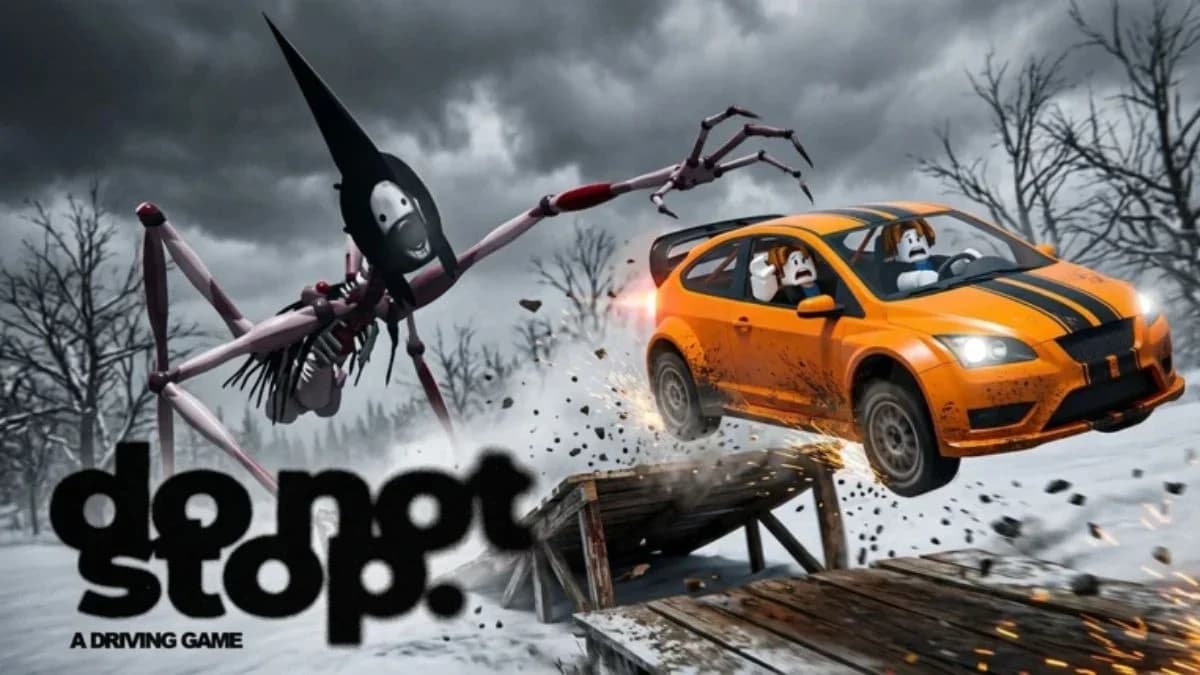
Do Not Stop puts you on dangerous roads with a monster chasing your vehicle. Teamwork and driving skill help you survive, while code rewards add to the Credits you earn during play. Start with the reward checklist below, then follow the redemption steps to claim each reward without typing the strings by hand.
All active Do Not Stop codes
These four codes are active as of November 9, 2026. The table is sorted by reward size, so start at the top if you only want to enter the highest-value codes first. Use the first column to track your redemptions.
| Claimed | Code | Reward |
|---|---|---|
| [ ] | LASTSTOP | 250 Credits |
| [ ] | RELEASE | 250 Credits |
| [ ] | DONOTSTOP | 200 Credits |
| [ ] | ROUTE1610 | 150 Credits |
The LASTSTOP entry here is for Do Not Stop; the separate Last Stop codes guide covers rewards for that other Roblox experience.

How to redeem codes in Do Not Stop
Open the Codes tab and redeem
- Select the Shop button on the left side of the screen.
- Open the Codes tab.
- Copy one code from the table and paste it into the text box.
- Select Redeem to claim its reward.
- Enter the remaining codes one at a time, selecting Redeem after each entry.
What should you spend the Credits on?
Credits pay for vehicle upgrades and customization in Shop. Your main choice is between improving speed and changing your vehicle's appearance.
| Shop option | What it changes | Choose it when |
|---|---|---|
| Speed upgrade | Vehicle speed | You want a driving performance upgrade |
| Vehicle skin | Vehicle appearance | You want a different look |
For a performance-first purchase, look at speed upgrades before browsing skins. Check the price of the upgrade you want before spending your reward balance.
A skin suits an appearance-focused purchase. Pick the look you want, but keep your upgrade goal in mind before using Credits on customization.
Why might a Do Not Stop code fail?
Codes can expire, so a correctly entered string may stop granting its listed reward.
Check the copied text
Copying and pasting helps prevent typing mistakes. If an entry fails, compare the text box with the code table before submitting it again:
- Check for missing letters or numbers.
- Remove accidental spaces before or after the string.
- Keep the digits in ROUTE1610 when copying that entry.
Consider whether it has expired
If the text matches and redemption still fails, try the remaining entries instead of repeatedly submitting the same code.
Where to find new Do Not Stop codes
The developers usually post new Do Not Stop codes in the codes channel of the game's Discord. Look there for additional rewards, then enter new strings through the same Shop and Codes menu.