
The 30-day countdown in The Blood of Dawnwalker sounds punishing on paper. Thirty days to save your family from a vampire lord, with every wrong move potentially costing you the people you care about. Here's the thing: it's nowhere near as brutal as it sounds, once you understand that the clock only moves when you tell it to.
How does the 30-day timer actually work?
Unlike most open-world games where time ticks forward whether you're doing something or not, The Blood of Dawnwalker treats time as a spendable resource. Coen has 30 days and 30 nights to rescue his family before Brencis' coronation, but wandering Vale Sangora, scouting locations, managing your inventory, or simply standing still does not drain that budget.
The calendar only advances when you commit to actions that carry a visible time cost. The game signals this clearly before you confirm anything, so you're never blindsided by a surprise segment loss.
Think of it like a currency. Looking for a quest is usually free. Resolving an important step of that quest may cost two or three segments. That distinction changes everything about how you should approach the open world.
Blood of Dawnwalker 30-Day Time System Explained

What are time segments and how do they break down?
Each day and each night is divided into 8 time segments, giving you 16 segments per full cycle. Across the entire 30-day campaign, that's a theoretical budget of 480 segments total.
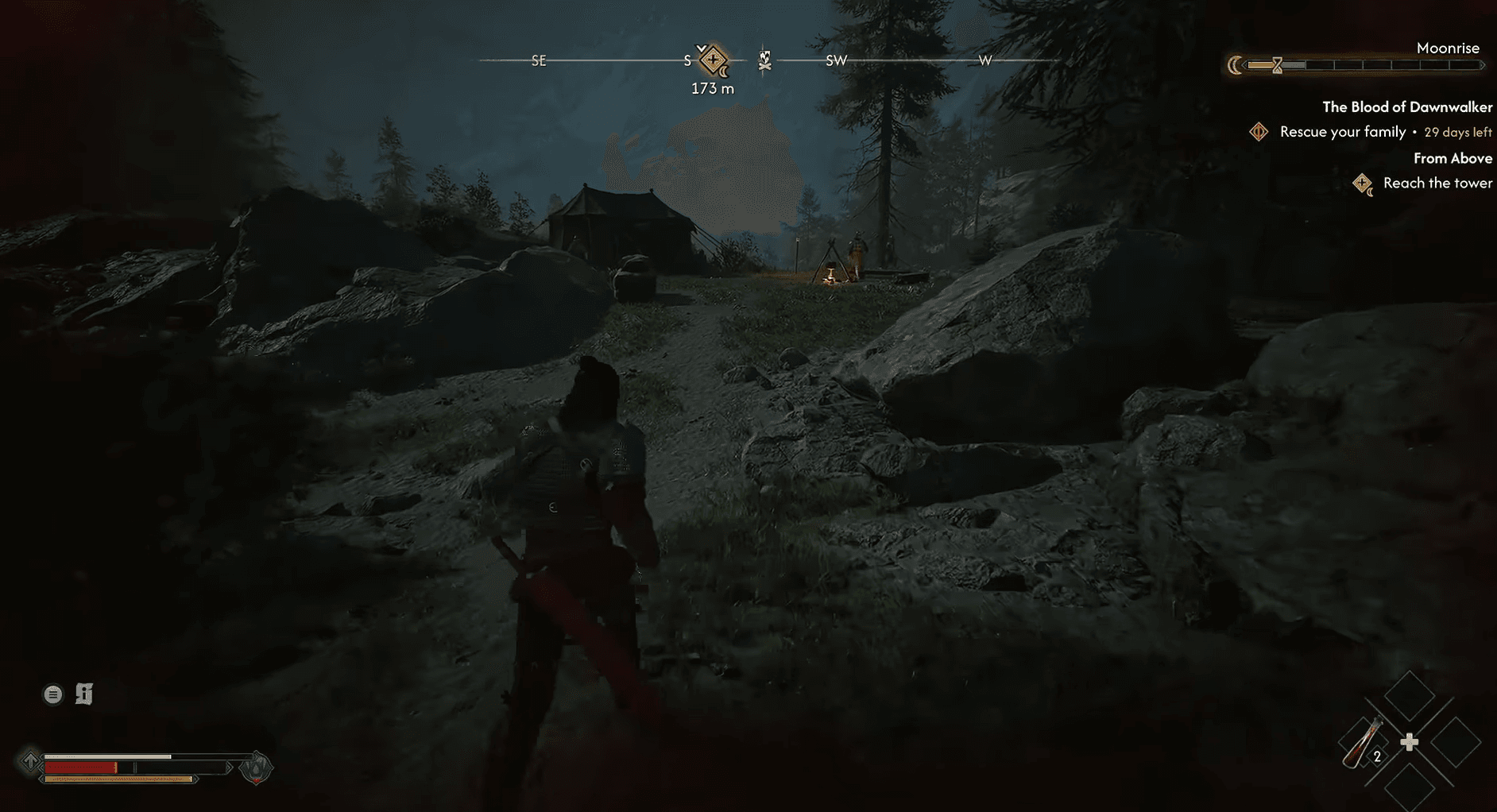
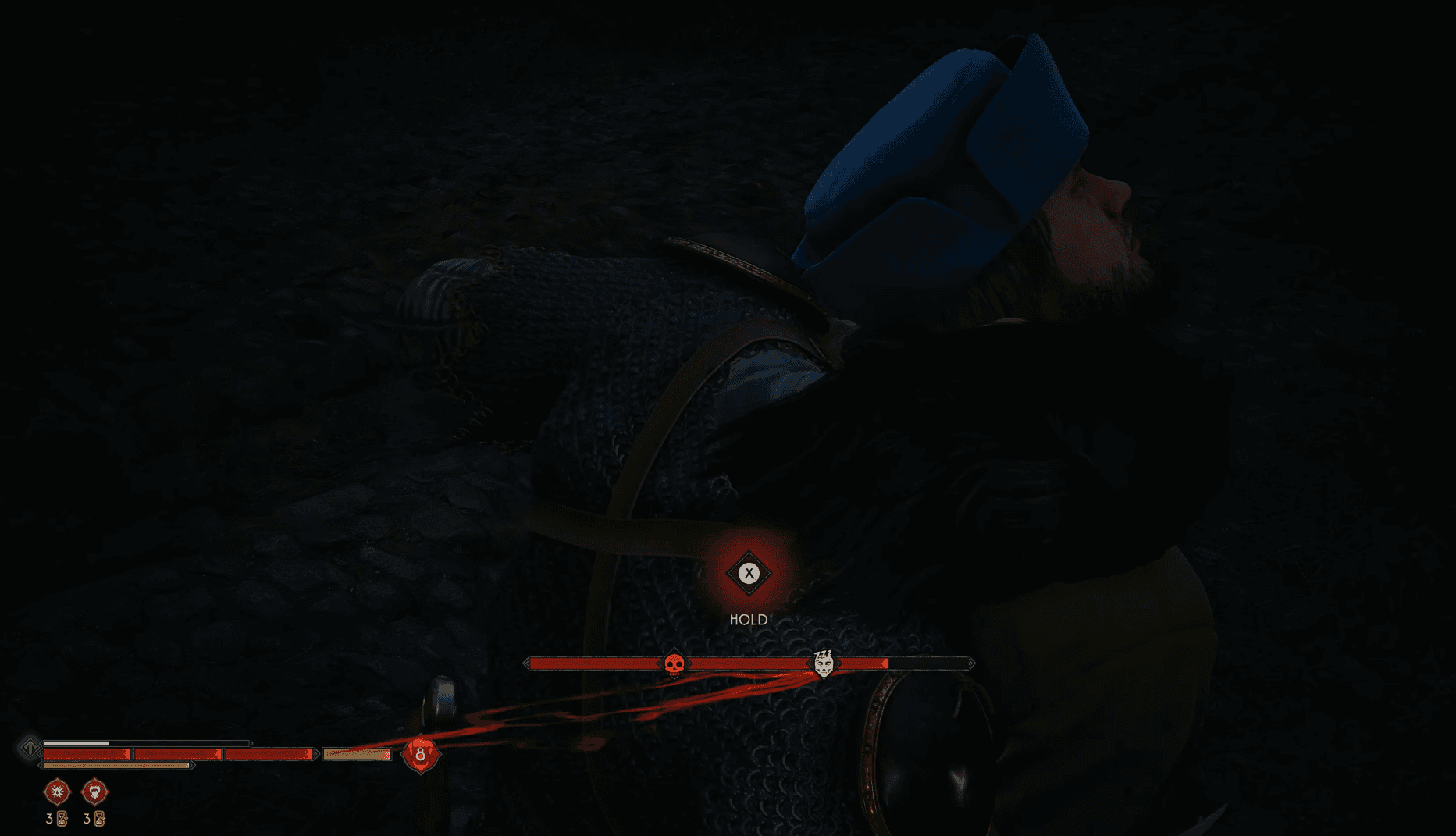
You can see the remaining portions of the current phase on the segmented time meter displayed in the top-right corner of the screen. When an activity costs more segments than remain in the current phase, the overflow carries into the next phase automatically. Spend three segments when only one daytime segment remains, and you'll find yourself two segments into the night.
| Phase | Segments | Coen's form |
|---|---|---|
| Day | 8 | Human (Witchcraft + Swordmastery) |
| Night | 8 | Vampire (Vampirism + Swordmastery) |
| Full cycle | 16 | Both forms |
| Full campaign | 480 | 30 complete cycles |
Blood of Dawnwalker 30-Day Time System Explained
What actually spends time segments?
This is where The Blood of Dawnwalker catches experienced RPG players off guard. The game doesn't charge you for an entire quest at once. Individual actions within a quest can have different costs, and some have no cost at all.
Actions confirmed to consume time segments include:
- Important quest steps and resolutions
- Specific dialogue choices and interventions
- World events, points of interest, and certain treasure interactions
- Clearing enemy camps and engaging marked objectives
- Learning or upgrading abilities at Shrines
- Deliberately waiting at a Shrine to skip to another phase
- Relationship scenes and certain character activities
One concrete example worth knowing: getting caught stealing during the prologue wastes 4 segments dealing with the guard. That's a significant chunk of early-game time gone for a mistake that feels minor.
What can you do without spending any time?
Plenty. The game gives you significant breathing room to prepare before committing.
All of the following are free under current launch-build testing:
- Roaming and exploring Vale Sangora
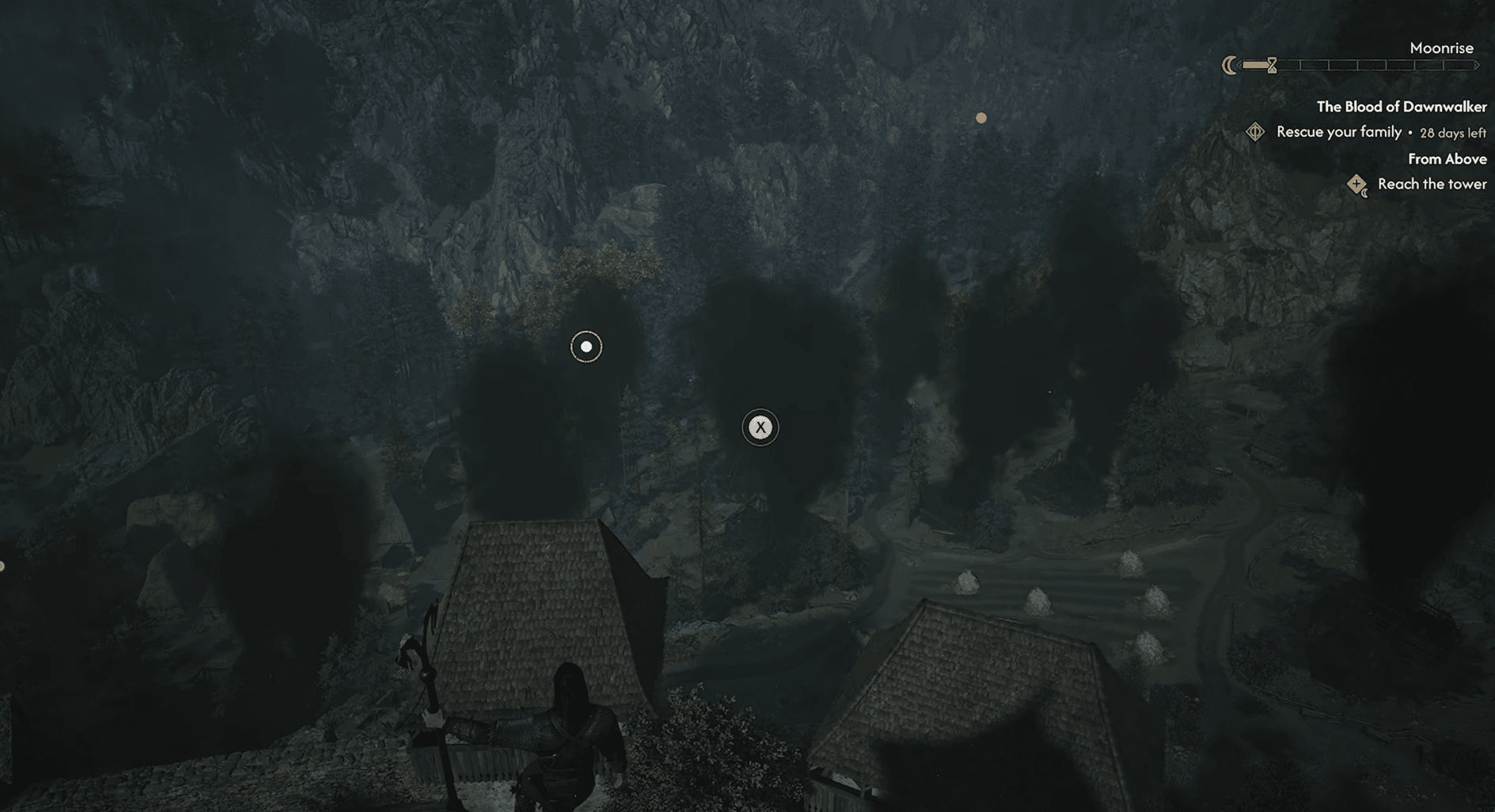
- Scouting locations, climbing towers, and uncovering map routes
- Inspecting clues and listening to ambient conversations
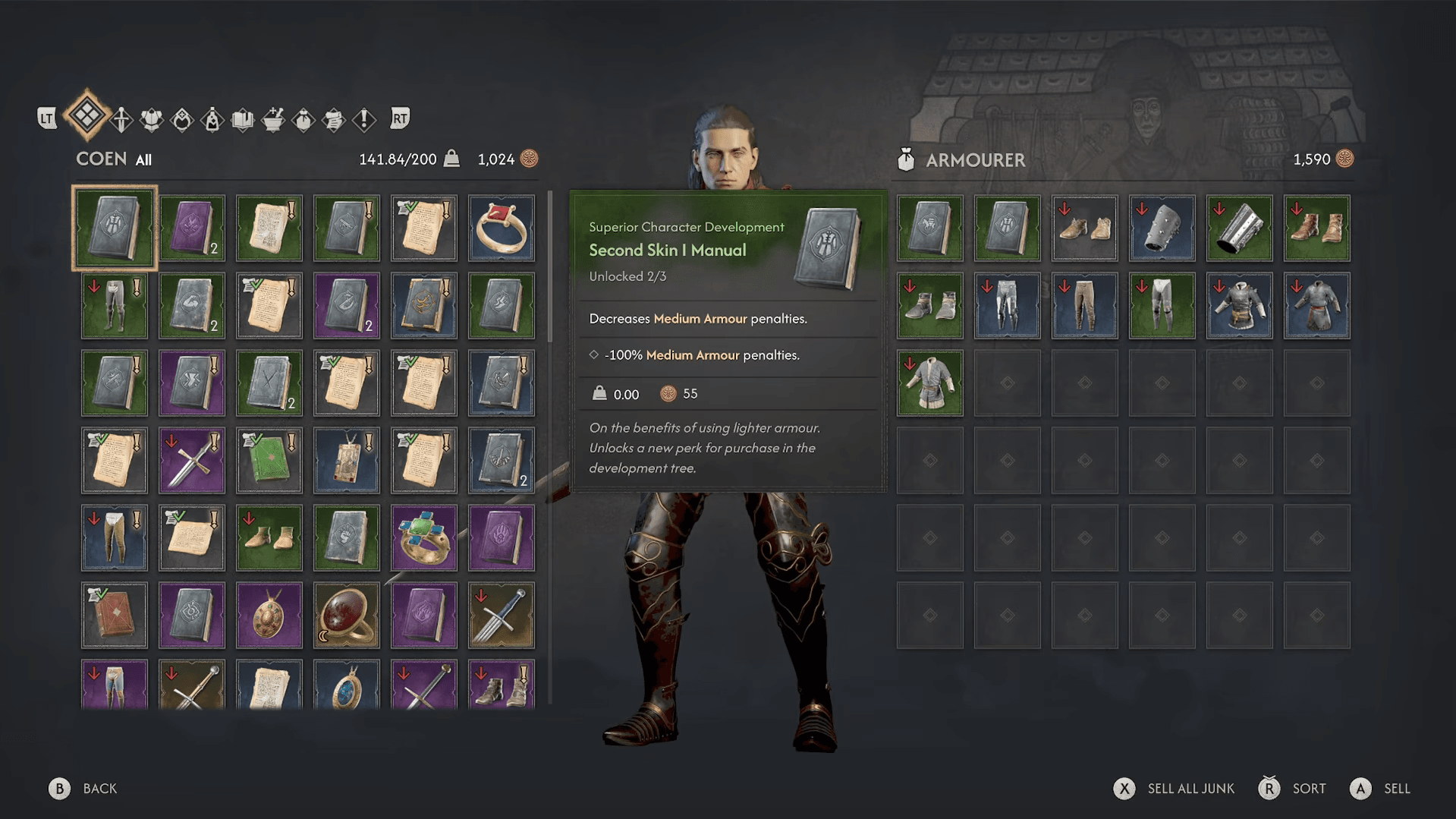
- Managing inventory and swapping equipment between day and night loadouts
- Ordinary combat against enemies not tied to a marked objective
- Using unlocked fast-travel points
- Reading the Journal and comparing quest priorities
- Leaving a time-costing activity before confirming it
Fast travel deserves a special mention. Moving between unlocked travel points does not consume a segment, making it one of your most valuable tools for efficient route planning.
What do the time icons mean?
The interface does most of the work for you. Four icons cover nearly every situation you'll encounter:
| Icon | What it means |
|---|---|
| Hourglass + number | That action will spend the displayed number of segments immediately |
| Clock beside a quest | The quest has its own time-sensitive deadline, separate from the 30-day limit |
| Sun symbol | Activity or route is available during the day only |
| Moon symbol | Activity or route requires nighttime, often needing vampiric abilities |
The hourglass number is effectively a price tag. Don't click through it automatically just because you're already standing at the objective. That number represents a real trade-off.
How does day and night change Coen beyond the clock?
The phase shift isn't just cosmetic. Coen's entire ability set changes depending on whether the sun is up.
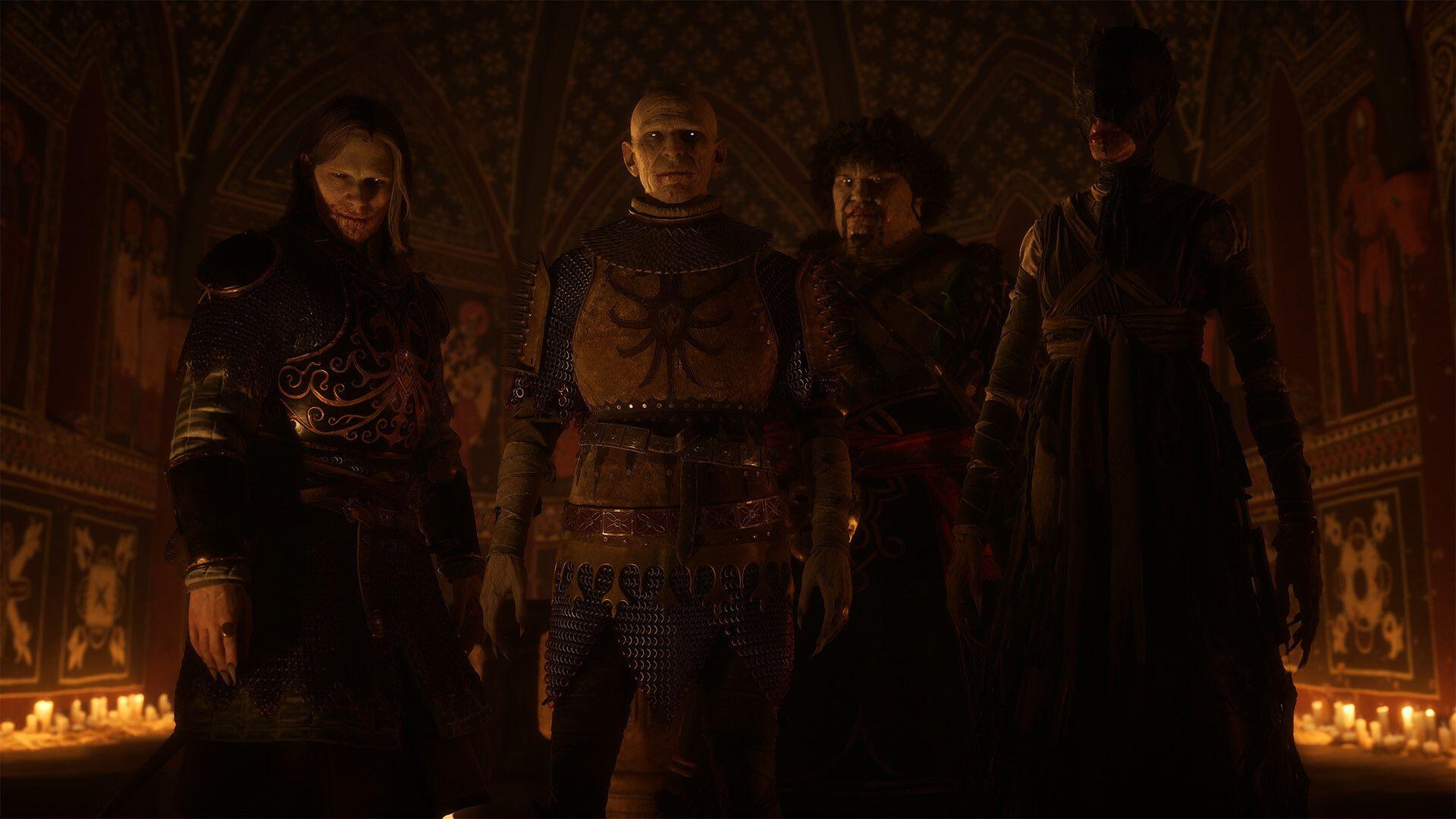
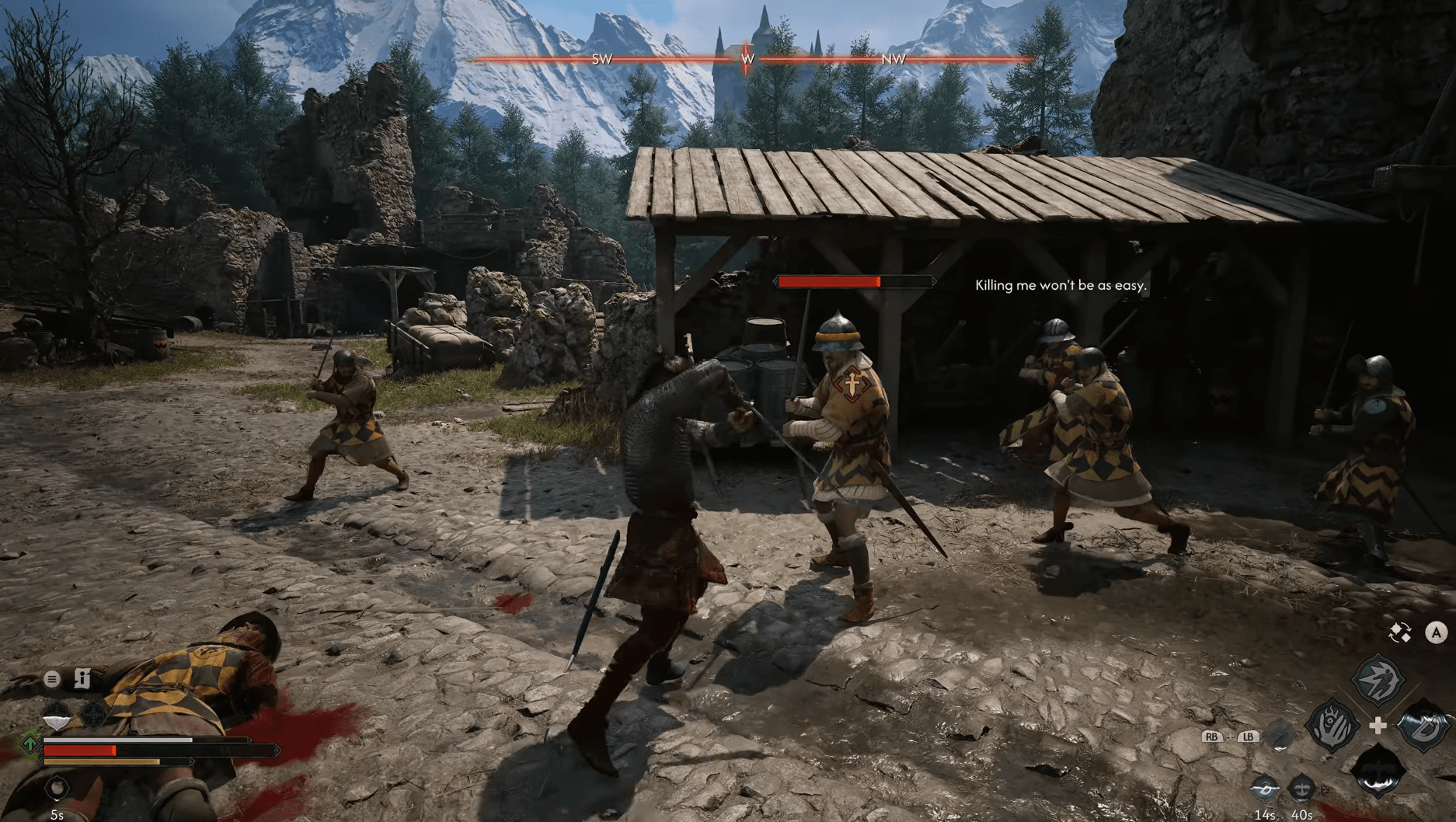
During the day, Coen operates as a human. Runes carved into his body give him access to Witchcraft abilities alongside Swordmastery. At night, those wounds heal as his vampire nature takes over, cutting off Witchcraft entirely and replacing it with Vampirism, which includes powers like Shadowstep (teleporting and wall-walking) and the ability to drain blood. Swordmastery remains available in both forms.
Beyond Coen's personal toolkit, the world itself shifts. Most shops close at night, fewer NPCs roam the streets, and some quest approaches change entirely. An objective that requires dialogue during the day might offer a burglary route after dark, both paths leading to the same goal.
Blood of Dawnwalker 30-Day Time System Explained
How do you skip time or wait for a specific phase?
If you need to switch from day to night (or vice versa) without completing a useful activity, you can wait at a Shrine. This deliberately advances the clock to the next phase.
The catch is obvious: waiting costs segments without giving you anything in return. Before burning time at a Shrine just to change the lighting, check whether a useful quest step, skill upgrade, or world activity is available that would move the clock and give you progress.
Spending four segments on something productive beats spending four segments staring at a loading screen.
What happens when day 30 arrives?
Reaching the end of the 30-day deadline does not end your save or force a restart. The campaign continues.
If Coen fails to rescue his family in time, Brencis follows through on his threat. The story branches from there, with Coen's motivation shifting from rescue to dealing with the consequences. Day 30 is a narrative failure state, not a traditional game-over screen.
That said, failing the deadline is genuinely consequential. The outcome associated with successfully saving the family becomes unavailable. The story continues, but it's a different story.
Can you miss quests permanently?
Yes. Some opportunities expire as the calendar advances. A missing person won't wait around indefinitely while Coen spends five days on unrelated work. Time-sensitive quests are marked with a clock icon in the Journal.
The practical habit to build: whenever a new quest appears, open the Journal immediately and check for that clock icon. A time-sensitive objective deserves priority over anything without a visible deadline.
Practical time management tips
After working through the system, these habits make the biggest difference:
- Scout before committing. Roaming is free. Find several options before deciding which one deserves a segment.
- Read every hourglass number. It's a price tag. Treat it like one.
- Prioritize clock-marked quests. Normal quests can often wait. Time-sensitive ones may not survive another day.
- Plan around your current form. Don't wait at a Shrine to switch phases when a useful activity can move the clock for you.
- Use fast travel constantly. It's free and saves enormous amounts of real time.
- Save before high-cost decisions. The segment cost is visible. The downstream story consequences may not be.
- Don't panic about the number 480. The system exists to make choices matter, not to make you sprint.
For a deeper look at how long a full playthrough takes across different completion styles, check out our guide on how long it takes to beat The Blood of Dawnwalker. If you're just getting started and want to know the basics before the 30-day pressure kicks in, the Blood of Dawnwalker beginner's guide covers settings, early skills, and combat fundamentals.
For everything else across the game, the full Blood of Dawnwalker strategy guide collection has you covered.