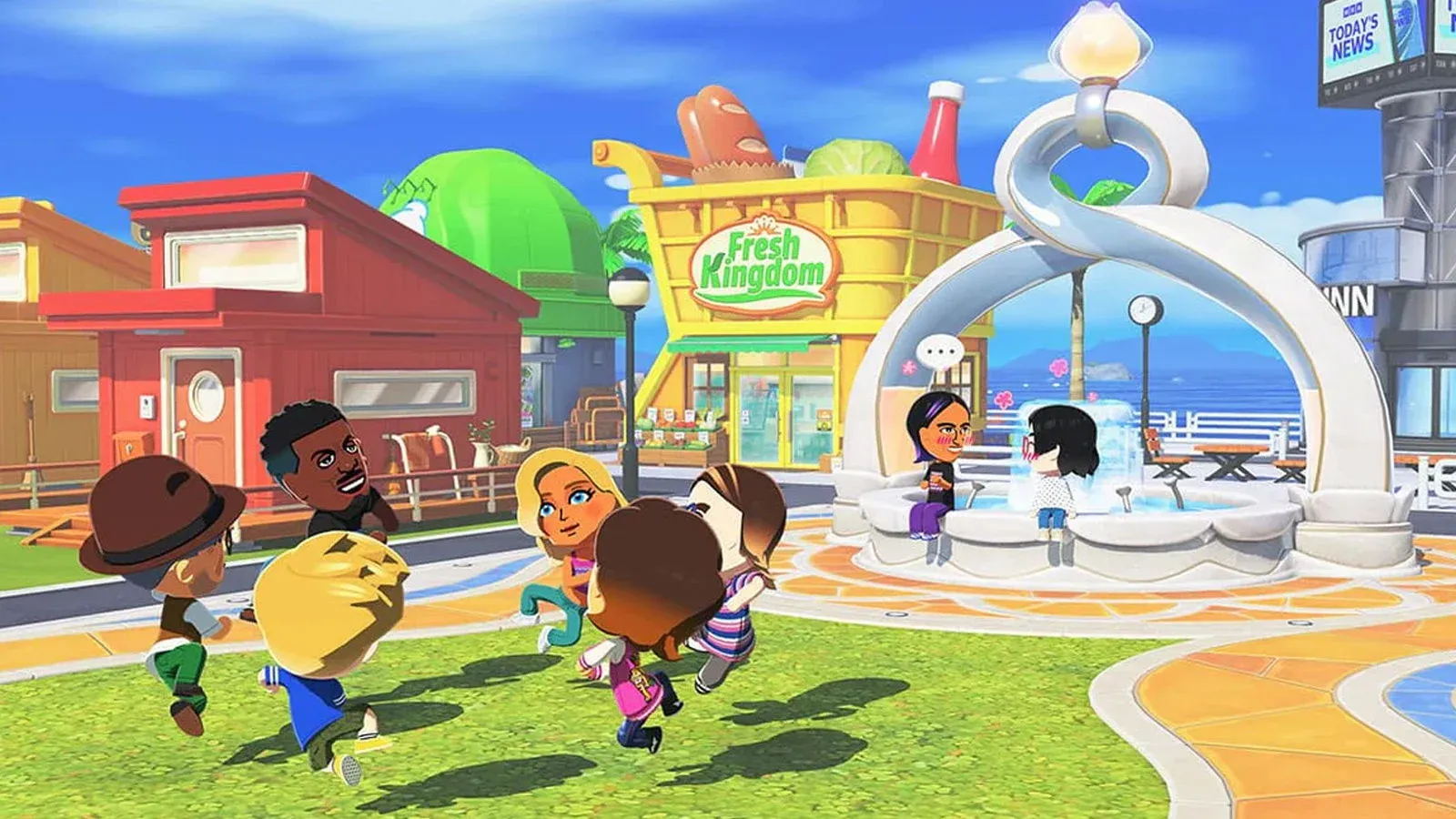


Tomodachi Life: Living the Dream is the kind of game that sounds almost too simple to be compelling. Put some Mii characters on an island, watch them live their lives, occasionally poke them. That's basically it. Yet after spending time with previews and the free demo Nintendo dropped on the eShop, there's clearly a lot more happening beneath that breezy surface than the pitch suggests. This guide covers everything you need to know to hit the ground running when the full game launches.
How do you create a Mii in Tomodachi Life: Living the Dream?
Mii creation is the foundation of everything, and Nintendo has given you two distinct paths to get there.
Get Help walks you through a questionnaire about face shape, hairstyle, eyes, and other features, then generates a Mii based on your answers. If the result doesn't match what you had in mind, you can cycle through facial alternatives rather than starting over. It's the faster route and works surprisingly well for recreating real people.
From Scratch gives you direct control over every individual feature. Face shape, eyebrows, ear size, hair color, all of it. There's also a Face Paint tool that lets you add stamps or draw custom features directly using a pixel-art interface with optional touch controls. This is how you end up with genuinely strange creations.
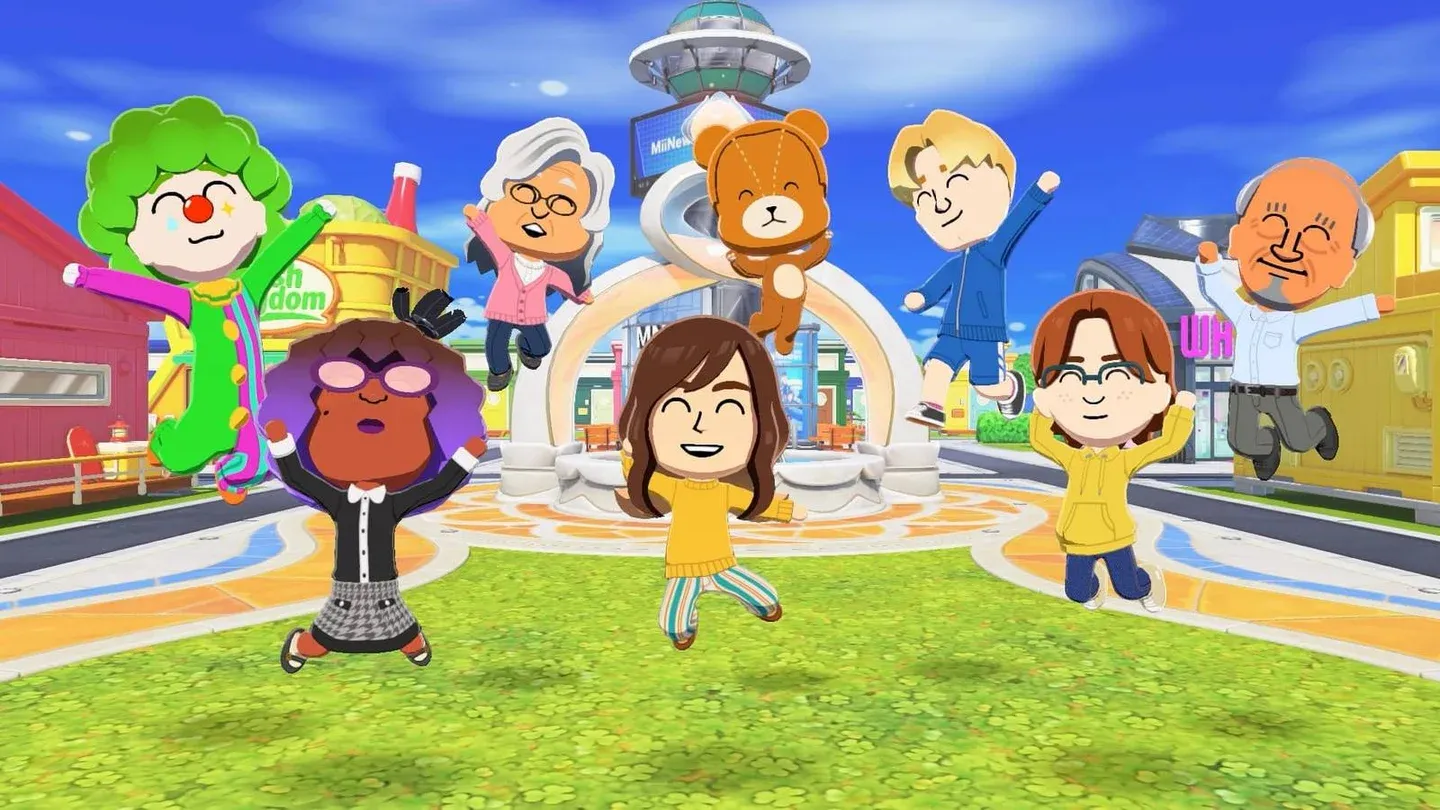
Mii creation feature selector
Beyond the face, you'll set height, weight, and name. The game's text-to-speech system will actually say your Mii's name out loud, so if you've got an unusual spelling, you can enter a phonetic version separately to keep the display name intact while making sure it sounds right.
Setting up your Mii's personality
Personality is where the creation process gets genuinely interesting. Five sliders determine your Mii's behavioral tendencies:
Each slider runs on an 8-point scale. The combination of all five determines which of 16 final personality types your Mii receives, such as Outgoing Dynamo. These personality types directly affect how Miis behave, interact with others, and respond to different situations throughout the game. The Tomodachi Life Wiki on Fandom breaks down each type in detail if you want to plan your island's social dynamics in advance.
You can also set gender (including non-binary), dating preference, birthday, and voice. The voice editor lets you adjust pitch, speed, depth, and delivery style. No matter what you do, the voices will always sound a bit robotic, which is honestly part of the charm. The deadpan delivery makes dramatic moments like love confessions significantly funnier.
Finally, you can designate family relationships before placing a Mii on the island. This matters if you want certain characters to start with pre-existing connections, like siblings or parents and children, rather than meeting as strangers.
What does the island actually look like?
The island is viewed from an aerial perspective, and you manage it more like a town planner than a traditional game character. Several shops and facilities populate the space, each serving a specific function:
- Fresh Kingdom food mart – Feed your Miis and discover their flavor preferences
- Where & Wear clothing store – Dress them in everyday outfits or completely absurd ones
- T&C Reno home supply – Redecorate rooms, including themed templates like a supermarket bedroom
- MNN news station – Daily broadcasts covering whatever's happening on the island
- Foto-Tomo photography – Stage photo ops for your Miis
- Marketplace – Rotating stock that changes based on time of day
- Quik Build amenities – Place trees, benches, vending machines, playground equipment, and other decorations
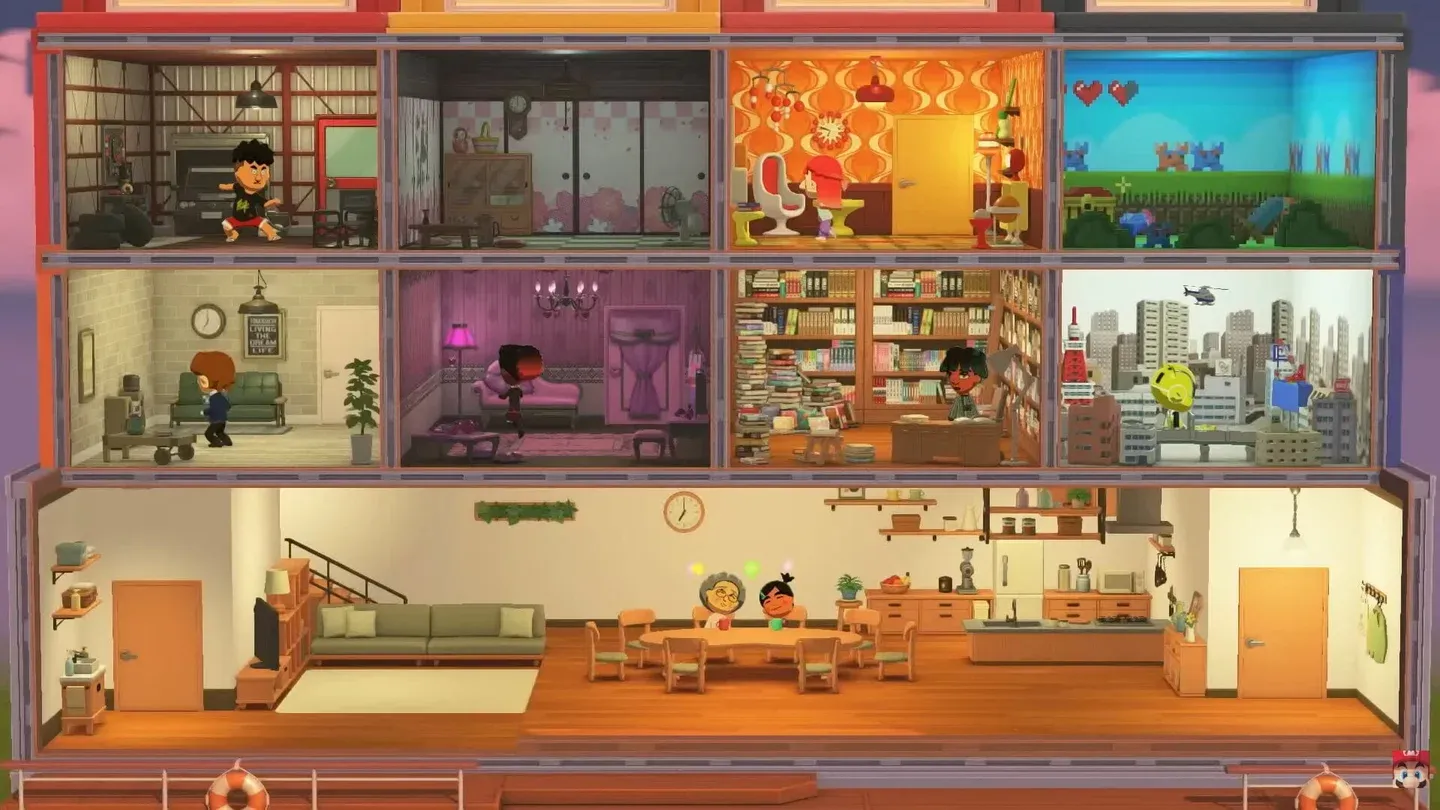
Island layout from above
You can move shops and houses around, expand land areas, and reshape the island based on resident suggestions or your own preferences. The island grows as more Miis move in, so early layout decisions do matter.
What is Palette House Workshop?
Palette House Workshop is the game's freeform creation tool, and it's where things get genuinely creative. Using the pixel-art interface (with touch controls available), you can design:
- Custom clothing for your Miis
- Original food items
- Pets for residents to own
- House exteriors and ground tiles
- Decorative items and island objects
- Fictional TV shows your Miis can watch
Anything you create can be given to residents or placed around the island as decoration. If the built-in shops don't have what you're looking for, Palette House is the answer.
How do Mii relationships work?
Miis begin as strangers. The fastest way to introduce two Miis is to physically pick one up and drop them near another. From that point, their relationship is tracked through two separate arrows showing how each Mii feels about the other. This is asymmetric by design: Mii A can be deeply fond of Mii B without the feeling being returned.
As relationships develop, Miis will interact on their own without you needing to intervene. They'll chat, share meals, and spend time together. Thought bubbles appear over Miis' heads in different colors to signal what kind of help they need:
- One color indicates a romantic situation
- Another signals an object need (food, an item, etc.)
- Other colors cover additional interaction types
Responding to these prompts earns money you can spend in the island's shops, and your Miis' happiness levels increase over time. Each happiness milestone lets you give that Mii a gift or a new personality perk.
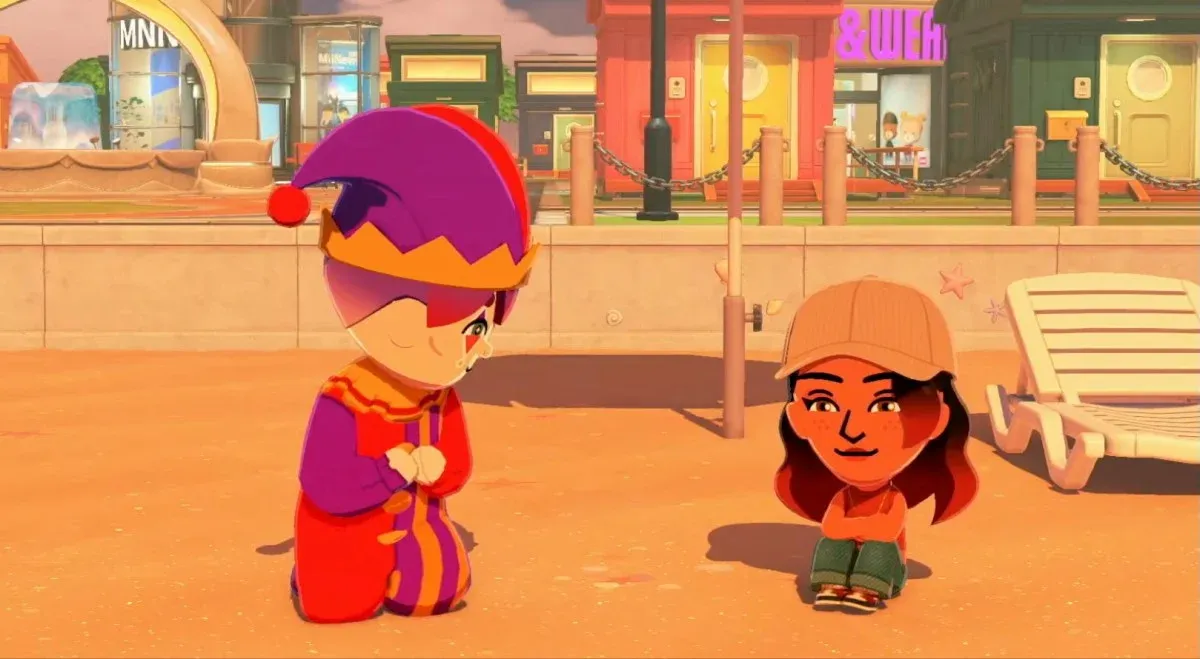
Mii relationship tracker display
Can Miis fall in love and start families?
Yes. Miis can develop romantic feelings, confess them, and potentially end up in relationships. Based on demo footage and previews, the love confession mechanic tends to produce chaotic scenarios where multiple Miis confess to the same person simultaneously, leaving one Mii to choose while the others are left dejected. Nintendo has also teased wedding scenes and babies, though the full depth of family mechanics hasn't been shown in detail yet.
You can house up to eight Miis together as roommates, which accelerates relationship development and creates new social dynamics. Think of it as a reality TV setup: putting eight personalities under one roof and watching the drama unfold.
Should you play the free demo first?
Absolutely. The Welcome Version demo is available now on the Nintendo eShop at no cost, and critically, your progress carries over to the full game. Any Miis you create, any relationships you build, any island progress you make in the demo transfers directly when you purchase the full release.
On top of that, completing the demo unlocks a hamster costume for your Miis as an exclusive reward in the full game. There's no downside to starting early.
The full game is priced at $59.99 and releases on Nintendo Switch and Nintendo Switch 2.
Quick tips for building a better island
- Name phonetics matter. If your Mii has an unusual name, set the pronunciation separately so the text-to-speech doesn't mangle it every time the game says it out loud.
- Use relationship pre-sets. Setting family connections during creation saves you from waiting for strangers to warm up to each other organically.
- Check in daily. Real-time progression means Miis can become unhappy if neglected. Short daily sessions work better than occasional long ones.
- Experiment with Palette House early. Custom items make the island feel personal fast, and sharing creations with friends via local wireless adds variety you couldn't generate alone.
- Don't rush introductions. Dropping Miis near each other forces a meeting, but letting some relationships develop naturally produces more interesting dynamics.
For more Nintendo Switch coverage and simulation game guides, browse the latest guides on GAMES.GG.