
WARDOGS hits Steam Early Access on Thursday, September 10, 2026, and the countdown is almost over. Developed by BULKHEAD and published by Team17, this 100-player tactical PVP shooter drops you into team-based mercenary warfare with destructible environments and a cash economy that rewards good teamwork. The August closed beta has already wrapped, so here is everything you need to know before the servers go live.
What time does WARDOGS Early Access unlock?
The exact unlock time has been confirmed across all major regions. Here is the full breakdown:
| Region | Launch Time |
|---|---|
| PDT (Pacific) | 9:00 AM |
| CDT (Central) | 11:00 AM |
| EDT (Eastern) | 12:00 PM |
| UTC | 4:00 PM |
| BST (UK) | 5:00 PM |
| CEST (Central Europe) | 6:00 PM |
The game launches directly into Early Access rather than a full 1.0 release. BULKHEAD plans to continue adding content, tuning balance, and addressing issues based on player feedback after launch. No confirmed date exists yet for the 1.0 version.

WARDOGS Early Access Exact Release Date & Start Times

Do you need to pre-order to play on September 10th?
No pre-order is required. During the closed beta, pre-ordering guaranteed access while the Steam Request Access option was a lottery. That distinction disappears at Early Access launch. If WARDOGS is on your Steam account, you can install and play once the game unlocks.
If you participated in the closed beta and still have the old client installed, do not try to log in through that build. The beta servers shut down on August 24 at 02:00 UTC, and any Access Denied or infinite login screen you see from that client is expected behavior, not a bug to fix.
What to do before launch day
A few simple steps will save you headaches on September 10th:
- Make sure WARDOGS is tied to the correct Steam account
- Check the WARDOGS Steam page closer to launch for any preload BULKHEAD makes available
- Restart Steam after the game officially unlocks before attempting to launch
- Run the main WARDOGS build, not the old beta client
- Install any day-one patch before trying to connect to servers
How to handle Access Denied and login errors on launch day
The August closed beta gave a clear preview of what launch day stress looks like. At peak times, the WARDOGS authentication servers were handling queues of tens of thousands of players simultaneously, and even players with valid access were getting Access Denied errors simply because the login service was overloaded.

WARDOGS Early Access Exact Release Date & Start Times
Before you start reinstalling or verifying files, run through this checklist:
Access Denied affecting everyone: Wait. This is almost certainly a server load issue, not a problem on your end. The beta proved that mass authentication errors are a server-side symptom, not a client one.
Access Denied only for you: Quit Steam completely, reopen it, confirm you are logged into the account that owns WARDOGS, and relaunch the game.
Stuck on Logging In while others are getting through: Close WARDOGS, check Task Manager to confirm the process is fully terminated, restart Steam, then relaunch. This forces a fresh authentication request instead of waiting on a session that may have already timed out.
No servers showing in the browser: Deselect all regions, pick a single region, and refresh the list. The beta had a known issue where selecting multiple regions at once resulted in an empty server list.
When should you actually verify game files?
Verifying files through Steam is the right move in specific situations, not a catch-all fix. Use it when:
- The day-one update did not install correctly
- WARDOGS crashes before reaching the login screen
- The game freezes before it even attempts to connect online
- Other players are launching fine but your client will not open at all
If thousands of players are stuck in the same queue, verifying files will not fix overloaded WARDOGS servers. Save it for problems that are clearly local to your machine.
To verify: WARDOGS in Steam library, then Properties, then Installed Files, then Verify Integrity of Game Files.
What is WARDOGS actually about?
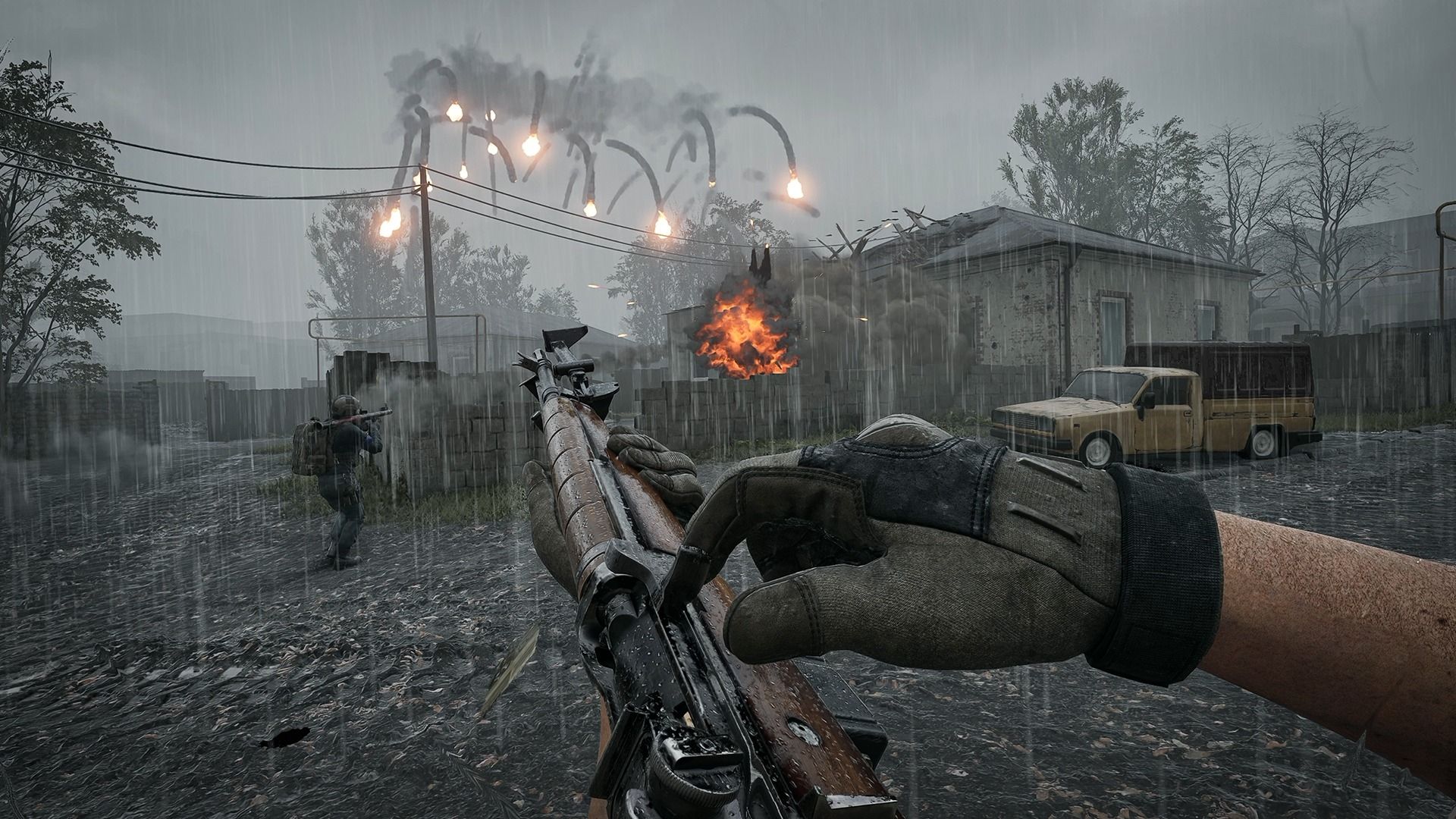
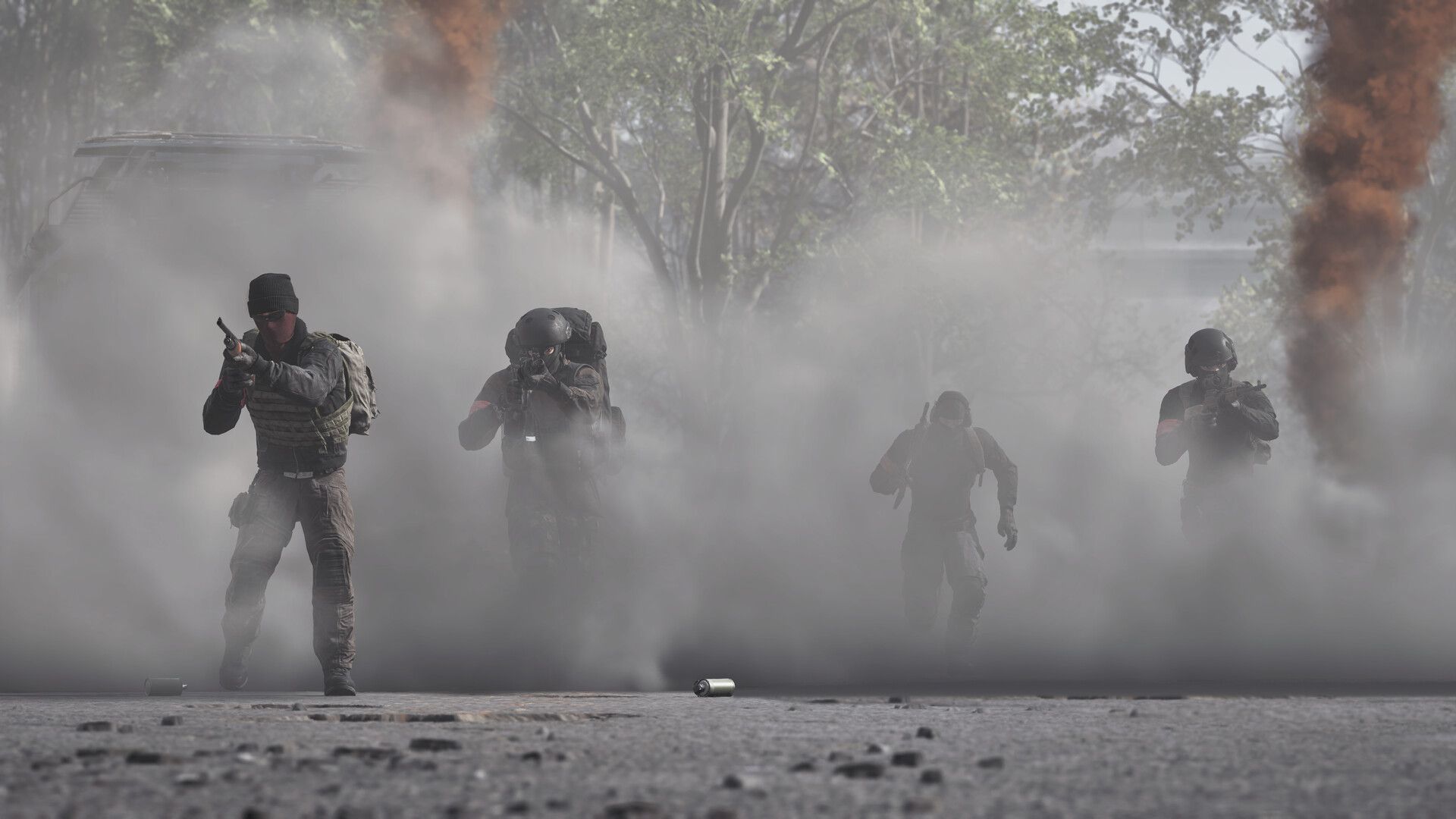
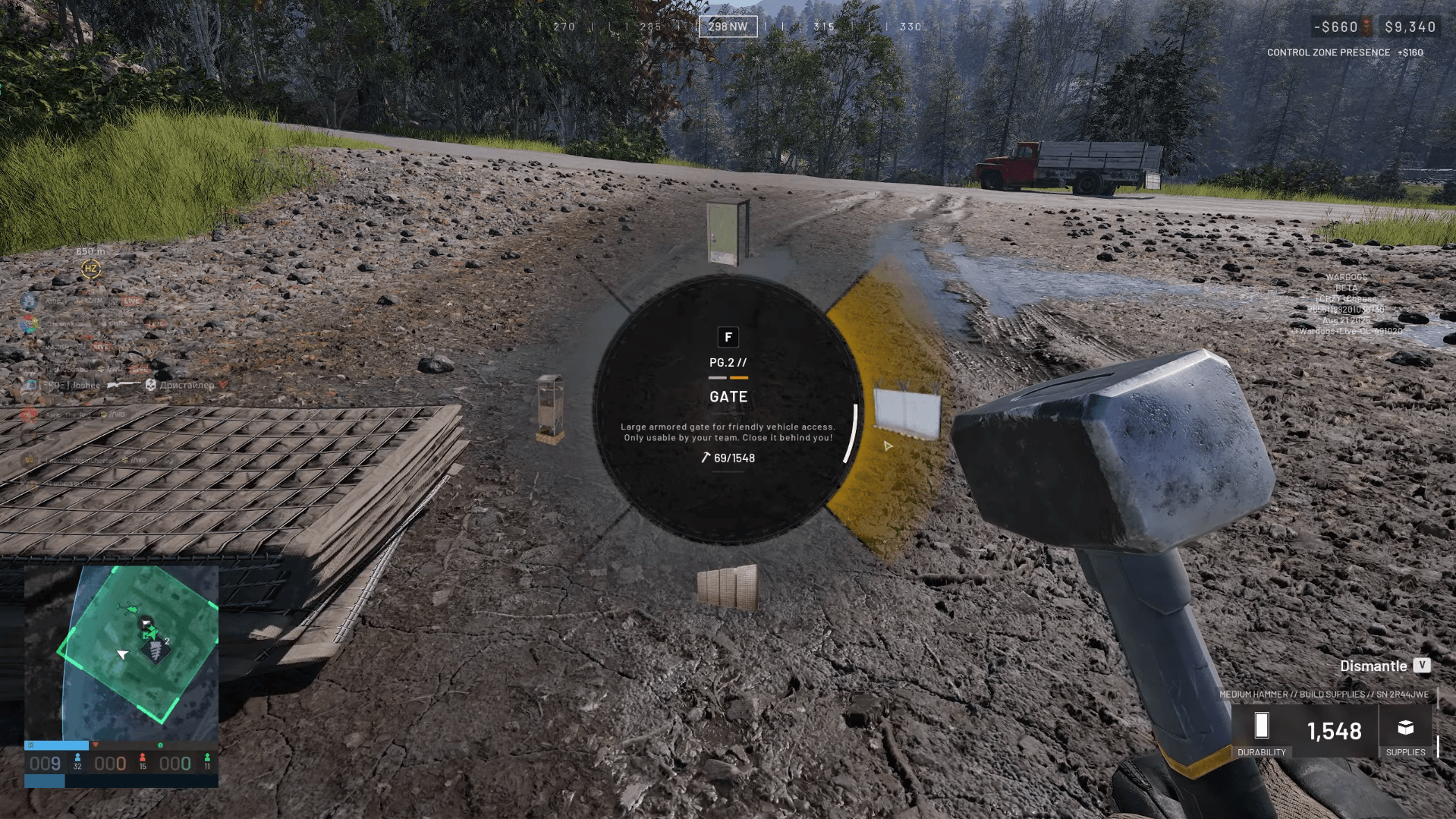
For anyone coming in fresh, here is the setup. WARDOGS is a 100-player multiplayer shooter where three teams compete to hold Control Zones. The team with the most players inside a Control Zone earns points, and the first team to reach 100 points wins the match.
Every player starts with $10,000 in in-match currency. Teamwork earns you more cash, which you can spend on upgraded gear for yourself or equipment that benefits your whole squad. The environment is fully destructible, which means the map you start on is not the map you finish on.
There is no single correct way to play. Whether your squad rushes the zone, holds perimeter, or plays a support role, the sandbox accommodates it. Two public tests ran before Early Access, so the core loop has already been stress-tested by real players.
For more on what BULKHEAD has confirmed about platform availability, check out the guide on whether WARDOGS is coming to PS5, Xbox, or Switch. If you run into communication problems with your squad after launch, the WARDOGS voice chat fix guide covers the quick toggle solution BULKHEAD recommends.
For everything else ahead of launch, the full WARDOGS guides collection has you covered.