
WOW51900319 in WoW Forever means your game lost its connection to the World of Warcraft servers, so it's a disconnect, not a ban. The fix is usually a full restart. Here's what causes it and what to try.
Key takeaways
- WOW51900319 is the "You have been disconnected from the server" error. Your game lost its connection to Blizzard's servers.
- If pressing Reconnect doesn't work, close the game and launch it again through Battle.net. That's what worked for me.
- Check whether the servers are down before you change anything on your PC. Blizzard ran an hour of maintenance on 6 November with no warning on its news page.
- Disconnected players on launch night reported going back into the login queue.

What does WOW51900319 mean in WoW Forever?
It means you've been disconnected. The full message is "You have been disconnected from the server", and Blizzard's support article on error WOW51900319 says it happens when your game loses its connection with the World of Warcraft servers.
It isn't a ban and it isn't a problem with your account. That's a different set of errors. If you're getting the license message instead, see our guide to WOW51900337 in WoW Forever.
The error can come from either end. Sometimes the servers drop everyone at once. Sometimes it's your own connection, your router or something on your PC getting in the way. The first job is working out which.
How do you fix WOW51900319?
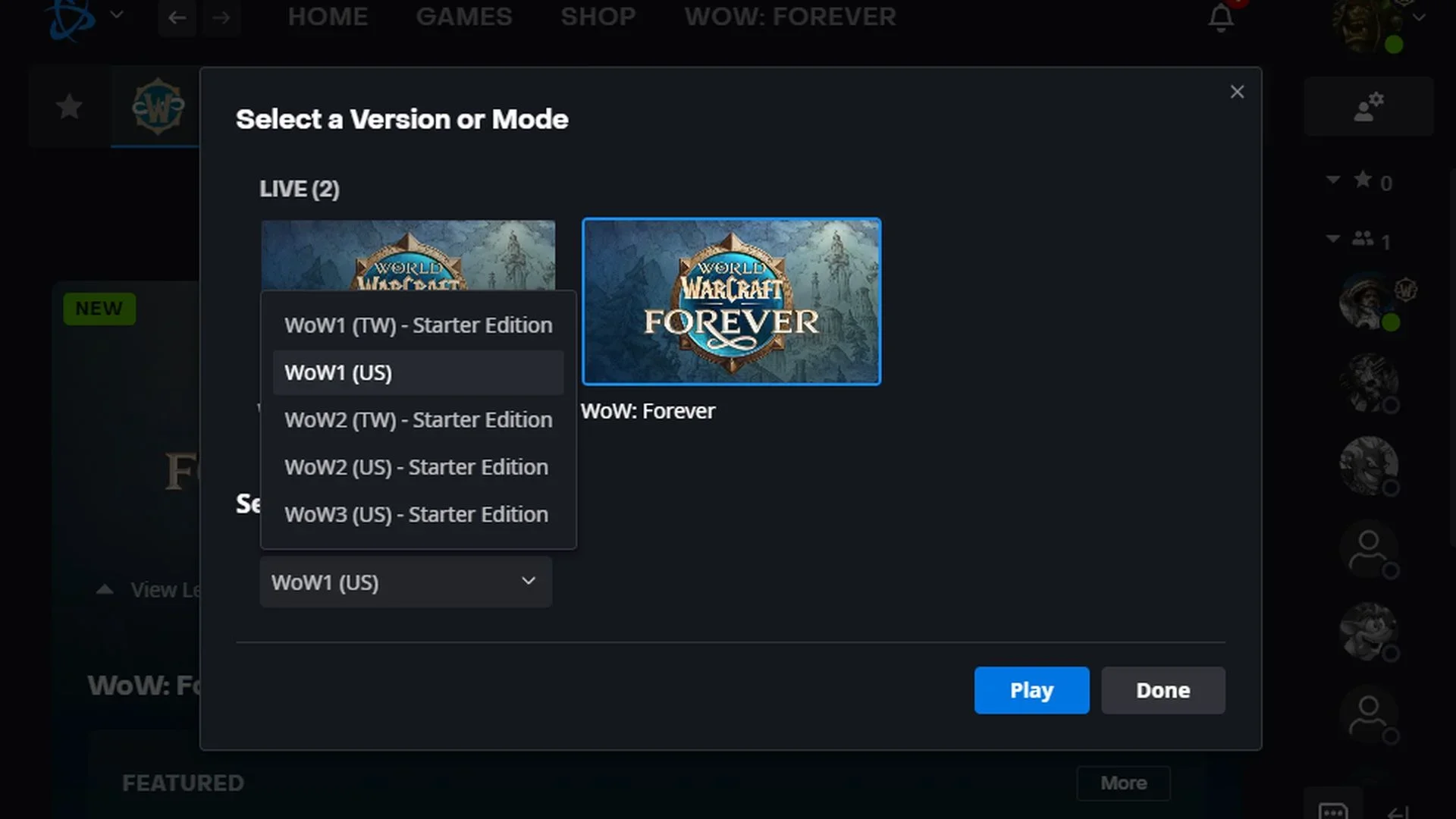
I did get disconnected. When I did, I pressed Reconnect. That didn't work once, so I closed the game and relaunched it through Battle.net, and that did work. My best tip is turn it off and turn it on again. That seems to be the solution.
If that doesn't do it, go through these in order:
- Check the servers first. If everyone is getting disconnected, nothing you change on your PC will help. Blizzard's customer support account on X posts maintenance and outages, and on 6 November it pinned a list of common Forever issues. If other players in your guild or Discord dropped at the same moment, it's the servers.
- Restart the game through Battle.net. Don't just keep pressing Reconnect. Close the game fully and launch it again.
- Restart your router. If other games or sites are dropping too, it's your connection.
- Turn off any VPN or proxy. They add another point where the connection can break.
- Allow WoW through your security software. A firewall or antivirus blocking the game can cut the connection.
- Try the IPv6 setting. Blizzard lists this as a last resort. It's under Game Menu, then Options, then Network. Turn it back off if it makes things worse.
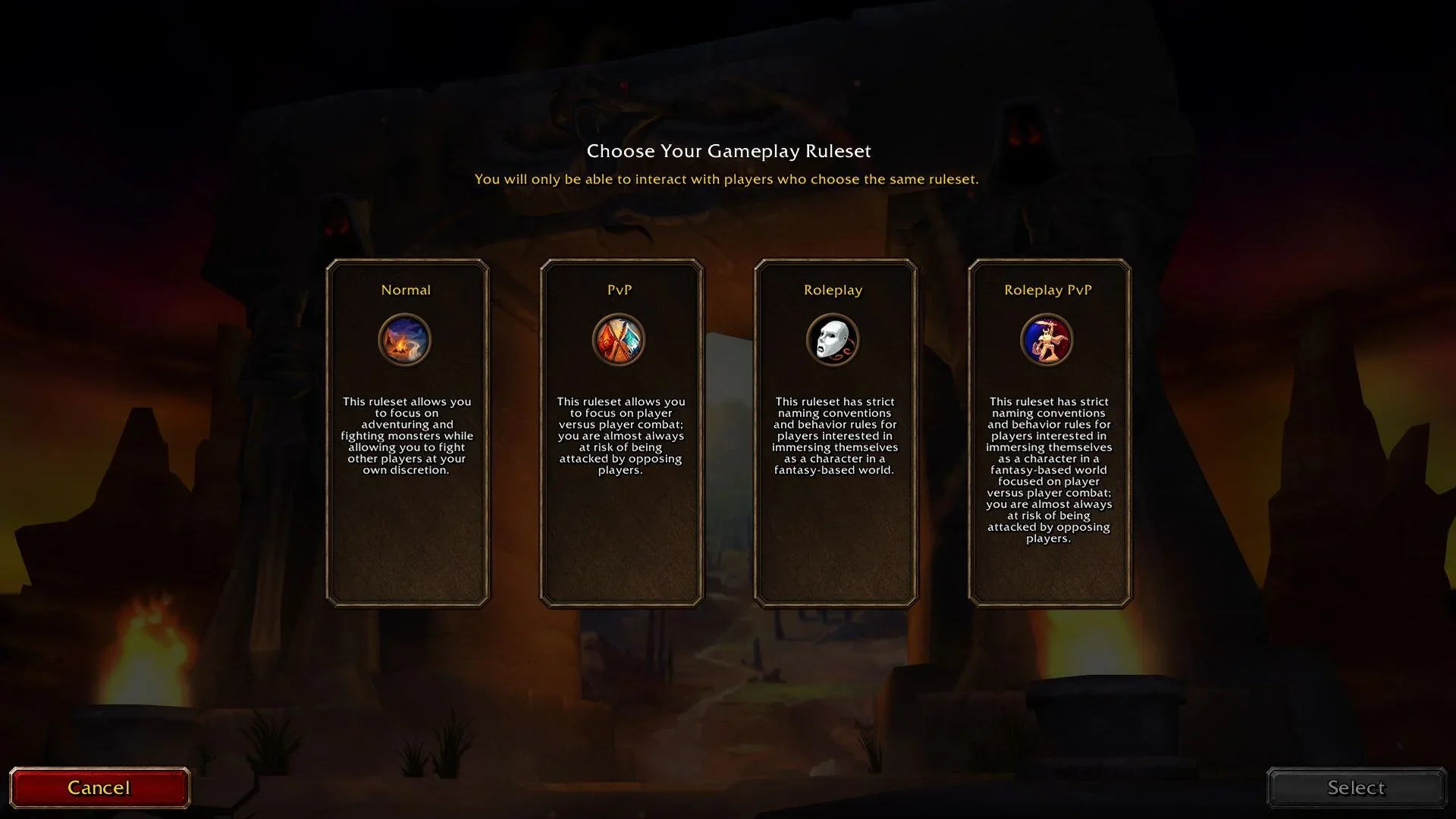
Blizzard's own steps also mention moving your character to another realm. That's advice for the main game, and Forever doesn't have realms. It has rulesets instead.
Why do you get WOW51900319 in WoW Forever?
Most of the time, it's the servers. Launch week has had plenty of server trouble, and when the servers drop, everyone on them sees this error at once.
These are the main disconnect waves so far. Times are UTC.
- 4 November, 23:00: Forever launched at 3pm PST. Within the first 20 minutes, players reported being dropped from the ruleset or character list.
- 5 November, from 00:09: more disconnects, with players stuck at "Retrieving character list".
- 5 November, 19:28 to 20:09: a wave of WOW51900319 disconnects in the European evening.
- 6 November, 15:00 to 16:00: maintenance for the Americas and Oceania. Blizzard's support account said it was scheduled for an hour, and apologised that the news didn't go up beforehand.
That last one is the only outage on this list Blizzard has confirmed. The others are what players reported at the time.
If your disconnect happened at one of these times, it wasn't you. Wait for the servers to come back, then relaunch.
Do you lose your place in the queue after WOW51900319?
You might. Players who disconnected on launch night said they went back into the login queue after reconnecting. Blizzard hasn't said whether you keep your place, and it hasn't published any queue figures.
I can't tell you from my side, because I never queued. I played within the first 15 minutes of WoW Forever's launch and never queued once. That was on the US region. I don't know if it was different for EU.
Players who did queue reported a wide range. Some had a few minutes: right at launch, one player at position 1,041 was shown an estimate of about four minutes. Others reported positions in the hundreds or thousands, and at least one said they waited over an hour.
Do you lose progress when you get WOW51900319?
Sometimes, a little. On 5 November, European players reported losing 15 to 20 minutes of progress after a disconnect, with the game rolling them back to before it happened. Blizzard hasn't said what caused it.
So if you were halfway through a quest or had just looted something good when the error hit, check your bags and quest log when you get back in. If something's gone, a rollback is the likely reason. Players were still reporting lag and rollbacks on 7 November, so it isn't just you.
Is WOW51900319 the same as other WoW Forever login errors?
No. Forever's launch had a few errors that look alike, and each one means something different:
- WOW51900319: you were disconnected from the server.
- WOW51900337: the game doesn't think you have a valid license.
- "This ruleset is temporarily unavailable": the ruleset is greyed out or full. We cover that in the ruleset unavailable guide.
- "This faction is currently unavailable": you can't make a character for that faction on that ruleset right now. See what the faction message means.
If you're seeing one of the others, the restart trick won't fix it. Those are about your account or the ruleset, not your connection.
When is WOW51900319 most likely?
Right after launch, and around maintenance. Most of the waves above came in the first two days, while the most people were trying to get in at once.
For when Forever went live in each region, see the WoW Forever release times.
Blizzard's support team posted on 6 November that it was looking into sharding and phasing issues, and that they should iron themselves out over time. So expect fewer disconnects as launch week settles down.
FAQ
What does WOW51900319 mean?
You've been disconnected from the server. Your game lost its connection to the World of Warcraft servers.
How do I fix WOW51900319 in WoW Forever?
Check whether the servers are down. If they're up, close the game and relaunch it through Battle.net, then restart your router and turn off any VPN.
Is WOW51900319 a ban?
No. It's a disconnect. Bans and license problems show different errors.
Does WOW51900319 happen in both the US and EU?
Yes. Players in both regions reported it in launch week. The 5 November evening wave was in Europe, and the 6 November maintenance hit the Americas and Oceania.
Do you lose your queue place after a disconnect?
Players reported going back into the queue after disconnecting on launch night. Blizzard hasn't said whether your place is kept.