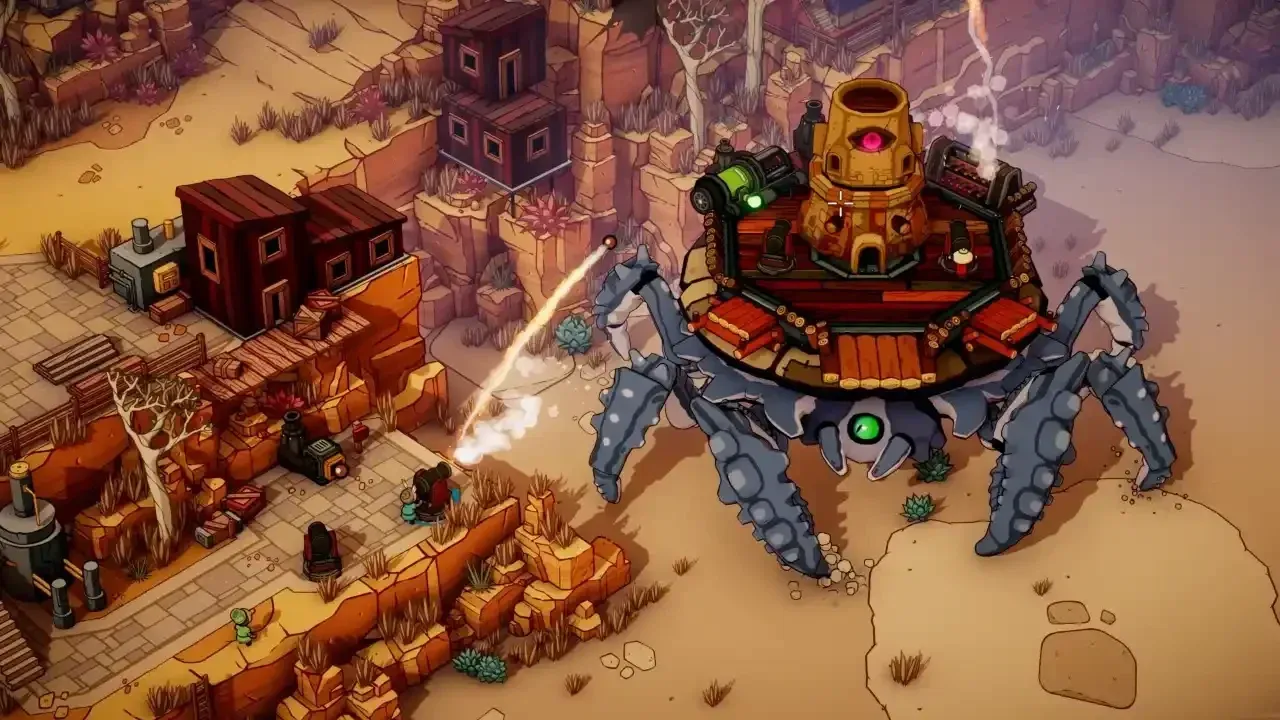


DuneCrawl drops you into a hostile desert aboard a giant Crab Crawler with up to three friends, and the game does not ease you in gently. Between managing cannons, repairing hull damage, riding giant beetles, and surviving sandstorms, there is a lot to coordinate. This guide pulls together everything from optimal control settings to performance fixes so you can focus on the actual game instead of fighting your setup.
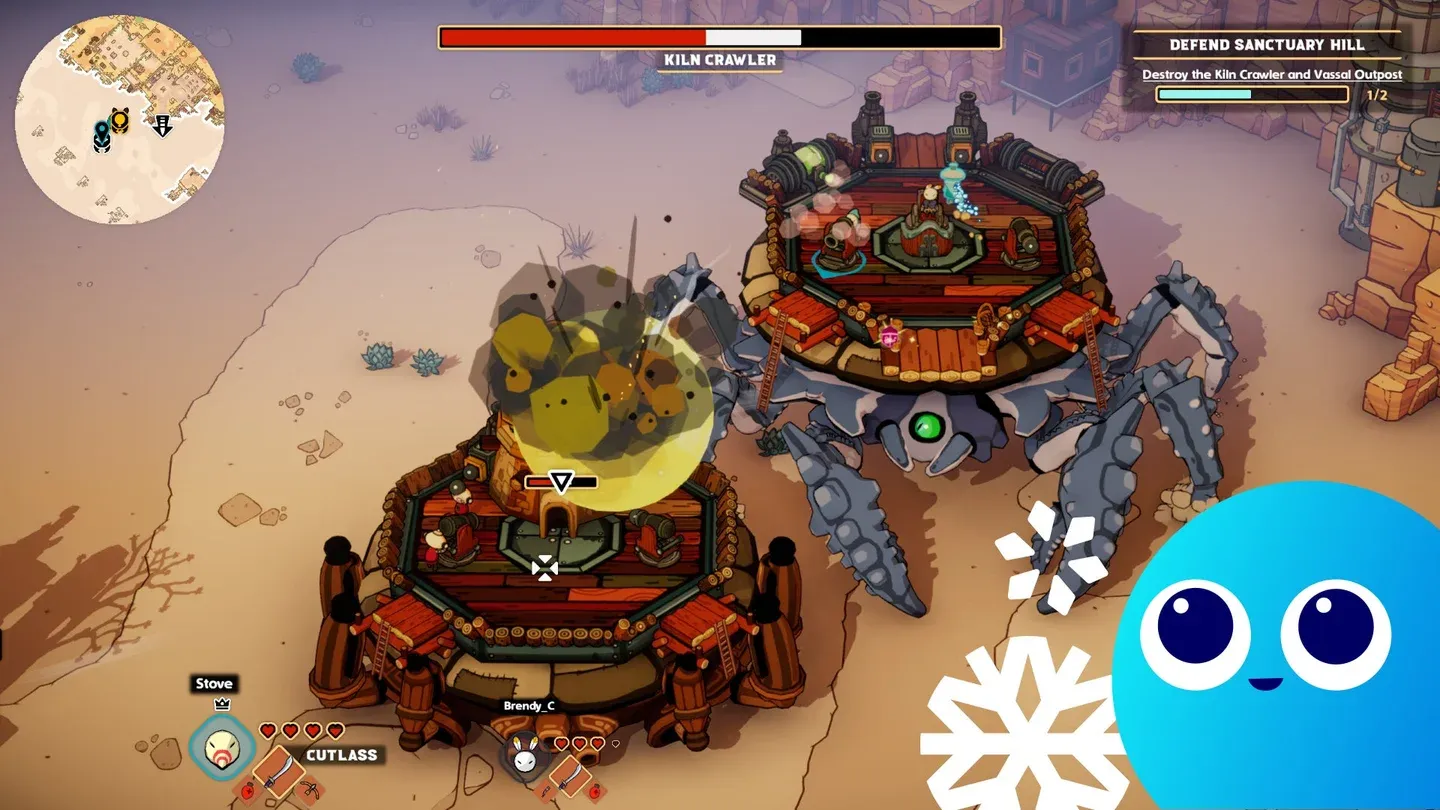
DuneCrawl controls settings panel
What kind of game is DuneCrawl?
DuneCrawl is a 1-4 player co-op open-world action-adventure developed by Alientrap. You and your crew pilot enormous Crab Crawlers across a vast desert sea, fighting Ceramicist invaders and their jar-headed Vassal soldiers while helping the Polloi pilgrim faction establish footholds in the wasteland. The campaign runs at least 10-15 hours in the open world, with a free 20-minute demo available on Steam if you want to test it before buying.
The game mixes top-down on-foot combat with vehicle crew management. One player steers the crawler, others load cannons or handle repairs, and anyone can dismount to fight on foot during encounters. Early combat hits hard, and player reports confirm it takes a few hours before enemy patterns start making sense.
How do the controls and networking options work?
Keyboard and gamepad settings
The game supports both keyboard/mouse and gamepad, including Xbox, PlayStation, and Steam Deck layouts. Version 1.02 added three specific control options worth configuring immediately:
- Confine Cursor To Window prevents your mouse from drifting to a second monitor during hectic combat
- Gamepad Aim Speed Up Over Time makes sustained aiming with a stick feel more natural over longer holds
- Gamepad Aim Distance adjusts how far your aim reticle projects from your character
Text chat was also added in 1.02, accessible with Enter on keyboard or through the in-game menu for gamepad and Steam Deck players. The Quest Journal opens and closes with J.
Networking options
DuneCrawl offers three networking modes, selectable in online settings:
A Copy Join Code button lets you paste your session code directly to friends. If you are experiencing disconnections, switching from Steam to EOS Cross Platform is the first thing to try, as the developer noted in the version 1.11 patch notes that it outperformed Photon in internal testing.
What are the PC system requirements?
DuneCrawl has modest hardware demands, but the open world streaming means storage type matters more than raw specs.
The game requires a 64-bit OS and will not run on 32-bit systems. Integrated graphics are not officially supported, as the minimum spec calls for a dedicated GPU.
How do you fix FPS drops and performance issues?
Frame drops during co-op sessions and large battles happen even on hardware like an i7-12700H paired with an RTX 4060. The causes are a combination of effects rendering, AI load, and network traffic hitting simultaneously. Here is what actually helps:
- Install on SSD. The official specs list it as recommended, but in practice it is close to required. Open-world streaming on a spinning drive causes stutters that no graphics setting can fix.
- Lower shadow quality and effects first. Testing shows these two settings carry the biggest performance cost while having the least visible impact on gameplay clarity.
- Close background applications. This is especially relevant during online co-op where the game is managing both rendering and network traffic.
- Use a wired Ethernet connection for hosting. The host's connection quality affects all clients. A wired connection reduces latency and prevents mid-combat disconnections.
- Update GPU drivers. NVIDIA and AMD driver updates can provide 10-20% FPS gains in newer titles, and DuneCrawl is recent enough to benefit from optimized driver profiles.
- Monitor temperatures. Thermal throttling on laptops causes sudden FPS dips during intense crawler battles. If your frame rate drops suddenly mid-fight, check your CPU and GPU temps.
What are the core gameplay systems?
Crab Crawler operations
The crawler is a multi-station vehicle. Different players handle the helm, cannons, and repairs simultaneously. Cannons require manual loading and precision aiming, and hull damage needs active repair during large engagements. Steed Docking, added in version 1.1, lets you attach any steed to the bottom of your crawler so it persists through death, meaning you no longer lose your mount when the crew wipes.
On-foot combat
On-foot combat uses melee and ranged weapons with dodge and roll mechanics, lock-on targeting, and environmental tools. Bomb Flowers, Beehives, and Spider Eggs are tactical options that can shift fights in your favor. The Duel Hatchet had its stamina cost adjusted in version 1.02 after player feedback that it was overtuned.
Bug riding and mounts
Beyond the crawler, the desert has rideable creatures with distinct roles:
- Multi-saddle Beetles carry your whole crew at once
- Nymphs are fast traversal options for scouting
- Scorpions are armored combat mounts
- Ball Bugs roll through enemy formations
Each creature has unique abilities, and taming mechanics let you bond with them for additional bonuses.
Progression and customization
Character builds come from Masks, Tunics, and Talismans. Weapons include options like the Buzzooka and Acid Harpoon. Crawler upgrades include Spike Armored legs and Guided Torpedoes. Player reports mention viable crit builds and specialized loadouts, suggesting meaningful build variety rather than a single optimal path.
The Stash holds 42 items as of version 1.02 (expanded from 20), and sessions support up to 6 players, though the developer notes the game was designed with 1-4 in mind.
What game modes are available?
The main Campaign is the primary mode, a narrative-driven open world where you help the Polloi faction against the Ceramicists. The version 1.1 update added DuneCrawl Sandstorm, a battle royale mode supporting up to 16 players plus bots. Sandstorm can be played online, in local plus online co-op, or solo with bots.
In Sandstorm, players loot the open world, find crawlers and beetles to ride, and race to reach safety before the sandstorms close in. Servers are currently player-hosted, with dedicated servers and automated matchmaking planned for future updates in the March 2026 patch notes.
Save system and session management
Version 1.1 introduced a named save system. From the in-game menu, you can save with a custom name, quit without saving, or load from autosaves, backups, or named saves. Autosave runs every 30 minutes by default, configurable in Interface options. The Change User option in the Players screen makes it easier to switch which player you are controlling in sessions with multiple local or remote players.
For players running co-op with friends, the game settings include Spawn Rate, Player Take Damage Multiply, and Players Do Damage Multiply sliders, giving you control over difficulty without a fixed difficulty mode.
For more guides covering co-op games, open-world adventures, and everything in between, browse more guides at GAMES.GG.