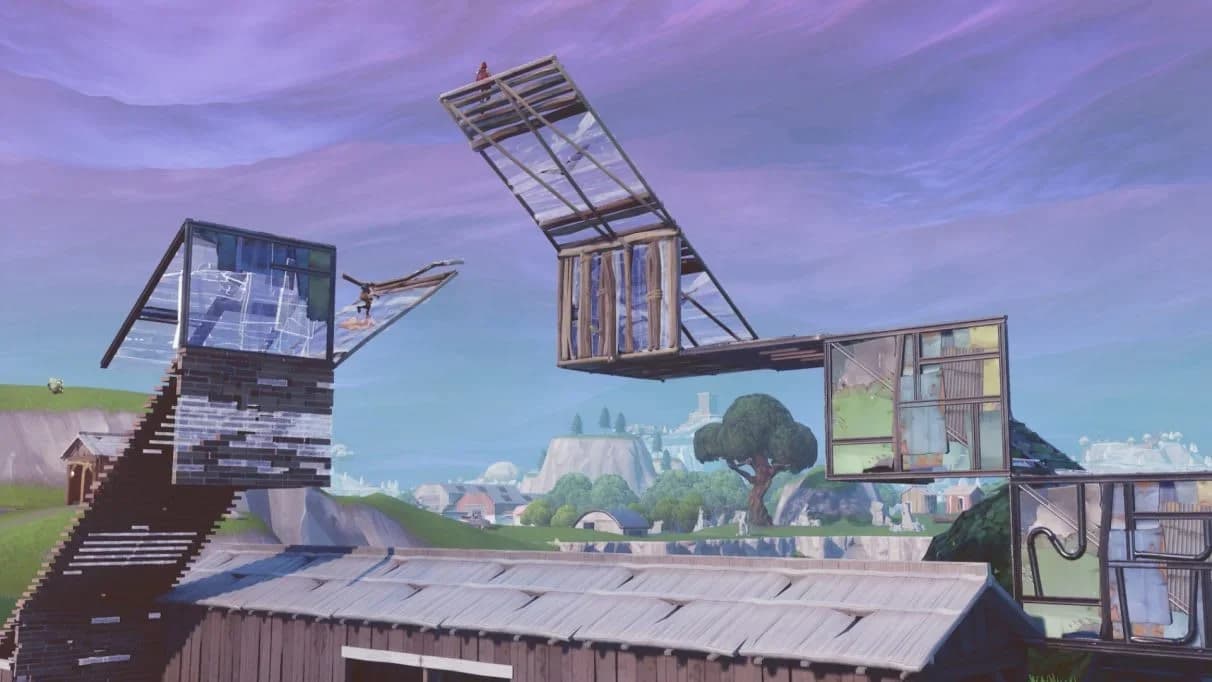

Walls, floors, stairs and roofs built from wood, stone or metal are the base of every fight in Battle Royale build modes.
How Building Works in Fortnite
Fortnite building lets you place four pieces, walls, floors, stairs and roofs, using the wood, stone and metal you gather during a match in Fortnite. Each piece costs 10 of your selected material, and you can carry up to 500 of each material in standard Battle Royale.
Building is part of the regular Battle Royale playlists. New to the game? Start with the Fortnite beginner guide first.
| Piece | Also Called | What It Does |
|---|---|---|
| Wall | Wall | Blocks shots from the front and is your first piece of cover |
| Floor | Floor | Flat platform that also blocks fire from above and below |
| Stairs | Ramp | Gives you height and lets you climb while you fight |
| Roof | Cone, pyramid | Caps a box and blocks an enemy who tries to take your space |
Every structure has to connect to the ground or to another build. If you break the piece it rests on, everything above it collapses.


Wood, Stone and Metal
The three materials trade build speed for strength.
| Material | Strength and Speed | Where to Gather It |
|---|---|---|
| Wood | Fastest to build, lowest health, burns | Trees, pallets, furniture, wooden walls |
| Stone | Stronger than wood once complete, slower to finish | Rocks, rubble, stone walls |
| Metal | Highest health once complete, slowest to finish | Cars, shipping containers, metal roofs and walls |
Stone and metal start weak and grow to full health while they build. A metal wall you place under fire is weaker than a wooden one until it finishes building.
Use wood for fast fights and quick cover. Save stone and metal for the end of the match, when you have time to let a wall reach full health.
When you swing your pickaxe at an object, a small circle appears on it. Hit that weak point to break it faster and collect more materials per swing.
How to Edit Builds
Editing reshapes a piece you have already placed. Walls and floors use a 3 by 3 grid of tiles, stairs edit by direction, and roofs raise or lower each corner of a 2 by 2 grid. You can only edit your own builds and your team's.
- Aim at your build and press Edit. The piece switches to its tile grid.
- Select the tiles you want to remove. Removing one wall tile opens a window or a door, depending on which tile you pick.
- Confirm the edit. The piece rebuilds in the new shape. With Confirm Edit on Release turned on, letting go of the Edit button confirms it for you.
- Reset the edit to close it again. One press snaps the piece back to its full shape after you shoot through the gap.
Learn the door and window edits first. They let you peek out, take a shot and close the gap before an enemy can respond.
Settings That Make Building Easier
- Turbo Building: With it on, holding the build button keeps placing pieces as you turn. With it off, every piece needs a separate press.
- Simple Build: Groups stairs, floors and roofs under one button and walls under another. Turn it off for full control of each piece. The Simple Build guide shows how.
- Builder Pro (controller): The controller preset most building guides recommend as a starting point, since every piece gets a one-press input. The controller settings guide covers the rest of the layout.
- Keyboard binds: Move each piece to a key you can reach without leaving WASD, so every piece is one press away.
Three Builds to Practise First
1. Box Up
Place a wall on all four sides, then cap the top with a roof or floor. This is your instant cover when you take damage or need to heal.
2. Ramp Rush
Place a wall facing the enemy, then stairs behind it, and repeat as you climb. The wall takes the shots while the ramp gives you height.
3. 90s
Build a wall and stairs, turn 90 degrees, and repeat in a spiral. It gains height fast while keeping walls around you.
Practise each one slowly in Creative, where materials are unlimited, before you try them at speed. Pair the drills with the aim training guide so you can shoot as well as you build.