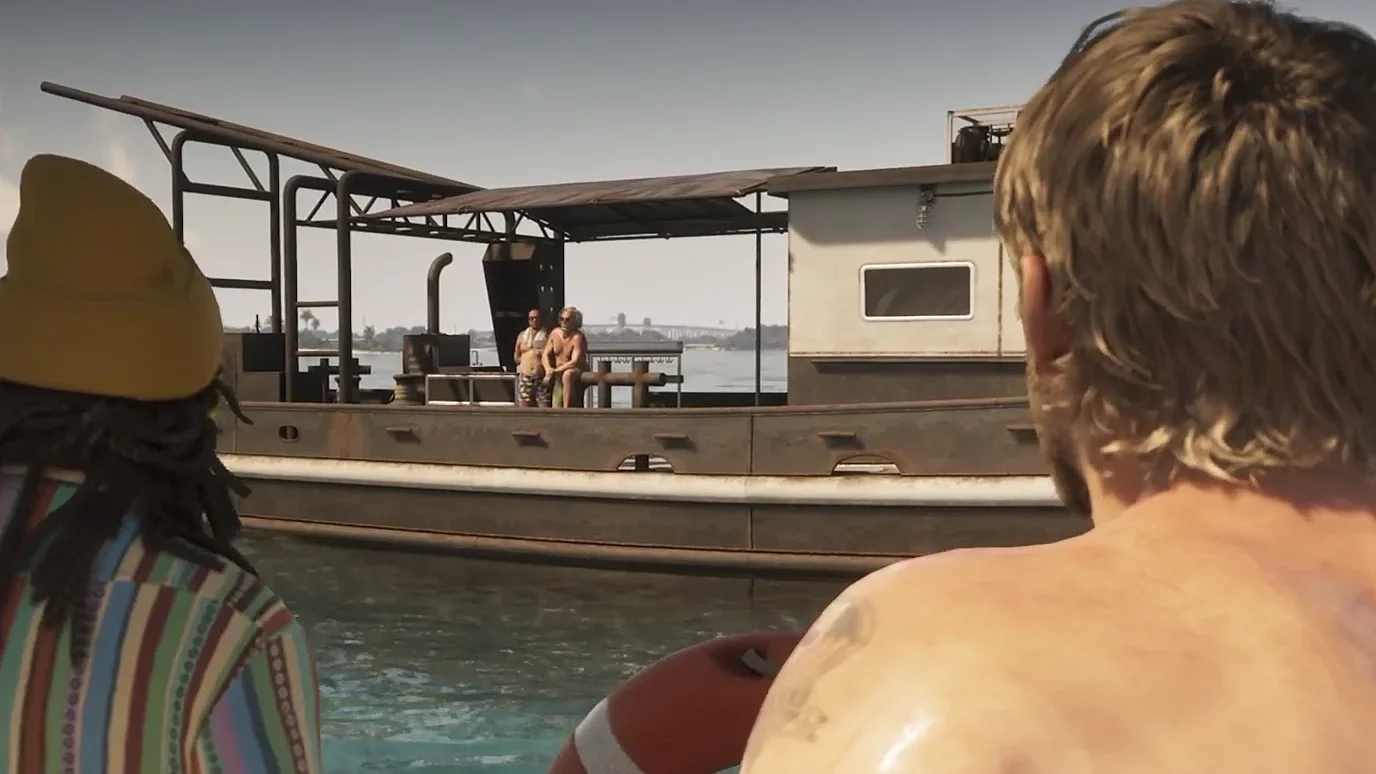

Click both controller sticks at the same time to activate Focus in Grand Theft Auto 6, then scan your surroundings for highlighted loot.
A careful sweep helps you avoid leaving money or a useful clue behind when you finish searching a location. Focus also exposes security risks, so reading the highlights correctly is part of getting the loot out safely. Start with a quiet, unarmed search, then check interiors, vehicle trunks, and nearby disturbances before moving on.
How to activate Focus


Controller inputs
Jason and Lucia can both use Focus. Press the two stick buttons together using these inputs:
- PlayStation 5: Click L3 + R3.
- Xbox Series X|S: Click LS + RS.
These are stick clicks, not movements toward a particular direction. You do not need to open the phone or select a scanning app to activate the ability.
Search without drawing your gun
For a straightforward loot search, use this sequence:
- Put away your weapon and get clear of combat.
- Activate Focus with both stick clicks.
- Look around the area for highlighted objects.
- Approach anything useful and use its interaction prompt to collect or examine it.
Exploration Focus can be used indefinitely outside combat. With a gun equipped, Focus also provides a limited slow-motion aiming window. You do not need a larger combat meter just to inspect a quiet room.
How hidden loot is highlighted
Read the colors before approaching
Focus highlights more than valuables. Some colors point to things you can collect or examine, while others identify a threat or an alarm connection.
| Highlight | What it identifies | What to do next |
|---|---|---|
| Green | Cash | Approach and collect it |
| Yellow | Interactable items, including useful notes | Check the interaction prompt and examine the object |
| Red on a person | An enemy | Check their position before searching nearby |
| Red on a door | A door connected to an alarm | Plan your entry before opening it |
| White on a door | An entrance you can use | Approach and check the door prompt |
Weapon variants also receive bright highlights. Keep looking for them even after collecting the obvious money, because these weapons can come with attachments that would otherwise cost you cash.
Enemy highlights can reveal people through walls. Use that view to check occupied rooms before walking toward an item, especially when searching a guarded location.
Check the object, not just its glow
A highlighted note can be more valuable than a nearby pickup if it contains information you need to open a safe. Focus helps you locate that clue, but you still need to read it and use the information at the relevant lock.
Do not treat every visible mark as treasure. Focus can also reveal animal tracks and pulses associated with sounds or objectives. Identify the object or source before deciding whether to follow it.
Where to use Focus while searching
Shops and locked back rooms
Check a building's entrance and nearby guards before moving toward its valuables. Focus is useful at the doorway, while you still have room to choose how to enter.
Inside a shop, check its back rooms. Many establishments keep their valuables in a safe behind a locked door, so stopping after the cash register can leave part of the take untouched.
If a safe requires a code, search nearby for notes. Safe codes are randomized, so use the clue in your game instead of copying a number from another player's run. Some safes instead require a tool or explosives; finding one does not mean you already have the equipment to open it.
Narcotics, jewelry, and marked bills need to be sold to a fence, so include that stop in your Grand Theft Auto 6 robbery plan. A bag of stolen goods is not the same as spendable cash.
Vehicles and trunks
Focus can show whether someone has valuables hidden in a vehicle's trunk. Check nearby cars while exploring on foot, particularly before leaving an area you have already searched indoors.
Check the vehicle's security before trying to reach its contents. Hold D-pad up to open Waink, then scan the car for its access status, alarm, and tracker. This is a separate check from locating valuables with Focus.
Once unlocked, the slim jim provides a quiet way to access locked vehicles and their trunks. Match your Grand Theft Auto 6 car theft method to the security scan before breaking into a car with something worth taking.
Shouting, gunshots, and sirens
Loud noises can signal a random event. Activate Focus when you hear shouting, shots, or sirens, then use its pulse to locate the source before deciding whether to investigate.
A plane crash is one event that can leave loot at its crash site. Other disturbances involve people who need help, so follow the cue to understand the situation instead of assuming every sound leads to a cash pickup.
Buildings with an unclear entrance
Use the map if you suspect a location has an interior but cannot find the door. Dark blue buildings can be entered, although the accessible space may only be a garage or corridor.
Rotate the map to inspect the building, then walk close enough to a possible entrance to check for an interaction prompt. This helps you reach another search area without circling the same wall with Focus active.
Focus limits and troubleshooting
If the combat window feels too short
Train the Focus stat when you need more time for slow-motion aiming in hostile areas. Catching fish adds progress toward a higher Focus level, and playing pool also builds the stat. Focus gains are permanent, unlike the fitness gains that require regular upkeep.
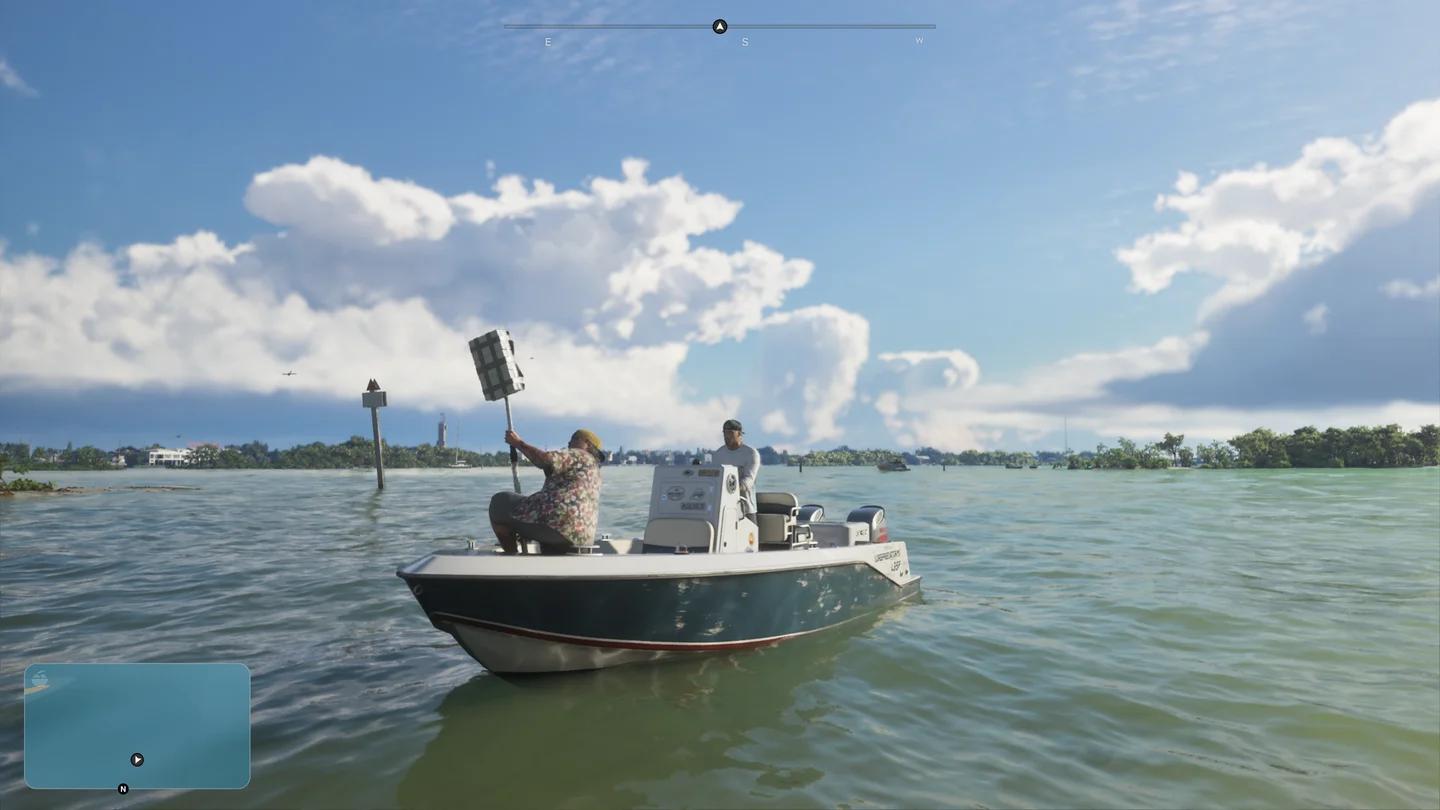
Fishing on Leonida's waterways
Temporary buffs are a separate option. Food, drinks, sleep, and showers can improve your stats; look for the purple eye to identify a Focus benefit. Petting dogs and cats can also buff Focus.
If the clue is controller vibration
A sudden, strong vibration while you are on foot can point to something worth scanning, such as art. Stop and inspect the area with Waink instead of relying only on Focus highlights.
Keep controller vibration enabled if you want to receive that cue. You can find the setting under Controller > Vibration & Haptics.
If discoveries are easy to overlook
Turn on Discovery Alerts under Settings > UI > Progress so discovery notifications remain visible while you explore. The alerts help you notice finds, while Focus handles the nearby search.
Before following another disturbance, put loose cash in your safehouse stash or deposit it at an ATM once banking unlocks. Cash on hand and carried stash bags are lost on death.