Search games, articles, guides...CtrlK
Sign InGet Started
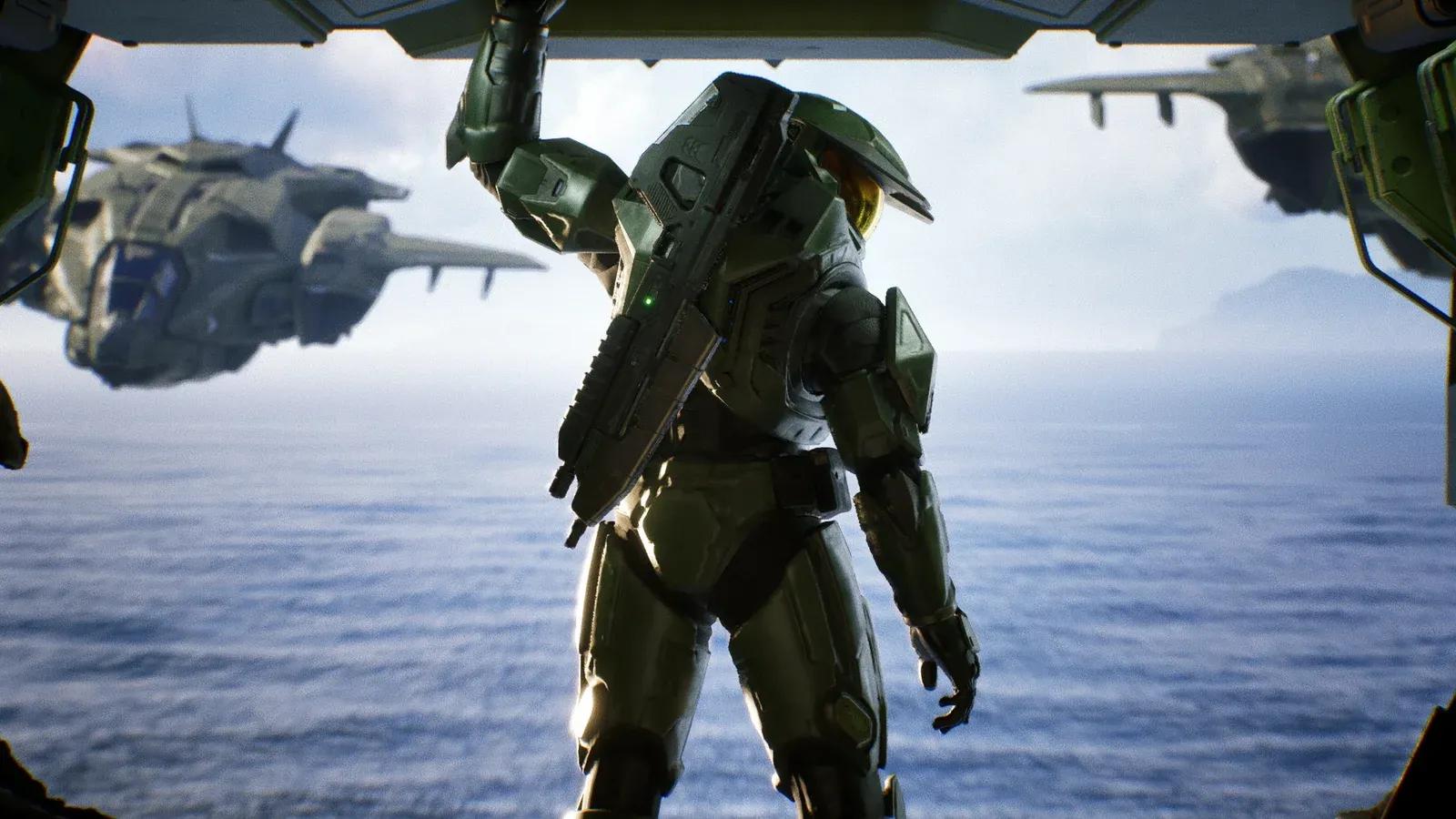
Pick the right graphics mode in Halo: Campaign Evolved. Quality vs Performance compared so you can make the best choice for your setup.

Written by Larc
Content Writer
See more GAMES.GG guides on Google
Add us as a preferred source and our guides show up first in your results.

Halo: Campaign Evolved Guide: All The Maw Skull Locations
Find all 3 Skulls in The Maw mission: Stowed Reload, Boom, and Thunderstorm with exact step-by-step locations.
How to Play Halo: Campaign Evolved in 3rd Person
Unlock the Perspective Skull and switch Halo: Campaign Evolved to 3rd person view with this quick step-by-step guide.
Halo: Campaign Evolved Machinima Mode Guide
Learn how to activate Machinima Mode in Halo: Campaign Evolved on controller and keyboard, fix the Drop Weapon conflict, and use freecam.
Halo: Campaign Evolved keeps its graphics settings simple: two modes, one choice. Before you fire your first shot, the game asks whether you want a sharper picture or a smoother frame rate. It sounds like a minor decision, but it shapes how the entire remake feels to play. After spending significant time with both settings on console, there's a clear answer for most players.
The game offers exactly two options at the console level:
That's the full breakdown. There's no middle ground, no resolution slider, and no additional hybrid option. You're trading frames for pixels or pixels for frames, and the gap between 30 and 60 FPS is significant enough that it changes how the game feels in your hands.
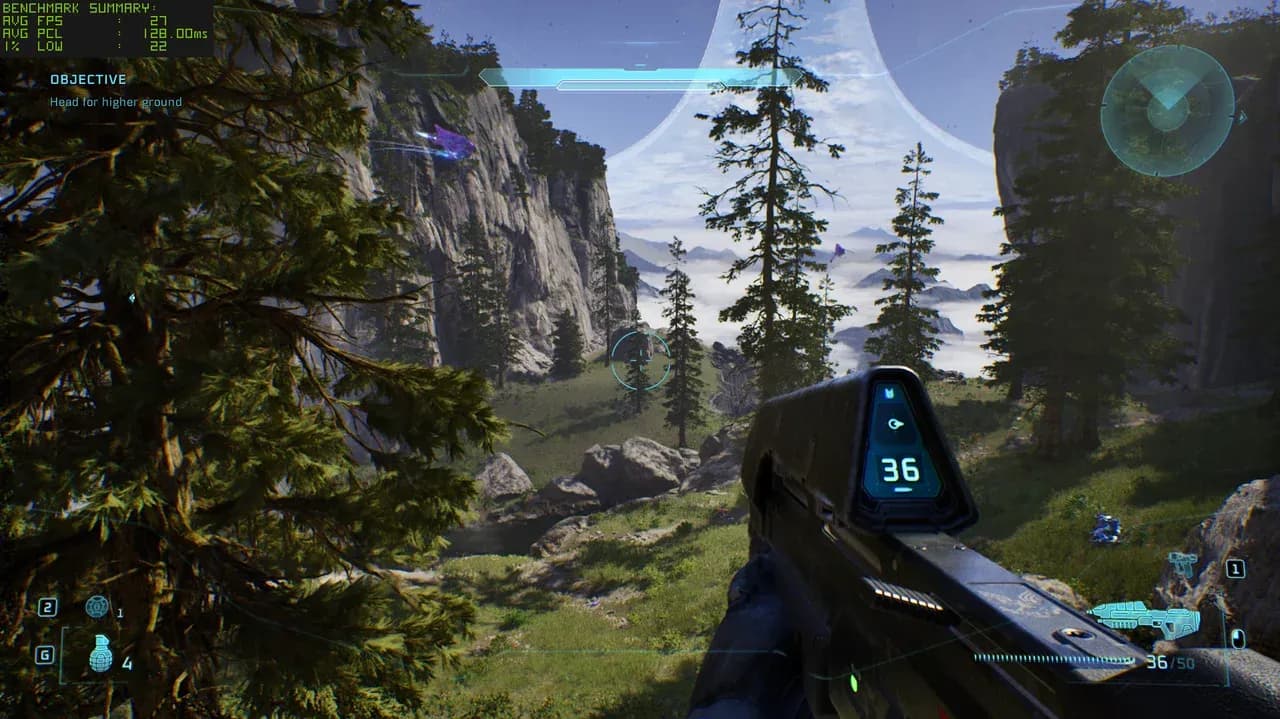
should you play graphics mode select
| Feature | Quality Mode | Performance Mode |
|---|---|---|
| Target frame rate | 30 FPS | 60 FPS |
| Visual fidelity | Higher | Slightly reduced |
| Input responsiveness | Lower | Higher |
| Frame drops under pressure | More noticeable | Occasional |
| Recommended for FPS | No | Yes |
Quality Mode produces a noticeably crisper image. Textures and lighting have more detail, and on a large display with HDR support, the difference is visible. The trade-off is that 30 FPS introduces a layer of latency between your inputs and what appears on screen. In a first-person shooter game where you're tracking enemies and landing precision shots, that lag is felt.
Performance Mode at 60 FPS keeps your aim tracking tight and your reactions accurate. The visual drop is real but not dramatic. Playing on a 65-inch OLED with 4K HDR, the game still looks excellent in Performance Mode. The remake's art direction carries the experience regardless of which mode is active.
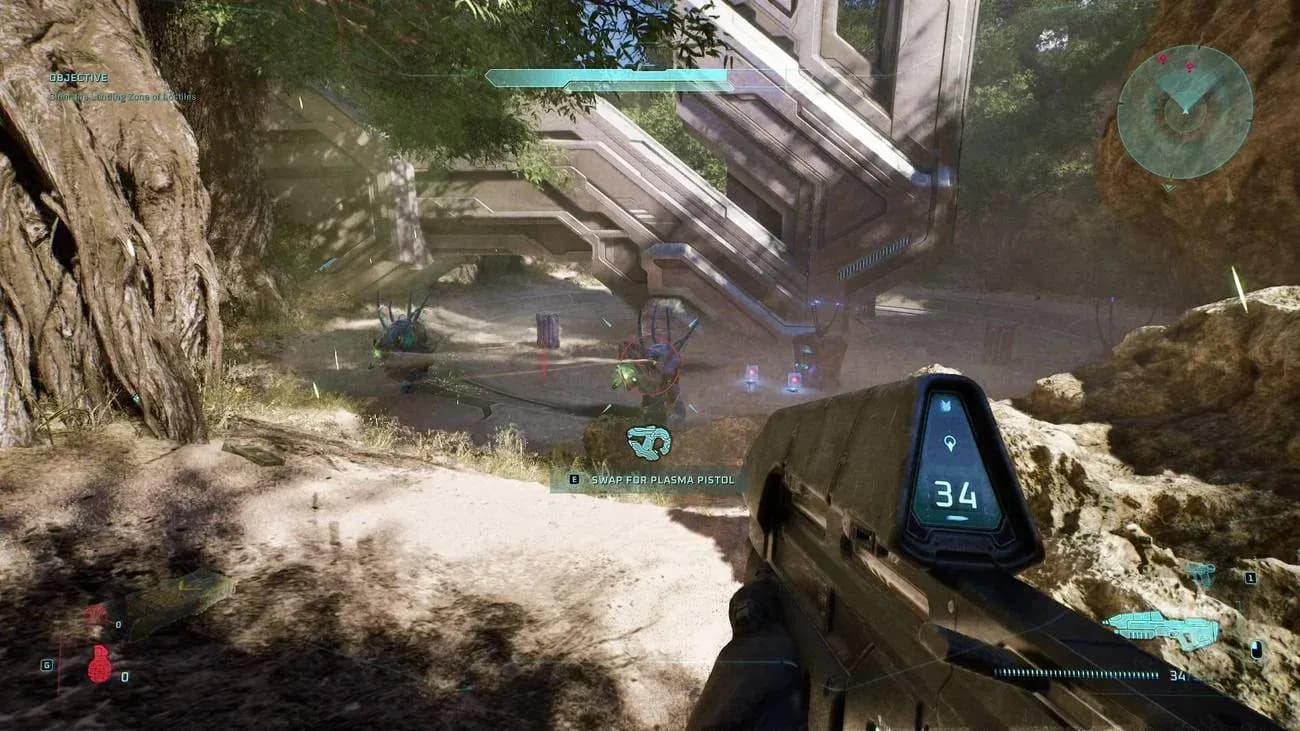
should you play combat at 60 FPS
Performance Mode is the right call for the vast majority of players. This is a first-person shooter, and shooters benefit from responsive input above almost everything else. At 60 FPS, your crosshair moves where you tell it to, enemy tracking feels natural, and the game plays the way it was designed to feel.
Quality Mode looks better in static screenshots, but the moment combat picks up, the lower frame rate works against you. Precision aiming at 30 FPS requires compensating for the slight input delay, which adds friction that simply shouldn't be there.
Your display setup does matter here. On a budget 1080p screen, the visual gap between the two modes narrows considerably, which makes Performance Mode an even easier pick. On a high-end 4K OLED, Quality Mode looks genuinely impressive, but the gameplay trade-off still isn't worth it.
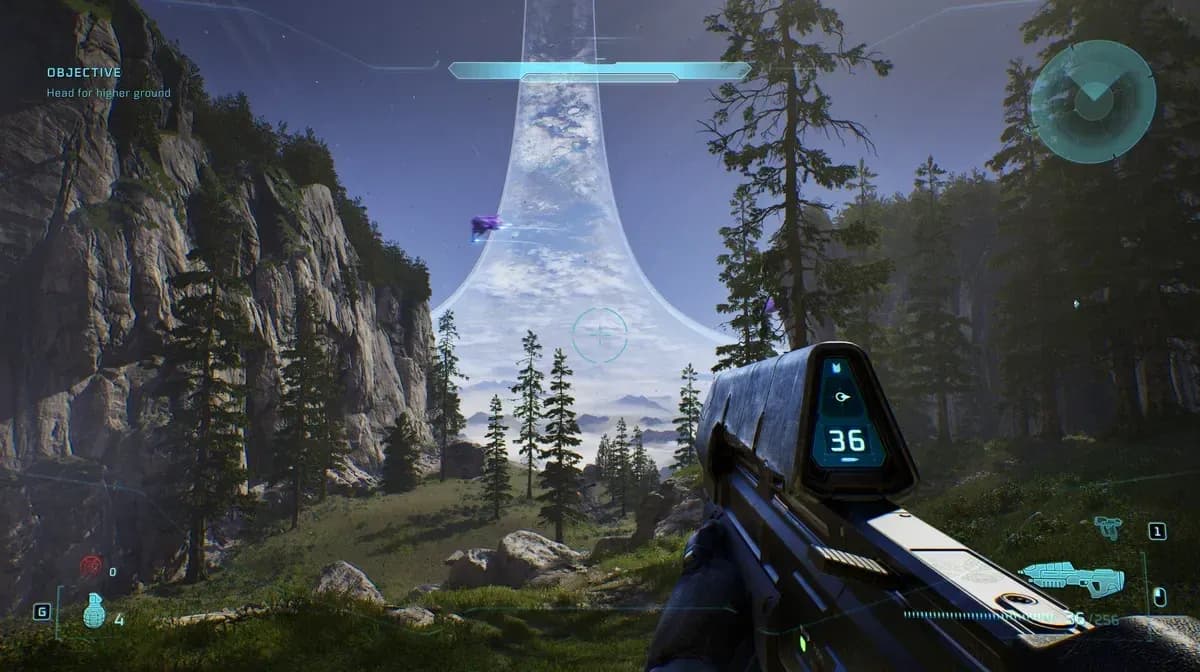
should you play melee at 60 FPS
There are a few scenarios where Quality Mode makes sense:
For a standard playthrough focused on enjoying the campaign, those scenarios are the exception. The remake is a single-player experience, so there's no multiplayer pressure pushing you toward raw performance. Check out the Halo: Campaign Evolved multiplayer guide to understand exactly what the game's co-op setup looks like and whether that changes your mode preference.
For everything else you need before launch, the Halo: Campaign Evolved preload guide covers download times, file sizes, and regional start times across PS5, Xbox, and PC.