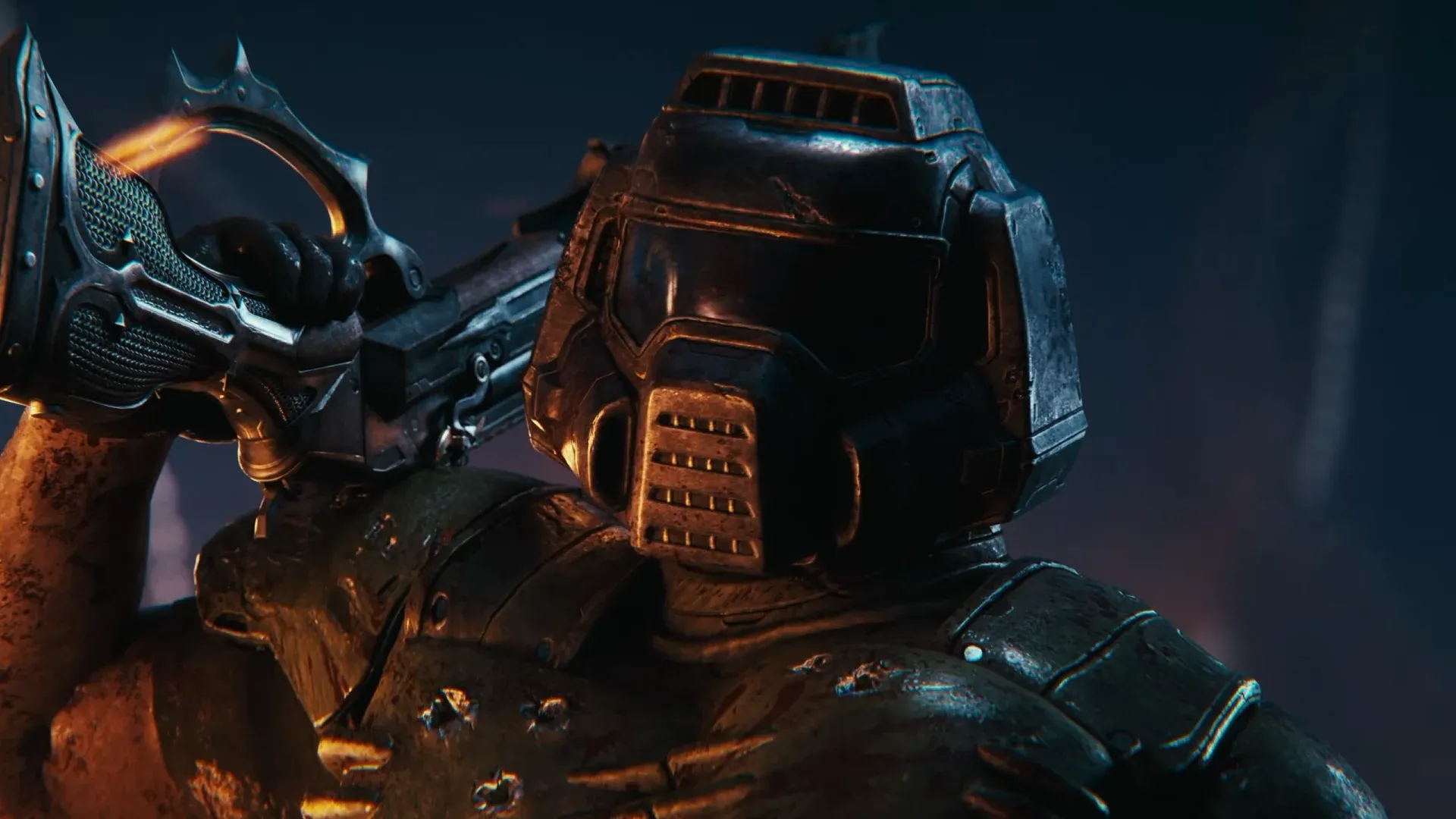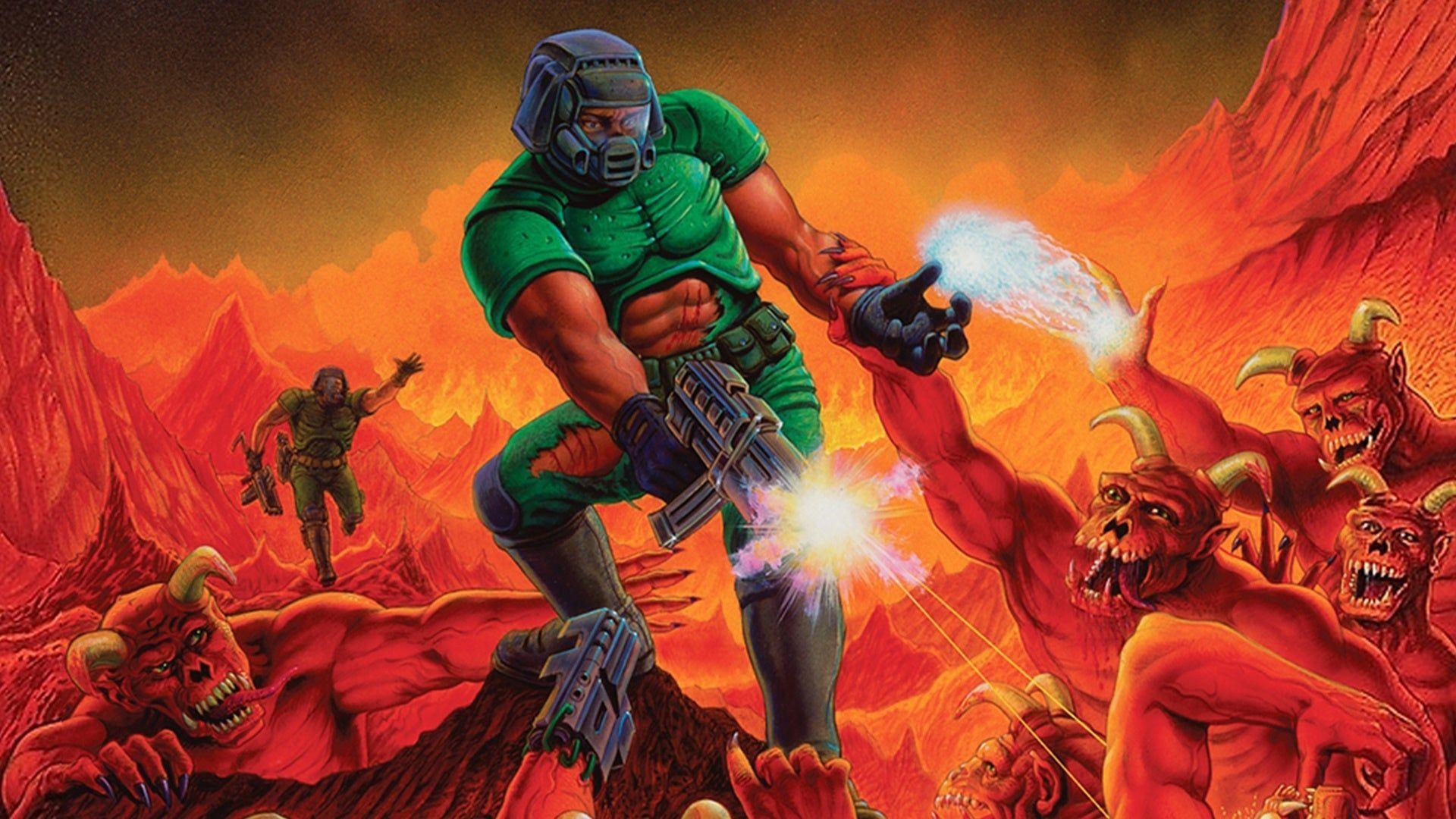

Doom 1 accepts DLSS 5 only after you drag it onto DirectX 12 through Doom 3 BFG Edition and the RBDOOM-3-BFG source port, feed it external motion vectors, install ReShade with RenoDX, and drop in the official NVIDIA neural rendering library. On an RTX 5090 mobile paired with a Core Ultra 9 275HX the reward is roughly 10 fps and imps that grow a new face every frame.
The honest answer to how to run DLSS 5 on Doom is three layers of software lying to each other until the model believes it is looking at a modern game. DOS Doom has no DirectX at all, so nothing hooks into it until a port gives it one.
Why Doom Has to Become a DX12 Game First
The neural pass attaches through RenoDX, which rides on ReShade hooks for DirectX 11 and 12. The usual route for DOS titles is dgVoodoo over DOSBox to fake DX11. Doom gets the luxury route instead , a native Doom 1 DX12 renderer , because id Software already wrapped the original inside a 2012 rerelease.
The Doom 3 BFG Edition classic Doom bundle ships The Ultimate Doom and Doom II next to Doom 3. Version 1.5.0 swapped OpenGL for DX12 and Vulkan through NVIDIA NVRHI, so the RBDOOM-3-BFG DX12 backend renders the classic games too. No wrapper, no DOSBox, no dgVoodoo watermark.
What You Need
| Component | Job | Source |
|---|---|---|
| Doom 3 BFG Edition | Supplies the Doom 1 data and the BFG base folder | Steam or GOG |
| RBDOOM-3-BFG 1.5.0 or newer | Replaces the OpenGL renderer with DX12 | ModDB or GitHub |
| Motion vector bridge | Invents temporal data Doom never produced | Worst Guides Ever file pack |
| ReShade with add-on support | Injects everything else | reshade.me |
| RenoDX neural rendering addon | Adds the DLSS 5 panel and sliders | RenoDX project |
| NVIDIA neural rendering library | The model itself | Official NVIDIA release |
| RTX 50 series GPU | Pays for all of the above in frames | Your wallet |
Step by Step
- Install Doom 3 BFG Edition and launch it once in vanilla form so the base folder exists.
- Extract the latest RBDOOM-3-BFG release into the BFG Edition folder and launch RBDoom3BFG.exe instead of the original executable.
- Add +set r_graphicsAPI dx12 to the launch options if the port decided Vulkan was a better idea.
- Select The Ultimate Doom from the main menu and accept that a 1993 game now runs on DirectX 12.
- Copy the motion vector bridge into the folder next to RBDoom3BFG.exe.
- Run the ReShade installer against RBDoom3BFG.exe, pick DirectX 12, and tick add-on support.
- Drop the RenoDX addon and the neural rendering library into the same folder.
- Launch the game, press Home, open the Add-ons tab, and enable the DLSS 5 Neural Rendering panel.
Every other DirectX version, including the DOSBox and dgVoodoo route this port lets you skip, is covered in the full DLSS 5 setup instruction.
Motion Vectors Doom Never Had
Classic Doom draws a 320×200 software framebuffer and stretches it to your screen. It produces zero per-pixel motion data, so DLSS 5 motion vectors come entirely from the bridge file, which guesses how pixels moved between frames. Guessing means ghosting on fast turns , and Doom consists exclusively of fast turns.
The Library and the Addon
The model lives in nvngx_dlssnr.dll. NVIDIA shipped DLSS 5 officially on September 3 alongside NBA 2K27, and the file now comes with the Game Ready driver package. Take it from there, not from an archive a stranger renamed last Tuesday.
The RenoDX DLSS 5 panel is where Doom stops looking like Doom. These are the controls that matter.
| Control | What It Does to Doom |
|---|---|
| Injection point | Output does the least damage; the render stage repaints sprites with enthusiasm |
| Passes x1 | Changes almost nothing, since a sprite gives the model little to work with |
| Passes x2 to x4 | Repaints everything and samples a single frame, so hallucinations multiply |
| Preset | Default drifts green, Natural drifts blue, Cinematic drifts purple at high strength |
| NR Intensity | Use it for comparisons instead of the toggle |
| F6 | Toggles the effect and leaks about a gigabyte of VRAM per press |
What Actually Happens
Doom 2 at x1 looked untouched in earlier testing, and at x2 to x4 it turned into something else entirely. Doom 1 shares the engine and behaves the same way. Sprites are flat billboards, the model expects geometry, and wherever detail is missing it invents faces.
The verdict on DLSS 5 old games stays grim. DX11 titles break apart even with every vector wired correctly, and Doom dodges that only because RBDOOM gives it a real DX12 path. It still lacks the frame history the rest of the DLSS pipeline normally supplies.
Performance
| Mode | Result on RTX 5090 Mobile + Core Ultra 9 275HX |
|---|---|
| Native port, no neural pass | Hundreds of fps, as a 1993 game deserves |
| DLSS 5, x1, output injection | Around 10 fps for a barely visible change |
| DLSS 5, x2 to x4, render stage | Around 10 fps or worse for a total repaint |
The DLSS 5 performance hit here has nothing to do with Doom and everything to do with the model, which costs the same in Wolfenstein 3D as in Cyberpunk 2077. Anyone testing this on a DLSS 5 RTX 5090 laptop should keep it plugged in, because the battery will not survive the experiment.
Troubleshooting
- The panel never appears when ReShade was installed for Vulkan , reinstall it for DirectX 12.
- The effect stays greyed out while in-game anti-aliasing is on , disable it in the RBDOOM settings.
- The image flickers when Enable Upscaling is ticked , untick it.
- The game crashes after repeated toggling because of the VRAM leak , restart and use the intensity slider.
- Nothing changes at all at x1 on output , this is expected behavior and not a bug.
Verdict
It works, it is ugly, and it costs 95 percent of your frame rate. As a tech demo of what an undertrained model does to pixel art, Doom 1 is perfect. As a way to actually play Doom, use literally anything else.