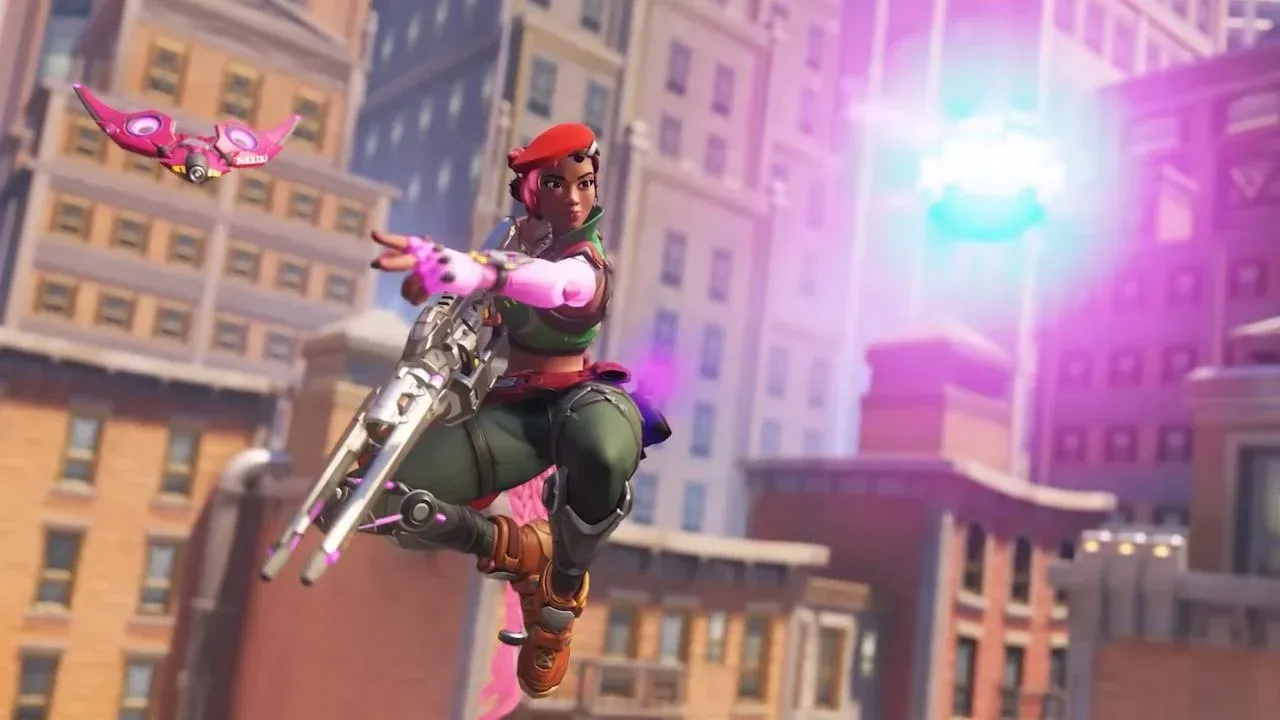
Overwatch Stadium brings something genuinely different to the table compared to the rest of the game's modes. One of its most distinctive features is the camera system, which defaults to a third-person perspective rather than the traditional first-person view most Overwatch veterans are used to. Whether you want to stick with third person or flip back to first, knowing how to control this setting gives you a real edge.
What Makes Overwatch Stadium's Camera System Unique?
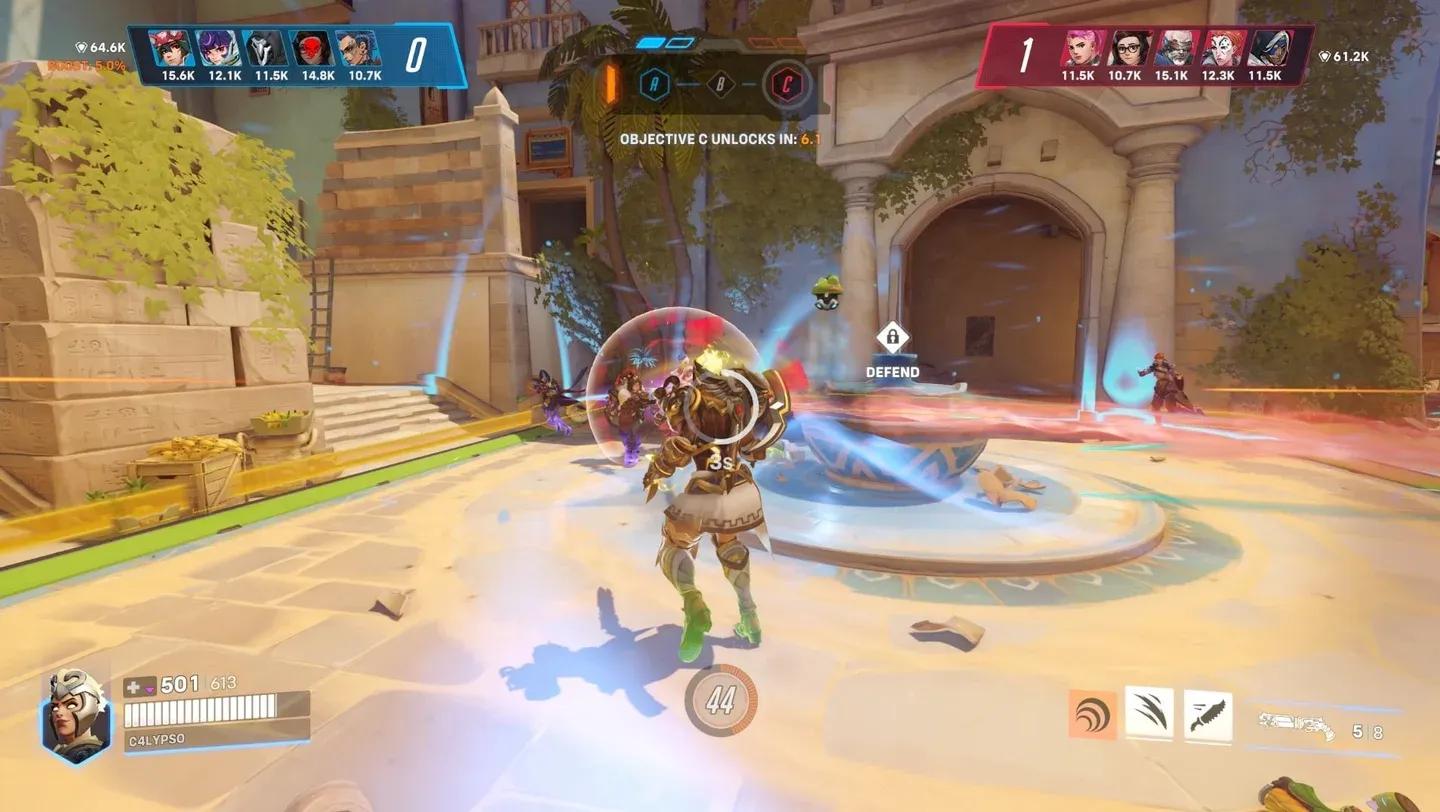
Overwatch Stadium sets itself apart from the standard Overwatch experience in several ways, and the camera perspective is one of the most immediately noticeable. By default, the mode places you in third-person view, giving you a wider field of awareness around your hero. This works well for many playstyles and heroes, especially those focused on mobility and positioning.
However, third person isn't always the right call. For precision-focused heroes like Ashe and Widowmaker, locking into first-person view makes landing shots significantly easier. The good news is that Stadium lets you configure this on a per-hero basis, so you're never stuck with a one-size-fits-all setup.
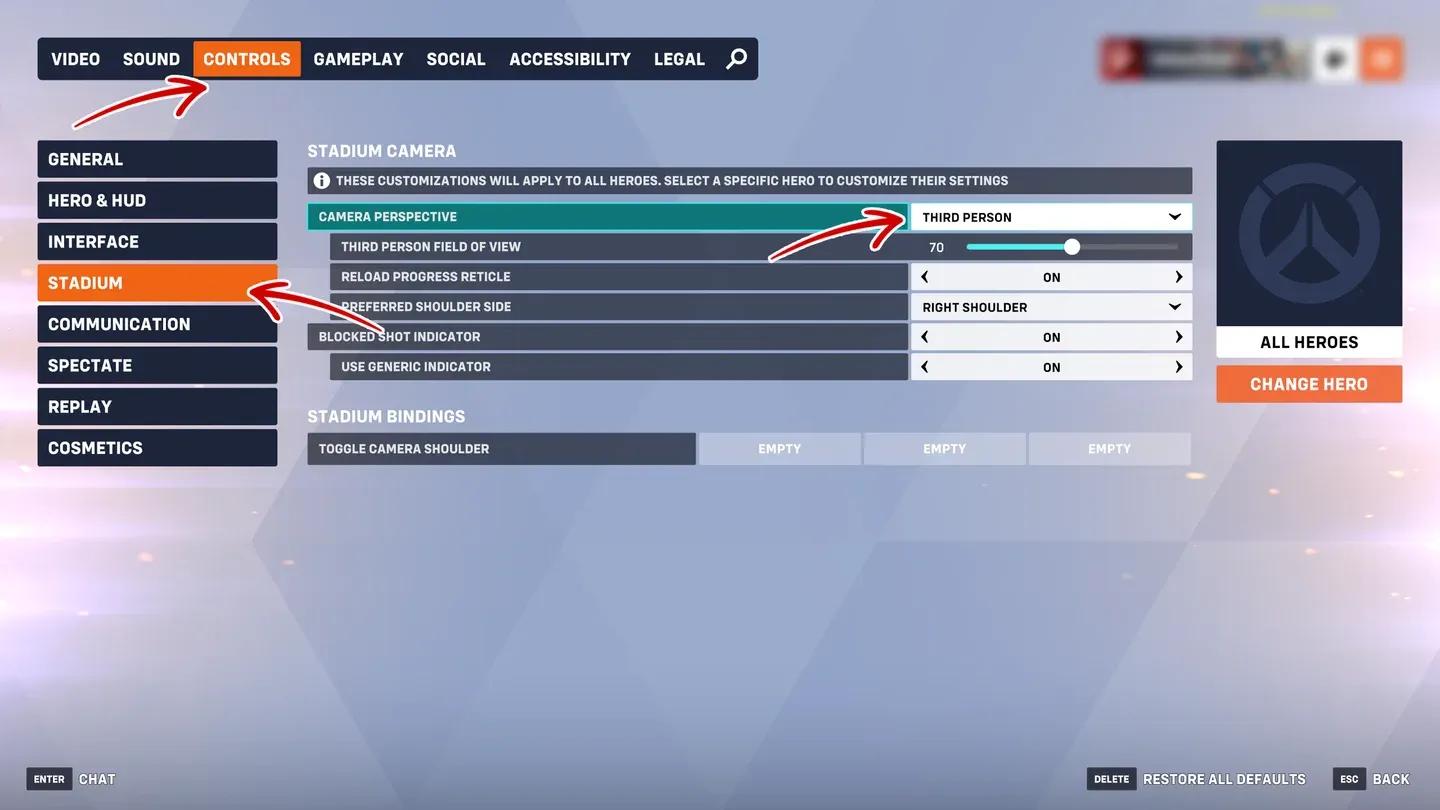
Stadium camera perspective settings

How to Switch Camera Perspective in Overwatch Stadium
Changing your camera view in Stadium takes only a few steps. Here's exactly where to find the setting:
- Open Settings from the main menu
- Navigate to the Options tab
- Select the Stadium section
- Locate the Camera Perspective option and adjust it to your preference
This flexibility is one of the smartest quality-of-life features in Stadium, and taking a few minutes to dial in each hero's preferred view before a match can make a noticeable difference in your performance.
Per-hero perspective config
Which Perspective Should You Use for Each Hero?
The right camera angle depends heavily on the hero you're playing and how their kit functions. Here's a quick breakdown to help you decide:
| Hero Type | Recommended Perspective | Reason |
|---|---|---|
| Snipers (Ashe, Widowmaker) | First Person | Precision aiming is easier with a direct line of sight |
| Melee/Tank (Reinhardt, Roadhog) | Third Person | Wider view helps with positioning and threat awareness |
| Mobile Heroes (Tracer, Genji) | Third Person | Easier to track your surroundings during fast movement |
| Mid-range DPS (Soldier: 76) | Either | Personal preference; test both to find your comfort zone |

Widowmaker first-person scoped view
Why Does This Setting Matter for Competitive Play?
Camera perspective isn't just a cosmetic preference. It directly affects how well you can aim, how much map awareness you have, and how quickly you can react to flanks or threats. Third person gives you a broader view of your immediate surroundings, which is valuable for heroes who rely on reading the battlefield. First person tightens your focus to a narrower field of view but makes precision shots far more reliable.
Testing both perspectives in a practice session before jumping into ranked matches is the best way to figure out what works for each hero in your roster. Small adjustments like this can translate directly into better performance over time.

Stadium settings options panel
Final Setup Tips for Overwatch Stadium Camera Settings
- Always configure your Camera Perspective setting before your first ranked match in Stadium
- Prioritize first person for any hero where accurate aiming is central to their kit
- Use third person for heroes where positioning and spatial awareness matter more than pinpoint aim
- Revisit your settings whenever you pick up a new hero to make sure the perspective fits their playstyle
- Keep in mind that Overwatch continues to receive updates, so check patch notes if any settings behavior changes in the future