Planet Zoo 2 launched on October 13, 2026, and Frontier Developments is celebrating with a set of free Twitch Drops for anyone willing to tune into streams. The rewards are all avatar cosmetics, and while they won't change how your zoo runs, they're free and take less than three hours total to earn. Here's everything you need to know to grab them before the window closes.
What are the Planet Zoo 2 Twitch Drops?
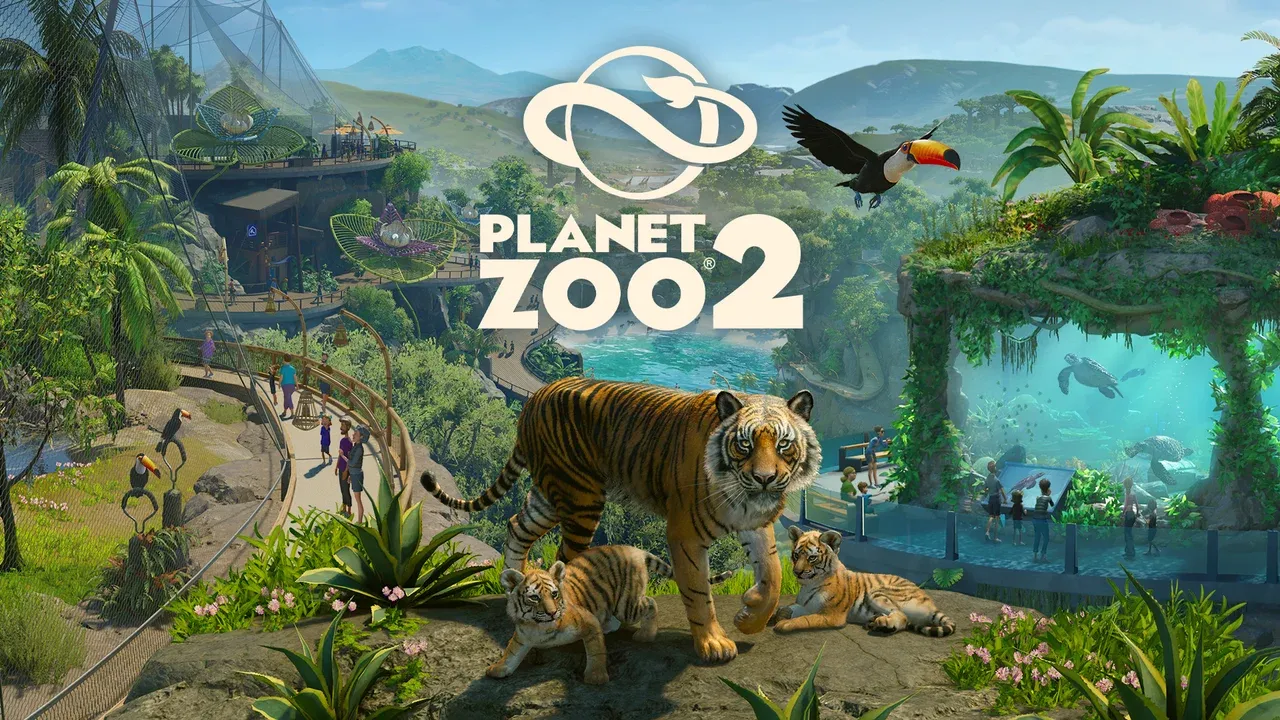
Three separate cosmetic bundles are available, each themed around three animals: the Toucan, the Tiger, and the Hawksbill turtle. Each bundle is a matching outfit set split across three wearable pieces.
Your avatar matters more in Planet Zoo 2 than you might expect. While most of the game is a top-down management experience, you can explore Wildlife Reserves on foot or by vehicle, and your avatar will also visit other players' zoos independently. Having a distinctive look is a small but satisfying personal touch.

Planet Zoo 2 Guide: All Twitch Drops Rewards & How to Claim Them
All three drops are available starting from October 13, 2026, with no confirmed end date published yet. Watch time for each reward is one hour, so earning all three pieces of a set requires three hours of watch time total.

All Planet Zoo 2 Twitch Drops and requirements
| Reward | Watch Time Required | Dates Available |
|---|---|---|
| Toucan, Tiger & Hawksbill Legs | 1 hour | Oct. 13 onwards (TBC) |
| Toucan, Tiger & Hawksbill Top | 1 hour | Oct. 13 onwards (TBC) |
| Toucan, Tiger & Hawksbill Hat | 1 hour | Oct. 13 onwards (TBC) |
Each reward unlocks after a cumulative hour of watching, not per stream session. If you watch 30 minutes on one channel and 30 minutes on another, that counts toward your first drop.
How do you link your Frontier and Twitch accounts?
Before any watch time counts toward drops, you need to connect your Frontier account to your Twitch account. This is a one-time setup and takes about two minutes if you already have both accounts.
Here are the exact steps:
- Go to twitch.frontierstore.net
- Sign in to your Frontier account, or create one if you don't have one
- Select the option to connect your account with Twitch
- Sign in to your Twitch account when prompted
- Start watching any eligible Planet Zoo 2 stream on Twitch
How do you claim your drops after earning them?
Earning a drop and claiming it are two separate steps. Twitch will notify you when a drop is ready to claim, but it won't appear in your game automatically.
- Open Twitch and go to your profile menu
- Select Drops & Rewards
- Find the earned Planet Zoo 2 drop and click Claim
- Launch Planet Zoo 2 and find the cosmetic in your avatar wardrobe
Is a Deluxe Edition required to get the drops?
No. The Twitch Drops are separate from any paid edition bonuses. The base game is all you need to receive and use these cosmetics. The Deluxe Edition of Planet Zoo 2 comes with its own exclusive rewards, but the Twitch Drops are available to every player regardless of which version they own.
For more on what's new in the game and when it went live across different platforms, check out the Planet Zoo 2 release date guide for exact launch times and edition breakdowns.
Where can I find more Planet Zoo 2 guides?
The Twitch Drops are just one small piece of everything launching alongside the game. From managing finances to releasing animals into Wildlife Reserves, there's a lot to learn. Browse the full Planet Zoo 2 guides collection for tips covering every major system in the game.
Planet Zoo 2 sits comfortably among the best simulation games available right now, and these free cosmetics are a low-effort way to personalize your experience from day one. Get your accounts linked, queue up a stream, and let the watch time run in the background while you manage your zoo.