
To redeem a Roblox gift card, sign in on the website, open the gift card redemption page, enter your PIN, and select Redeem.
You need the card's PIN or digital redemption code and access to the account that will receive it. Start in a web browser, even if you normally play through an app or console. Standard credit gift cards and cards that award Robux directly have different results, so the balance you receive depends on your card type.
How to redeem your Roblox gift card

Find your PIN or digital redemption code
A physical Roblox gift card has a gray security strip on the back. Scratch off that strip to reveal the PIN. Roblox gift card codes can contain letters as well as numbers, so enter the complete code as printed.
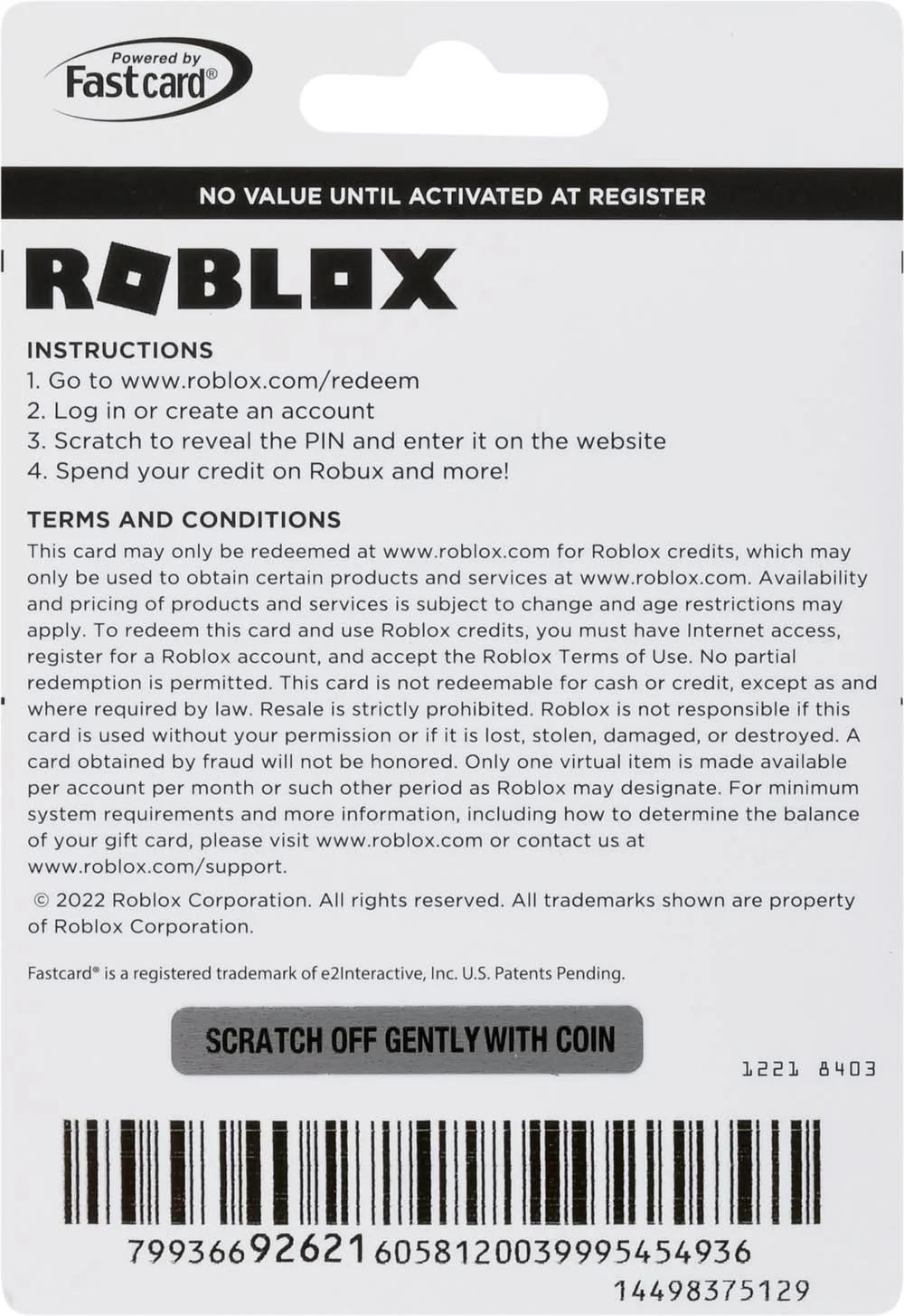
Roblox gift card PIN panel
For a digital card, use the redemption code supplied with the card. You do not need a physical scratch-off panel to follow the website redemption process.
Enter the code on the website
Follow these steps in your browser:
- Sign in to the intended account. Use the account that should receive the card's value and any eligible virtual item.
- Open Gift Cards from the Roblox website menu, then open the gift card redemption page.
- Find the Enter Code box.
- Type your PIN or paste your digital redemption code exactly as supplied, preserving its letters, numbers, and separators.
- Select Redeem.
- Look for the success message confirming that the code was accepted.
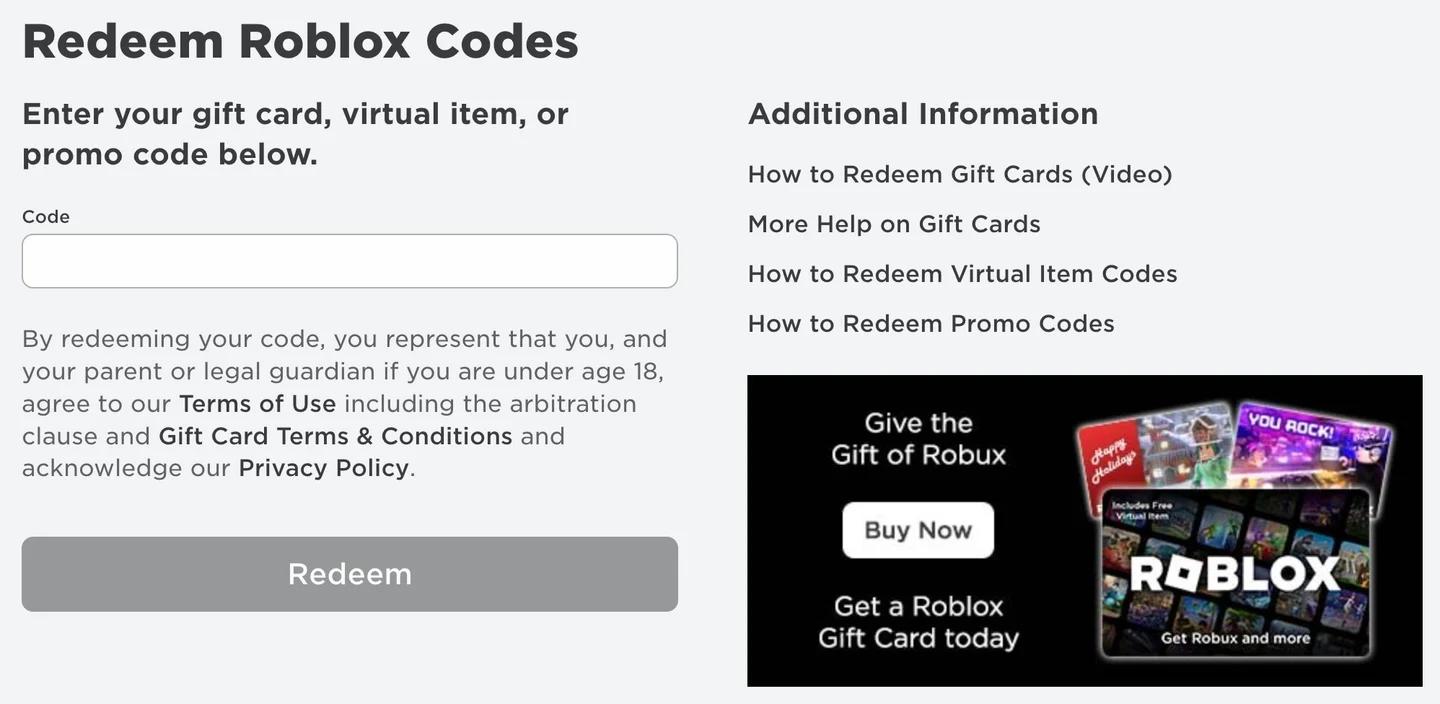
Roblox code redemption page
If the code is rejected, re-enter it carefully from the original card or digital code. Do not apply expiration dates or regional rules from unrelated promotional codes to a purchased gift card.
Does your gift card give Credit or Robux?
Roblox Credit and Robux are different balances. The card type determines which one receives the redeemed value. Use this comparison to understand the result before making another purchase.
| Card type | What redemption adds | Next action if you want Robux |
|---|---|---|
| Standard Roblox Credit gift card | The full card value as Roblox Credit | Use the credit to buy Robux |
| Amazon digital Roblox Robux card | Robux directly | No credit-to-Robux purchase is needed |
| Individual Roblox Party Pack card | 200 Robux | No credit-to-Robux purchase is needed |
Amazon digital Robux cards
Amazon's digital Roblox Robux cards cannot be redeemed as Roblox Credit or used to claim a subscription. Their reward is the Robux value attached to the digital card.
Do not treat every digitally delivered card as the same product. The Amazon Robux card is a specific redemption type, not a rule that every digital Roblox gift card must follow.
Roblox Party Pack cards
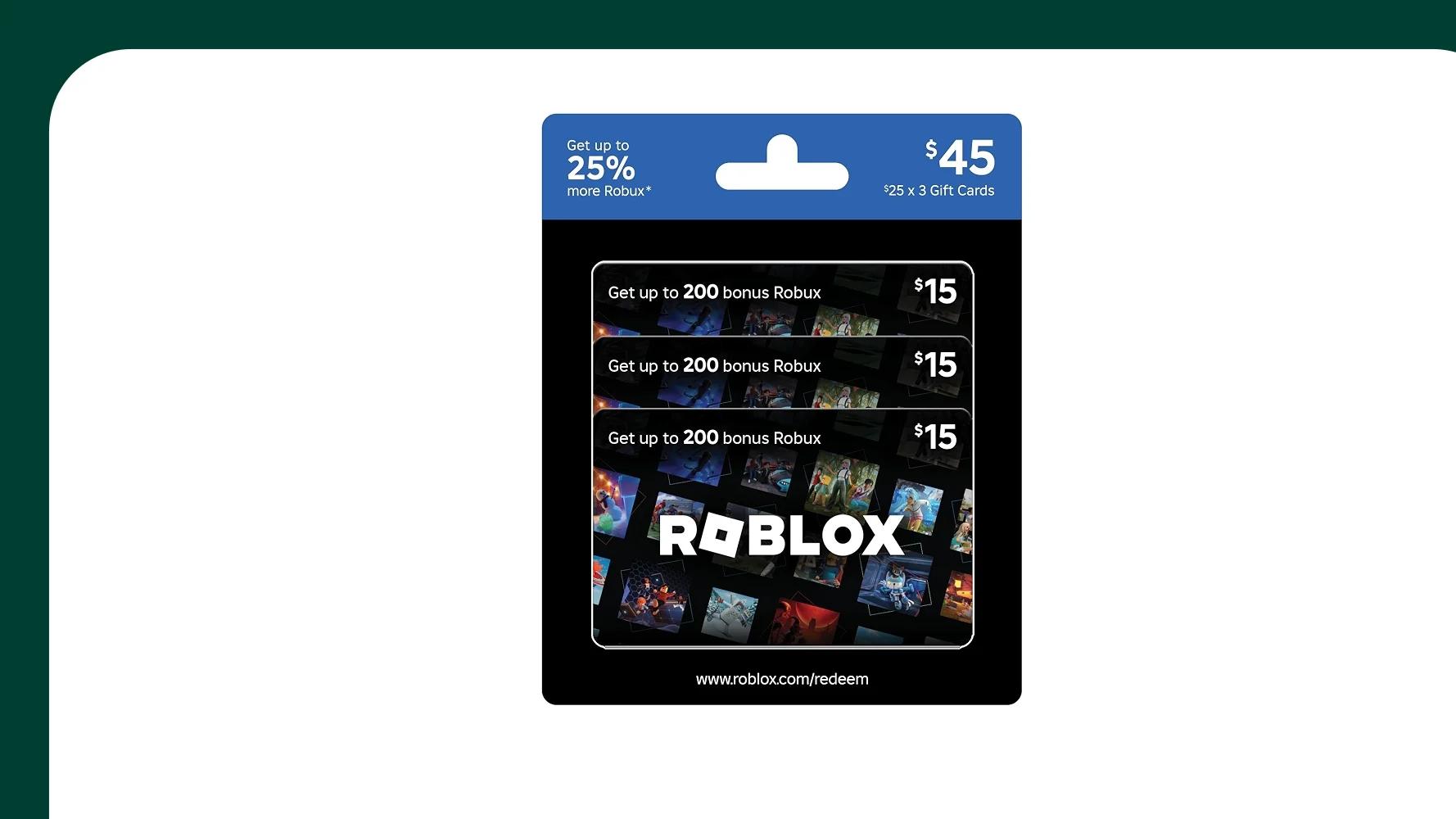
The Roblox Party Pack contains 25 individual gift cards, totaling 5,000 Robux across the bundle. Redeeming one card claims that individual card's reward, not the value of the entire pack.
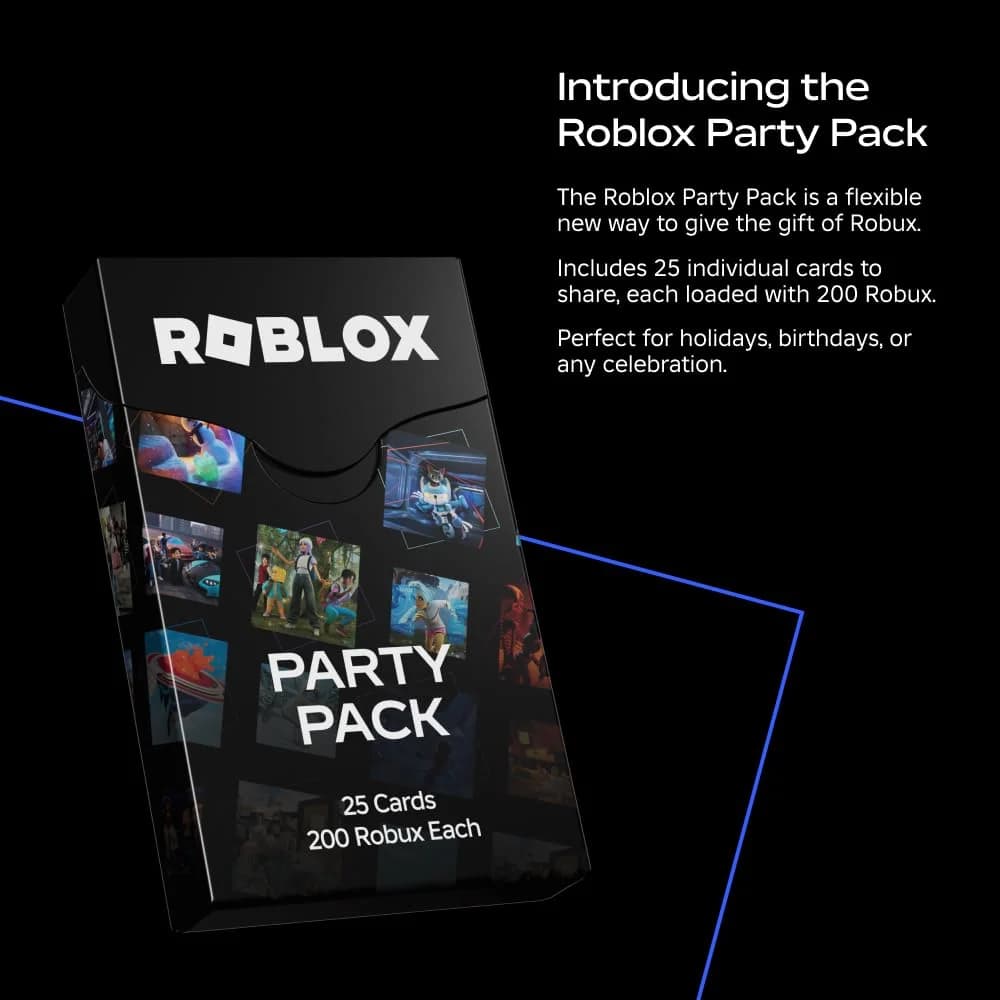
Roblox Party Pack gift cards
Party Pack cards are also an exception to the idea that every physical Roblox card adds a money-based credit balance. The packaging and card type determine the reward, not whether you received a physical card or a digital code.
How to spend your Roblox Credit
Choose Robux or Roblox Plus
You can use Roblox Credit to purchase Robux or a Roblox Plus subscription. Choose Robux if you want the platform's currency. Choose Roblox Plus if you want to buy the subscription.
Treat redeeming and spending as separate steps:
- Choose the Robux purchase or Roblox Plus subscription you want on the website.
- Use your redeemed Roblox Credit toward that purchase.
- Complete the purchase to receive the selected product.
A successful gift card redemption does not automatically select a Robux purchase for a standard credit card. If you expected currency immediately, the remaining task is to spend the credit already added to your account.
Use leftover credit
Leftover Roblox Credit can also be converted into Robux. This applies to the remaining credit balance after a purchase; it is separate from entering the gift card PIN.
Keep the card's money value separate from its eventual Robux purchase. A credit gift card claims prepaid value first, while the purchase you select determines how you spend it.
Gift card bonus items and game reward codes
Do gift cards include virtual items?
Gift card redemptions can also award exclusive virtual items. The item can depend on the retailer, the card amount, and when the card was purchased. Eligible items are added to the account when the card is redeemed.
The gift card item selection changes monthly. A picture of an older gift card reward does not establish which item a different card will award now.
Are gift card PINs the same as experience codes?
Purchased gift card PINs are separate from free reward codes for individual Roblox experiences. Those experience codes can award items or currencies inside a particular game instead of adding platform credit.
For example, Roblox Do Not Stop codes award that game's Credits through its Shop. Those Credits are not Roblox Credit, despite the similar name.
Use the Roblox website's gift card redemption form for your card PIN. Use an experience's own redemption menu when claiming a reward code for that specific game.