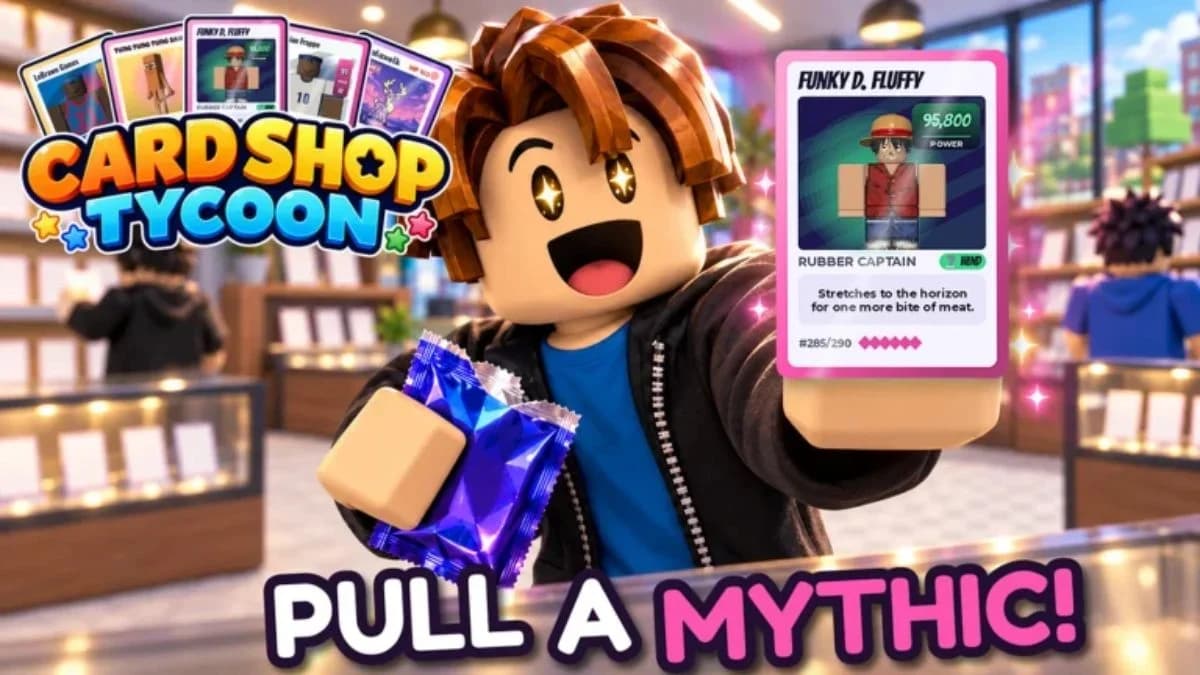

Four My Trading Card Shop! codes in Roblox offer free Cash, Gems, and packs: 2million, 1KDC, DC2026, and BETA.
Together, their rewards add up to 9,000 Cash, 75 Gems, and 18 packs. Your next decision comes after redemption: keep cards for your collection, display a strong pull, or sell cards to support your shop. One code's packs have a selling restriction, so check that before treating every reward as stock for your store.
My Trading Card Shop! codes for November 2026
Use this checklist to track which codes you have entered. The pack totals below count each box as five individual packs.
| Code | Cash | Gems | Packs |
|---|---|---|---|
| 2million | 5,000 | None | 2 Signature Packs and 2 Holo Packs |
| 1KDC | 3,000 | 50 | 1 Hot Pack and 2 Holo Packs |
| DC2026 | None | None | 1 box of 5 Hot Packs and 1 box of 5 Holo Packs |
| BETA | 1,000 | 25 | 1 Signature Pack |
Start with 2million if you want the biggest Cash reward, or DC2026 if you want the most packs from a single code. Then work through the remaining entries to collect the full bundle.

Inactive code
1MILLION is inactive. Use the active checklist instead of spending time retrying that older milestone code.
Codes for other Roblox games
All codes
Roblox GloryBound Codes for November 2026
Steal a Superpower Codes for November 2026
Beyond Nen Codes for November 2026

Uma Dash Codes for November 2026
Start an AI Company Codes for November 2026

Project Soul’s Codes for November 2026
How to redeem My Trading Card Shop! codes
The code entry box sits at the bottom of the settings window. You do not need to find a separate gift menu or visit an in-game shop counter.
Follow these steps:
- Launch My Trading Card Shop! in Roblox.
- Select the gear icon in the top-right corner of the screen.
- Paste a code from the table into the Enter a code field.
- Select REDEEM to claim its rewards.
- Repeat the entry and redemption steps for the other active codes.
Copying a code is safer than typing it manually, especially when switching between uppercase and lowercase letters. Check that the pasted text contains only the code itself, without spaces before or after it.
What to check if a code fails
Capitalization comes first. Codes are case-sensitive, and the game's Roblox description prints 2million in lowercase. Keep the other entries in the case shown in the table.
Next, check your level and the text in the entry field. A correct-looking code can still contain an extra space from copying. Clear the field and paste the code again before assuming it has expired.
For a persistent redemption bug, use the in-game Feedback Mailbox. My Trading Card Shop! is still in development, and the developer directs bug reports there. Avoid repeatedly changing a code's spelling to guess a replacement.
What to do with your free packs and cards
Open packs to build your collection
The pack rewards give you more cards to evaluate, but an opening does not guarantee a valuable pull. Judge the card you receive before deciding whether it belongs in your collection or your shop's sales cases.
That restriction applies to those reward packs. Keep it in mind when choosing between opening packs for cards and stocking products for customers.
Keep, display, or sell your pulls
Your album, displays, and sales cases serve different goals. Keep a card when it helps fill your collection, display a pull you want visitors to see, or sell a card when you want to earn from it.
| Choice | What it supports | What to consider |
|---|---|---|
| Keep cards in your collection | Filling your album | Whether collecting that card is your current goal |
| Display your best pulls | Showing cards in your shop | Which cards you want visitors to see |
| Sell cards in cases | Earning money from your pulls | Whether you want the sale more than the card |
| Grade your best cards | Using the game's grading feature | Which cards you consider worth keeping and grading |
The game includes over 8,000 cards and figurines, so code packs are a starting contribution to a much larger collection. You can also trade with other players as you work toward the cards you want.
Keep earning after redeeming the codes
Continue running your shop
Stock shelves, set prices, and ring up customers at the till to keep your store operating after the code rewards are claimed. The shop-management loop gives you something useful to do between pack openings.
Daily rewards provide another reward source. Playing with friends also gives 10% extra Cash on sales, so consider inviting a friend before a shop-running session.
Where to look for new codes
Check the game's Roblox description, official Discord, and Roblox group for new code announcements. Copy codes exactly as they appear, and avoid assuming that a milestone or update automatically creates a new redeemable phrase.
When another code arrives, return to the settings field, redeem it, and check whether its rewards are currency, individual packs, or boxes before deciding what to open or sell.