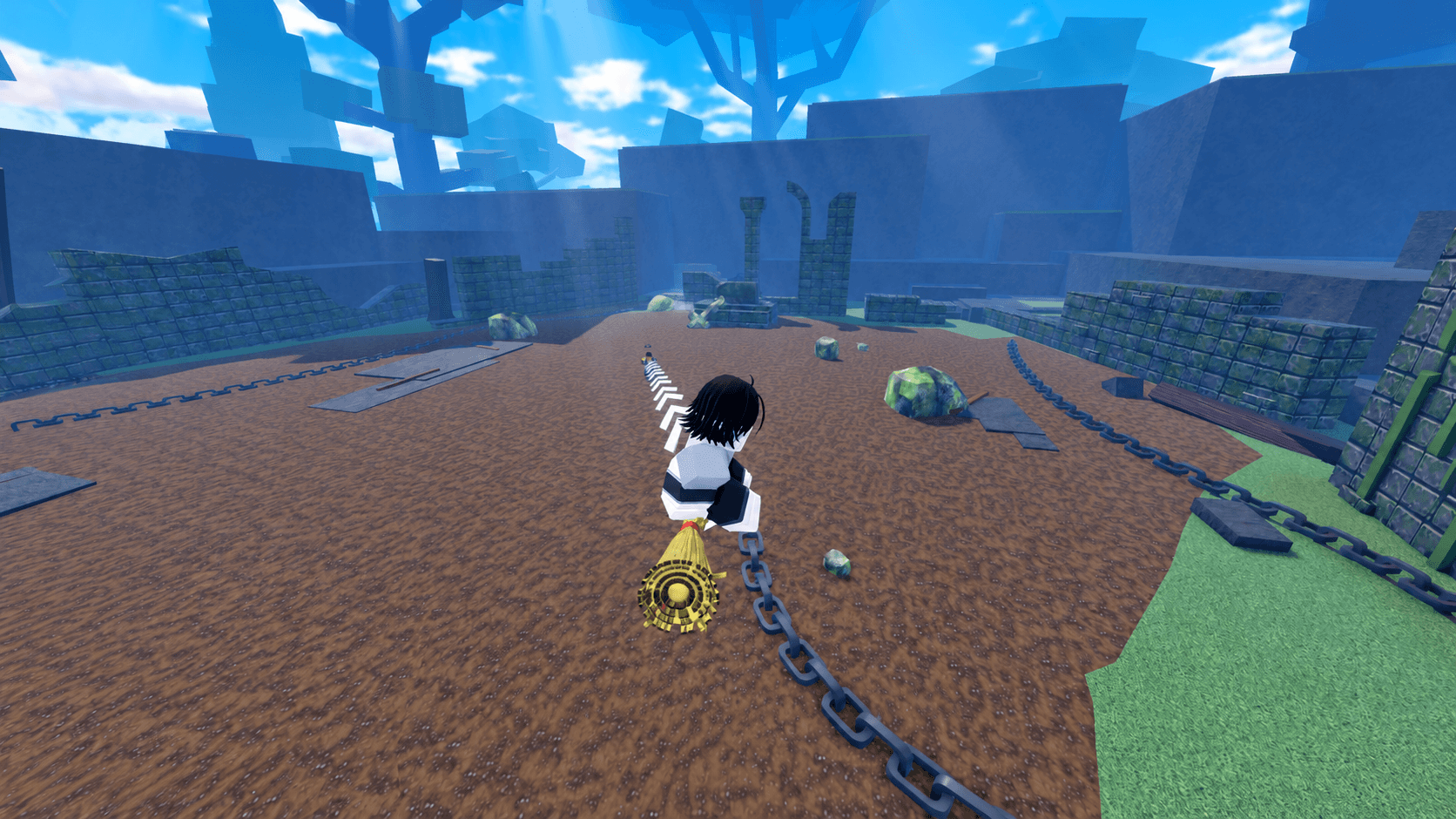

Running a private server in Roblox Slayers 2 gives you a level of control that public servers simply can't match. You can lock down access while setting up a tournament, clear every NPC for a clean PvP arena, or remove a disruptive player without affecting anyone else. The command system is text-based and typed directly into the in-game chat, so knowing the exact syntax before you need it saves a lot of frustration.
Complete Slayers 2 private server commands list
Every command below is entered through the in-game chat. Replace <player> with the exact username and <message> with whatever text you want to broadcast. Commands are case-sensitive in terms of format, so type them exactly as shown.


Player management commands
| Command | What it does |
|---|---|
| /kick <player> | Removes the player from the server. They can rejoin unless banned. |
| /ban <player> | Bans the player from your private server. Works even if they're offline. |
| /unban <player> | Lifts an existing ban so the player can join again. |
| /whitelist <player> | Lets a specific player enter regardless of the current access setting. |
| /unwhitelist <player> | Removes a player from the whitelist. |
| /mod <player> | Grants moderator permissions to another player. Owner-only command. |
| /unmod <player> | Revokes a player's moderator status. Owner-only command. |
Server access commands
| Command | What it does |
|---|---|
| /access closed | Blocks all regular players from joining. Whitelisted players still get in. |
| /access friends | Restricts entry to eligible friends only. |
| /access everyone | Opens the server to any player. |
PvP, PvE, and server control commands
| Command | What it does |
|---|---|
| /pvp on | Enables player-versus-player damage. |
| /pvp off | Disables player-versus-player damage. |
| /pve on | Spawns NPCs throughout the server. |
| /pve off | Removes every NPC from the server. |
| /announce <message> | Broadcasts a message to everyone currently in the server. |
| /shutdown | Kicks all players and restarts the server with a fresh session. Owner-only. |
How do you use private server commands in Slayers 2?
Open the in-game chat, type the command exactly as listed, and hit enter. For player-targeted commands, the username must be accurate. A typo in the name means the command won't execute. For example, /kick George removes a player named George, while /announce PvP starts in 5 minutes pushes that text to every player currently in your session.
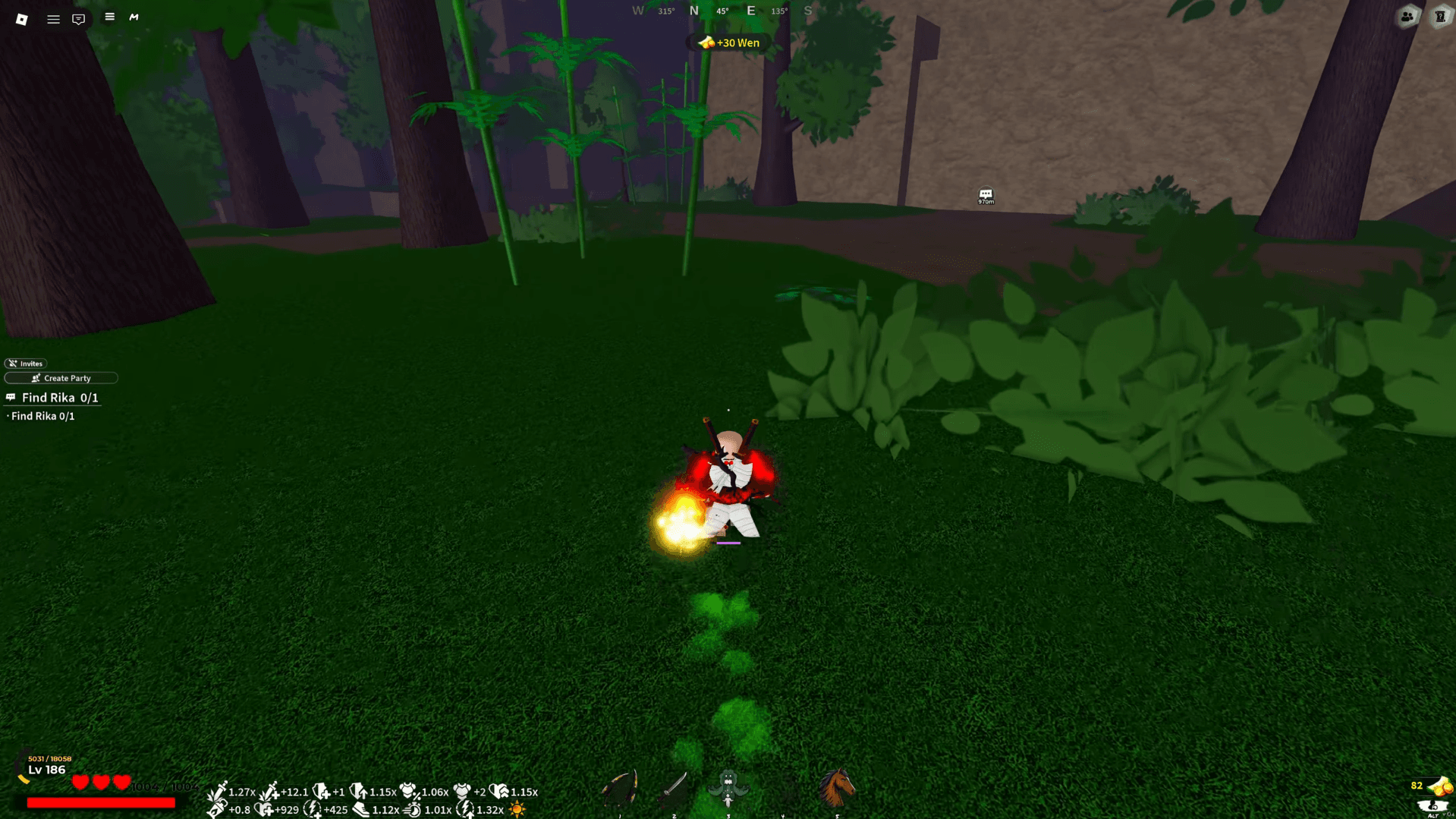
Slayers 2 Guide: All Private Server Commands
What can moderators do vs. what only the owner can do?
Moderators can handle most day-to-day player management, but the most disruptive controls stay locked to the server owner. Here's how the permissions split:
Moderator permissions:
- /kick a player
- /ban and /unban players
- /whitelist and /unwhitelist players
- Toggle /pvp and /pve
- Use /announce
Owner-only permissions:
- /mod and /unmod (assigning or removing moderator roles)
- /shutdown (restarting the entire server)
Appointing a trusted moderator with /mod is worth doing if you run regular events. It spreads the management load without handing over full ownership-level control.
How to set up a clean PvP event in your private server
The access, PvP, and PvE commands work best when used together in sequence. Here's a reliable setup flow for hosting a tournament or organized fight:
- Set /access closed while you prepare the session.
- Use /pve off to clear all NPCs from the arena area.
- Whitelist participants with /whitelist <player> for each attendee.
- Enable /pvp on once everyone is ready.
- Use /announce to signal the start to all players.
- After the event, run /pve on and /pvp off to restore normal conditions.
For more ways to get ahead in the game, check out the active Slayers 2 codes for free Spins, Wen, and Ores before they expire. Pairing free resources with a controlled private server environment is one of the fastest ways to test builds and progress efficiently.
What's the best way to manage a large private server?
For servers with more than a handful of players, a few habits make a real difference. Use /access friends or /access closed by default rather than leaving it open to everyone, which reduces the chance of random players joining mid-event. Assign at least one moderator so you're not the only person who can kick or ban. And keep /announce in your rotation for communicating schedule changes without relying on external chat apps.
The /ban command being effective on offline players is particularly handy after the session ends. If someone caused problems and left before you could act, you can still lock them out retroactively.
For a deeper look at everything Slayers 2 has to offer, the full Slayers 2 strategy guides collection covers builds, tier lists, NPC locations, and more to help you run your server with confidence.