


SAND: Raiders of Sophie is a PvPvE extraction shooter set across desolate dunes, and every run lives or dies by what you bring in and what you haul out. Once you make it back alive with a pack full of scavenged gear, the shop is where raw loot becomes real purchasing power. The trade interface is not obvious at first glance, but once you understand the flow, buying and selling becomes second nature before every deployment.
How do you access the shop in SAND: Raiders of Sophie?
The shop is only available after a successful extraction. If you go down in the dunes before reaching an exit point, every item you were carrying goes with you. That makes clean extraction the actual first step of any trading session.
Back in the hub, open your storage tab. The shop section sits on the right side of that screen. You will not find a dedicated NPC wandering the hub world; the entire trading system runs through the storage menu interface directly.
Storage tab shop access
How to sell your extracted loot
Selling follows a short sequence that takes less than a minute once you know each step.
- Browse your storage to identify items you no longer need from your extracted haul.
- Left-click an item to move the entire stack to the central sell section of the trade window. If you only want to offload part of a stack, right-click it first to choose a specific quantity.
- Check the payout figure displayed above the trade button. This number is your confirmed return before anything is finalized.
- Hold until the transaction completes and the currency transfers to your account.

Payout review before confirming
How to buy items from the shop
Purchasing supplies follows the same core loop in reverse.
- Browse the shop's available inventory to find the supplies you need for your next run.
- Select the items you want to purchase so they appear in your order window.
- Review the total cost shown above the trade button to avoid spending more than you intend.
- Hold to confirm the purchase. Items transfer directly to your personal storage.
How does shop progression work?
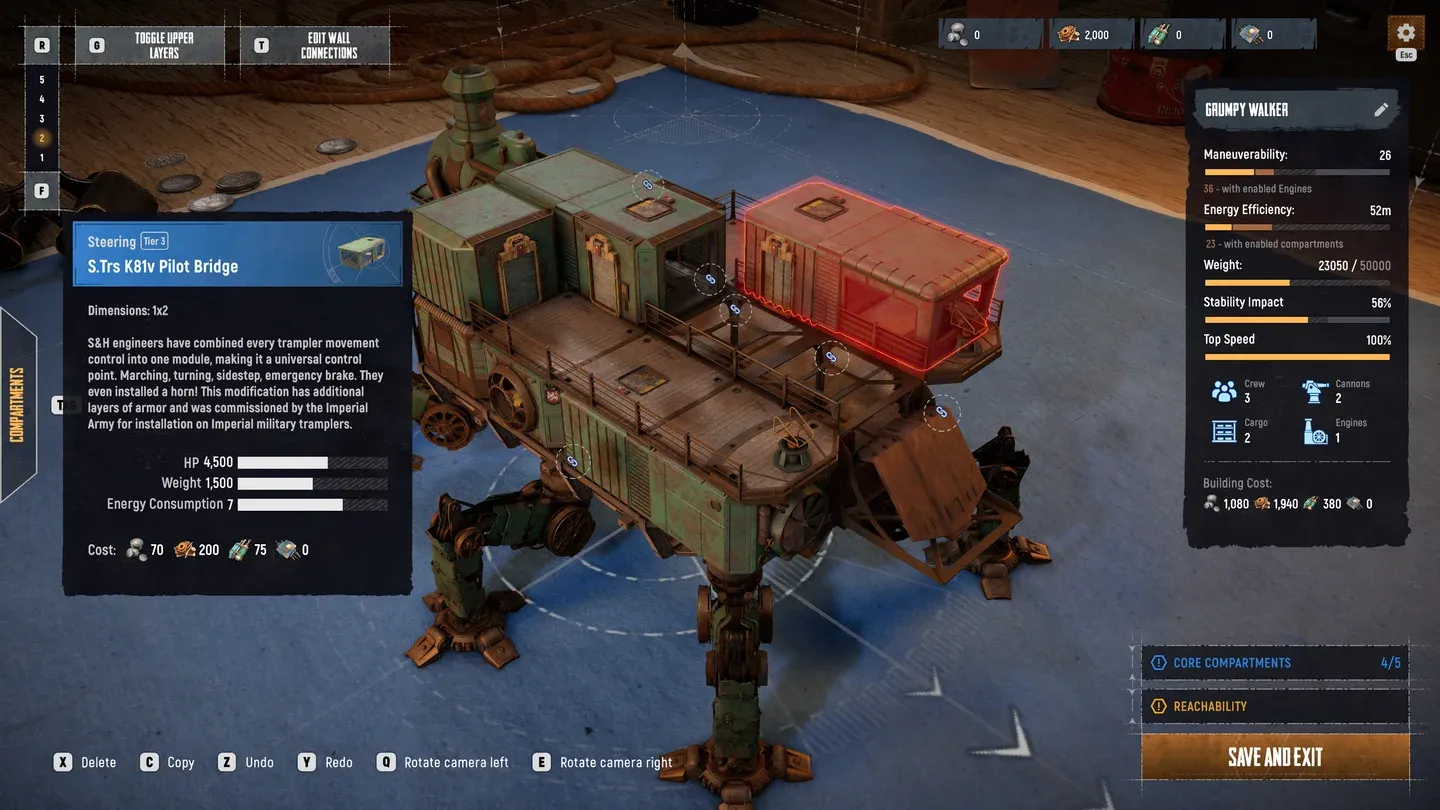
The starting shop inventory is deliberately sparse. As you advance through the game and unlock upgrades, the available selection expands to include higher-tier equipment and supplies. This progression connects directly to your Trampler, which functions as your mobile base and primary loot storage.
Your Trampler's cargo capacity controls how much you can physically extract per run. A bigger haul means more sellable loot, which funds the upgrades that unlock better shop stock. Upgrading Trampler storage is one of the highest-return investments early in the game.
For a full breakdown of what unlocks at each stage, the Tech Tree upgrades guide covers every faction's unlock costs and tier requirements in detail.

Trampler storage upgrades
Can you trade items directly with other players?
No. The shop operates as a terminal or NPC interface, not a player-to-player exchange. You convert loot into currency and buy supplies through that system exclusively. There is no in-game mechanic for direct player trading.
The shop system in SAND: Raiders of Sophie rewards players who think about each transaction rather than dumping everything at once. Sell smart, keep your essentials, and use the currency to push your Trampler upgrades forward. For more on what you might find in the dunes worth keeping, check out the Red Box items guide to know exactly which drops deserve a slot in your storage. Browse the full SAND: Raiders of Sophie strategy guides collection for more tips on surviving and profiting from every run.