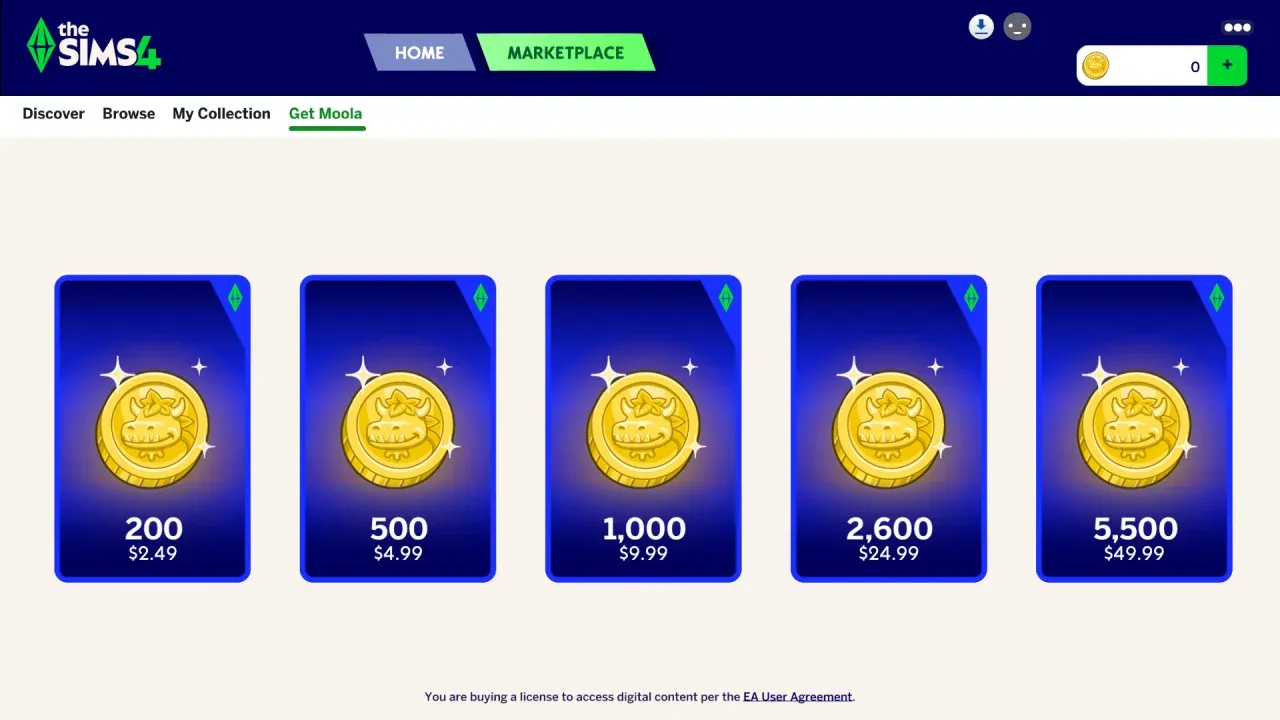


What is Moola in The Sims 4?
EA introduced Moola as the official virtual currency for The Sims 4 Marketplace on March 3, 2026. It operates entirely outside the in-game Simoleon economy and serves a single function: purchasing content from the Marketplace. It works like Fortnite's V-Bucks or Minecraft Bedrock's Minecoins, but it's built exclusively for The Sims 4's creator-driven storefront. Want a Maker Pack or a Kit from the Marketplace? Moola is your only option.
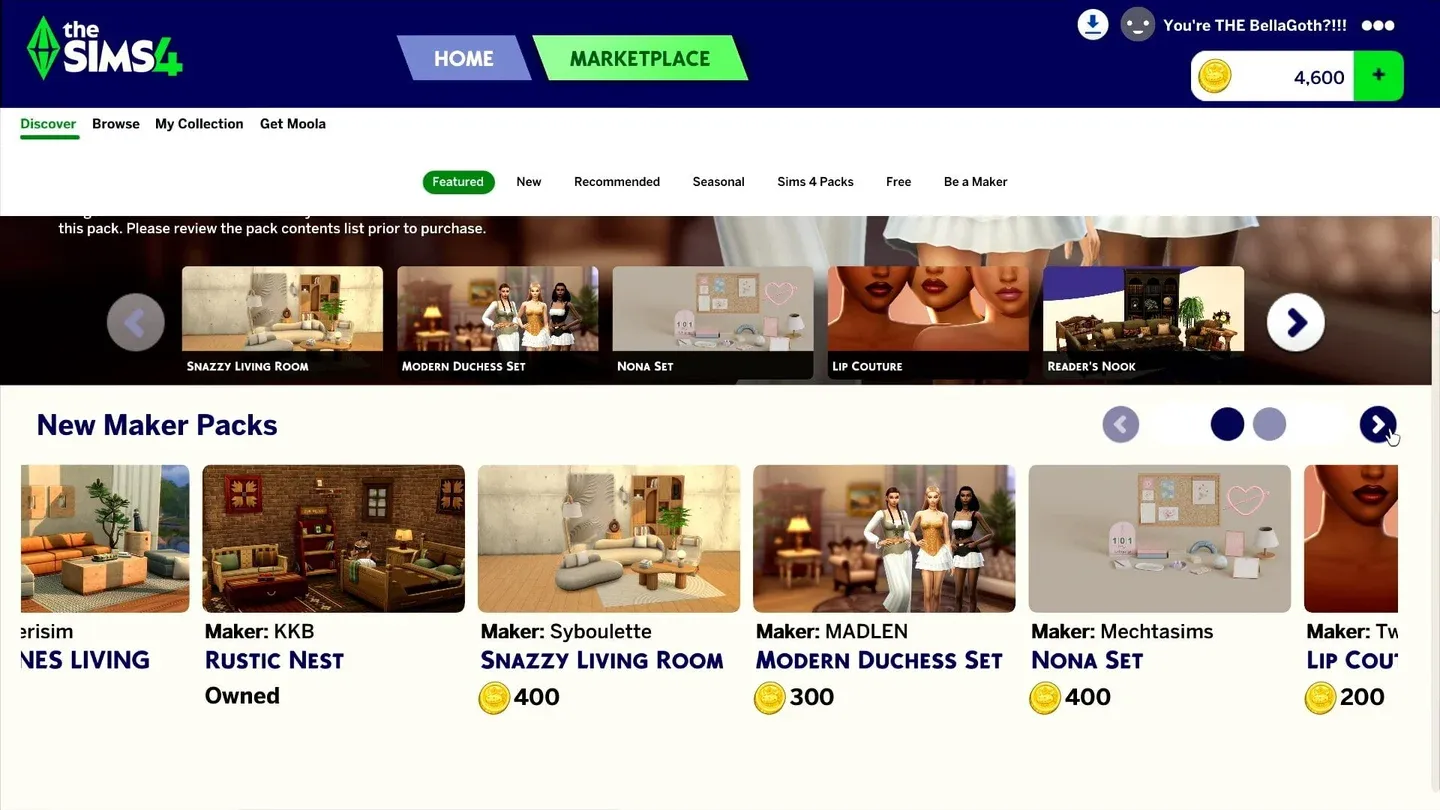
Moola wallet balance view
How does Moola work?
Moola is a premium currency purchased with real money. You can't earn it through gameplay, receive it as a gift, or transfer it between accounts. Once you spend it, that's final — all Moola purchases are non-refundable.
Here's what Moola can and cannot buy:
As of March 17, 2026, Kits can no longer be purchased anywhere except the Marketplace on PC and Mac. That's a significant shift: if you want a Kit moving forward, Moola is the only way to get it on those platforms.
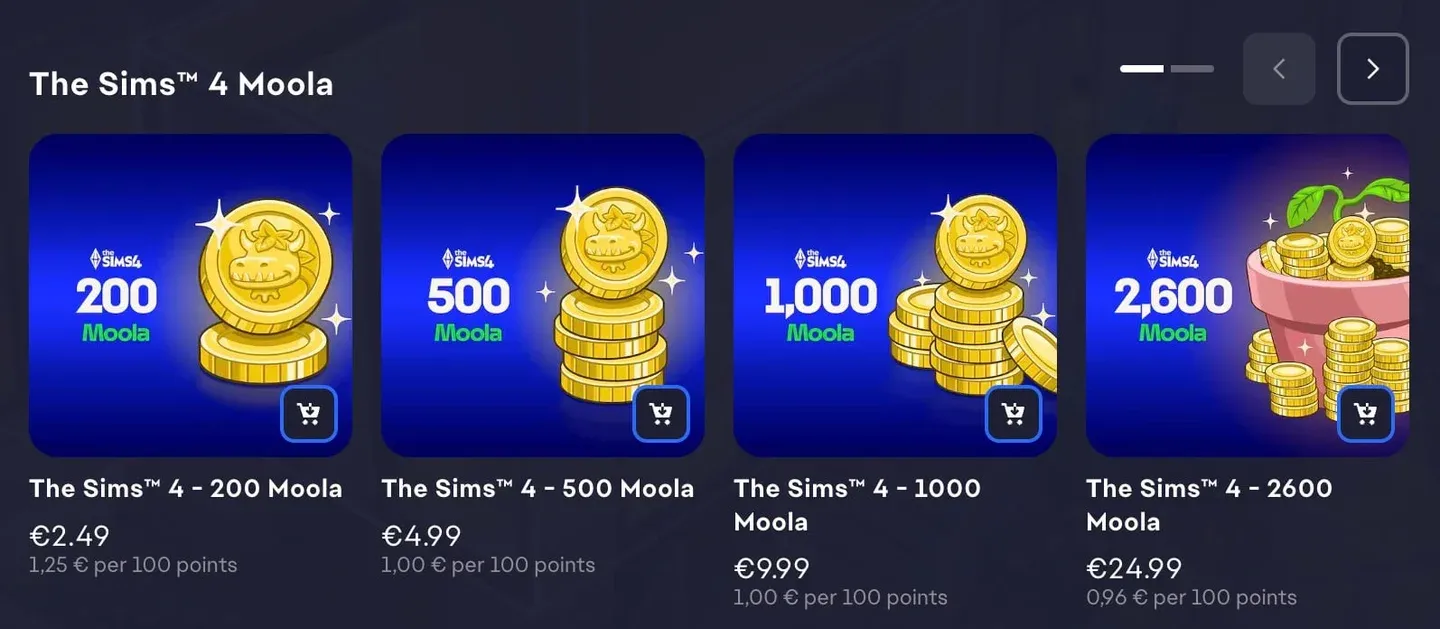
Where can you buy Moola?
Moola is available through four platforms:
- The in-game Marketplace
- The EA app
- Steam
- Epic Games Store
Age restrictions apply. Players with a teen account need parental spending permission configured on their EA Account before any purchase goes through. EA's parental controls documentation walks through the setup process.
How to buy Moola on PC
- Open the Marketplace from the top of the Main Menu.
- Select the Get Moola tab.
- Choose the amount you want.
- The EA app overlay will open. Enable in-game overlay via Settings > Application if it doesn't appear automatically.
- Select a saved payment method or enter a new one.
- Select Pay Now.
Your updated balance will appear in your Moola Wallet once the transaction completes.
How to buy Moola on Mac
- Open the Marketplace from the Main Menu.
- Select the Get Moola tab.
- Choose your amount.
- The EA app will open separately. Select or enter a payment method.
- Select Pay Now.
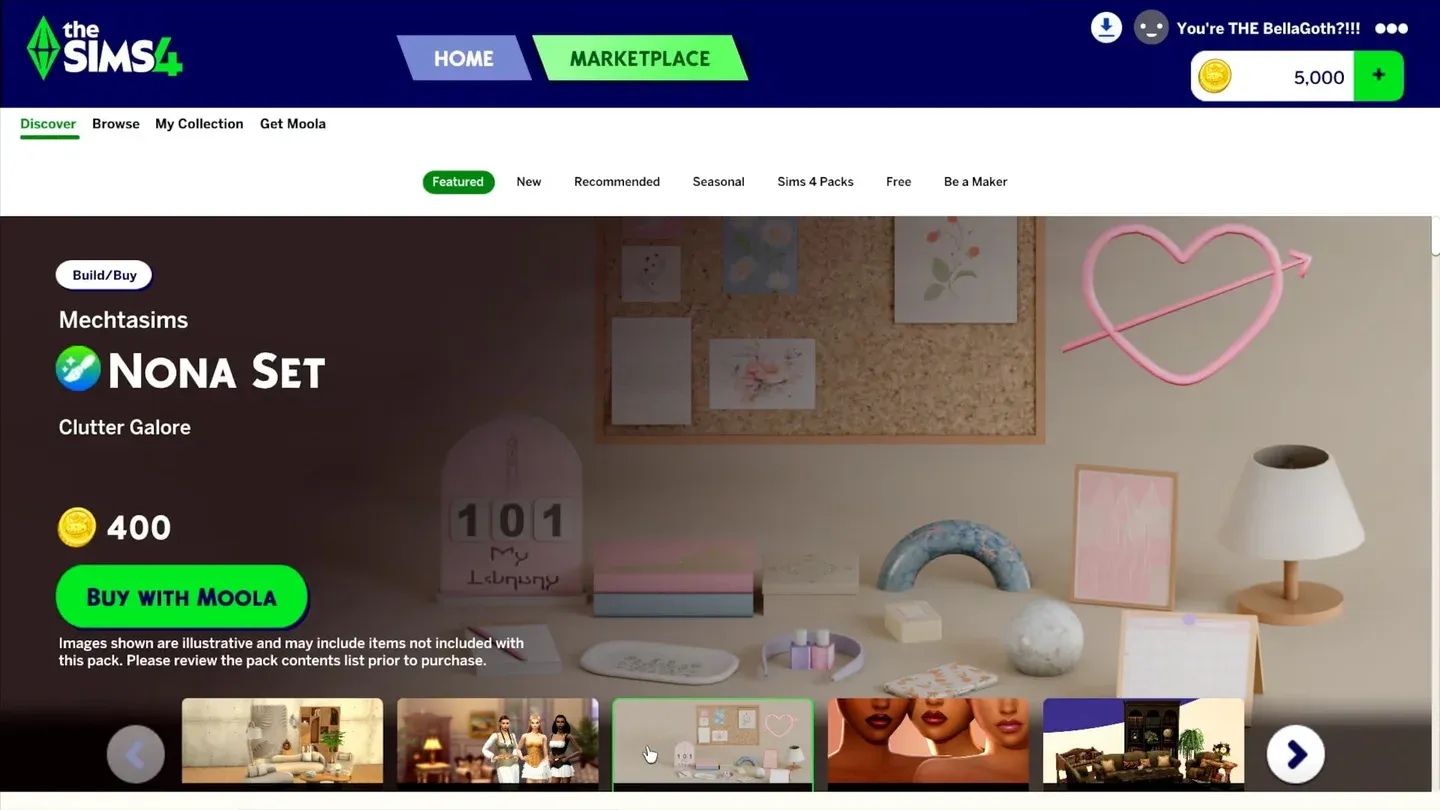
Get Moola purchase screen
How do you spend Moola in the Marketplace?
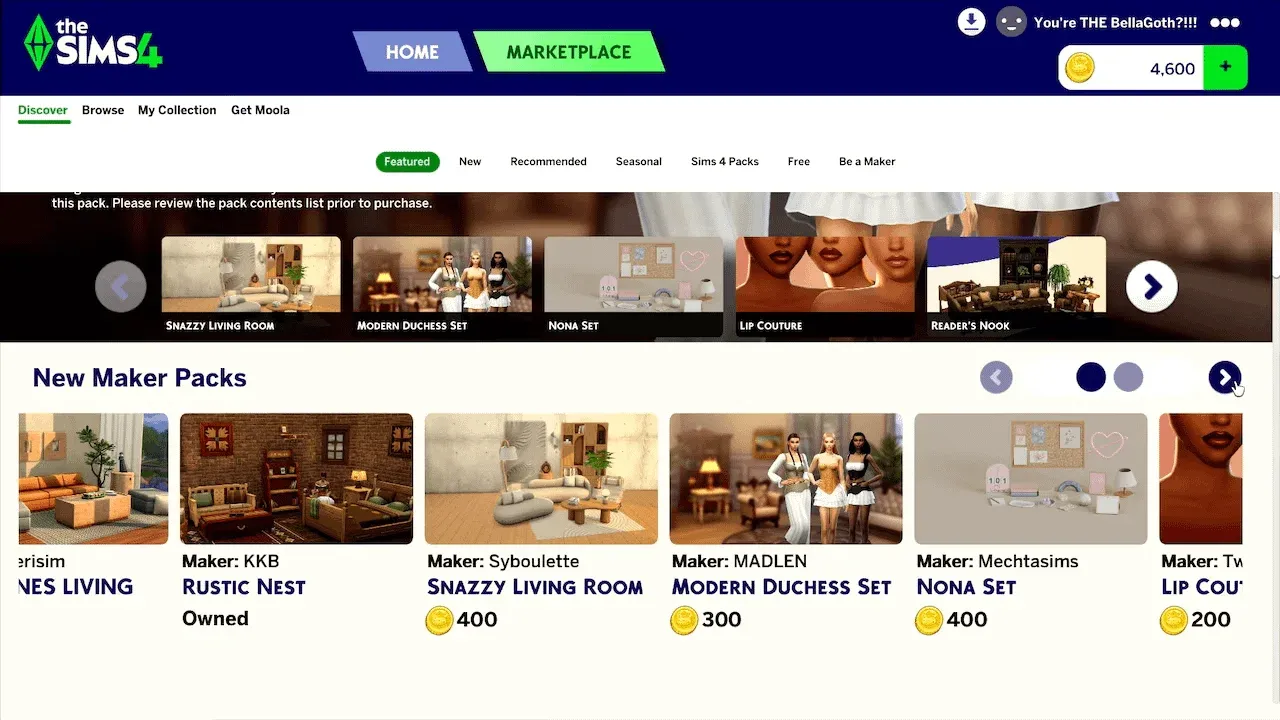
Once your Moola Wallet has a balance, spending it is straightforward. You can access the Marketplace at any point during gameplay by selecting the shopping cart icon in the top-right corner of Build Mode, Live Mode, or Create a Sim.
To buy a Maker Pack or Kit:
- Open the Browse section of the Marketplace.
- Use Filters to narrow results by Maker Packs, Build/Buy, or Create a Sim content.
- Select the item you want to open its product page.
- Select Buy With Moola.
- Confirm your selection and select Buy.
- Close the confirmation pop-up.
Content installs directly inside the game without any external downloads or manual file management.
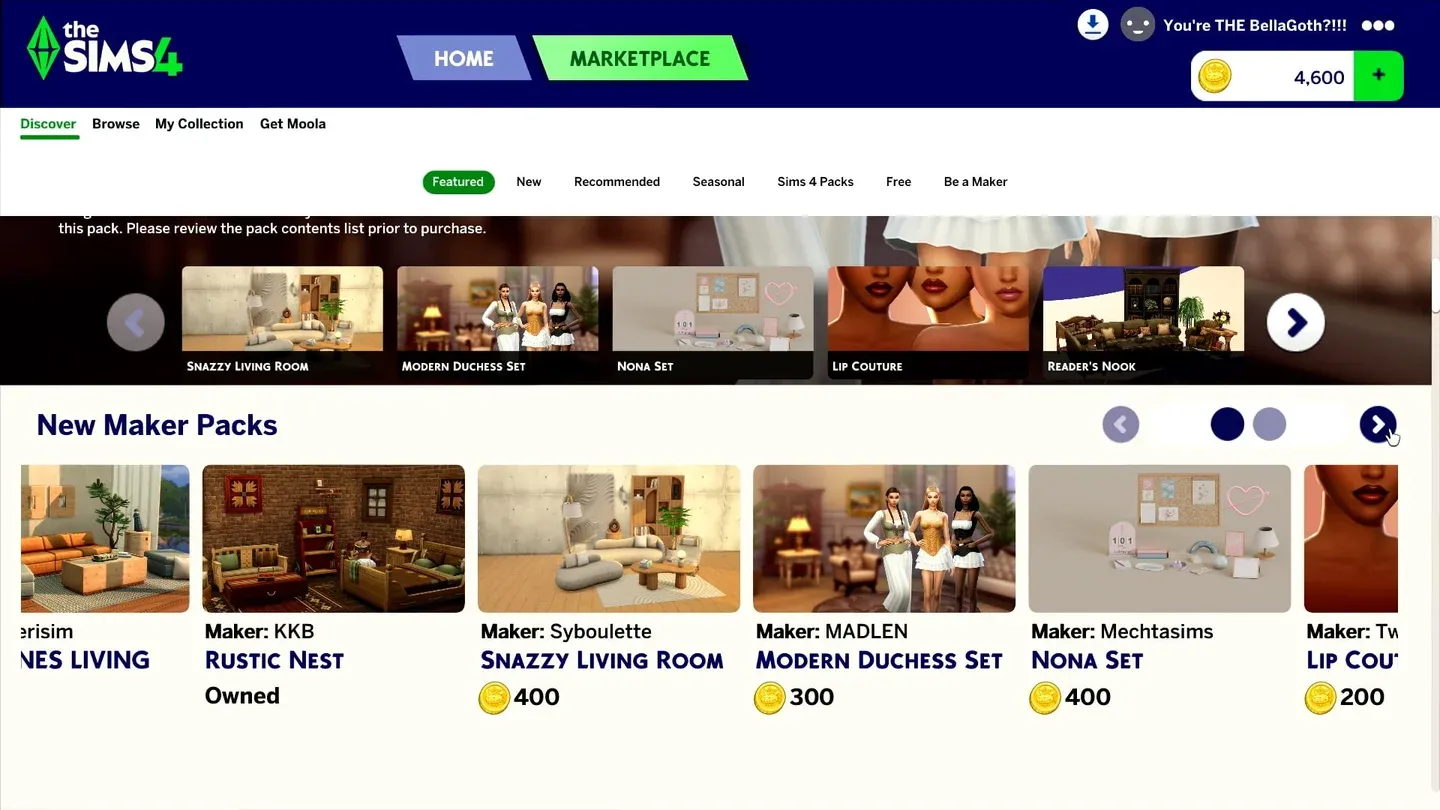
Marketplace filter options
What can you buy with Moola?
The Marketplace carries two main types of Moola-purchasable content:
Maker Packs are collections created by approved community creators. These currently include Create-a-Sim assets and Build/Buy objects. The program is open to both established CC creators and newer ones who have applied and been approved by EA.
Kits are smaller official releases developed by The Sims Team. As of March 17, 2026, Kits are exclusively sold through the Marketplace on PC and Mac, which means the Moola system is now the mandatory route for that content category.
Expansion Packs, Game Packs, and Stuff Packs are also listed inside the Marketplace interface, but those require direct real-money purchases and can't be bought with Moola.
For a deeper breakdown of the psychology and history behind Moola as a currency system, Sims Community has published a detailed analysis of the emotional economics behind Moola that puts it in context alongside SimPoints, V-Bucks, and Minecoins.
What should you do if your Moola or content goes missing?
Purchase issues do happen. Here's the troubleshooting order to follow:
For missing Moola balance:
- Confirm you're logged into the correct EA Account. EA can't transfer Moola sent to the wrong account.
- Restart your PC or Mac, relaunch The Sims 4, and recheck your Wallet.
- Check @TheSimsDirect on X for any known platform-wide issues.
For missing purchased content:
- Open the My Collection tab and select Manage Storage to verify installation status.
- Use the Maker Packs Filter in Build Mode or Create a Sim to search specifically within that content category.
- Restart your machine and relaunch the game.
- If content is still absent, contact EA support with your account email, platform account ID, purchase date and time, and your time zone.
Manage Storage content tab
Is Moola worth it? What players should know before spending
This is the honest version. Moola functions exactly like most premium virtual currencies in modern games: the conversion from real money into tokens adds a layer of abstraction that makes individual purchases feel smaller than they are. That's not unique to The Sims 4. Minecraft's Minecoins work the same way, as do Roblox's Robux.
What makes Moola worth paying attention to is the Kit situation specifically. From March 17, 2026 onward, Kits on PC and Mac are Marketplace-exclusive. That means any player who previously bought Kits directly through Steam or the EA app now has to go through Moola to access that content category. There's no workaround for new Kit purchases on those platforms.
The EA Play discount (10% off Moola) is the only price reduction available. If you already subscribe to EA Play, that stacks reasonably well for regular Marketplace shoppers. If you don't subscribe, the full price applies every time with no sales or promotional pricing.
For a full picture of what the Marketplace offers and how content is priced, EA's official Moola support page covers every current FAQ in detail. You can also browse more guides on games.gg to stay across updates to the Marketplace as the catalog grows.
Moola Wallet coin indicator