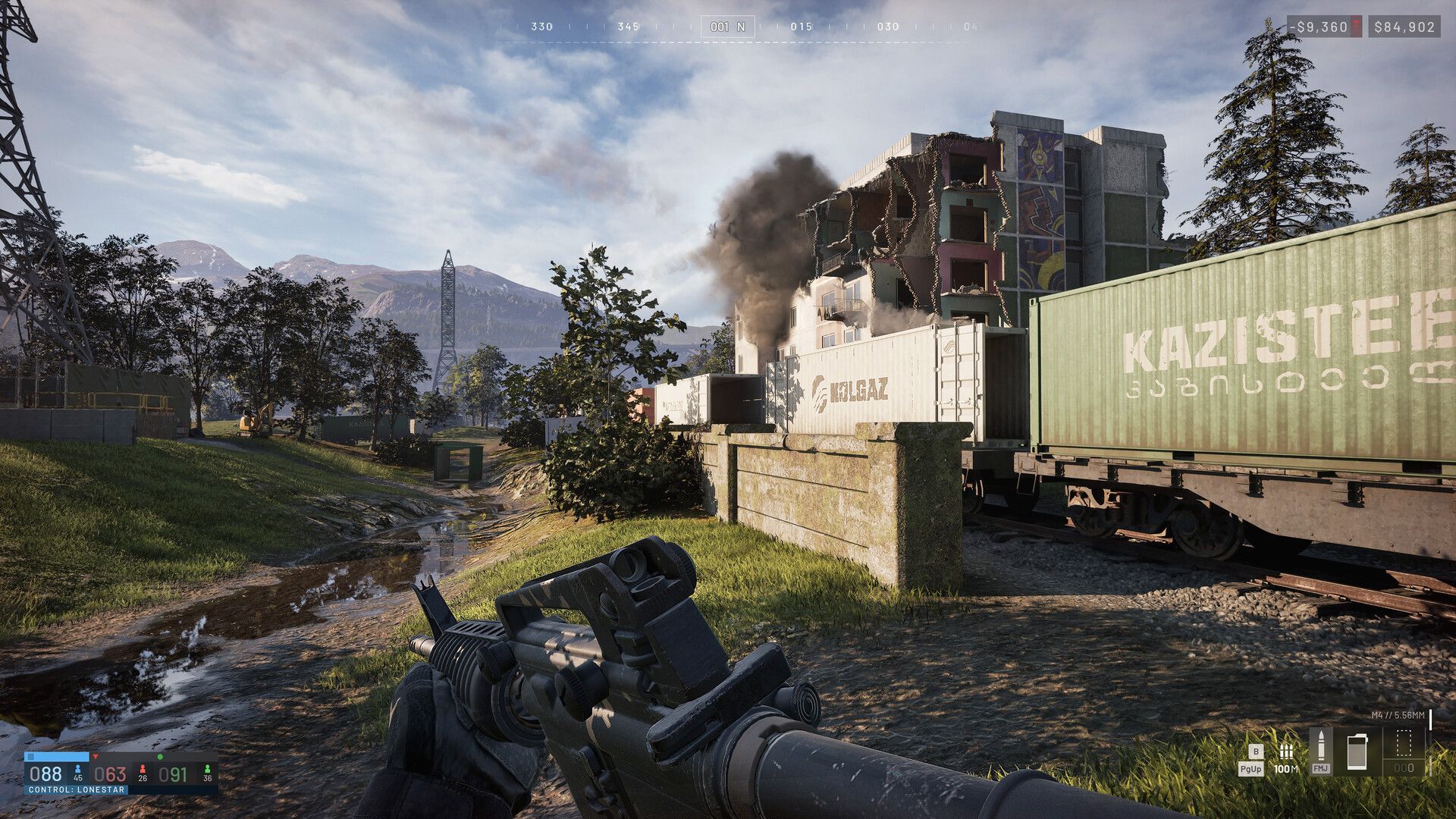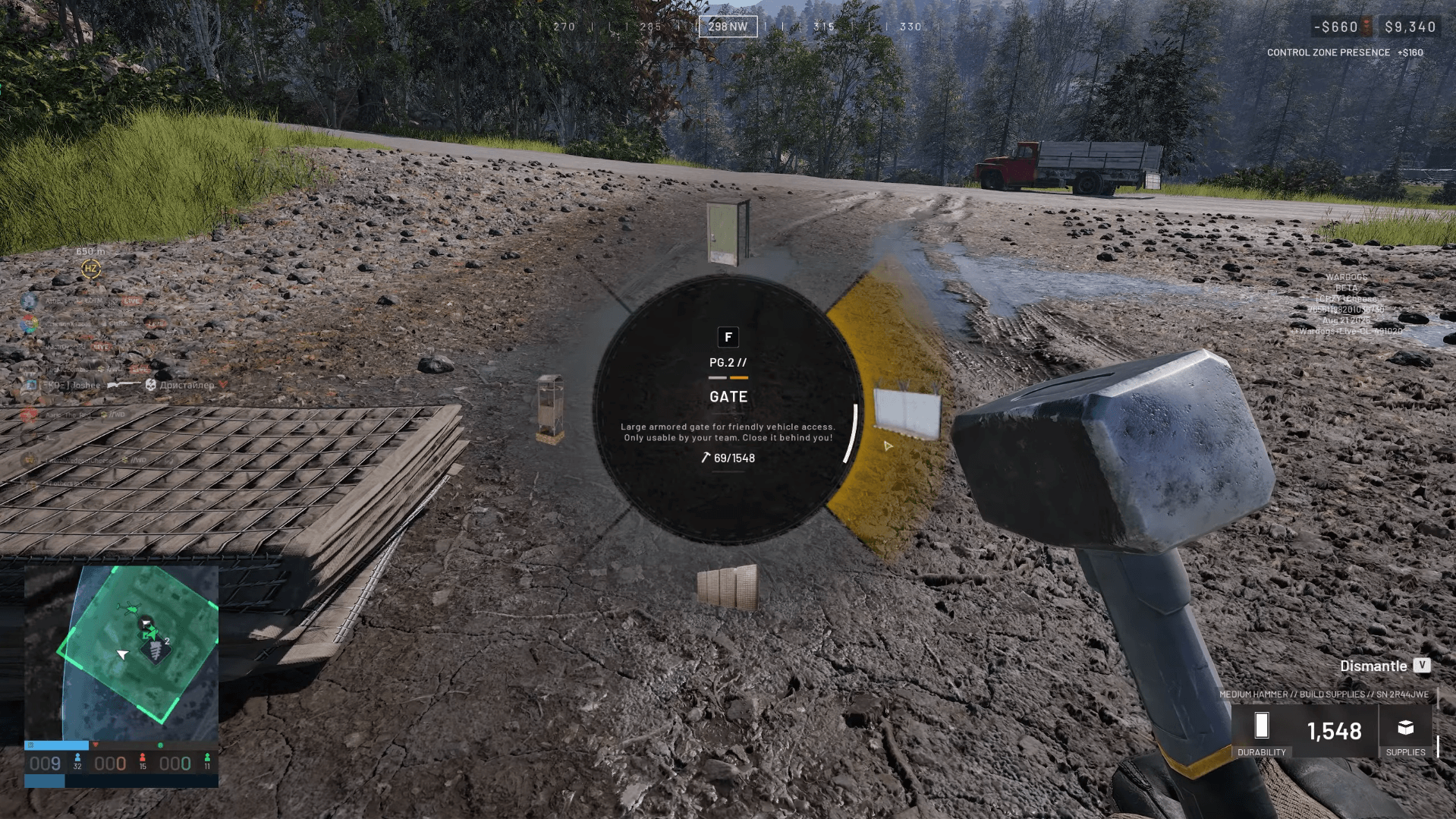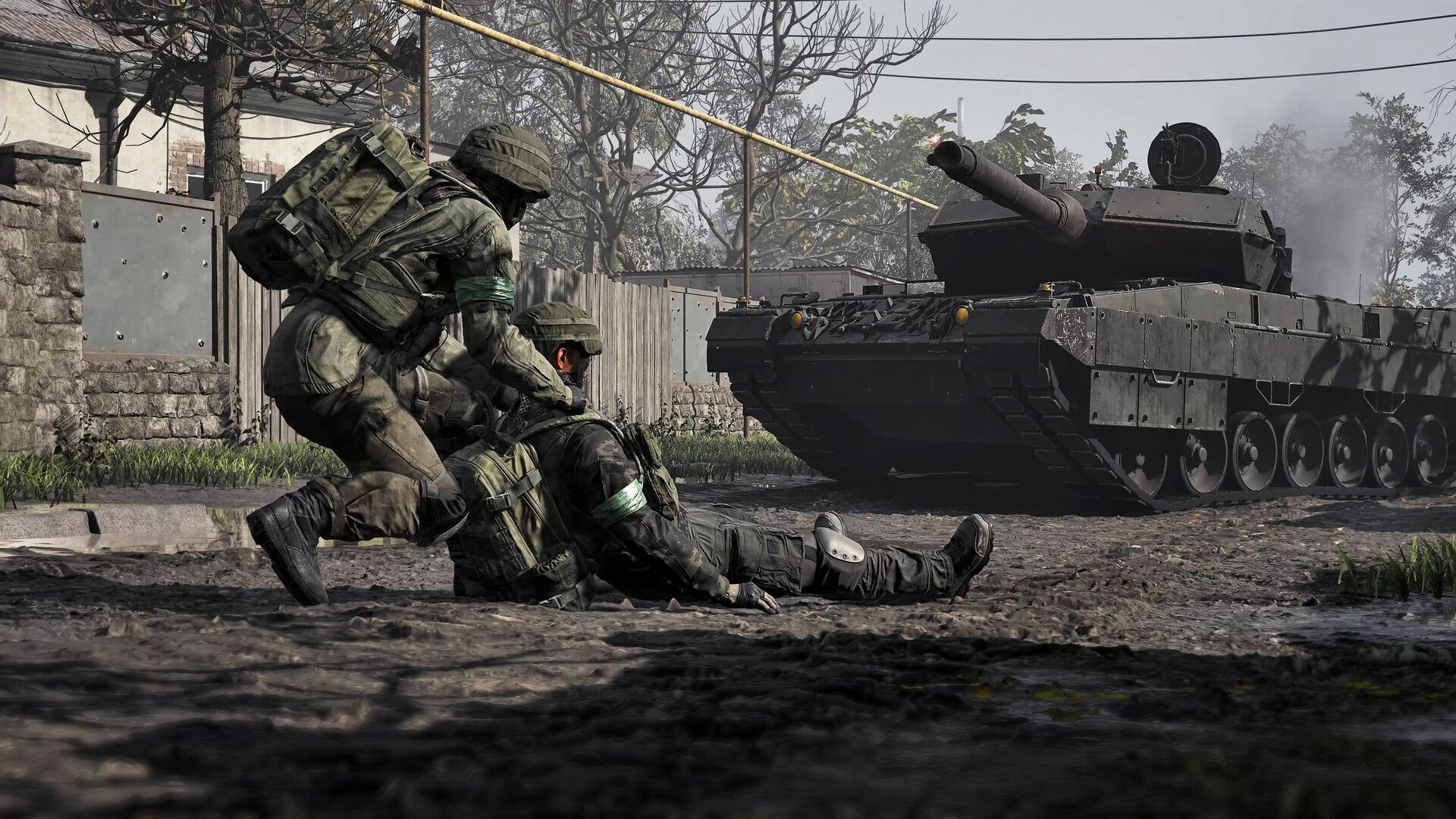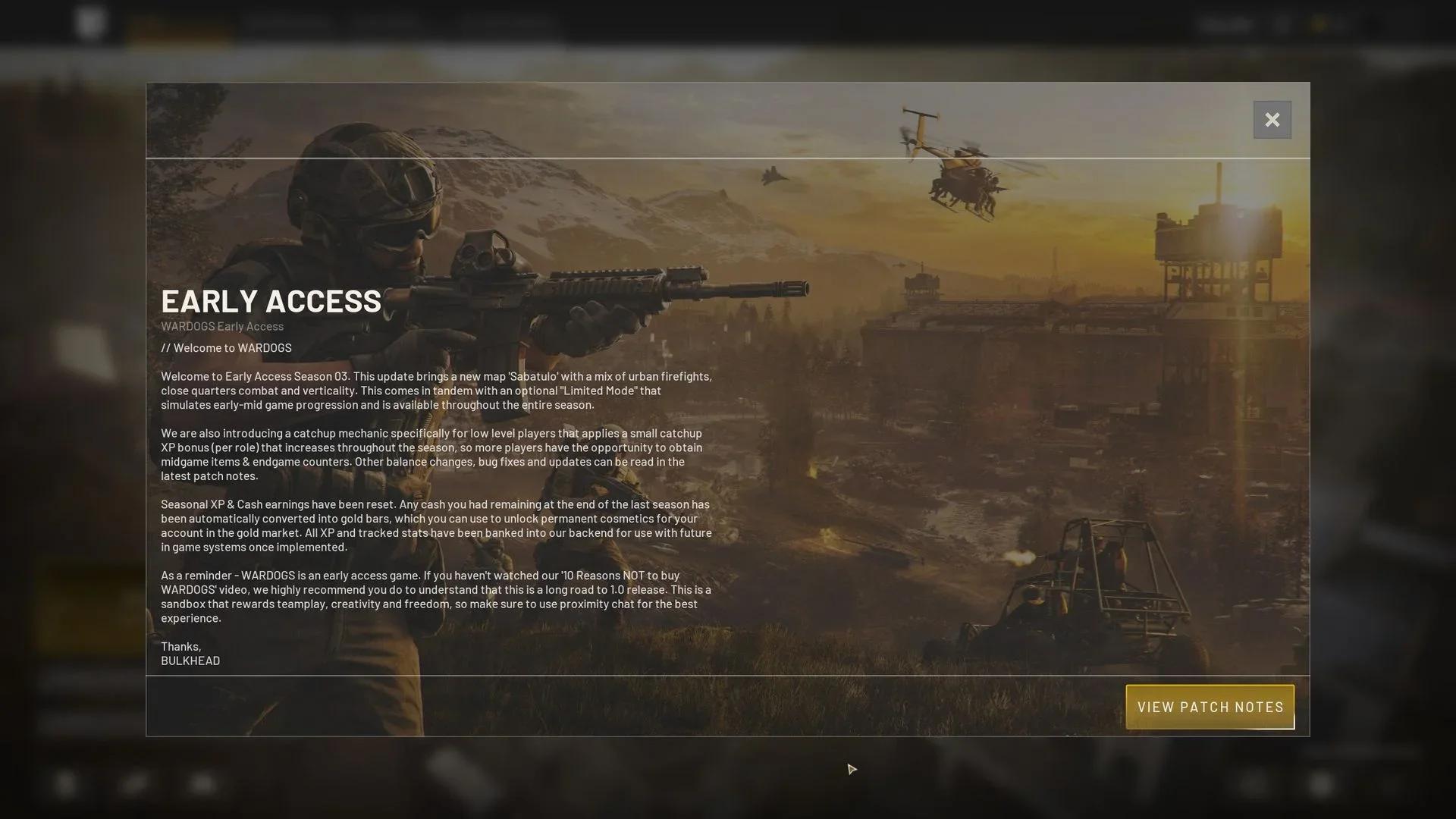

The WARDOGS WD-L014 error says the game can’t launch, but don’t press OK straight away, because pressing OK is what closed the game for me. When I left the box alone, WARDOGS opened behind it.
Key takeaways
- WD-L014 is a Wardogs Launcher box that says “Unable to launch WARDOGS” and has a single OK button.
- On my PC, pressing OK closed the game, while ignoring the box let the game open behind it, and the X closed the box without closing the game.
- If the game really doesn’t start, repair the Elytra anti-cheat, verify your files and close Riot Vanguard, Discord and VPNs before you try anything bigger.

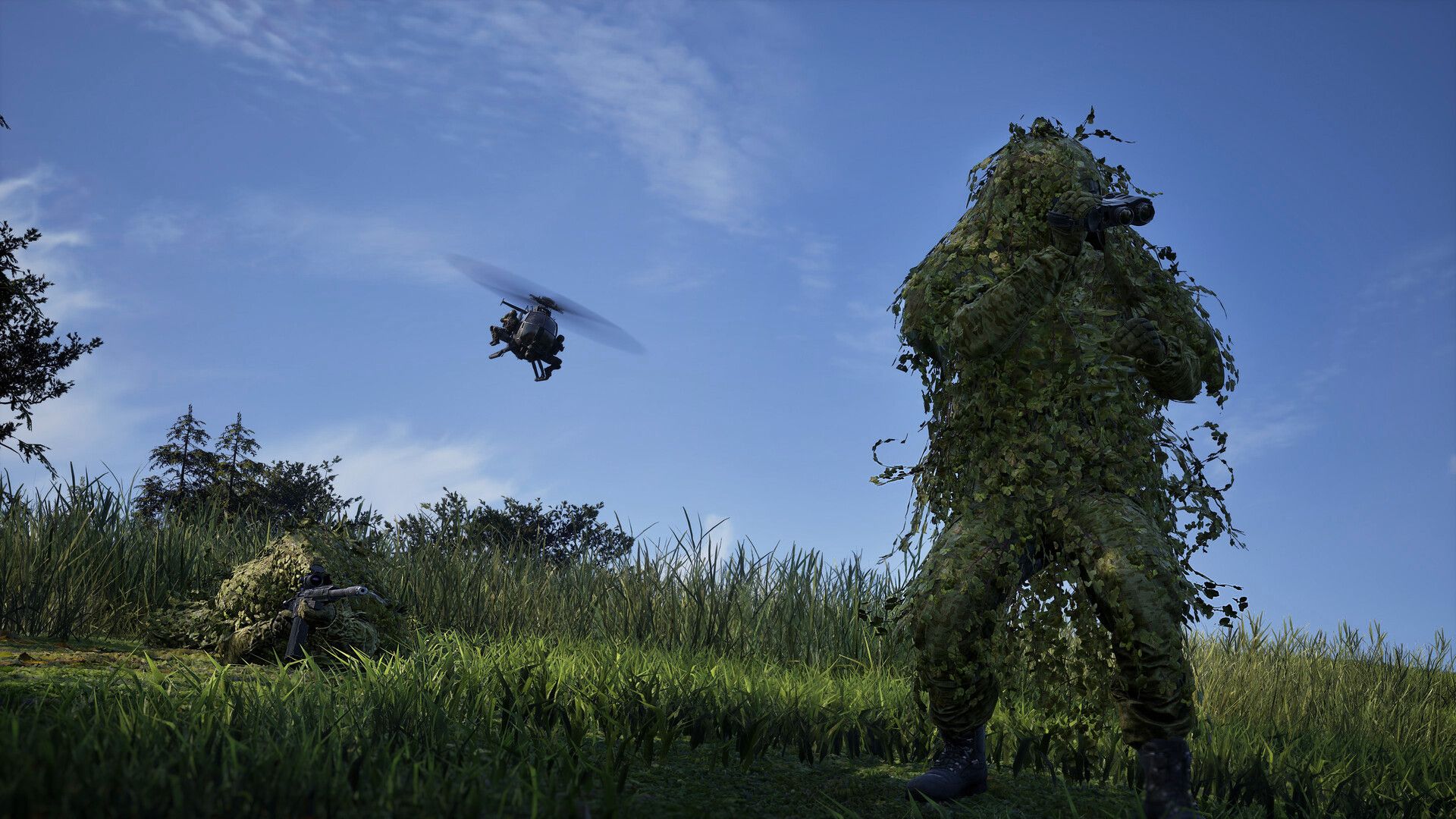
What is the WARDOGS WD-L014 error?
WD-L014 is a launch error from the Wardogs Launcher. The box reads “Unable to launch WARDOGS”, followed by an error code that starts with WD-L014 and ends in a string of letters and numbers, then a line telling you to contact support if it keeps happening. There’s one button, OK.
The usual explanation is that something stopped the game’s anti-cheat, Elytra, from loading. The three common causes are a broken Elytra install, another program clashing with it, such as Riot Vanguard or a VPN, and corrupted game files. Windows’ Memory Integrity setting can also block the anti-cheat.
Does WARDOGS still open after WD-L014?
It did for me, as long as I didn’t press OK. I got WD-L014 on the morning Season 3 came out. The first time, I pressed OK and the game closed. If you press OK, the game closes. If you press nothing, the game opens.
The second time, I didn’t click anything because I was busy talking to someone. Then I heard the game sound behind me. WARDOGS had loaded behind the error box, so I just clicked the X on the warning instead of OK, and the game kept running.
That’s one PC on one launch day, so I can’t promise every WD-L014 is the same. But it costs nothing to try. Launch the game, leave the box alone for a minute and listen for the game before you touch anything.
How do you fix WD-L014 if the game doesn’t open?
If WARDOGS doesn’t load behind the box, work through these WD-L014 fixes in order, starting with the quickest:
- Restart your PC, then launch WARDOGS again before you change anything.
- Repair Elytra. In your Steam Library, right-click WARDOGS, choose Manage, then Browse Local Files. Open the Elytra folder, run Elytra-Setup.exe and pick Repair. Restart Steam when it finishes.
- Run Steam as administrator. Exit Steam fully from the system tray first, then right-click the Steam shortcut and choose Run as Administrator.
- Close programs that clash with the anti-cheat. Riot Vanguard, Discord and any VPN can all trigger WD-L014. Right-click each one in the system tray and exit it before you launch.
- Verify your game files. Right-click WARDOGS in Steam, open Properties, go to Installed Files and click Verify Integrity of Game Files. Steam replaces anything damaged.
- Turn off Memory Integrity, temporarily. In Windows Security, go to Device Security, then Core Isolation details, switch Memory Integrity off and restart your PC.
The Elytra repair is the most common fix for WD-L014, so I’d do that before anything that touches Windows settings. Leave Memory Integrity until last, for the reason below.
Is it safe to turn off Memory Integrity for WARDOGS?
Only as a short test, and turn it back on afterwards. Memory Integrity, also called Hypervisor-protected Code Integrity, is a Windows security feature that makes it harder for malicious programs to use low-level drivers to hijack your PC. It needs hardware virtualization switched on in your PC’s UEFI or BIOS to work. With it off, that protection is gone.
So if WARDOGS starts with Memory Integrity off, you’ve found the cause, but don’t leave your PC like that. Switch it back on once you’ve confirmed the game works, and if WD-L014 comes back with it on, that’s worth telling support.
If Windows won’t let you turn Memory Integrity back on, it may say you have an incompatible driver. The fix there is to check the device maker for an updated driver, or remove the device or app that uses it.
What is Elytra in WARDOGS?
Elytra is the anti-cheat that WARDOGS installs alongside the game, in its own folder inside the game’s install directory. When it can’t load, the game can’t start, which is why a broken or blocked Elytra shows up as WD-L014 at launch rather than as a crash in a match.
Anti-cheat is a big deal in WARDOGS right now. The developers banned 185,000 accounts for cheating on 6 November, and if you got caught up in that, my WARDOGS ban wave guide covers how to appeal. WD-L014 is a different problem: the game failing to start, which a repair or a file check can fix.
Does WD-L014 mean my PC can’t run WARDOGS?
No. None of the usual causes of WD-L014 is about your hardware. They’re all about the anti-cheat, background programs, game files or Windows security settings.
That said, WARDOGS only runs on 64-bit Windows. The Steam minimum is Windows 10 with an Intel Core i5 8600 or AMD Ryzen 5 3500, 16 GB of RAM, an Nvidia GTX 1660 or Radeon RX 590 and 50 GB of free space. The recommended spec is Windows 11 with an RTX 3070 or RX 6700 XT. If your PC is below the minimum, you’ll have bigger problems than WD-L014.
Who do you contact if WD-L014 won’t go away?
The error box itself tells you to contact support with the code, so write down the whole thing, including the letters and numbers after WD-L014. The game’s Steam page links to Team17’s support site, as Team17 publishes WARDOGS.
Before you send a ticket, run through the six fixes above, so you can tell support what you’ve already tried and save a round of replies.
What if WARDOGS opens but you can’t join a server?
That isn’t WD-L014. If the game reaches the menu and the trouble starts when you pick a server, look at ping instead. Season 3 raised the ping limit on official servers to 250 in every region, after the ban wave, while community servers still set their own limits.
That’s a big change from the region limits in my WARDOGS ping limits piece, so if a server turned you away before, it’s worth trying the official ones again before you assume something is broken on your end.
Is WD-L014 new in WARDOGS Season 3?
No. WD-L014 guides go back to September, not long after WARDOGS launched on Steam on 10 September. I just happened to hit it on Season 3’s launch day, and the six fixes above have been around since Season 1.
FAQ
How do you fix WD-L014 in WARDOGS? Don’t press OK. Wait to see if the game opens behind the box, then close the box with its X. If it doesn’t open, repair Elytra, verify your game files and close Vanguard, Discord and VPNs.
Does pressing OK close WARDOGS? It did on my PC. Pressing OK closed the game, while leaving the box alone let it finish loading. The error box doesn’t say why.
Is WD-L014 a ban? Nothing in the error says so. It’s a launch error, usually caused by the Elytra anti-cheat failing to load.
If you like WARDOGS, GTFO is in the same vein.