Search games, articles, guides...CtrlK
Sign InGet Started
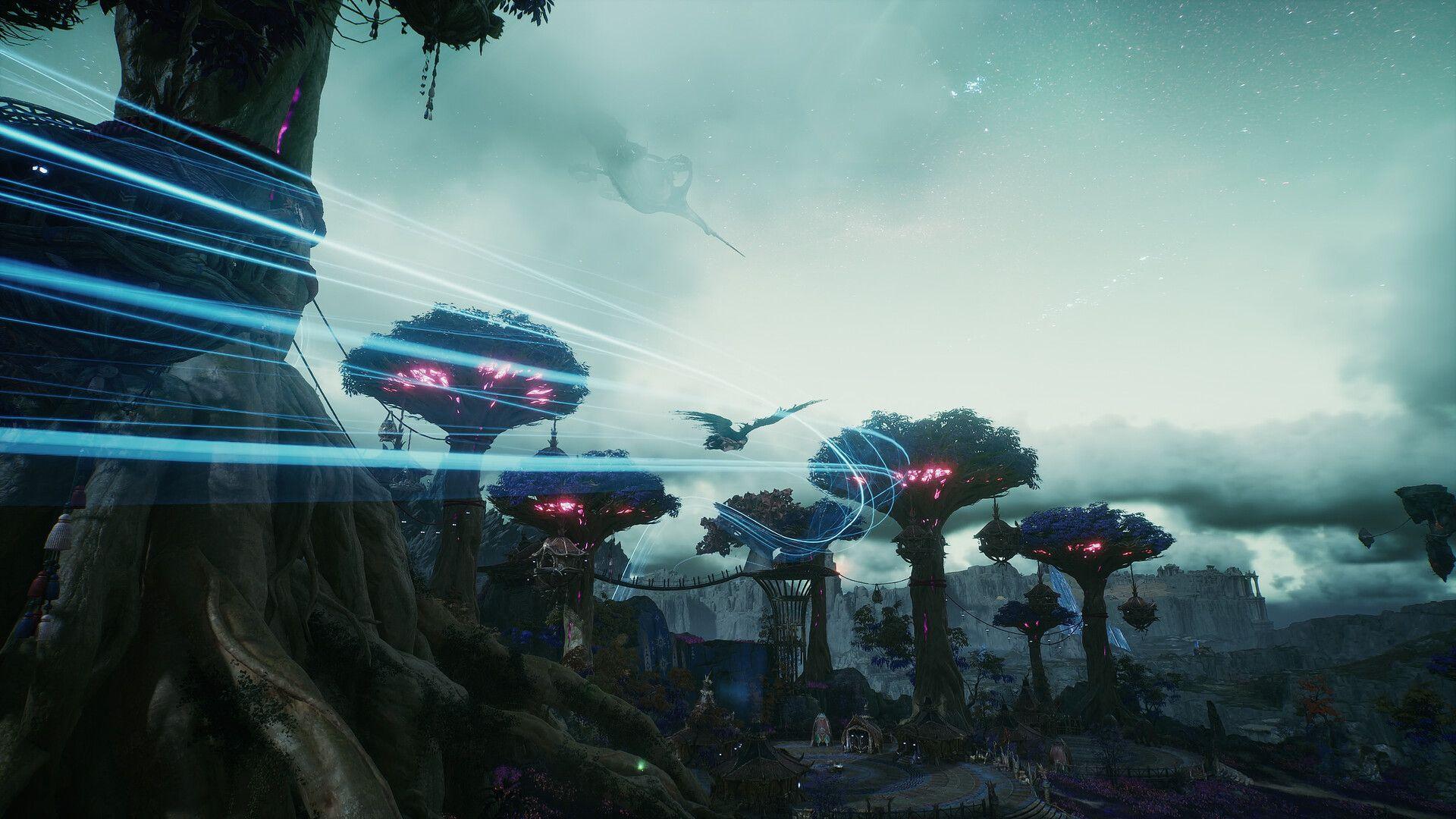
Master every fast travel method in Aion 2, from Kibelisk teleports to Wind Paths, and stop wasting time backtracking across Atreia.

Written by Larc
Content Writer
See more GAMES.GG guides on Google
Add us as a preferred source and our guides show up first in your results.
Aion 2 Market Guide: How Trading and the Quna Exchange Work
Learn how the Aion 2 Market works, what Membership unlocks, and why direct player trading is disabled on Global servers.

Aion 2 Ascension Gauge Guide: How to Fill It Fast
Learn how to fill the Ascension Gauge in Aion 2 fast using Regional Quests, Sealed Dungeons, and Strongholds to unlock Episode progress.
Aion 2 Guide: All Hidden Cube Locations
Find all 206 Hidden Cubes across Verteron, Altgard, Eltnen, and Morheim. Learn how to get keys and what rewards drop.
Getting around Atreia takes real time, and Aion 2 gives you several tools to cut that down significantly. The main system is Kibelisk teleportation, but there are three other movement methods worth knowing before you start running past them without a second thought. This guide covers all of them, where to find the travel points, and the small details that trip up new players.
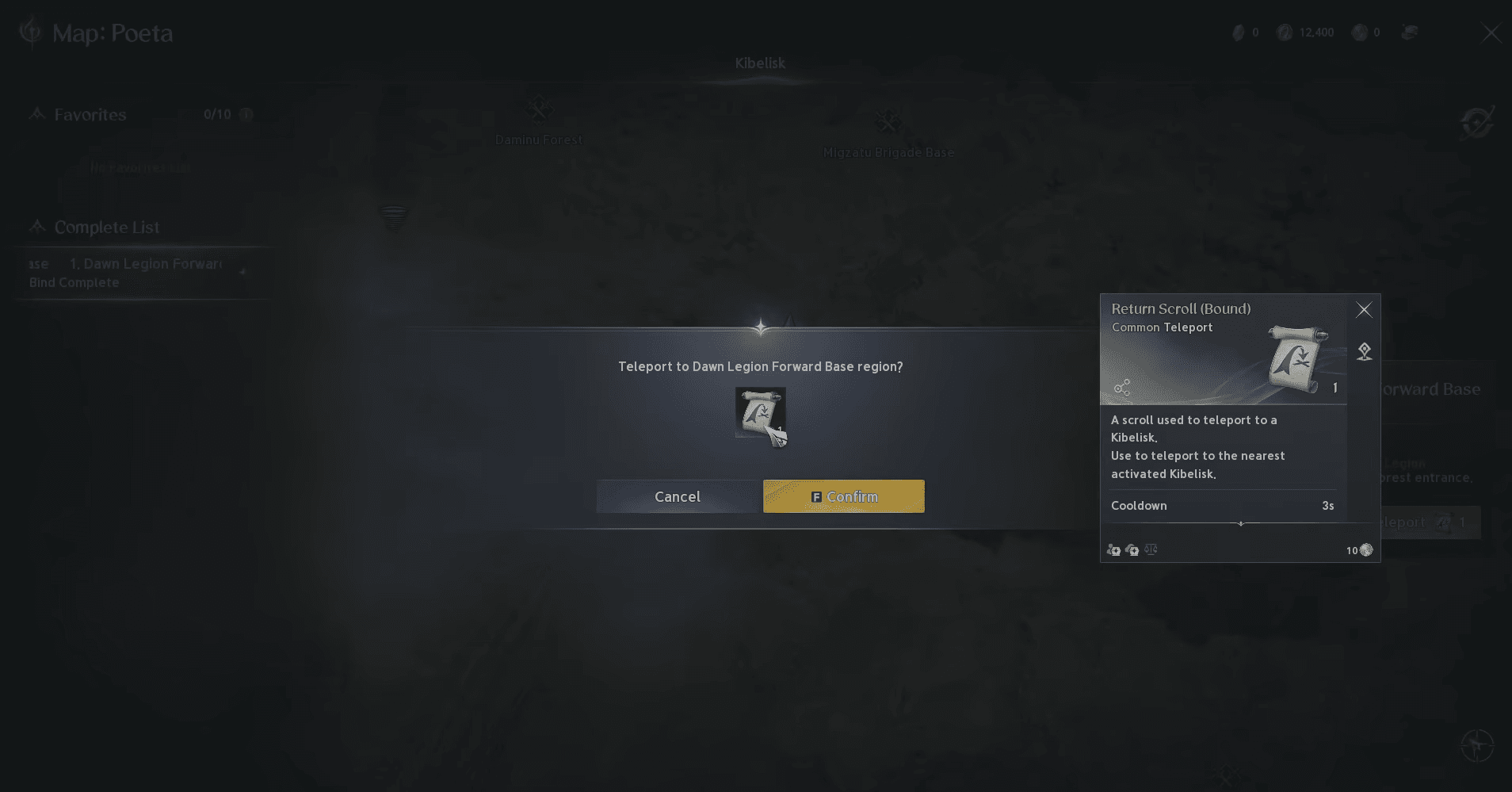
Fast travel runs through a two-part system: Return Scrolls and Kibelisks. You need both. A Return Scroll is consumed every time you teleport, so keeping a stack on hand matters. The good news is they drop regularly as you progress, so you are unlikely to run dry unless you are teleporting constantly without looting.
Kibelisks are the stone obelisk-style waypoints scattered across the open world. To use one, you first need to physically walk up to it and bind to it. Once registered, that Kibelisk appears as an available destination on your World Map. Open the map with M, find the Kibelisk closest to where you want to go, and select it to teleport there instantly.
The map includes a dedicated Kibelisk list alongside the visual pins, which makes scanning for available travel points faster than hunting through the map manually. There are 61 Kibelisks across the world, so registering them as you explore pays off considerably over the course of a playthrough.
Aion 2 Guide: All Fast Travel Locations
Before your first teleport, you need a Return Scroll in your inventory. These are not hard to come by since they flow naturally from quest rewards and general loot as you level. Each teleport consumes exactly one scroll, so the cost is predictable.
If you are still in the early hours and wondering how to pace your progression efficiently, the Aion 2 leveling and progression guide covers the full path from first login to max level, including where scrolls and other consumables fit into the loop.
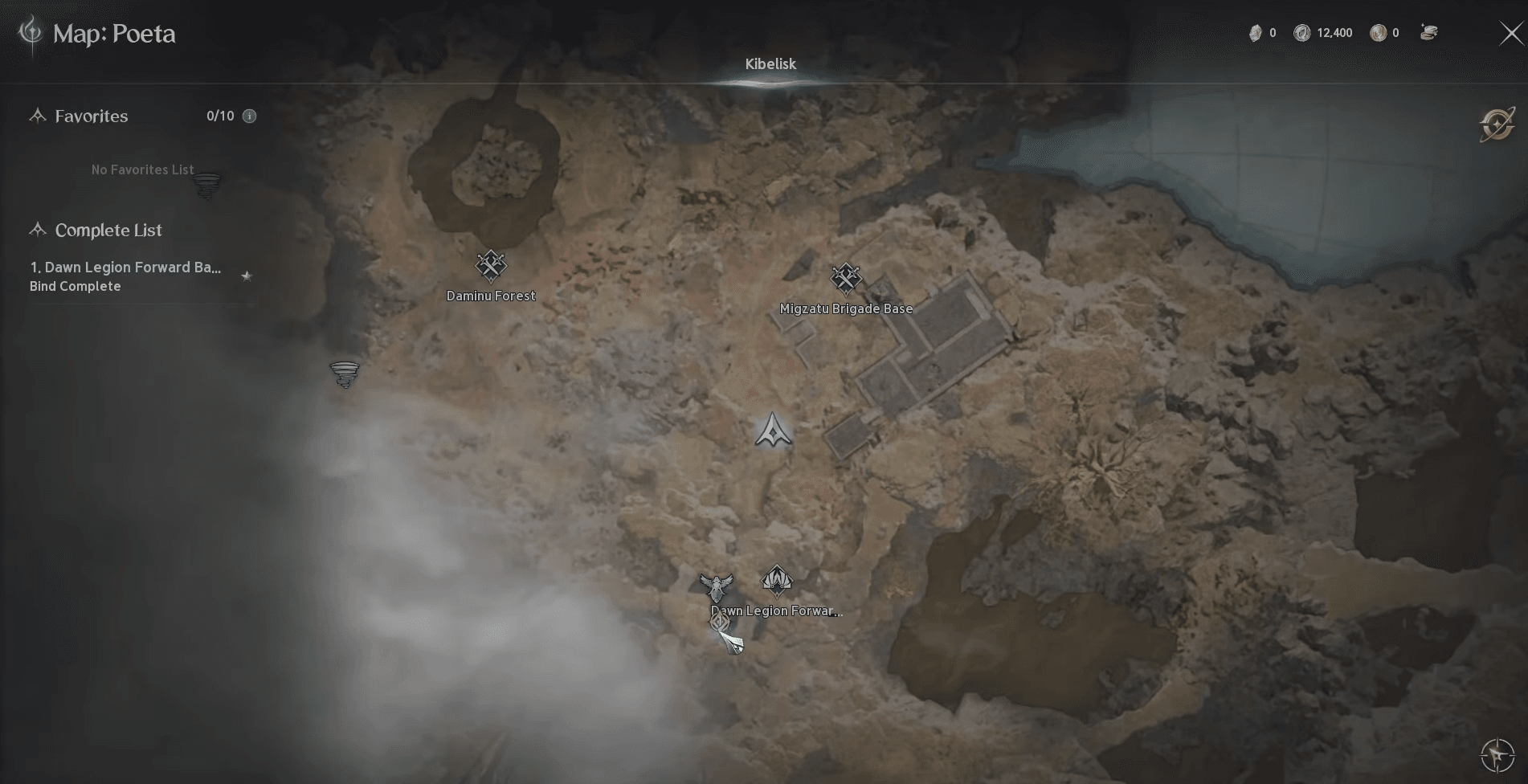
Aion 2 Guide: All Fast Travel Locations
Kibelisks are spread across both faction zones and into Expedition content. The breakdown by zone type looks like this:
| Zone Type | Kibelisk Count | Notes |
|---|---|---|
| Open World (Elyos) | Varies | Poeta, Verteron regions |
| Open World (Asmodian) | Varies | Ishalgen, Altgard regions |
| Expeditions | Varies | Draupnir and others |
| Total | 61 | Trackable via interactive map |
To switch between faction maps when viewing Kibelisk locations, use the region selector in the top left corner of the World Map. You can also mark individual Kibelisks as found to track your registration progress.
Yes, and this is something players miss early on. Several Expeditions place Kibelisks at key points inside the dungeon. Draupnir, for example, has you register a Kibelisk mid-run, which you can then use to teleport back to that point after clearing the second boss rather than walking the entire route again. Make a habit of interacting with any Kibelisk you pass inside an Expedition, not just in the open world.
Auto-Move is not teleportation, but it handles the gap when a quest objective sits in an area without a nearby Kibelisk. Press ALT alongside the relevant number key to activate it for your currently tracked objective. Alternatively, select a specific quest from your tracker and your character walks toward the objective automatically, stopping on arrival.
This is most useful for quests in transitional areas between major Kibelisk clusters, or when you simply want to handle something else while your character moves.
Wind Paths carry you along fixed aerial routes without draining your Flight Power gauge. Updrafts launch you high enough to glide toward destinations that would take significantly longer on foot. Both are most relevant when you are heading to elevated areas or when the next objective is far from any registered Kibelisk.
They are a natural complement to the Kibelisk system rather than a replacement for it. If you are building out your aerial mobility, the Aion 2 wings list covers every wing option and how to unlock them, which directly affects how far you can glide off an Updraft.
After spending time mapping out all 61 Kibelisks, a few patterns stand out for keeping travel time low:
For everything else you need to get moving in Atreia, the full Aion 2 strategy guide collection covers builds, progression systems, currency farming, and more.