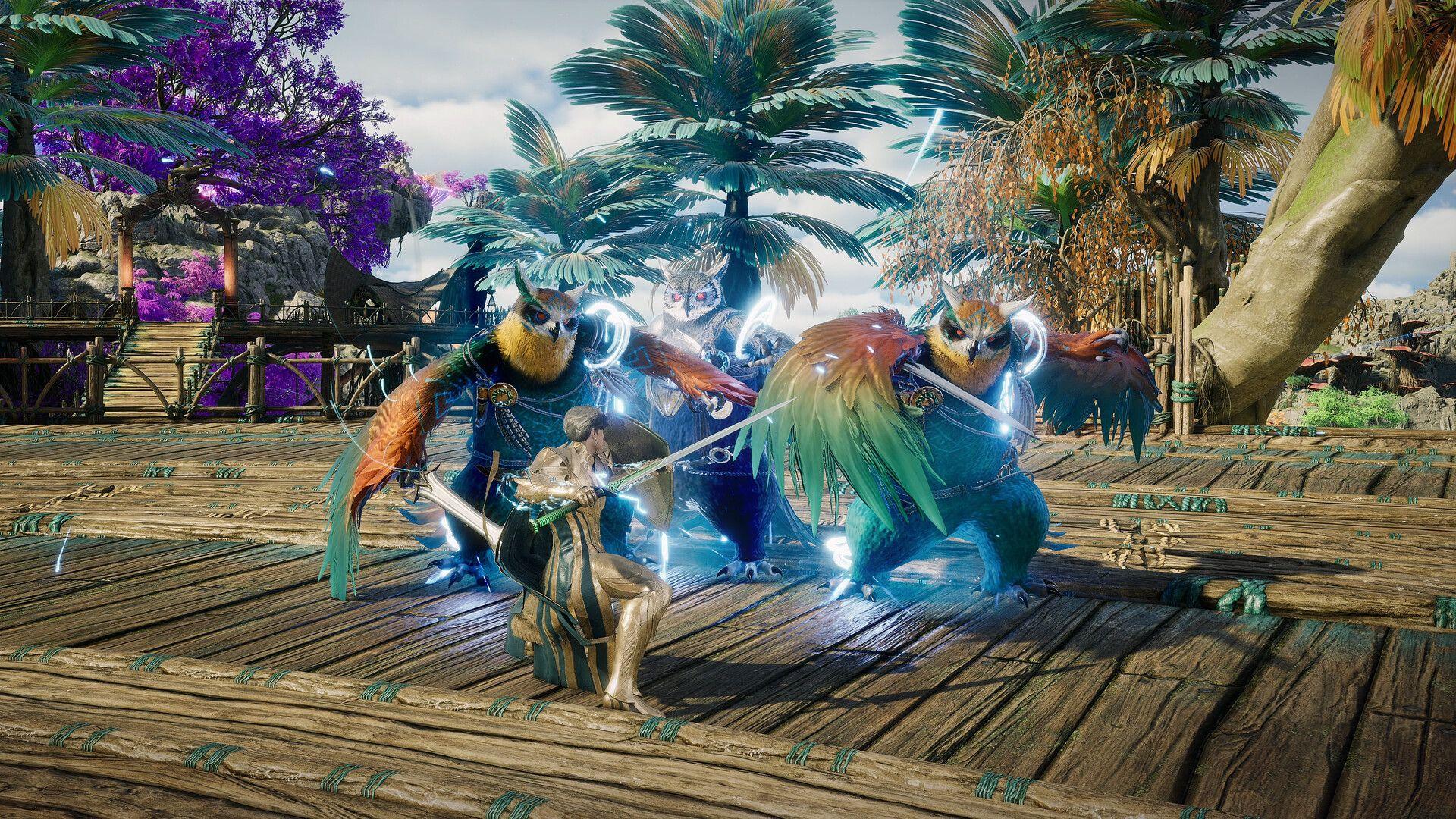


Finding the right settings in Aion 2 is less about maxing everything out and more about knowing which options actually matter. Normal exploration is forgiving, but large-scale PvP, raids, and siege encounters can push mid-range hardware noticeably harder. Skill effects, shadows, lighting, and dozens of players on screen at once are the real culprits. Getting the balance right means keeping textures and models sharp while trimming the effects that eat performance without adding much to readability.
Best graphics settings for Aion 2
The table below is a solid starting point for a mid-range PC sitting around the recommended hardware level. The goal is to keep the game looking clean during normal play while leaving headroom for demanding encounters.
Texture Quality and Model Quality can stay High on GPUs with enough VRAM. The better places to cut first are Effect Quality, Mass Combat Quality, vegetation, and shadows. These settings have the most visible impact on performance during busy encounters and the least impact on how readable the game looks during normal play.
What are the best DLSS and FSR settings?
Aion 2 supports multiple upscaling and anti-aliasing options depending on your GPU.
Quality mode is the right starting point at 1080p or 1440p. If you need more headroom, Balanced works well at higher resolutions. Keep the in-game Resolution Scale at native when using DLSS or FSR since running both simultaneously will noticeably soften the image.
Frame Generation should stay off by default. The extra latency it introduces is a real problem in PvP where reaction time matters. Players focused purely on PvE who already have a stable base frame rate can experiment with it if their GPU supports the feature.
Best advanced graphics settings
The advanced menu has several options that make a bigger difference than they look on paper, especially in crowded fights.
Player Particle Effect Display set to Self and Party is one of the most effective changes you can make. It keeps your own effects and your party's effects visible while cutting the rendering load from every other nearby player's abilities. In siege content with dozens of players, this alone can recover meaningful frame rate.
Players struggling badly in large battles can push this one step further to Self Only.
NCAO is the better ambient occlusion choice over GTAO when performance is the priority. Setting Water Reflection Method to Performance removes a graphical cost that is nearly invisible during actual gameplay. NVIDIA users should enable NVIDIA Reflex with Boost for reduced input latency.
How to optimize settings for mass PvP?
Abyss battles and other large-scale PvP encounters are where Aion 2 gets genuinely demanding. The settings below are worth adjusting specifically for these situations.
The Display as Tier Icon option replaces individual player character models with tier icons during heavy encounters. This reduces the rendering cost of large player groups and can meaningfully improve frame rate during sieges. Mass Combat Quality and Effect Quality at Low are the two changes with the most immediate impact on readability, since they reduce the visual noise that makes it hard to track your own abilities and targets.
Best gameplay and targeting settings
A few gameplay options affect how combat actually feels to control, not just how it looks.
Auto Target Upon Skill Use and Pursue Targets With Skill Activation are convenient for open-world farming since they reduce the number of inputs needed to chain kills. Switch both off for PvP and harder group content, where controlling exactly what you target and where you position matters more than convenience.
Skill Queue should stay enabled. It makes ability inputs feel consistent and prevents missed casts when you press a skill slightly early.
Aion 2 Best PC Settings for Maximum FPS
Best keybinds for Aion 2
The default keyboard layout is functional enough that a full rebuild is not necessary. The most useful changes are around movement abilities that get used constantly.
Flight sees constant use throughout Aion 2, so binding it to a mouse side button is worth doing if your mouse has one. The default quick slots on number keys, Q, E, and function keys already work well for most classes without changes.
Best camera settings
Keep Maximum View Distance on Far if your hardware can handle it. Spotting enemies and objectives at range is genuinely useful in open-world PvP and exploration. Camera Shake should be turned off. It adds visual noise during raids and PvP without contributing any useful information.
What settings work best on a low-end PC?
Players closer to Aion 2's minimum specifications should prioritize stable frame rate over visual quality. Start with this setup and adjust upward from there.
If performance is still not stable after applying these settings, use DLSS or FSR at Balanced before dropping the resolution scale manually. Upscaling recovers more image quality per frame than a raw resolution reduction.
Aion 2 PC requirements
NCSoft's official minimum and recommended specifications give a useful baseline for where to start your settings.
Players at the recommended spec should start at Normal settings and push Textures, Models, and Anti-Aliasing up to High if the frame rate stays stable. The recommended GPU targets 1080p Normal, so High settings across the board will require something above that tier.
For class-specific advice to pair with your optimized settings, the full Aion 2 strategy guides collection covers builds, skills, and rotations across every class.