
The backpack light in ARC Raiders has been a thorn in the side of stealth-focused players since launch. That glowing emissive detail on your pack is visible across dark interiors and open terrain, and it has a way of announcing your position before you even know someone is watching. The Frozen Trail 2.0 update from Embark Studios finally added a toggle to switch it off, and the setting is buried just deep enough in the menus that players keep asking where it is.
How do you turn off the backpack light in ARC Raiders?
Here's the short answer: the option is called Emissive, and you find it inside the backpack's cosmetic settings. It is not in the main options menu or the keybindings. You need to go through the Raider customization path.
Follow these steps exactly:
- From the main screen, open the Raider tab.
- Select Customization in the bottom-left corner of that screen.
- At the top of the customization screen, click the Style tab.
- On the left side of the screen, choose the Backpack category.
- Select your currently equipped backpack.
- Find the Emissive setting and switch it to Off.
The light disappears in the preview the moment you toggle it. You can flip it back on at any time using the same path.
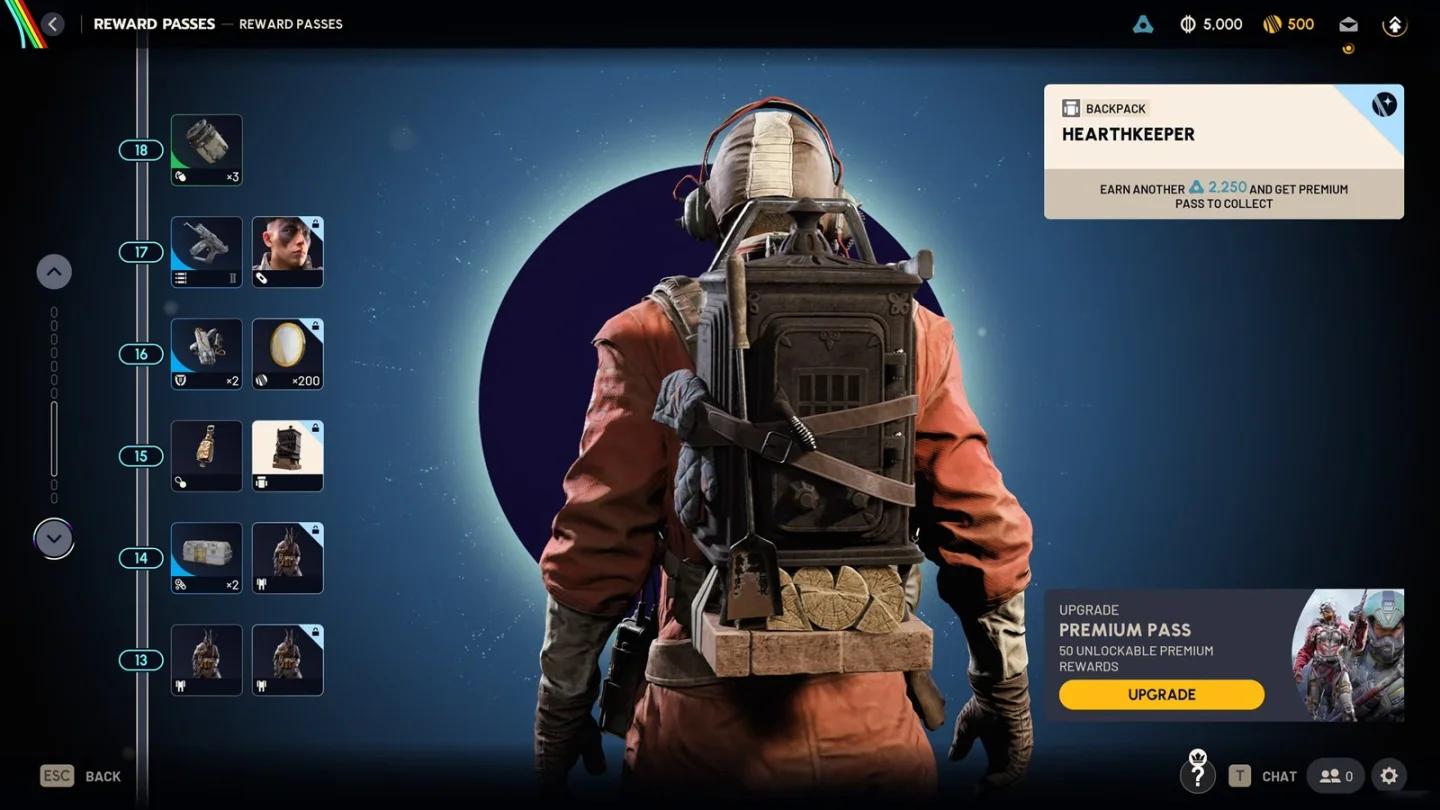
Emissive toggle in backpack menu

Can you toggle the backpack light during an active raid?
No. The Emissive setting can only be changed from the customization screen before you deploy. Once you are in a raid, the setting is locked for that run. If you load into a match with the light on, you will need to extract, return to Speranza, and adjust it before your next drop.
The mistake most players make is assuming this works like a quick equipment toggle. It does not. Treat it the same way you would treat any cosmetic adjustment: sort it out in the lobby, not mid-match.
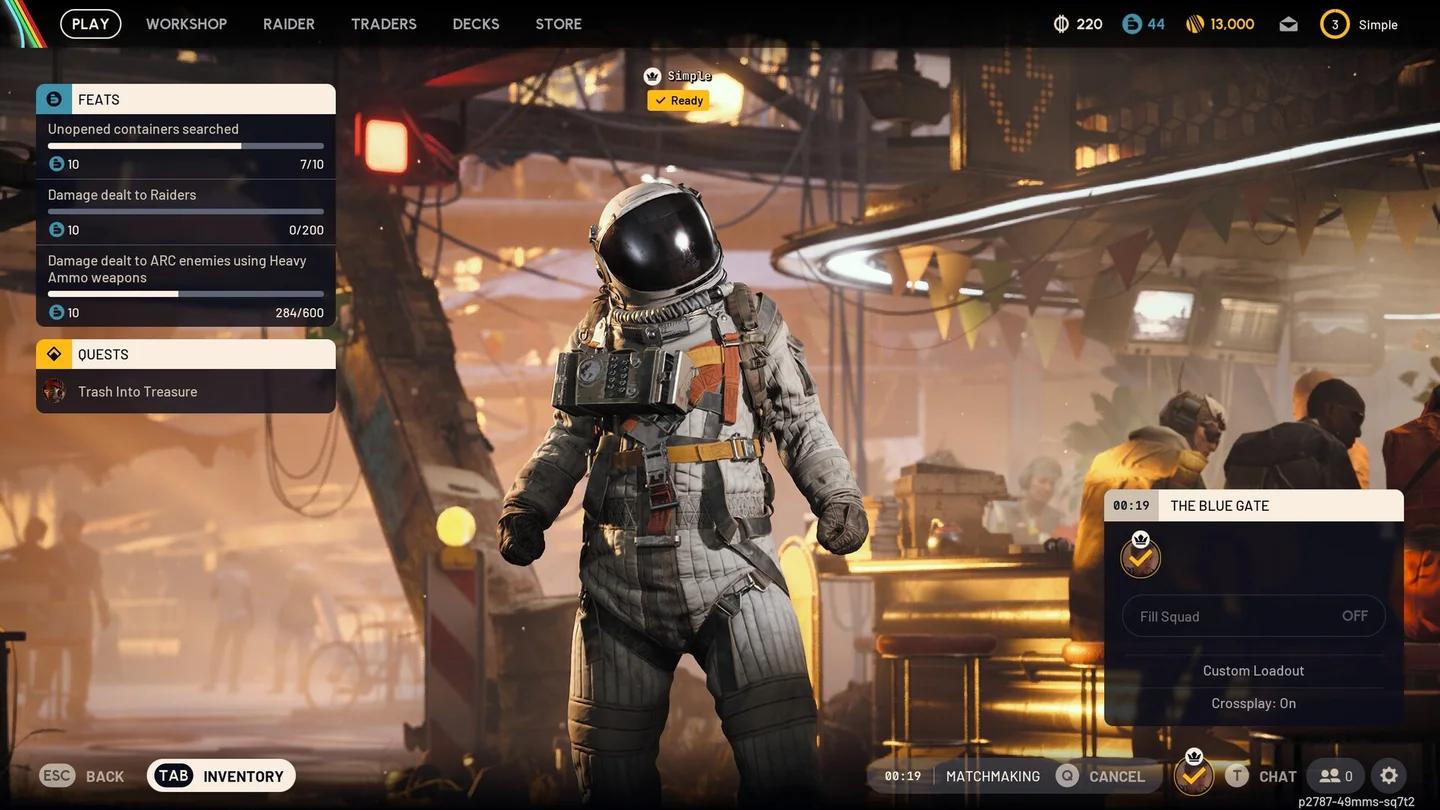
Raider tab on the main screen
Does turning off the backpack light actually help with stealth?
Yes, with some caveats. The Emissive toggle is technically a cosmetic option, but the practical effect is real. A glowing backpack detail is easier to pick out against dark backgrounds, whether you are crouched behind cover, moving through unlit building interiors, or being watched from a distance by another player.
Removing that visual cue takes away one data point enemies can use to locate you. This matters most during Night Raids and in the darker indoor sections across the maps.
That said, disabling the light does not make your Raider invisible. Other players can still track your silhouette, footstep sounds, and movement. Think of it as one layer of a broader stealth approach, not a guaranteed counter to detection.
Backpack light on vs. off: when does each make sense?
| Setting | Best situation | Trade-off |
|---|---|---|
| Emissive On | Casual runs, bright outdoor areas | More visible to other players in dark zones |
| Emissive Off | Night Raids, PvP stealth, indoor extraction routes | Slightly harder to see your own character in darkness |
For players running extraction shooter content where avoiding contact is the priority, keeping Emissive off is the smarter default. For casual loot runs in well-lit areas, it makes no practical difference.
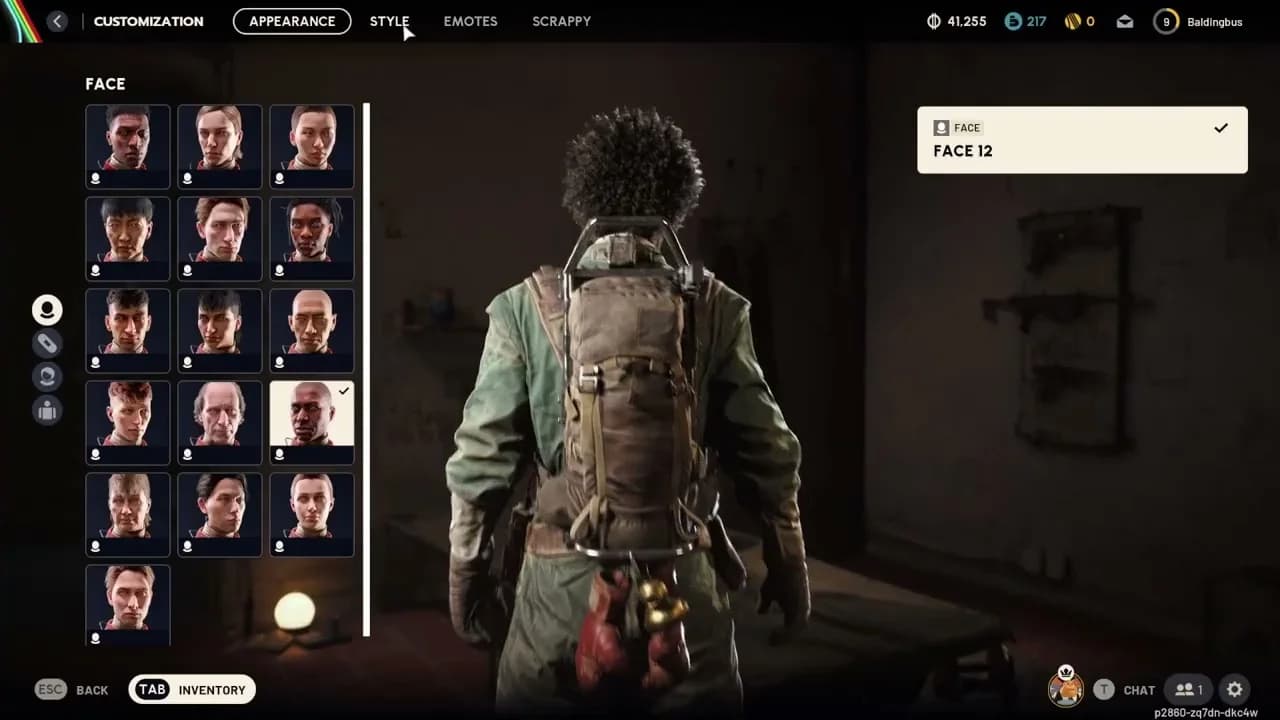
Backpack preview in Style tab
Quick tip: set it before you need it
The Frozen Trail 2.0 update added a lot more than just this toggle. Increased max stash size (328 slots without expedition bonuses), new contextual movement animations, and the ability to open your map while downed are all part of the same patch. The backpack light option is one of those small quality-of-life additions that players had been requesting, and it is easy to miss in a large update.
If you are working through quests in the current patch, check out our guide on how to complete the Wires Crossed quest for a breakdown of the antenna objectives, or the Power Out quest walkthrough if you are stuck on that one.
For the full collection of quest walkthroughs and mechanics guides, the ARC Raiders guides hub has everything organized by topic.
FAQ
Does the Emissive toggle apply to all backpacks or just specific ones? The option appears for backpacks that have glowing elements built into their design. If your backpack does not have an Emissive toggle visible in the Style menu, that pack simply does not have a light to disable.
Does this setting reset when the game updates? As of the Frozen Trail 2.0 patch, the setting persists between sessions. There is no confirmed behavior that would reset it on update, but it is worth a quick check after major patches.
Will turning off the light affect my other cosmetics? No. The Emissive toggle only controls the illuminated elements on the backpack. Your outfit, headgear, and weapon skins are unaffected.