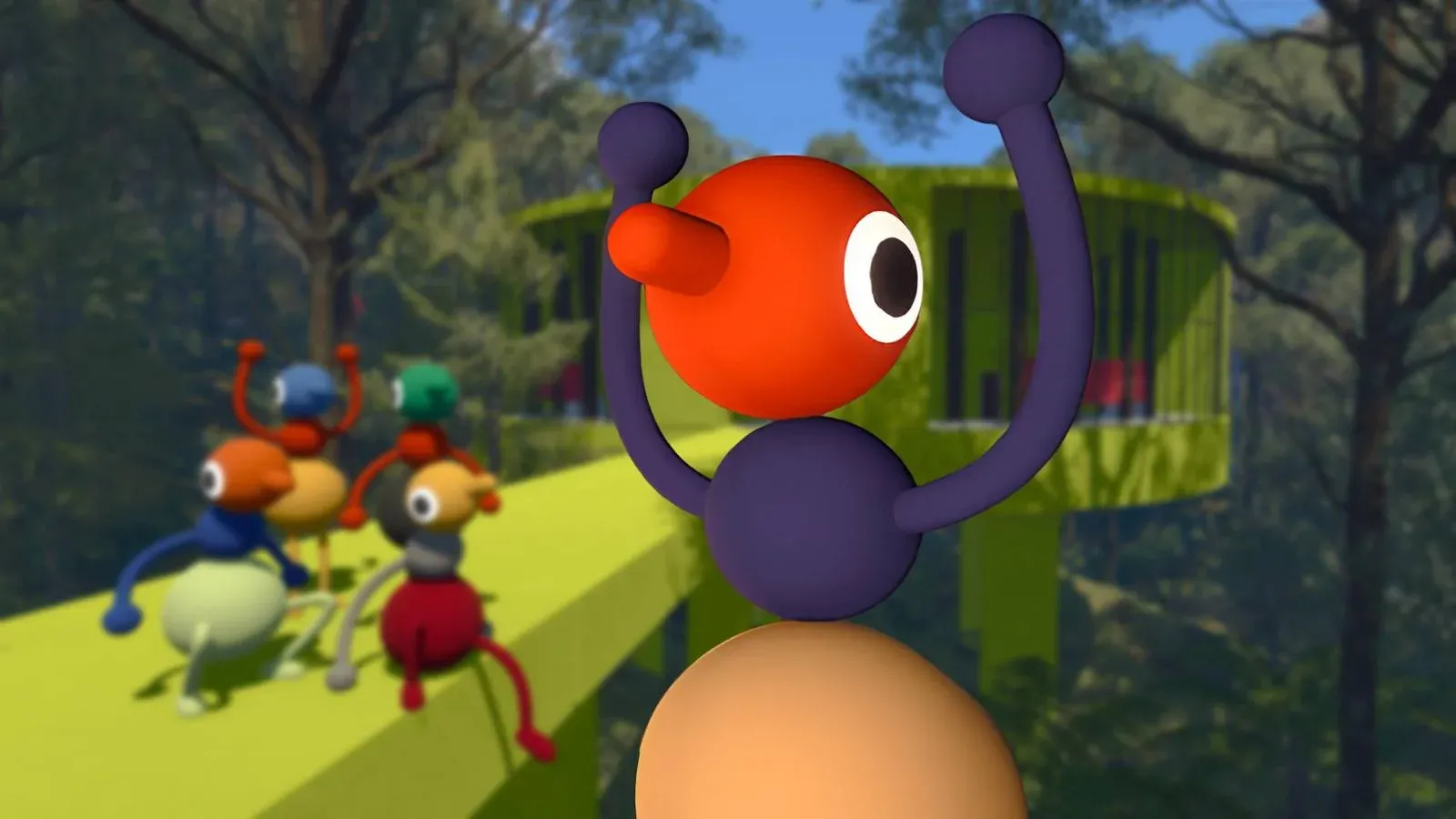


Big Walk is built around co-op from the ground up, so getting your friends into the same session as quickly as possible matters. The good news is that the game offers two clean methods for joining up: a friend list option for same-platform groups and a session code system for cross-platform play. Both take under a minute once you know what you're looking for.
How do you join a friend's game in Big Walk using your friend list?
If everyone in your group is playing on the same platform, the friend list method is the fastest way in. Big Walk pulls directly from your platform's existing friends, whether that's PlayStation Network, Steam on PC, or Nintendo Switch. As long as the host has already loaded into a session and is waiting, their game will show up as available to join.
Here's the exact sequence:
- Launch Big Walk.
- Select your voice settings when prompted.
- From the main menu, choose Join Game.
- Select Join via Friends List.
- Pick the friend whose session you want to enter and load in.
There's no pre-game lobby to wait in. Once you join, you drop straight into the game's starting area alongside whoever is already there.

Session code entry field
How do you join a friend's game in Big Walk using a session code?
Cross-platform play works differently. Since Big Walk can't pull from a PlayStation friend list when you're on PC, or a Steam list when you're on Switch 2, the game uses a unique session code instead. The host generates this code automatically when they load into a session, and sharing it is all it takes to get someone in from any supported platform.
Here's how to join via code:
- Launch Big Walk.
- Select your voice settings when prompted.
- From the main menu, choose Join Game.
- At the top of the screen, enter the session code your host has shared with you.
- Load into the game.
Same-platform vs. cross-platform: which method should you use?
The choice mostly comes down to your group's setup. Same-platform groups will find the friend list route faster since there's nothing to share or type. Cross-platform groups need the code system, but it's genuinely straightforward once everyone knows where to look.
Both methods land you in the same place: the game's starting area, ready to go. For more on how many players can join a single session and what group sizes work best, check out the Big Walk multiplayer player count guide.

Co-op starting area load-in
What should you know before your first co-op session?
A few things are worth sorting out before you dive in. Voice settings come up the moment you launch the game, before you even hit the main menu, so have a preference ready. The game drops you directly into the world with no lobby screen, which means coordinating a meeting point with your group beforehand saves confusion.
If you're exploring what else Big Walk has to offer before committing to a full run, our full review covers what makes the co-op experience worth your time. For everything from item locations to achievement tracking, the full Big Walk guide collection has you covered.