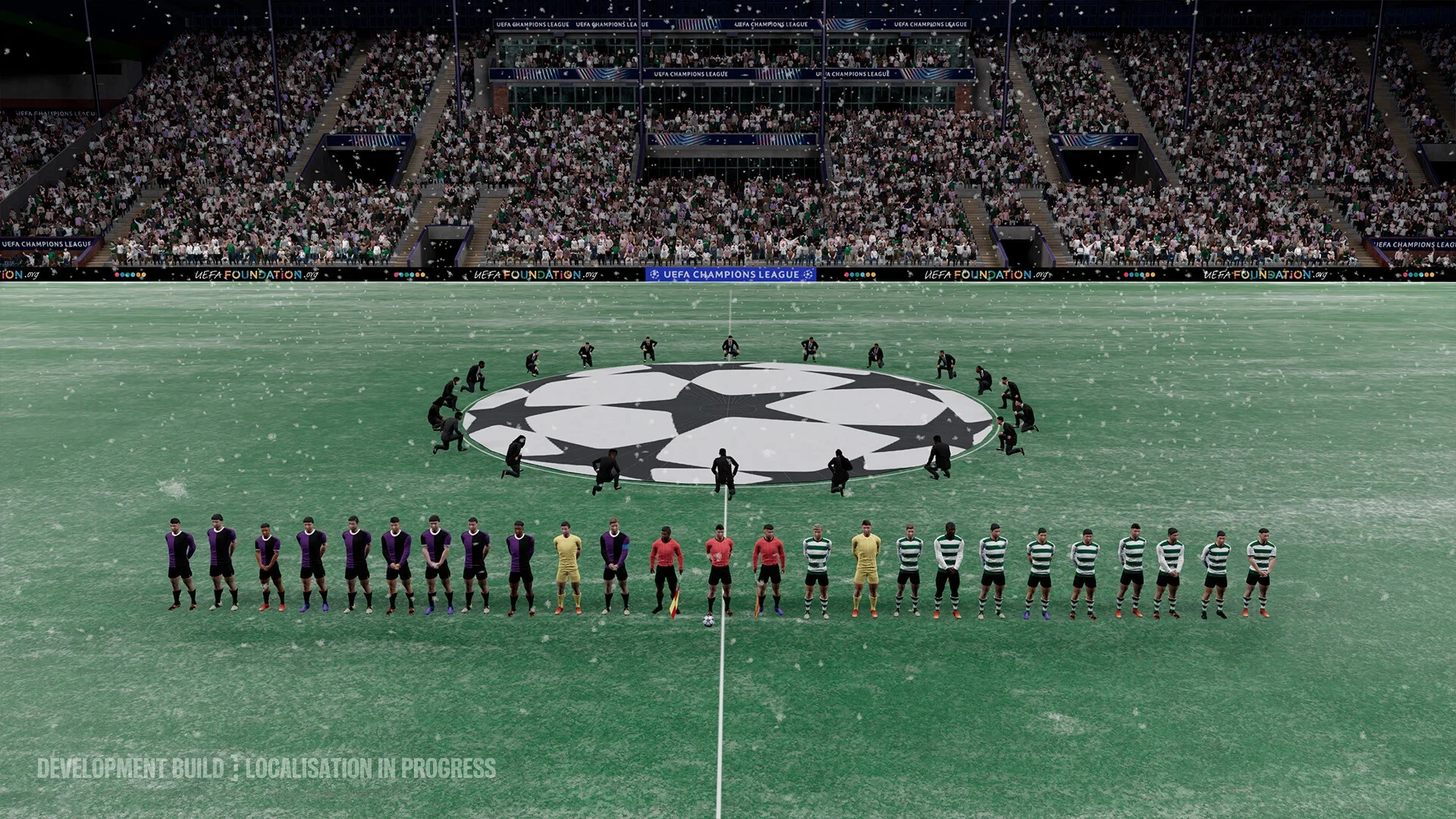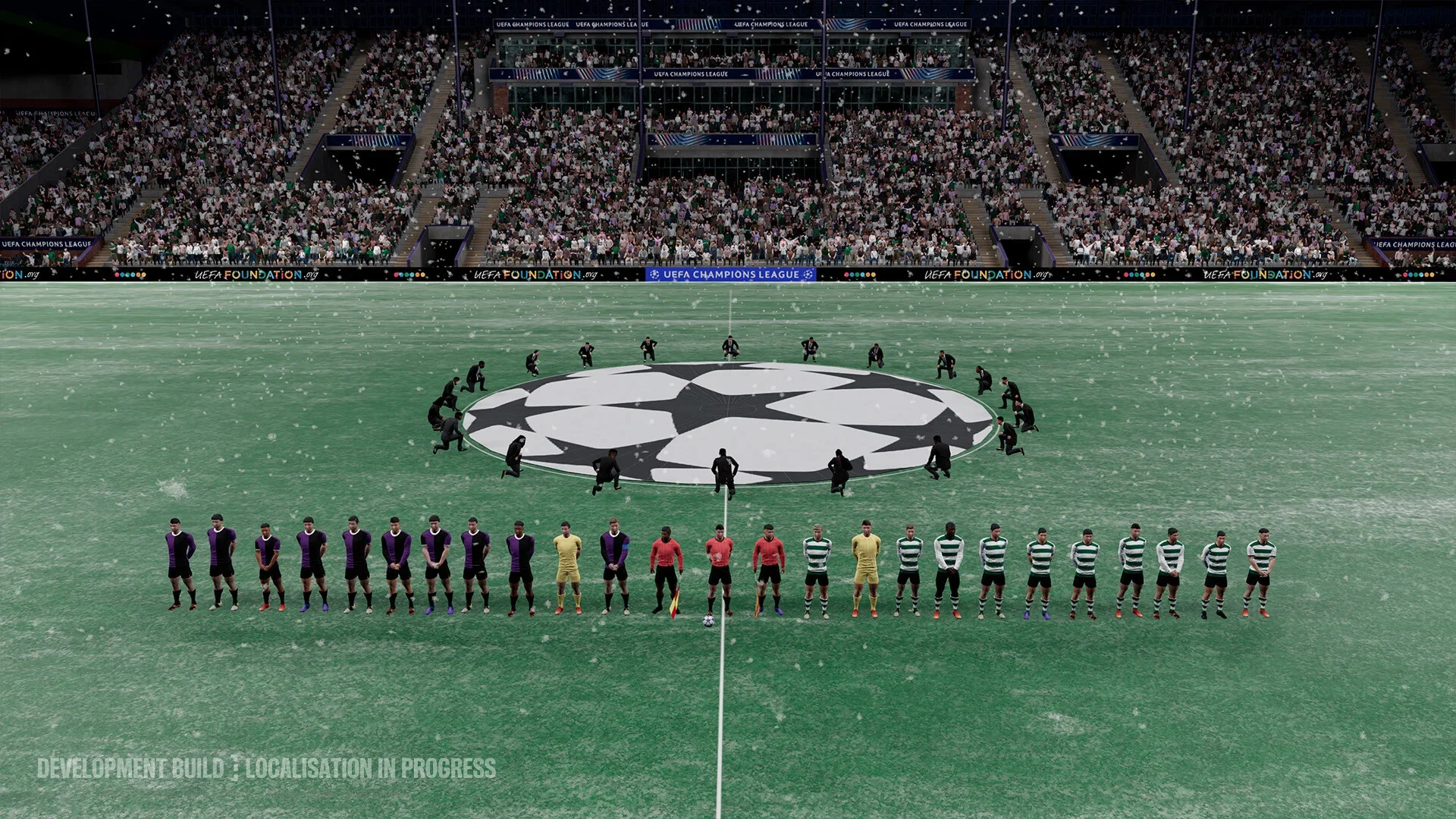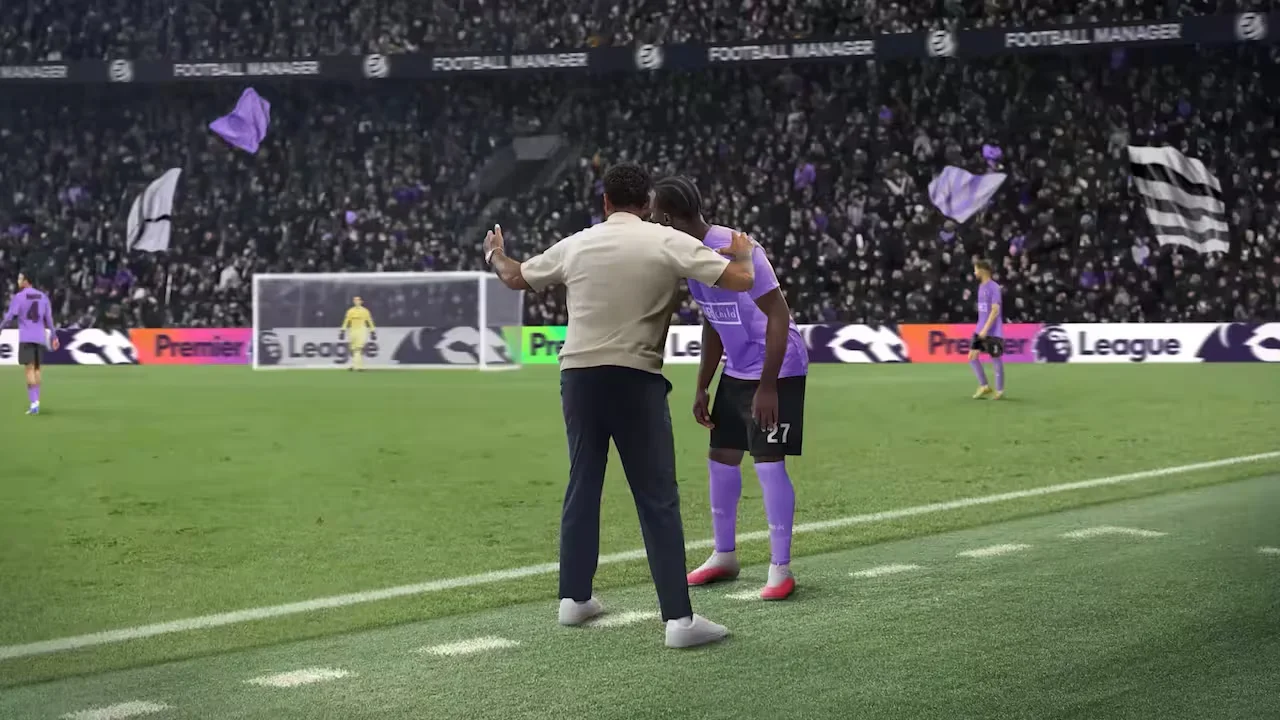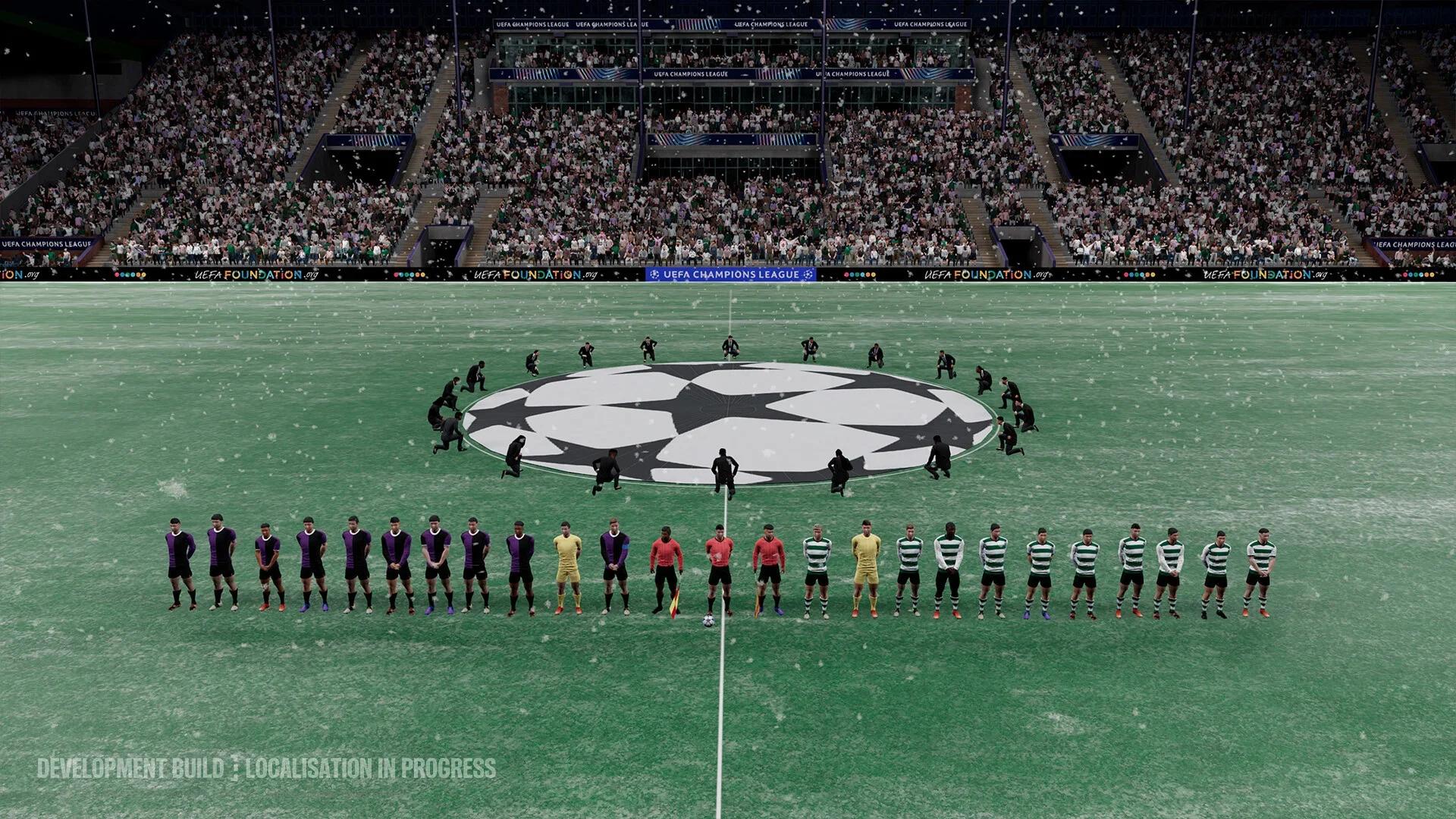

The best Football Manager 27 PC settings start with readable scaling, a clear match view, and only the leagues your career needs.
Try the 2D match view for tactical visibility, and begin with Balanced Continue Flow. Separate uneven match presentation from slow calendar processing before changing anything, because they need different adjustments. On supported displays, start with Medium scaling and check whether attributes and contract details remain comfortable to read. Treat these choices as a starting setup, not a universal frame-rate preset.
Where to change display and interface settings
Open Preferences to adjust interface scaling and Continue Flow. Landing screens and keyboard shortcut remapping are also available there. Match-day tile swapping happens on the match interface itself.
League depth and player database size belong to career setup. Review those choices before creating a save if your main concern is the time spent advancing through the calendar.
Match the setting to the problem
Use this starting setup, then adjust the option connected to the problem you notice.
| Setting or feature | Recommended starting point | What it addresses |
|---|---|---|
| Match view | Try the 2D match view | Reading player positions and tracking the ball |
| Interface scaling | Try Medium on a supported display | Balancing readable text with information density |
| Continue Flow | Balanced | Keeping regular information breaks |
| Playable leagues | Your starting country and realistic next destinations | Limiting unnecessary simulation work |
| Player database | Load players relevant to your recruitment plans | Balancing recruitment coverage against processing demands |
| Landing screens | Open frequently used sections on the page you need | Reducing navigation steps |
Changing information density can make menus easier to use without improving match smoothness. Reducing the simulated football world targets processing between dates, not how clearly you can follow the ball.
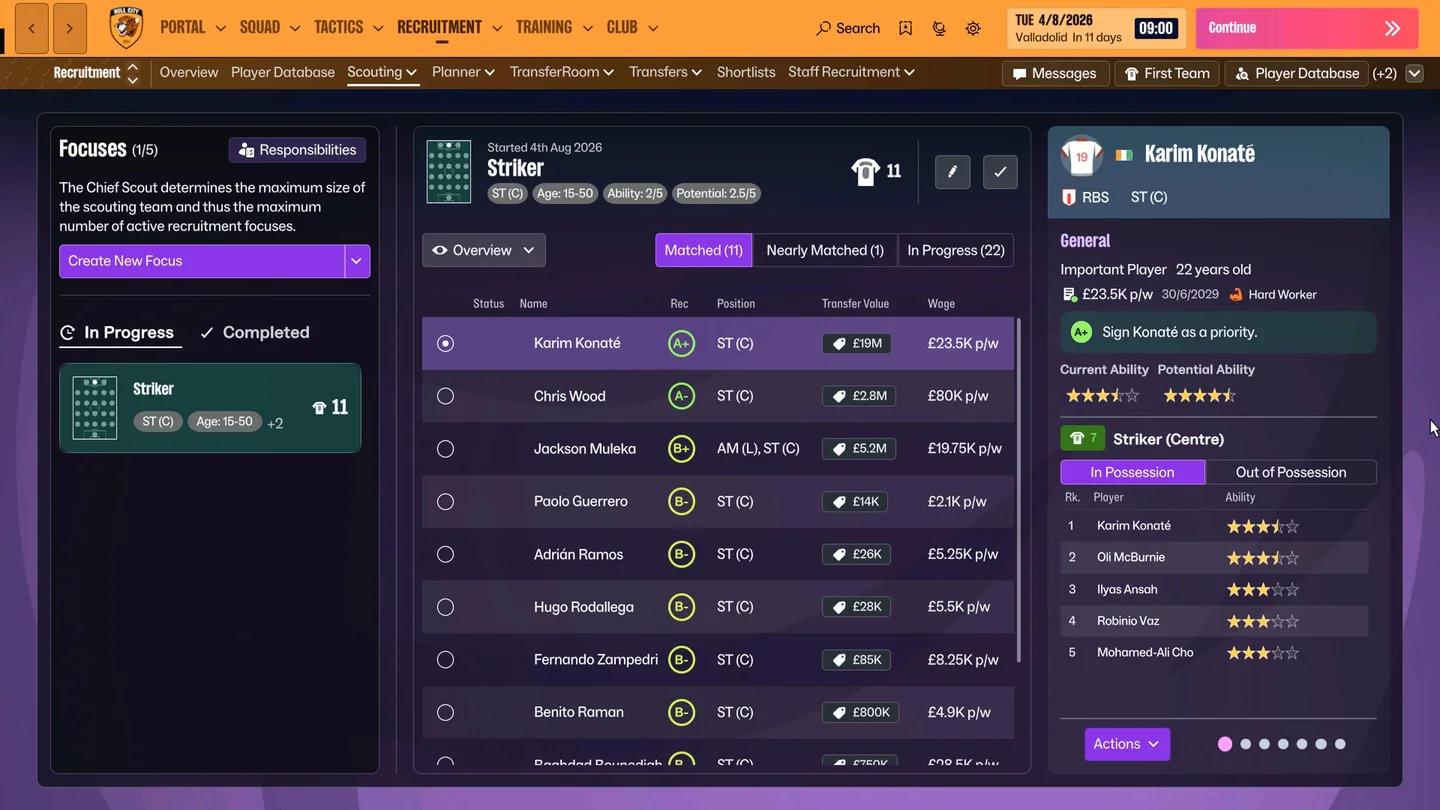
Find your display preferences
Best settings for match visibility
Try the 2D match view
Start with the 2D match view when your priority is following positions and movement across the pitch. Judge it from your normal seat, because the ball and player markers need to remain easy to distinguish at your usual viewing distance.
Football Manager 27 uses smaller ball and player discs to fit the 2D pitch more realistically. Its 2D presentation also includes changes to shadows and net transparency.
Check three things before keeping the view:
- Ball tracking: Follow several passes without losing the ball's position.
- Player separation: Check whether nearby player discs remain distinct during crowded passages.
- Movement: Watch players away from the ball when possession changes.
Choose this view because it helps you read the match. Do not assume that switching to 2D guarantees a particular frame rate or fixes slow calendar processing.
Arrange match-day information around your decisions
The match-day interface supports tile swapping. Keep information visible when it helps answer a question you are actively considering during the match.
Review the layout after a period of play. Replace a tile you repeatedly ignore before adding more information that competes with the pitch for your attention.
Compare layouts separately from match views. If you change both together, you may struggle to identify which adjustment made the action easier to follow.
Read player spacing in 2D
Improve text and interface readability
Choose scaling by what you can read
Football Manager 27 adapts its interface to screen size and resolution. Tables show as many rows as fit, and supported displays offer three scaling modes through Preferences.
Use the following choices as a readability comparison, not a performance ranking.
| Scaling mode | When to try it | What to check afterward |
|---|---|---|
| Large | Text is uncomfortable to read | Whether attributes and contract details are clear from your normal seat |
| Medium | You want a starting balance | Whether enough information fits without making text difficult to read |
| Small | You want more information on each screen | Whether names, numbers, and table headings remain legible |
Check a player attribute page and a contract screen before keeping a scaling choice. Both contain numbers you need to compare accurately, so avoid choosing smaller text solely to fit more rows.
Ultrawide layouts apply when the game loads on a suitable monitor. Wide tables rescale to use the additional space.
Reduce navigation before shrinking text
Landing screens let you choose which page opens from a primary menu section. For example, set Squad to open the first team instead of an overview.
Bookmarks support text labels and can be reordered. Keyboard shortcuts can also be reassigned to the screens you open most often.
In management-focused simulation games, readable information is more useful than a crowded screen. Try landing screens and labeled bookmarks before reducing text size simply to save navigation time.
Balance text size and detail
Settings to adjust on lower-end PCs
Give every loaded league a purpose
If advancing the calendar takes too long, review the football world your PC must process. Lowering match graphics addresses a different problem from waiting for the next date to load.
Build your career setup in this order:
- Keep the domestic divisions required for your starting club and intended progression.
- Add countries where you realistically expect to manage next.
- Include recruitment markets that fit your budget and registration rules.
- Remove additional coverage that serves none of those plans.
Check the lowest selected division for each country. Adding deeper divisions creates different job opportunities from adding another country's top flight. An unemployed career needs suitable starting jobs, while a one-club career can concentrate on its domestic environment and recruitment markets.
Keep the player database relevant
Watch the estimated player count as you change league and database selections. A larger player pool widens recruitment, but its value depends on whether it contains players your club can realistically sign.
For a restricted budget, prioritize relevant affordable recruitment markets. For restrictive registration rules, preserve a useful supply of eligible players before adding unrelated coverage.
Treat the speed indicator as guidance, not a guaranteed processing time. Hardware, loaded competitions, and the work taking place on a particular date can all affect progression. Create a short test career and advance through a few days before committing to a long save.
Adjust Continue Flow for fewer interruptions
Keep Balanced if you want regular breaks for information. Try Streamlined when you want fewer interruptions between match days.
Custom lets you adjust stops for messages, results, fixtures, and news updates. A separate option controls whether Continue works through messages or advances while some remain unread.
You can change Continue Flow during a save through Preferences. It changes how often progression stops for information; it does not reduce the football world your PC must simulate.
How to test performance during a match
Compare one change at a time
Use the same passage of play to compare visibility choices. Keep playback speed consistent so that a faster or slower replay does not distort your judgment.
- Establish a baseline. Watch with your current setup and identify the problem: uneven movement, difficulty tracking the ball, or unreadable information.
- Change one option. Adjust the match view, scaling, or tile arrangement to address that problem.
- Review the same passage. Post-match playback is available as soon as you leave a match and includes speed settings.
- Check from your usual seat. Confirm that the ball, player positions, and relevant information remain easy to follow.
- Keep or reverse the change. Retain it only if it improves the issue you identified.
A visibility comparison does not establish a frame-rate gain. Keep separate notes for smoothness, ball tracking, and text readability so that an improvement in one area does not hide a problem elsewhere.
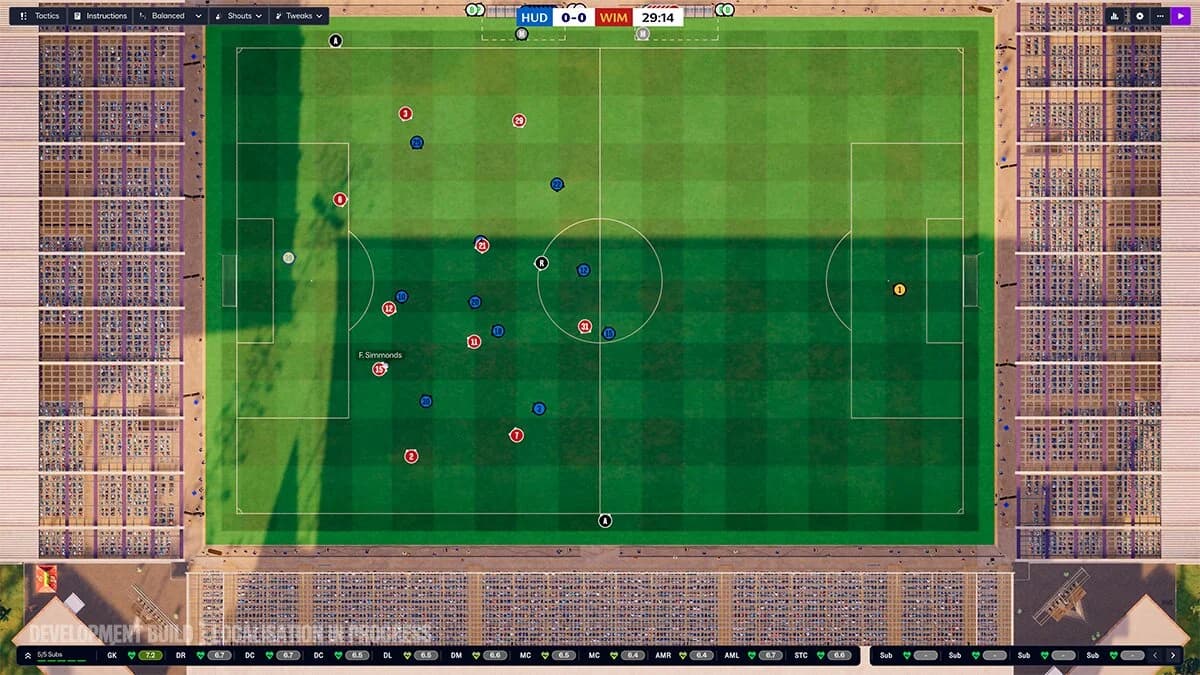
Compare the same passage of play
Test calendar speed separately
Use a short test career to assess processing between matches. Keep its league and database selections representative of the career you intend to play, then advance through several days.
If the wait is uncomfortable, narrow unused league coverage or irrelevant player data before creating your long-term career. Keep the divisions, job opportunities, and recruitment markets that your plan actually requires.