
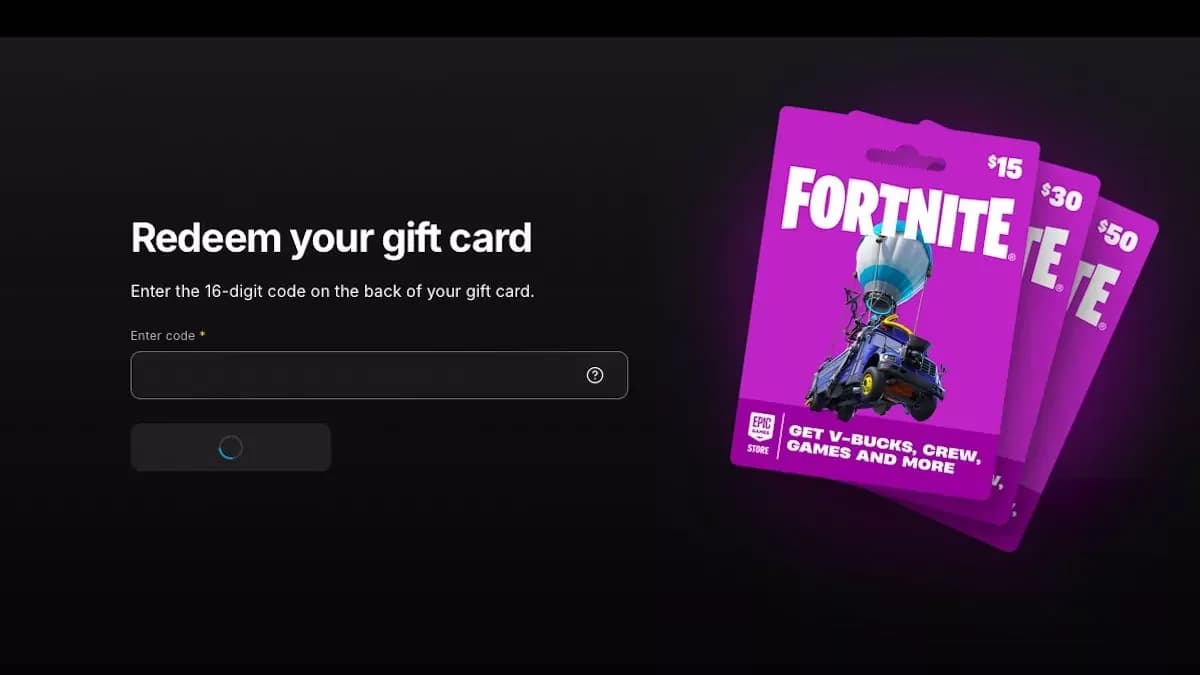
To redeem a Fortnite Gift Card, scan its QR code, sign in to the correct Epic Games account, and select Redeem now after reviewing the details.
The card’s exact name determines which instructions you need. New Fortnite Gift Cards and older V-Bucks Cards use different redemption processes, and console players may need extra steps. Before confirming anything, check the account, the card type, and the platform you plan to use. Follow the matching route below, especially if you play on Nintendo Switch or Nintendo Switch 2.
Check which Fortnite card you have
Read the product name on the card before entering its code. Fortnite Gift Cards add money to your Epic Games account balance. V-Bucks Cards redeem for a set amount of Fortnite’s in-game currency.
Fortnite Gift Cards are replacing V-Bucks Cards, but older V-Bucks Cards remain redeemable. Finding an older card does not mean you need to exchange it for the newer product.
| Detail | Fortnite Gift Card | V-Bucks Card |
|---|---|---|
| What redemption adds | Money to your Epic Games account balance | The indicated amount of V-Bucks |
| What it can fund | V-Bucks, Fortnite Crew, Packs, and Epic Games Store games and DLC | V-Bucks only |
| Redemption route | Epic Games gift card redemption | The separate V-Bucks Card redemption flow |
| Platform selection | Follow any account-linking prompts | Choose a linked platform during redemption |
| Xbox or PlayStation completion | Follow the gift card balance process | Redeem a generated secondary code with Microsoft or Sony |

Requirements before you start
Have these ready before opening the redemption page:
- The correct Epic Games account. You can sign in using your console credentials if that is how you access the account you use for Fortnite.
- The card’s PIN or digital code. Check the back of a physical card, the retailer’s receipt, or the email containing a digital gift card.
- The applicable terms. For a Fortnite Gift Card, read and accept the Account Balance terms on the Payment Settings page. V-Bucks Cards also require acceptance of their applicable terms and user agreement.
- Fortnite on a compatible device. You need the game installed to use your V-Bucks and access your items in-game.
Keep your purchase receipt until redemption is complete. Epic Games Support may request it if you need help with a V-Bucks Card.
Redeem a Fortnite Gift Card
Add the card to your Epic Games balance
Use this process when the product is labeled Fortnite Gift Card:
- Scan the QR code on the back of the card and select Redeem. If you cannot scan it, open Epic Games’ gift card redemption page in a browser and enter the PIN.
- Sign in using your Epic Games account or the console account you want to use.
- Check the account information, then select Yes, Continue if it is correct.
- Link additional accounts if prompted, then select Done linking.
- Review the redemption details and select Redeem now to add the balance to your account.
If a physical card has no visible code, check the retailer’s receipt for a printed one. Digital gift card codes can appear in the delivery email instead.
Turn the balance into a Fortnite purchase
To turn the credited balance into in-game currency, make a separate V-Bucks purchase. Entering a Fortnite Gift Card PIN is not the same transaction as buying V-Bucks.
Choose your purchase route carefully if you play on Nintendo Switch or Nintendo Switch 2. V-Bucks bought through the Epic Games Store do not appear in those consoles’ V-Bucks balances. The Nintendo section below explains how to use those funds for items you can access on your console.
Redeem an older V-Bucks Card
Enter the PIN and choose your platform
Use this route only for a card labeled V-Bucks Card. Start in your Epic Games Account Settings and check that the Display Name under Account Information matches the account you use in Fortnite.
- Open the menu under your display name and select V-Bucks Card, or open the V-Bucks Card redemption page.
- Select Get Started.
- Carefully scratch off the covering on the back of the card and enter the PIN without dashes.
- Select Next.
- Choose the platform where you want to redeem the V-Bucks, then select Next again.
- Review the Epic Games account, selected device, and new balance. Select Confirm only when all three are correct.
Only platforms linked to the Epic Games account you are signed into appear in the platform selector. If your intended platform is missing, check the account before continuing.
Select your V-Bucks destination
Complete the extra Xbox or PlayStation step
For Xbox and PlayStation, selecting Confirm generates a secondary code. Redemption is not finished until you enter that code into the linked Microsoft or Sony account.
Complete the handoff as follows:
- Find the generated 12-character or 25-character code. A copy is also sent to your email.
- Follow the redemption flow to Microsoft or Sony and sign in to the account linked to your Epic Games account.
- Enter the secondary code to finish adding the V-Bucks.
If you have several Microsoft or Sony accounts, an incognito browser window can help you sign into the intended one instead of reusing an existing session.
For a V-Bucks Card redeemed to PC, Switch, or mobile, you can launch Fortnite and spend the V-Bucks after completing the Epic redemption flow.
What Nintendo Switch players need to know
Fortnite Gift Cards must be redeemed through Epic Games’ website. You cannot redeem them directly on a Nintendo Switch or Nintendo Switch 2 console.
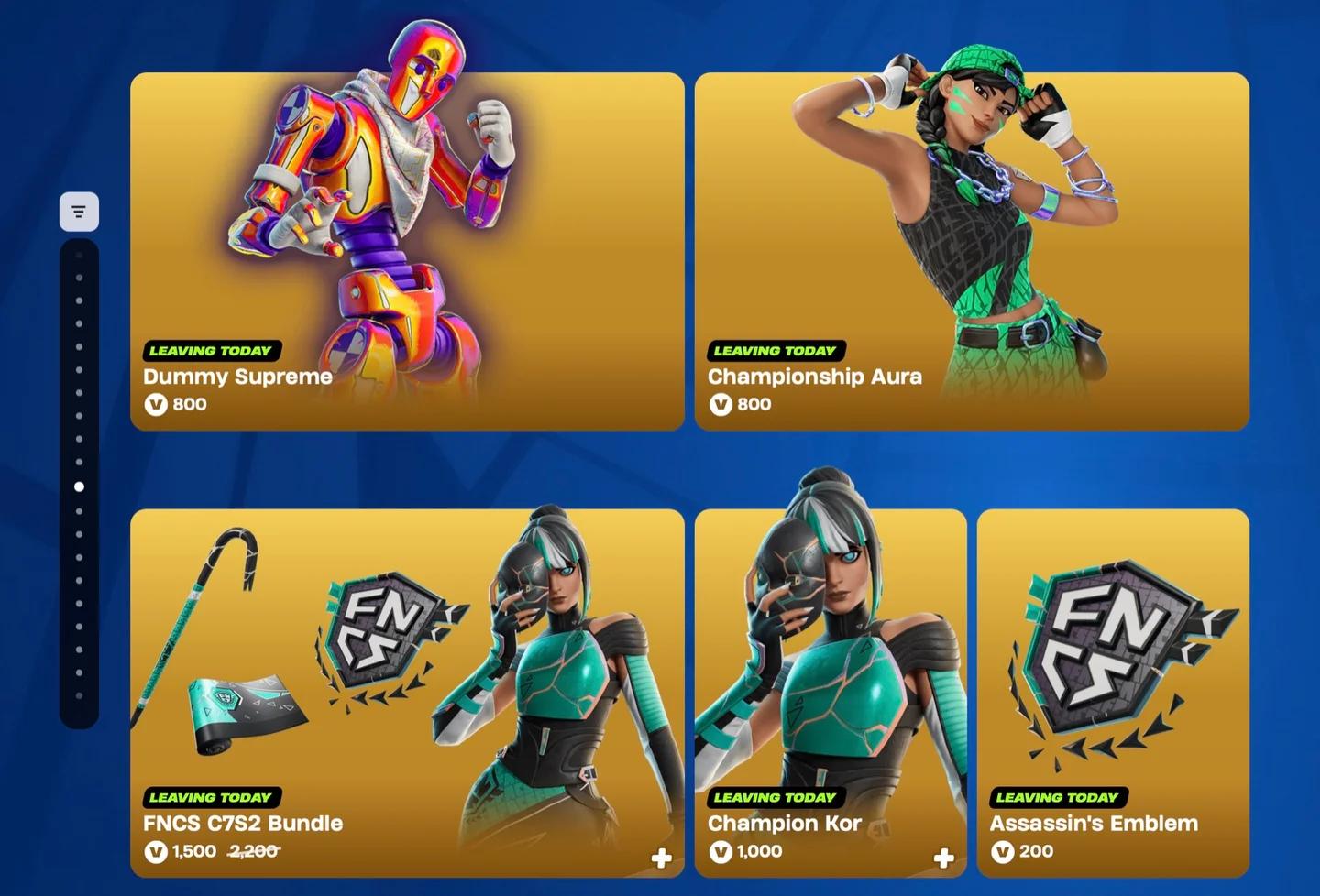
V-Bucks purchased through the Epic Games Store will not appear in your in-game V-Bucks balance on either Nintendo system. You can spend those V-Bucks in the web Item Shop, however. If your Nintendo Account is linked to the same Epic Games account, the purchased items will appear in Fortnite on your console.
If your goal is to have V-Bucks available to spend inside Fortnite on Nintendo Switch or Nintendo Switch 2, purchase them directly through the Nintendo eShop.
| Your goal | What to do |
|---|---|
| Redeem a Fortnite Gift Card | Use Epic Games’ website, not the console |
| Use V-Bucks purchased through the Epic Games Store for cosmetics | Buy items through the web Item Shop, then access them on your linked Nintendo account |
| Buy V-Bucks to spend in-game on Nintendo Switch or Nintendo Switch 2 | Purchase them directly through the Nintendo eShop |
Spend V-Bucks through the web shop
Fix account and redemption problems
Redeemed the card on the wrong account?
Contact Epic Games Support with the details appropriate to your card. A Fortnite Gift Card and a V-Bucks Card have different support requirements.
| Card redeemed incorrectly | What to provide to Epic Games Support |
|---|---|
| Fortnite Gift Card | The gift card code and the display name of the account that should have received it |
| V-Bucks Card | A picture of the card and a screenshot of the in-game account ID for the account that should have received it |
Request support instead of assuming you can move the balance yourself. Keep the card and any purchase records while the issue is being resolved.
For a damaged, unreadable, invalid, or inactive V-Bucks Card code, use Epic Games Support’s card troubleshooting process. Do not discard the card before the issue is settled.
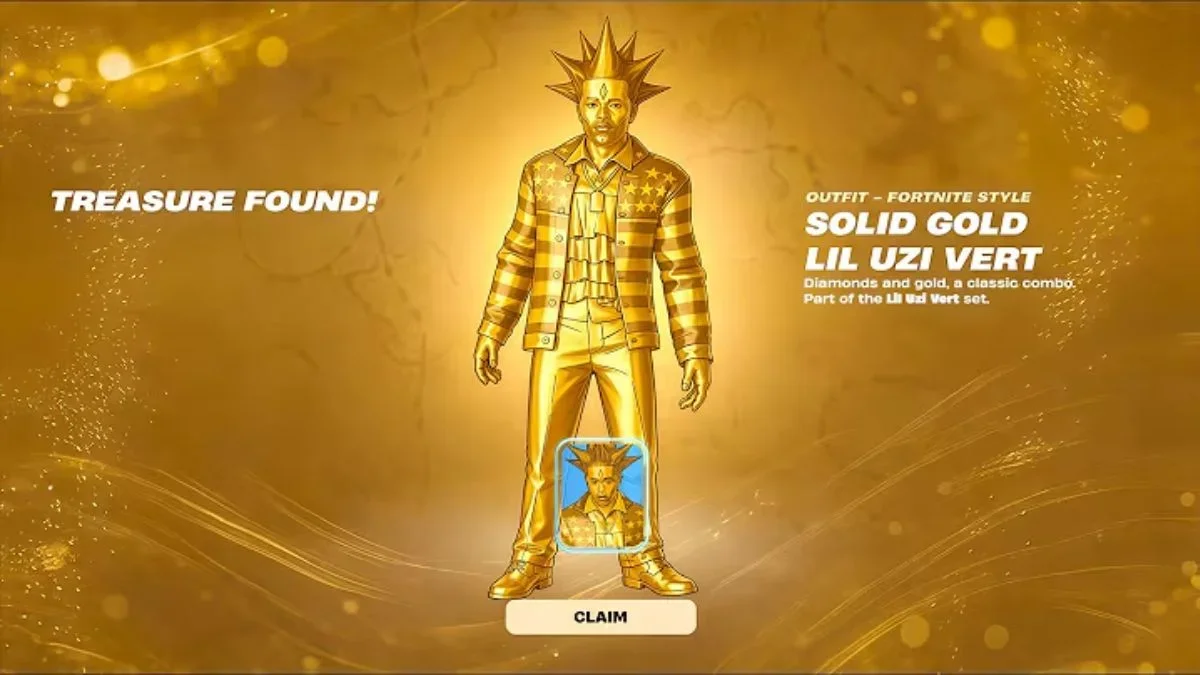
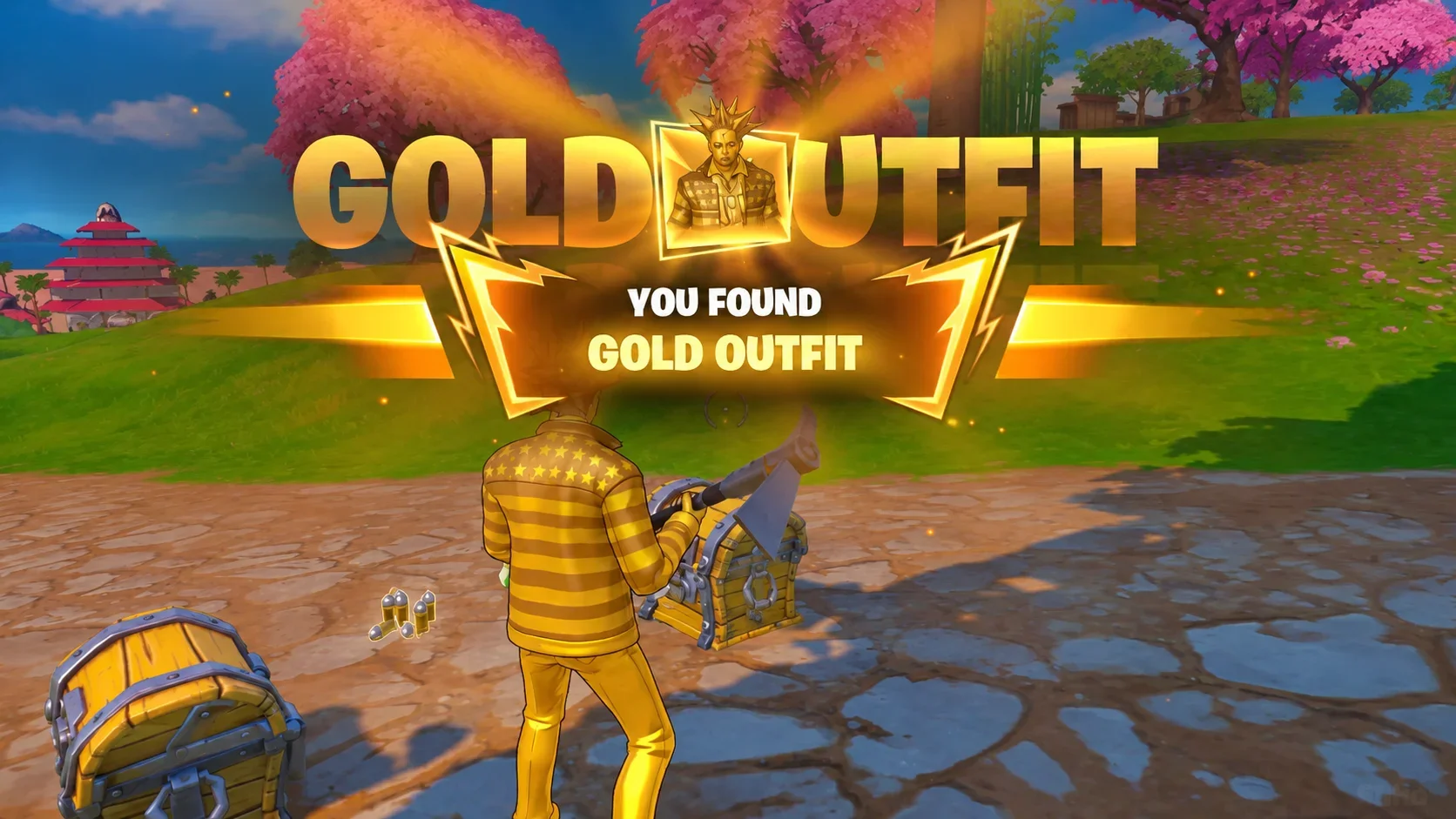
Does redeeming a card still grant Gold Punk?
The Fortnite Gold Punk gift-card promotion ran from October 2 to October 31, 2026, and has ended. A redemption made after that window does not qualify for its free outfit.
The offer required a Fortnite Gift Card, not a V-Bucks Card, and granted only one Gold Punk Outfit per eligible Epic Games account.

Check Gold Punk in your Locker
If you redeemed an eligible card during that promotion but never received Gold Punk, restart Fortnite and check your Locker. Contact Epic Games Support if the outfit is still missing.