
The Gothic 1 Remake Modkit BETA guide enables creators to build modifications using full game scripts, documentation, and tools via Steam or the game executable for managing content.
Released on October 29, 2026, this first stage of official mod support gives creators the shipped scripts, documentation, and 14 example mods. Players get a dedicated mod manager with Steam Workshop support. The practical starting point is to find an example close to your idea, learn the remake's scripting setup, and check the publishing terms before sharing your work.
What scripting tools and sources can you use to create mods?
Modkit BETA exposes the remake's scripting language and provides its complete script sources as shipped with the game. Most gameplay logic, including AI, story, characters, and conversations, is written in scripts. That gives you the game's existing implementation to study when planning a change.
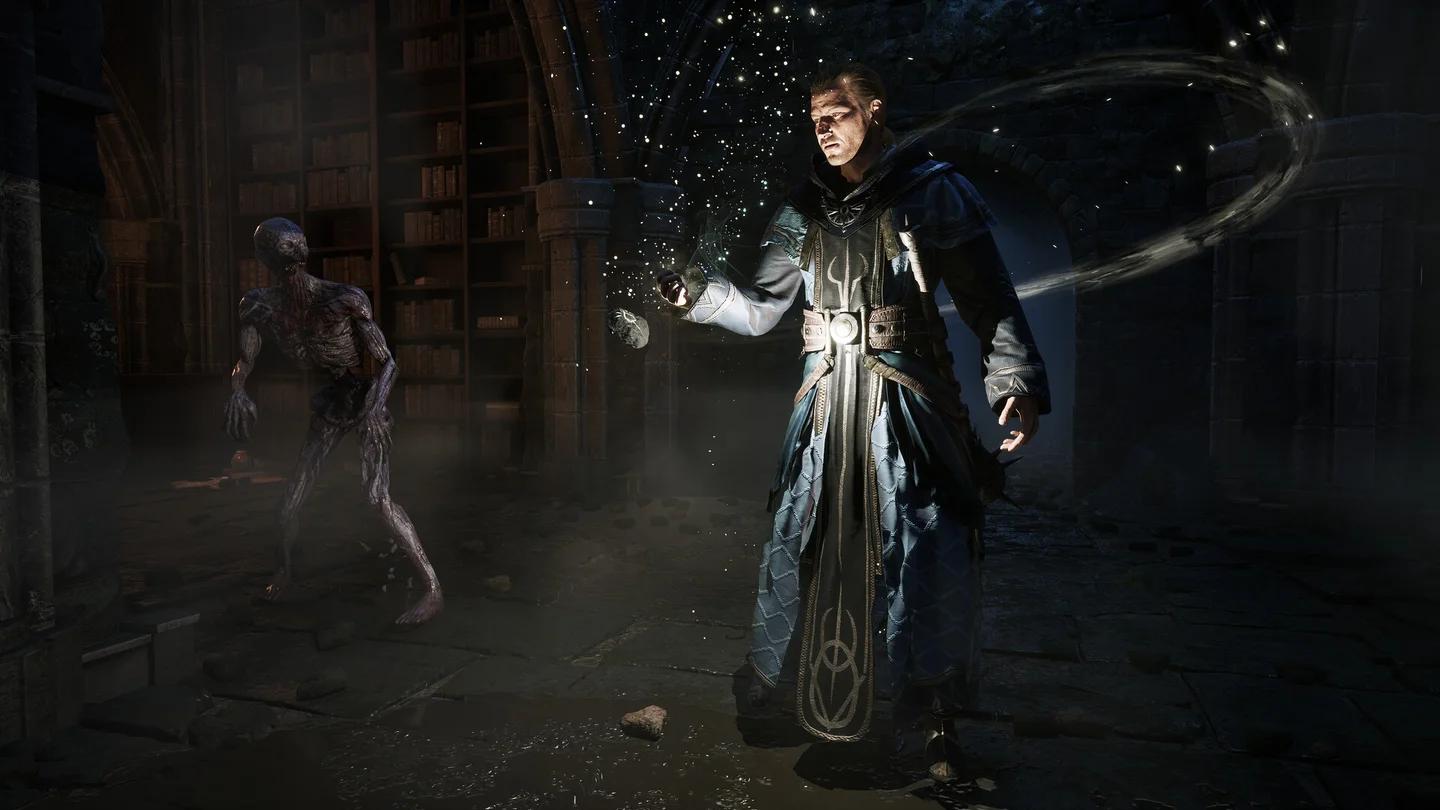
The remake runs on a customized Unreal Engine 5.4.3 and uses Hazelight's AngelScript integration fork. Gameplay logic is implemented in scripts or configurable classes wherever possible, while Blueprints mainly handle visual configuration.
Check native scripting types


How can a mod change the game?
A mod can add scripts or alter original scripts through small patches applied at startup. These script patches allow multiple mods to work on the same files. Creators familiar with Unreal Engine can also use custom packages to replace models, textures, and other game content.
The in-game development tools include an overview of objects in a level and their properties. Modders can extend those tools with custom panels, giving scripting projects another way to inspect game objects.
You do not need to configure Modkit BETA just to play the game. If your next task is surviving the opening rather than writing scripts, the Gothic 1 Remake beginner's guide covers first-hour priorities, camps, and factions.
Where can you find the mod-creation documentation?
Open the October 29 Modkit BETA announcement in the game's Steam news feed and follow its documentation link. It leads to Alkimia Interactive's G1R-Modkit documentation, which is available in English.
Start with the toolchain setup, mod packages, and first-mod tutorial. The scripting documentation then covers conversations, script hooks, script patches, Blueprint extensions, and interaction points. A native-type reference explains the types exposed to scripts, while the complete script sources let you inspect their use in the game.
Which example should you start with?
The kit includes 14 example mods. Choose one that matches the kind of change you want to make instead of starting with an unrelated system.
| Your project goal | Relevant example or documentation | Why start there? |
|---|---|---|
| Learn the basic creation process | First-mod tutorial and Hello World example | Introduces the mod workflow |
| Work with items | Item spawner, new sword, or chest-content examples | Focuses on item-related changes |
| Work with characters | Character spawner and character-model guidance | Covers character creation topics |
| Add conversation content | Diego conversation example | Provides a dialogue-focused starting point |
| Add configurable options | Custom game-menu settings example | Demonstrates settings integration |
| Add a translation | New-language example and localization documentation | Shows how another language enters the game |
For a sword-related project, the new-sword example is the relevant technical starting point. If you also need to understand the base game's fights, stats, and trainers, the Gothic 1 Remake combat guide covers those systems before you plan your changes.
Can you add translations and custom voice-over?
Localization uses YAML files for text. A mod can introduce a new language that players select in the game settings alongside the official languages. The new-language example demonstrates that integration.
Custom spoken lines can use OGG or WAV files. If your project involves translated text and recorded dialogue, use the localization documentation and language example together.
Add a selectable game language
How do you open mod management?
Gothic 1 Remake provides two routes into mod management: a dedicated Steam launch option and an executable parameter. Both open the mod-management interface.
Open mod management through Steam
Use the game's dedicated mod-management launch option in Steam. This is the Steam route provided with Modkit BETA; you do not need to author a mod to access the manager.
Open mod management through the executable
Start the game executable with this exact parameter:
G1R-Win64-Shipping.exe -ModManagementUI
The executable name and parameter belong together. This launches mod management directly instead of relying on the Steam launch choice.
Mods obtained through Steam Workshop are picked up automatically. Manually downloaded mods go in the G1R/Mods folder. Those are the two supported routes to keep in mind when bringing a mod into the manager.
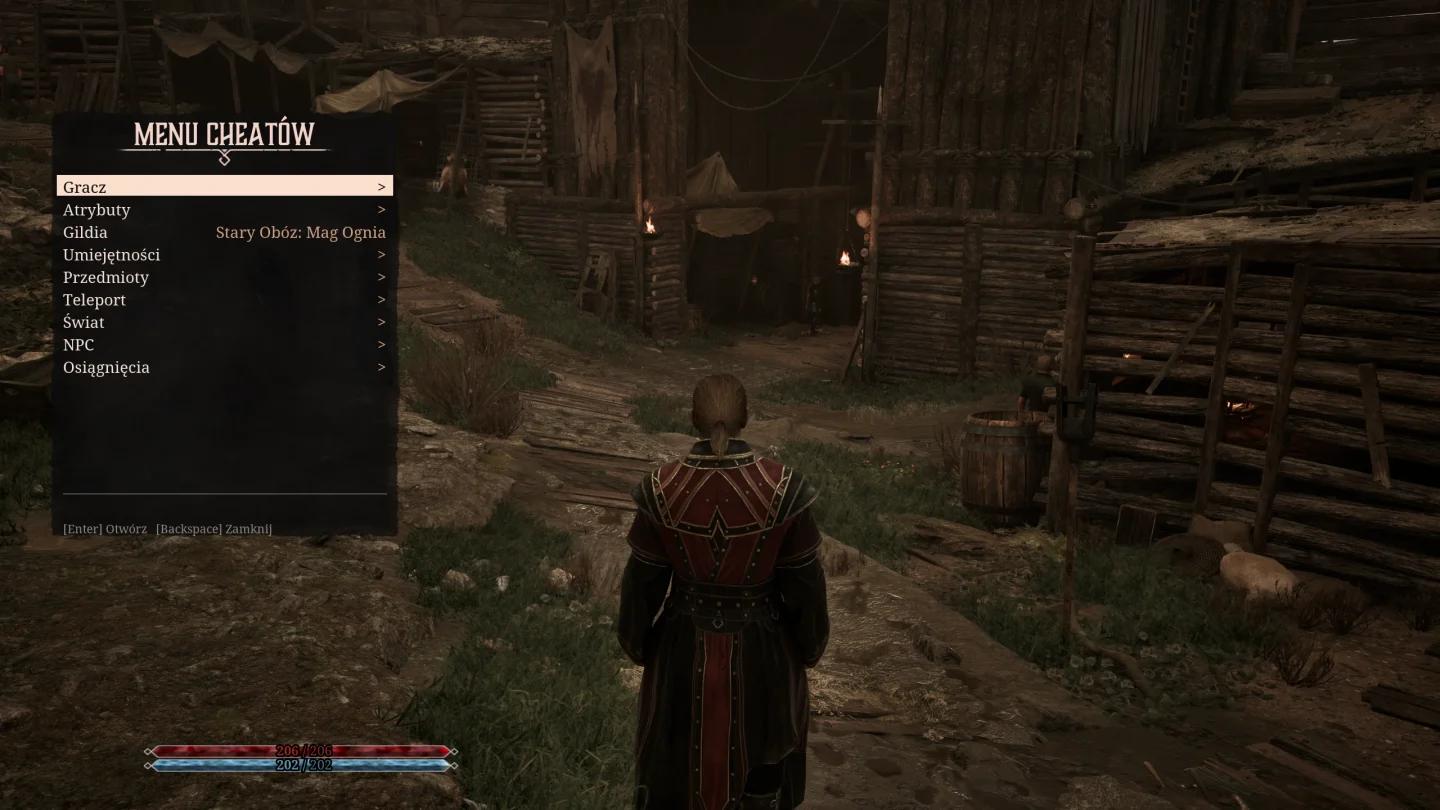
Marvin Mode also arrived with the first free feature update on October 29. If cheats are your actual goal, the Gothic 1 Remake cheats and console commands guide covers that setup separately.
Where can you submit mods on the G1R Steam Workshop?
Publish your creations on the official G1R Steam Workshop page. Authors can upload a mod directly through the game's mod manager, and players can browse creations on Gothic 1 Remake's Workshop page on Steam.
What is the publishing workflow?
Use the documentation and manager together:
- Follow the toolchain and mod-package guidance for your project.
- Check the modding terms and license before publication.
- Open mod management through Steam or the executable parameter.
- Use the manager's Workshop upload functionality to submit your mod.
The documentation covers Workshop uploading as part of its creation guidance. Use that section for the publishing procedure rather than guessing at package requirements.
What modding terms and license should you check?
The Modkit BETA Steam announcement includes a modding terms and license link. Read it before creating or publishing a project, particularly if your mod contains edited game assets, new dialogue, or material derived from the Gothic world.
The terms cover several restrictions that affect what you can distribute:
- Legitimate game ownership: A mod must require an installed, legitimately owned copy of Gothic 1 Remake.
- Original assets: Models, textures, music, and voices from the game must not be extracted and distributed on their own.
- AI restrictions: The game and its content must not be used to train artificial intelligence, and AI must not imitate the voice actors.
- Publication notice: Every published mod must identify itself as an unofficial modification not supported by THQ Nordic.
- Ownership: Game-derived content, including edited scripts, texts, quests, and Gothic characters, belongs to THQ Nordic. Authors retain ownership of material created entirely from scratch.
Can you accept voluntary support?
Voluntary support is allowed, but it cannot purchase extra mod content or earlier access. That restriction applies even when the payment is presented as support rather than a sale.
Modkit BETA has no announced timetable for additional tools. The PC Version 1.1 hotfix released on November 4, 2026, includes modkit fixes and improvements, so recheck the documentation as the beta develops. For your first project, use the existing examples and shipped scripts as the starting point, then follow the manager's Workshop workflow when you are ready to publish.