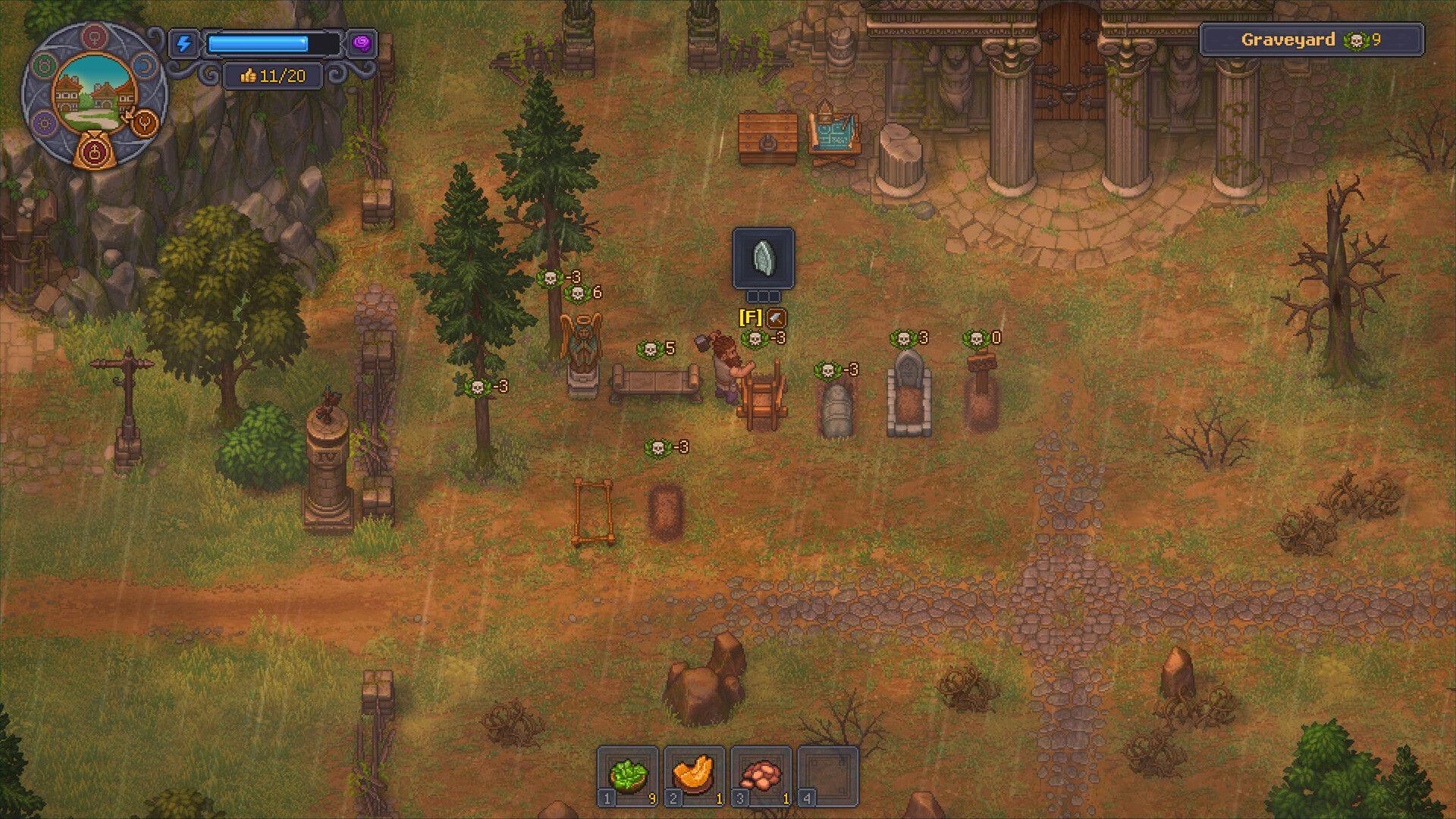


Graveyard Keeper 2 turns corpse management into a genuine survival mechanic. Graveyard Keeper 2 doesn't just ask you to bury bodies for a rating boost — it asks you to dissect, embalm, and resurrect them into a fighting force capable of holding back hostile undead invasions. Get your autopsy work wrong, and your zombie defenders crumble before the first wave hits. Get it right, and your morgue becomes the most powerful room in the game.
This guide covers everything from the basics of skull mechanics to advanced embalming injection sequences, organ extraction risks, and how Exhumation fits into your late-game strategy.
What do White and Red Skulls actually mean?
Every corpse in Graveyard Keeper 2 carries a skull rating split between two types: White Skulls and Red Skulls. The rule is simple. White Skulls are good, Red Skulls are bad. But the way they interact is where things get interesting.
Graveyard Keeper 2 Autopsy Guide: White Skulls, Organs & Embalming
White Skulls determine burial quality. The more you have on a body before it goes in the ground, the higher your Graveyard Level climbs. Red Skulls drag that quality down, so the goal during any autopsy is to tip the balance firmly in white's favor. You don't need to eliminate every Red Skull — you just need more White than Red.
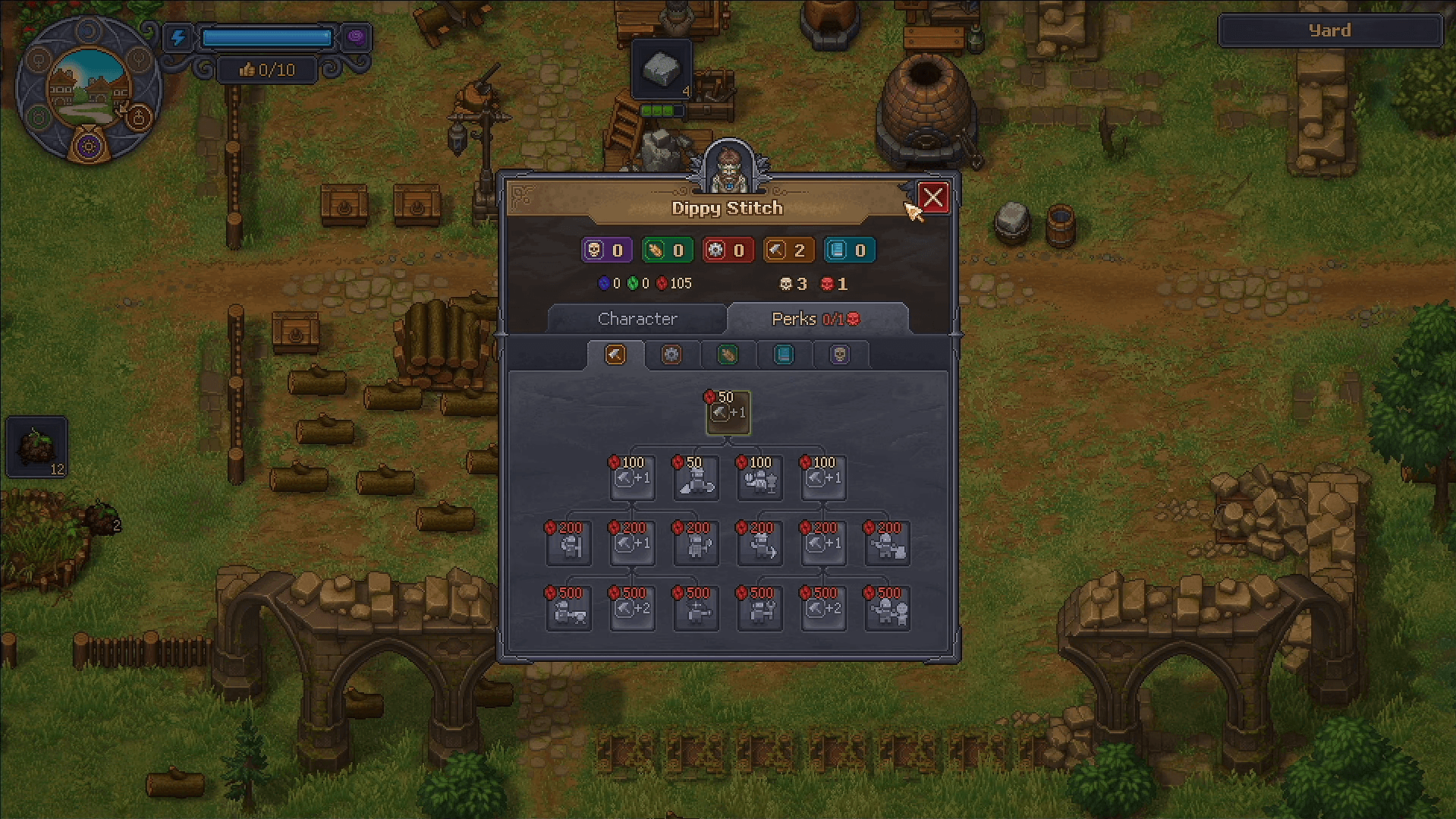
Red Skulls serve a completely different purpose when you're building your zombie workforce. For resurrection, Red Skulls are actually what you want. Each Red Skull on a resurrected body equals one Perk your zombie can have. Bodies left out to decay accumulate more Red Skulls as organs rot, which makes them better candidates for resurrection rather than burial.
The key decision you make with every arriving corpse is which path it takes: burial, cremation, or resurrection. That choice determines everything about how you handle the autopsy.
How to perform autopsies
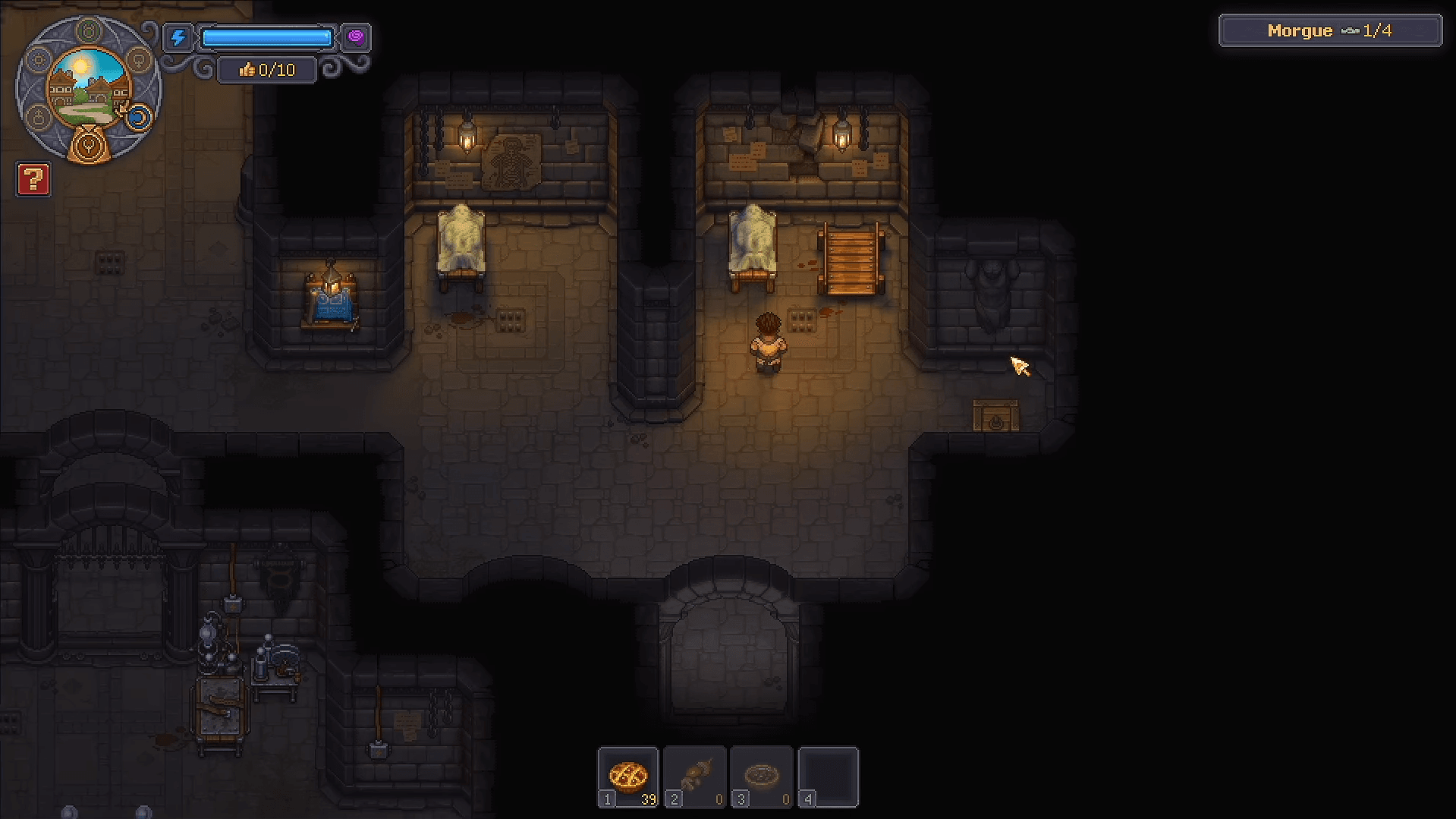
Bodies arrive via Donkey and need to be processed promptly. Decay is a real concern, if a corpse sits too long, Green Skulls begin appearing, and unlike Red Skulls, Green Skulls cannot be removed by any means. Keep on top of arrivals and you'll never have to deal with them.
Before you touch anything on the autopsy table, you need a Kit. Kits are crafted at the Jewelry Table in the Writing Basement and require a Metallurgy Mastery Level between 3 and 6 depending on the tier. There are three kit types: Butcher's Kit, Surgeon's Kit, and Master Surgeon's Kit. Attempting an autopsy without one guarantees failure.
Graveyard Keeper 2 Autopsy Guide: White Skulls, Organs & Embalming
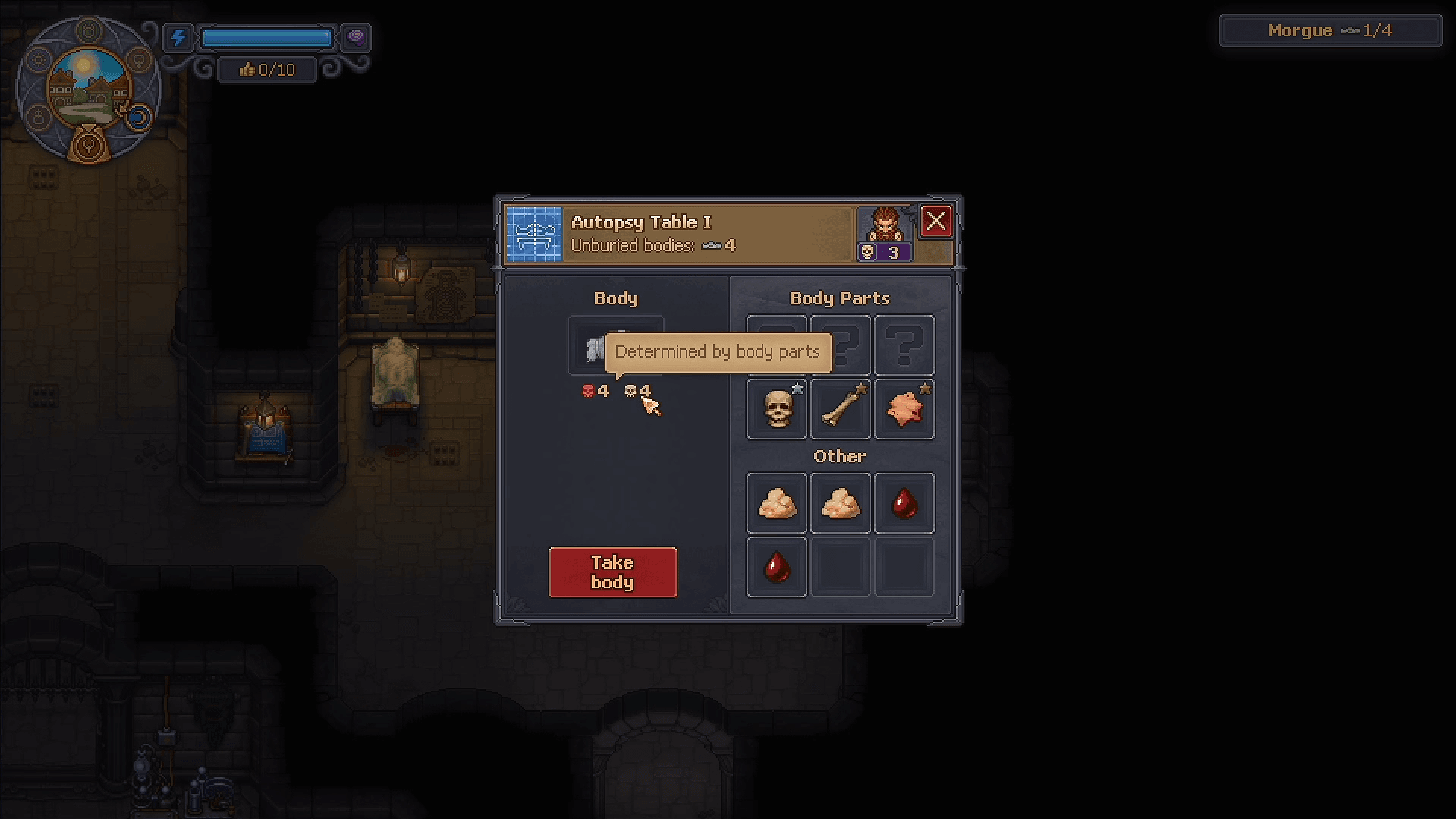
Once you're at the table with a Kit equipped, you can extract the following body parts. Each has different Anatomy Mastery Level requirements:
The surgery interface shows your current success chance per organ based on your Anatomy Mastery Level. A broken heart icon marks the failure threshold; a full heart marks the success threshold. Push too early and you'll fail the extraction.
What should you extract to maximize White Skulls?
Here's the practical breakdown of what each extraction type does to your skull count, and when to use it.
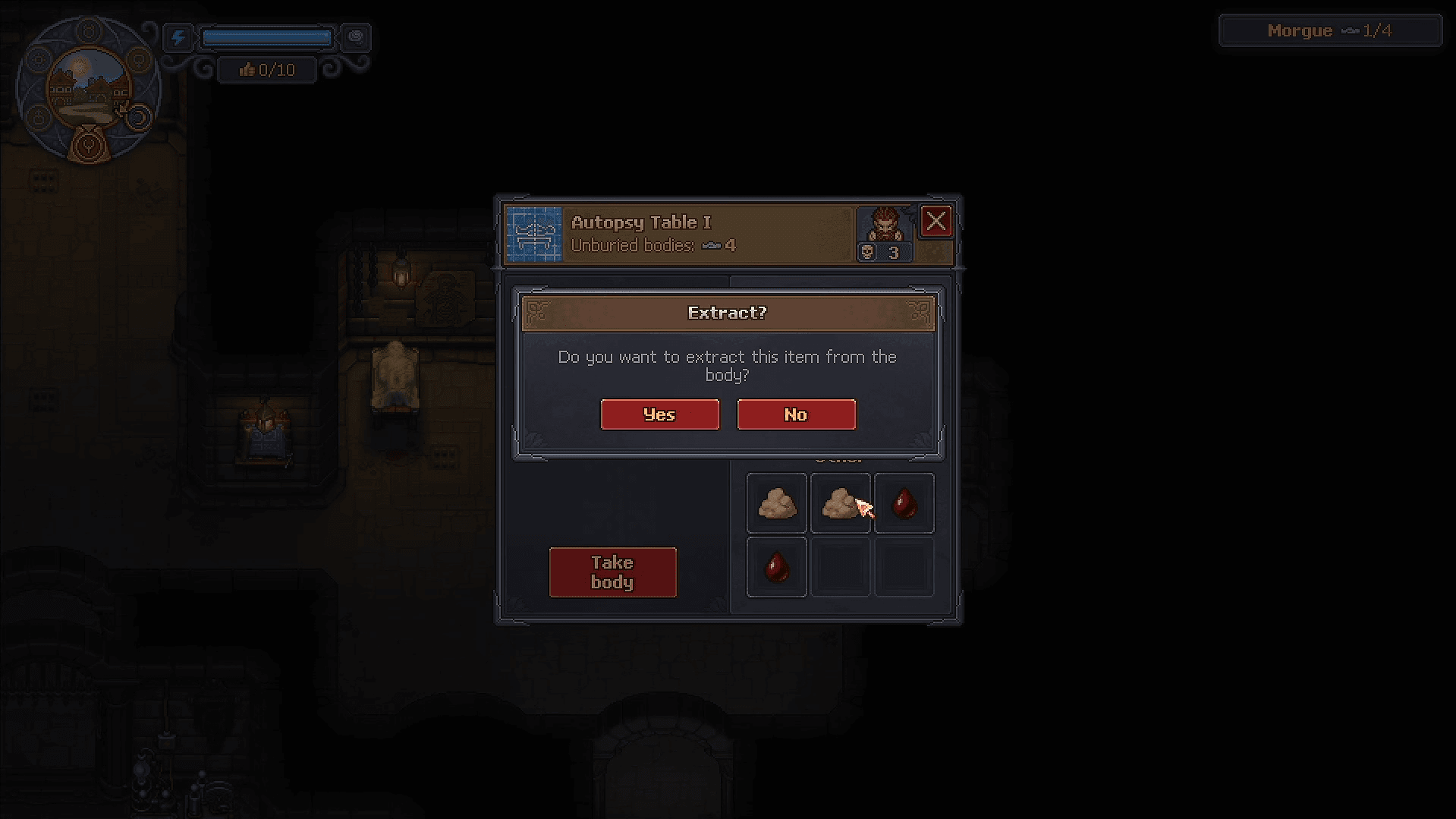
Blood and Fat are free to extract, no Kit charges consumed. Removing Blood removes one Red Skull. Removing Fat removes one Red Skull. These are your safest, most reliable tools for cleaning up a corpse before burial. Always start here.
Flesh, Bone, and Skin are a different story. Removing Bone or Flesh destroys one skull starting from White, meaning you're actively damaging a body you want to bury. Removing Skin converts a White Skull to Red. Avoid extracting these from any corpse destined for the graveyard. They're only worth taking if you need crafting materials for the Formulation Bench or Writing Desk.
Hard Organs (Brain, Heart, Guts) are where the real gamble lives. Extracting one of these randomly destroys 2 skull values — the result could be 2 Red Skulls removed, 2 White Skulls removed, or one of each. Unlock the Surgeon Perk as early as possible; it reveals the hidden skull values on each organ before you commit to removing it, taking the guesswork out of the equation entirely.
Graveyard Keeper 2 Autopsy Guide: White Skulls, Organs & Embalming
What are Dark Organs and why do they matter?
Occasionally a corpse spawns with a Dark Organ — a Dark Brain, Dark Heart, or similar corrupted variant. These actively inflate Red Skulls while suppressing White Skulls on the body. They're the single biggest threat to a high-quality burial.
Always remove Dark Organs before doing anything else with the body, including embalming. Extracting a Dark Organ instantly cleanses the body of its negative modifiers, giving you a clean foundation to work from. Applying a Gold Injection before removing a Dark Organ is a waste of your best embalming fluid.
Advanced embalming: which injection does what?
Embalming is where you push a corpse from good to exceptional. Fluids are injected directly at the preparation table and permanently alter the skull balance. The four main fluids each serve a specific strategic purpose:
The optimal sequence is to use Lye first to expand the skull pool, surgically remove the extra Red Skull it adds, then apply Glue for a safe White Skull gain. Save Gold Injections for your best corpses — the ones with strong base stats that will become your frontline zombie defenders.
How does Exhumation fit into the system?
Exhumation lets you dig up already-buried bodies to retrieve their organs — specifically ones packed with Red Skulls for your zombie workforce. Purchase an Exhumation Certificate from Januarius at the village tavern. Each certificate is single-use and costs 5 Silver and 50 Copper Coins.
To exhume a body, remove all grave decorations first, then dig it up. This becomes especially relevant once you've unlocked embalming, because bodies you buried early with suboptimal organ configurations can be retrieved and their parts redistributed to improve your zombies.
Graveyard Keeper 2 Autopsy Guide: White Skulls, Organs & Embalming
How does corpse quality affect your zombie army?
The biggest mechanical shift in Graveyard Keeper 2 compared to its predecessor is what happens to your dead after burial. High-quality corpses are resurrected using Reanimation Liquid, Faith, and a Zombie Collar, then deployed as active defenders against hostile undead invasions.
The quality of your autopsy work translates directly into combat effectiveness. A low-quality zombie with few White Skulls and poor organ configuration folds quickly against enemy waves. A maximized corpse with strong organ stats holds chokepoints and gives your town a genuine defensive line.
Equipping your zombies matters too. The game's conveyor belt automation system lets you mass-produce weapons and armor to outfit your undead defenders. A perfectly prepared corpse with no gear is still a liability; combine good autopsy work with proper equipment distribution for the best results.
For a broader look at getting your cemetery and town operations running from the start, the Graveyard Keeper 2 beginner's guide covers escaping the district, claiming your base, and burying your first corpse.
What should you do with Burial Certificates?
Not every body is worth the time investment of a full surgical autopsy. For damaged or low-quality arrivals, process them quickly and move on. Burying or cremating any body earns a Burial Certificate, which can be traded to Januarius at the village tavern for Silver Coins and Town Gratitude. This is your primary early-game income stream, so don't neglect it while chasing perfect corpse ratings.
The six-day week structure forces constant prioritization. Some days you'll focus on high-quality autopsies for zombie production; others you'll process a backlog of average bodies for certificates and cash. Both activities feed the same goal: a funded, defended town.
Graveyard Keeper 2 sits firmly in the adventure games category where management depth and narrative stakes combine, and the autopsy system is the clearest example of that design philosophy at work. For more guides covering every system in the game, the full Graveyard Keeper 2 guides collection has you covered on everything from tech points to fast travel.