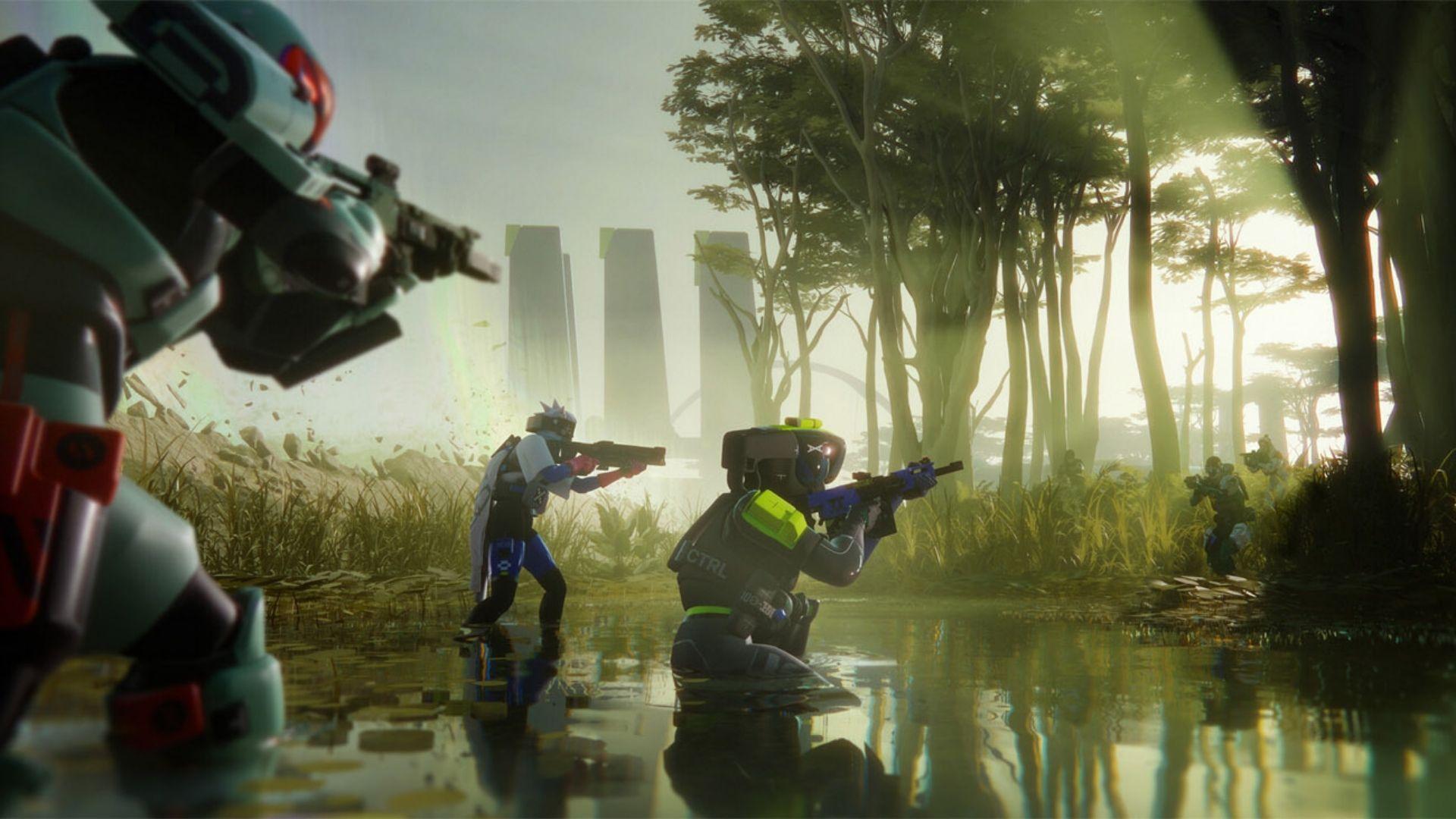


If players have been testing Marathon during the Server Slam and suddenly ended up stuck on a black screen while audio continues in the background, they are not alone. The issue has affected players across platforms, usually during high traffic periods.
This guide explains what the Marathon black screen bug is, why it happens, and what players can realistically do to deal with it.
What Is the Marathon Black Screen Bug?
The black screen bug in Marathon is a freeze where the display turns completely dark, but in game audio keeps playing. That detail matters. It means the game has not fully crashed. The client is still running and waiting for a server response.
Players have reported it happening in several situations. It can trigger during matchmaking before a session starts. It can appear while loading into Tau Ceti IV. Some have experienced it after being downed mid match. Others have seen it at the end of a match when transitioning back to the lobby.
In many cases, the screen stays black for up to a minute before the game recovers on its own.
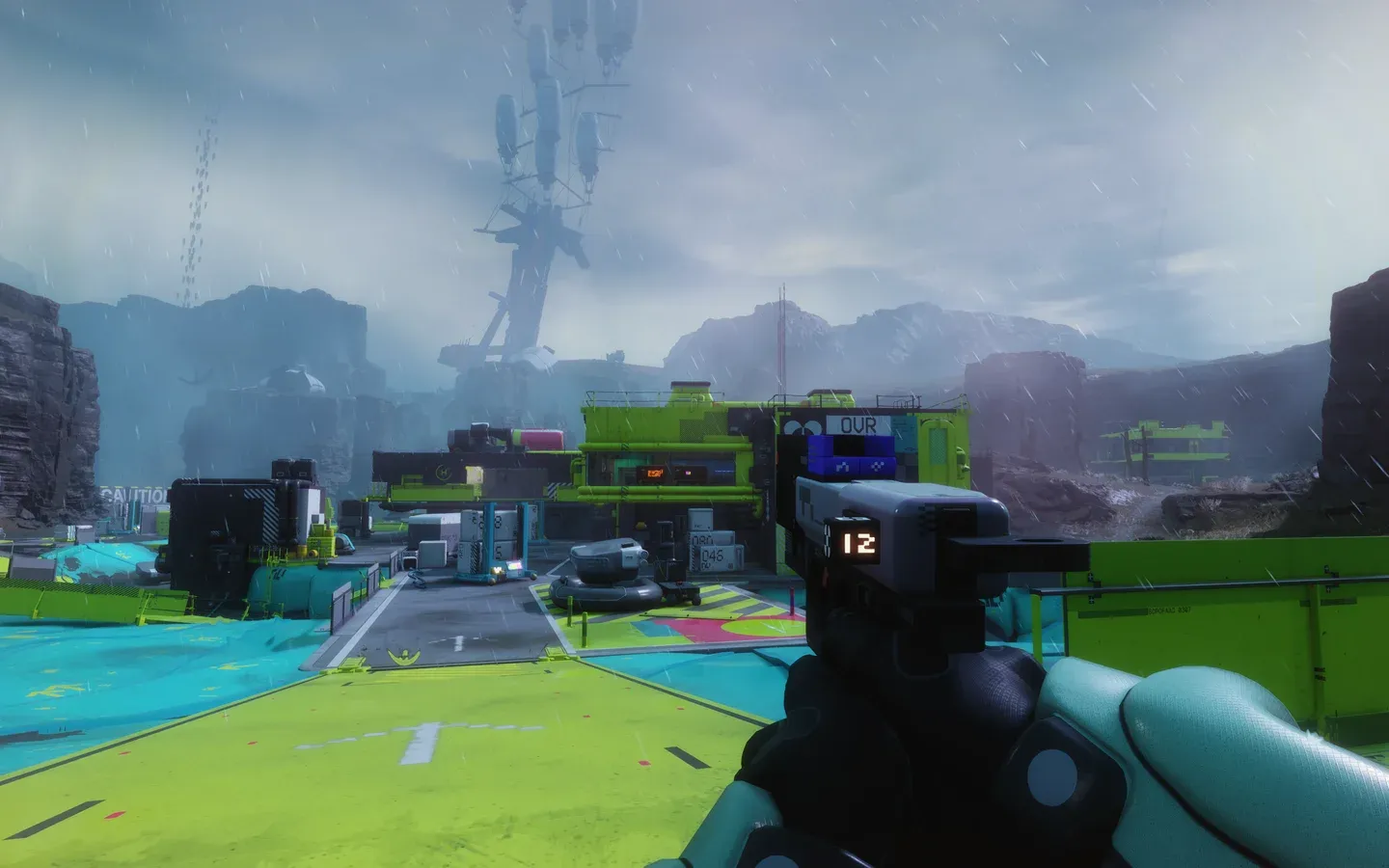
Marathon Server Slam loading screen
What Causes the Black Screen in Marathon?
There is no official confirmation from Bungie about the exact cause, but the most likely explanation is server load.
The Server Slam is designed to stress test infrastructure. When a large number of players enter matchmaking or transition between game states at the same time, the servers can struggle to process those requests quickly.
Each reported trigger shares something in common. They all happen during server handoffs. Matchmaking, loading into a session, post death transitions, and end of match returns all require communication between the client and the backend. If that response is delayed, the screen can go black while the game waits.
This is not a hardware issue for most players. It is a backend bottleneck.
How to Fix the Marathon Black Screen Bug
Here's the honest answer: there's no guaranteed fix you can apply on your end. The root cause sits on Bungie's servers, not on your hardware or settings. That said, here's a breakdown of your realistic options:
The most reliable approach right now is simply patience. Give the game at least a minute to recover before reaching for the power button or force-closing the application. In most reported cases, the game does eventually pull itself out of the black screen state.
If waiting doesn't work after 90 seconds or so, a full restart of the game is your next best move. This won't prevent future occurrences, but it gets you back into a functional state faster than sitting through an extended freeze.
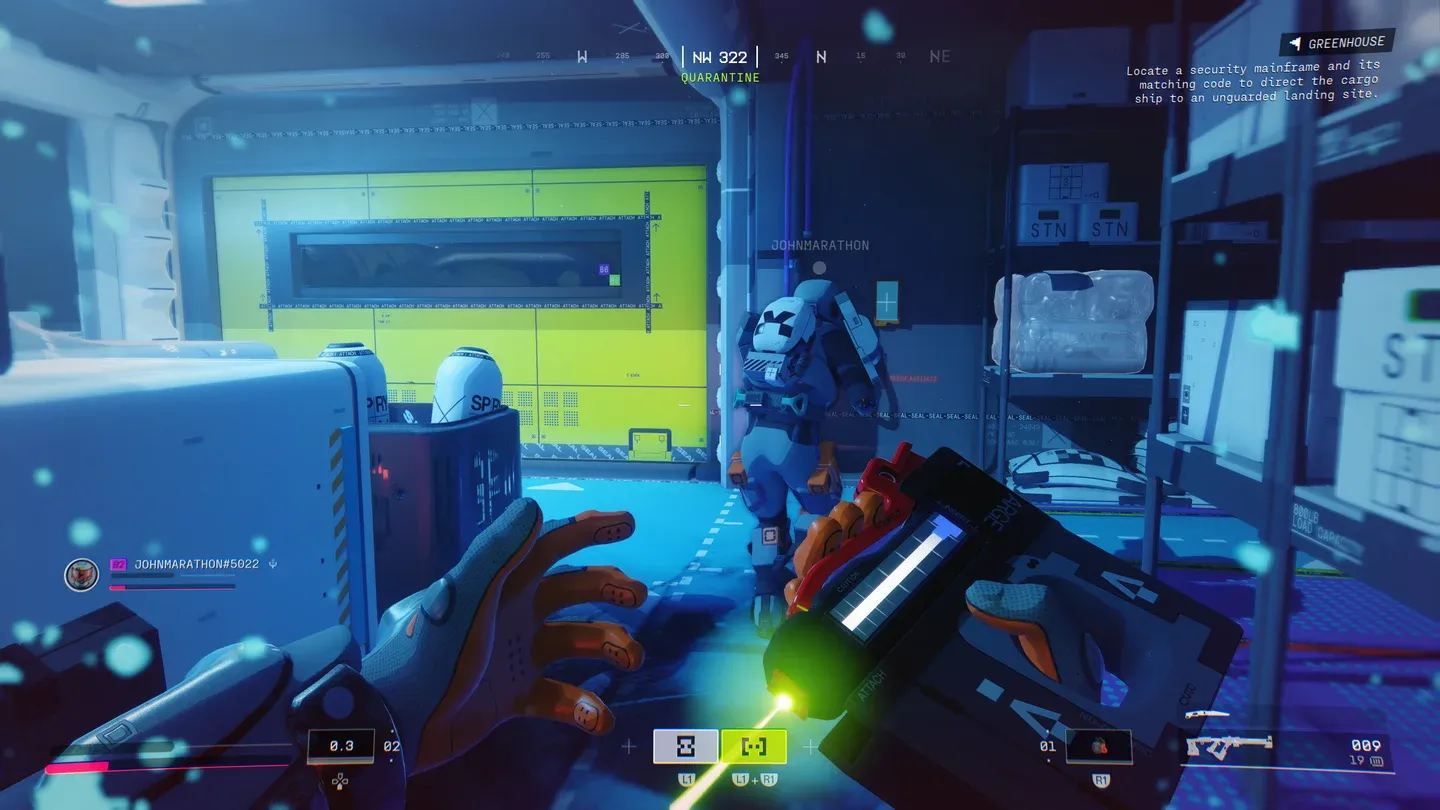
Marathon matchmaking queue
Will This Get Fixed?
Almost certainly, yes. The entire point of the Server Slam is to surface exactly these kinds of problems so Bungie's engineering team can address them before the full launch. Now that the black screen bug is widely documented and clearly on Bungie's radar, expect patches to target server stability throughout and after the playtest window.
What to Expect Going Forward
Bungie built the Server Slam specifically to catch problems like this one. The feedback loop from a large-scale playtest is exactly what the studio needs to harden the servers before launch day. Players experiencing the black screen bug right now are, in a roundabout way, helping make the final game more stable for everyone.
The expectation from most players and analysts is that server infrastructure will be significantly more robust by the time Marathon officially releases. Beta-specific bugs tied to server overload rarely survive into a full launch, especially when the developer has had direct visibility into the problem during the testing phase.
For now, the best thing you can do is stay patient, report the issue through official channels if you want to contribute to the fix, and know that what you're experiencing is a known, documented problem that Bungie is actively working to resolve.
For more Marathon, checkout more GAMES.GG guides below: