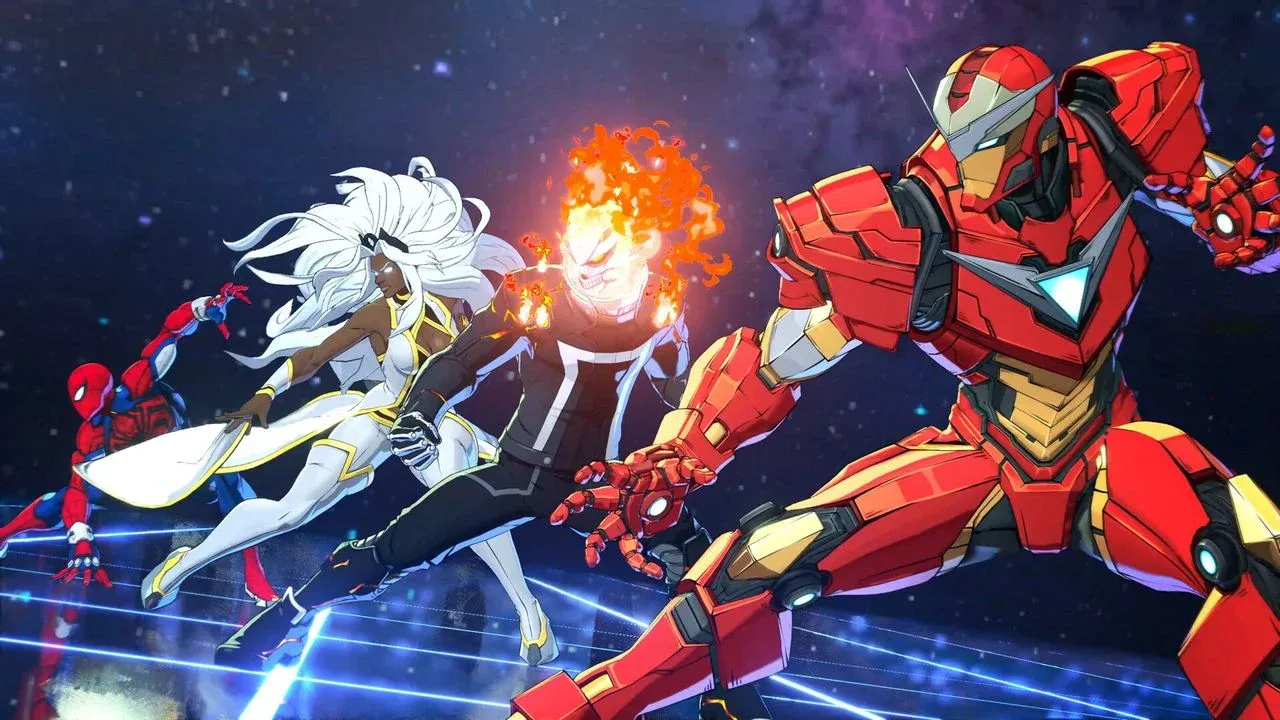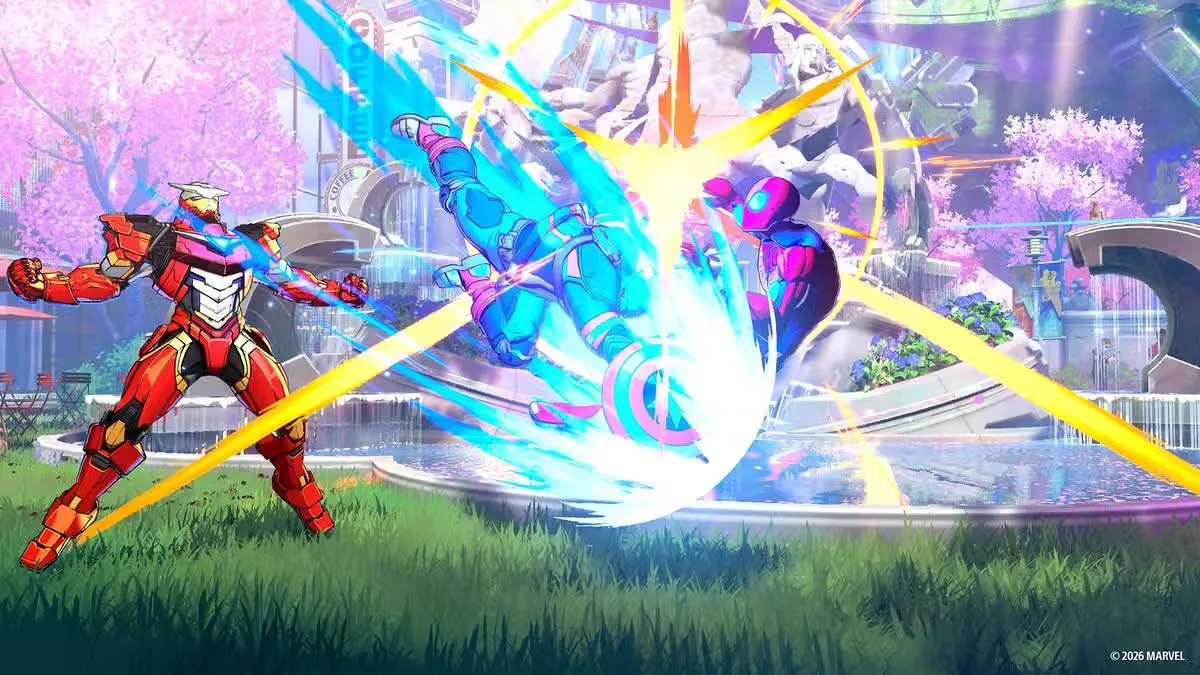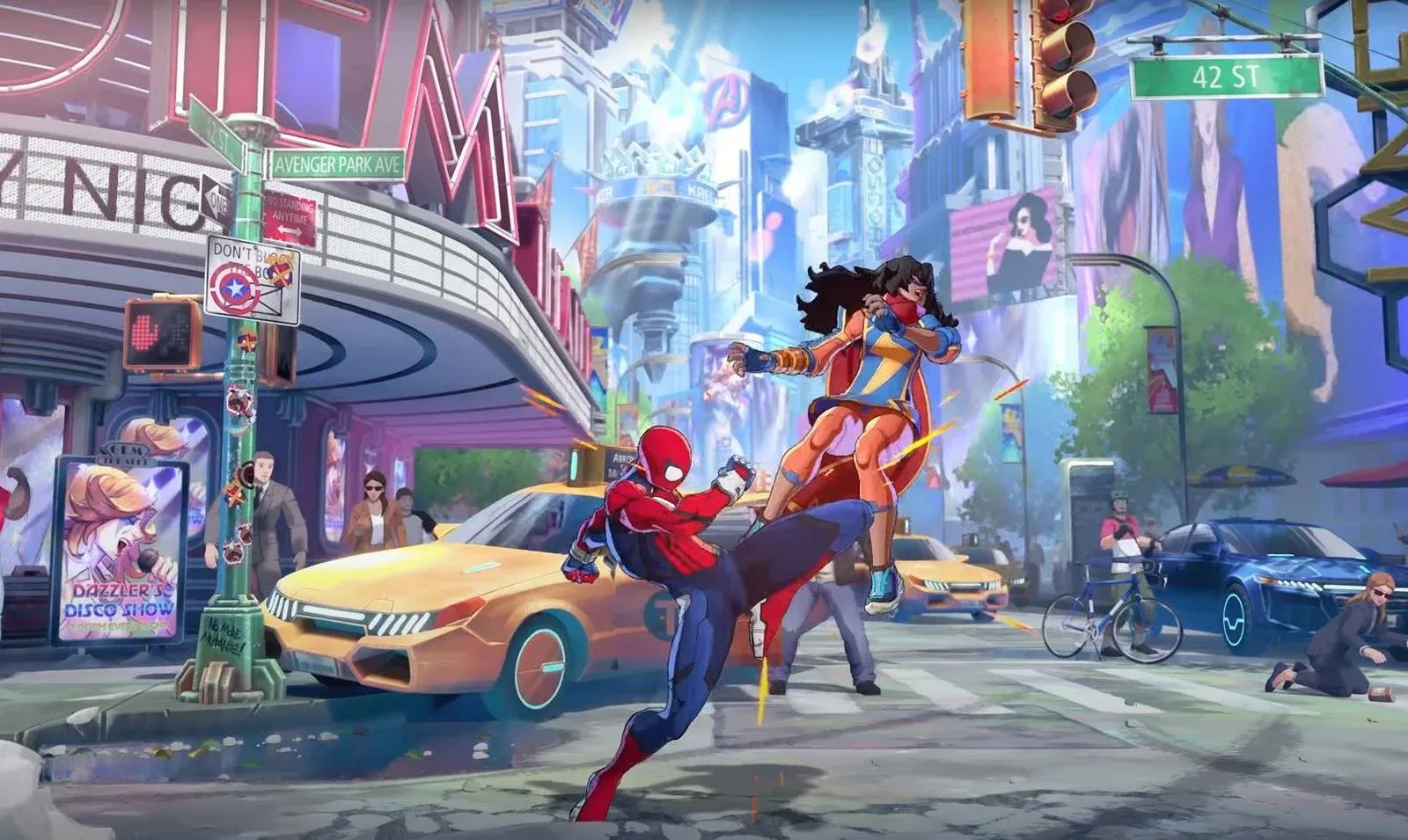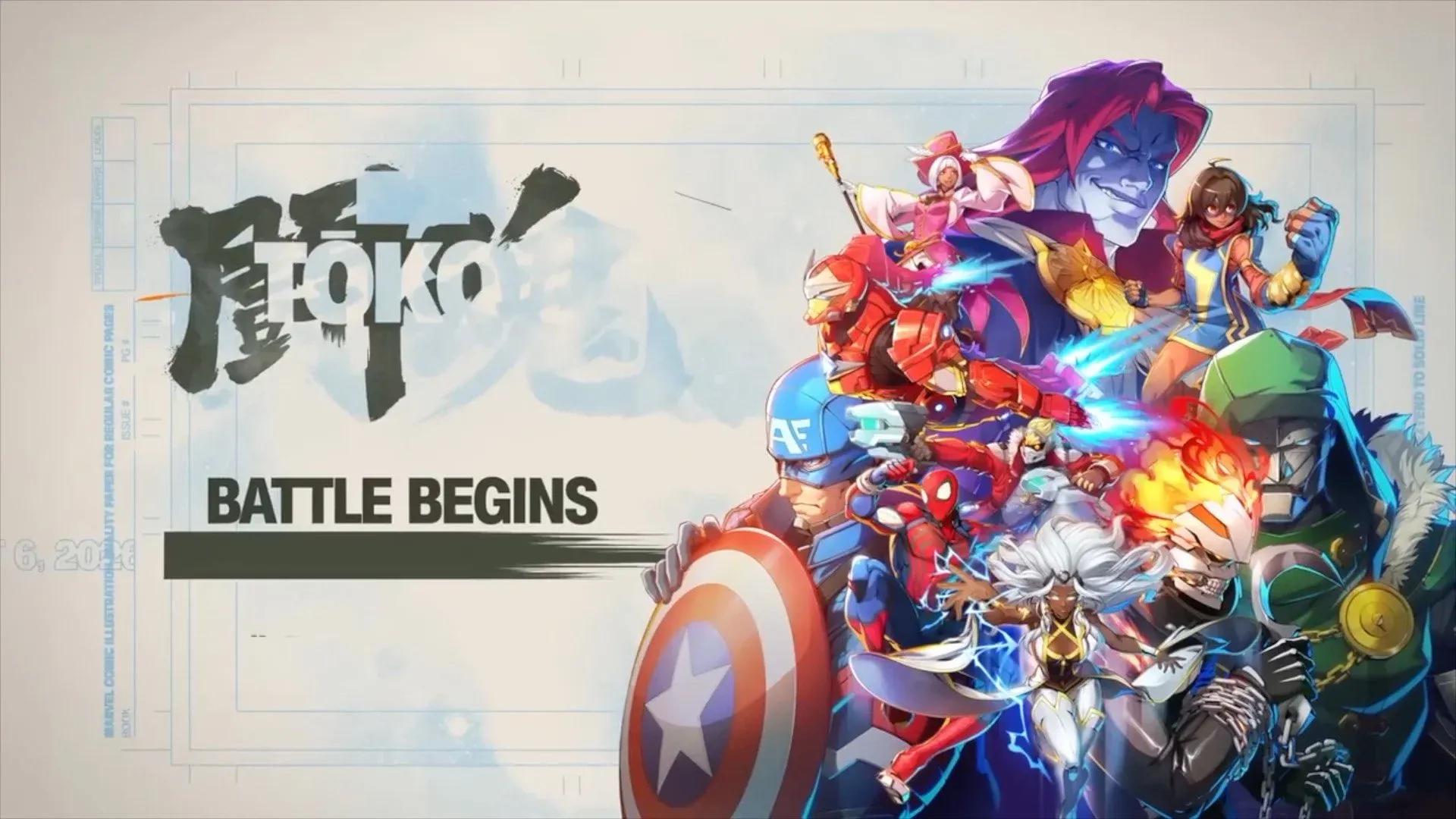

ARC SYSTEM WORKS' first Marvel collaboration, Marvel Tokon: Fighting Souls, drops 20 launch characters into a 4v4 tag-team format that feels nothing like a standard 1v1 fighter. There are four characters to manage, a shared Skill Gauge, and tag mechanics that can extend combos or bail you out of pressure. The good news: the game ships with a proper tutorial, five genuinely beginner-friendly characters, and a training room that covers everything from frame data to punish practice. This guide walks you through every system you need to understand before your first ranked match.
Where should you start in Marvel Tokon?
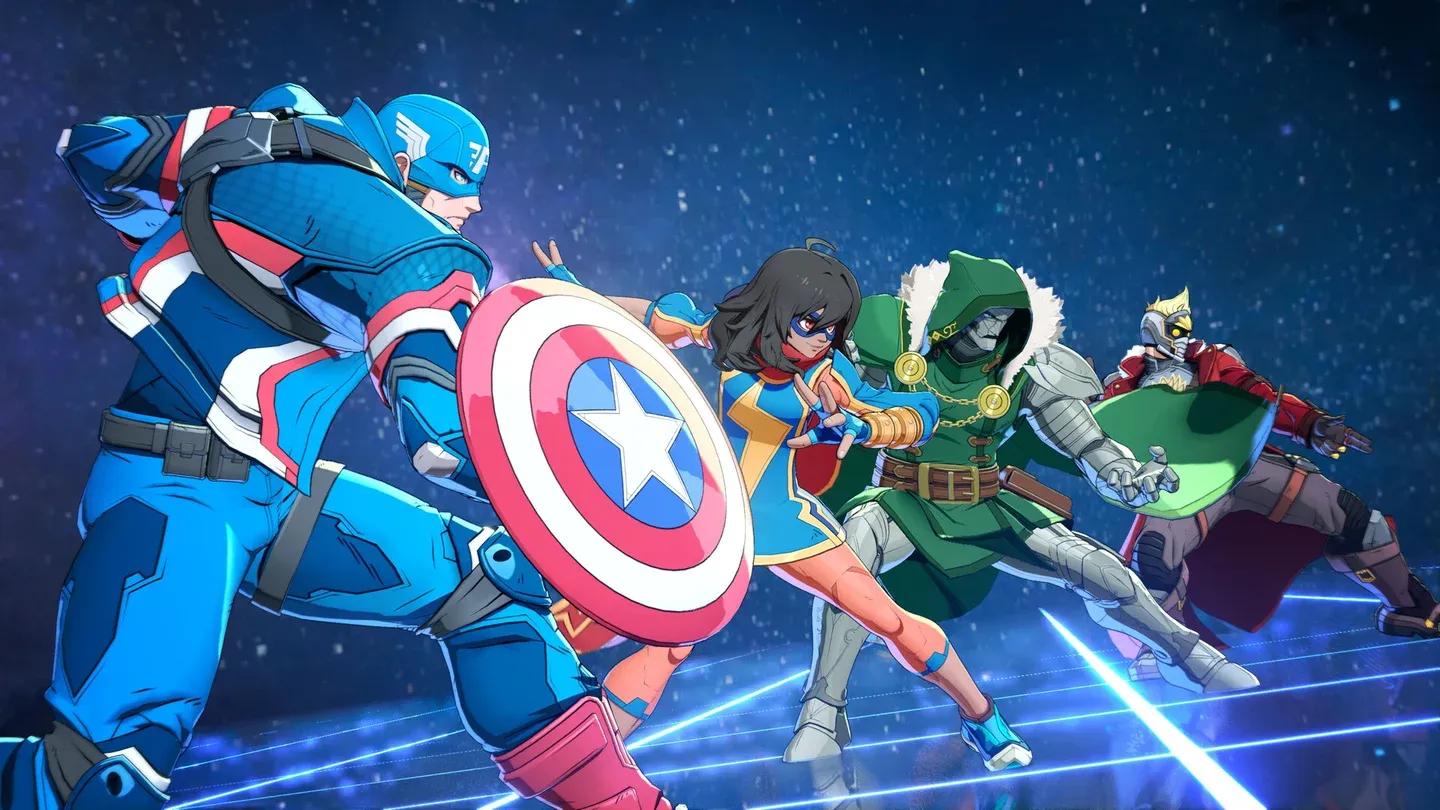
The answer is Startup Battle, and there's no good reason to skip it. This story-driven tutorial locks you into Captain America and walks through two segments: Basics, which covers individual character actions, and Assemble, which introduces the team-based mechanics. Clearing both takes roughly 25 to 40 minutes for a first-time player.
Players with Marvel vs. Capcom or Dragon Ball FighterZ experience can skip the Basics segment and jump straight to Assemble, since the chain input fundamentals will feel familiar. Everyone else should run it in full. The tutorial teaches the exact terminology the move list and training mode reference later, so skipping it means deciphering terms like Break, Assemble Rush, and Follow-up Attack without context.
Startup Battle also unlocks Versus, Training, and Episode Mode access on completion, so there's a practical reason to clear it before doing anything else.
Startup Battle tutorial screen

What are the easiest characters for new players?
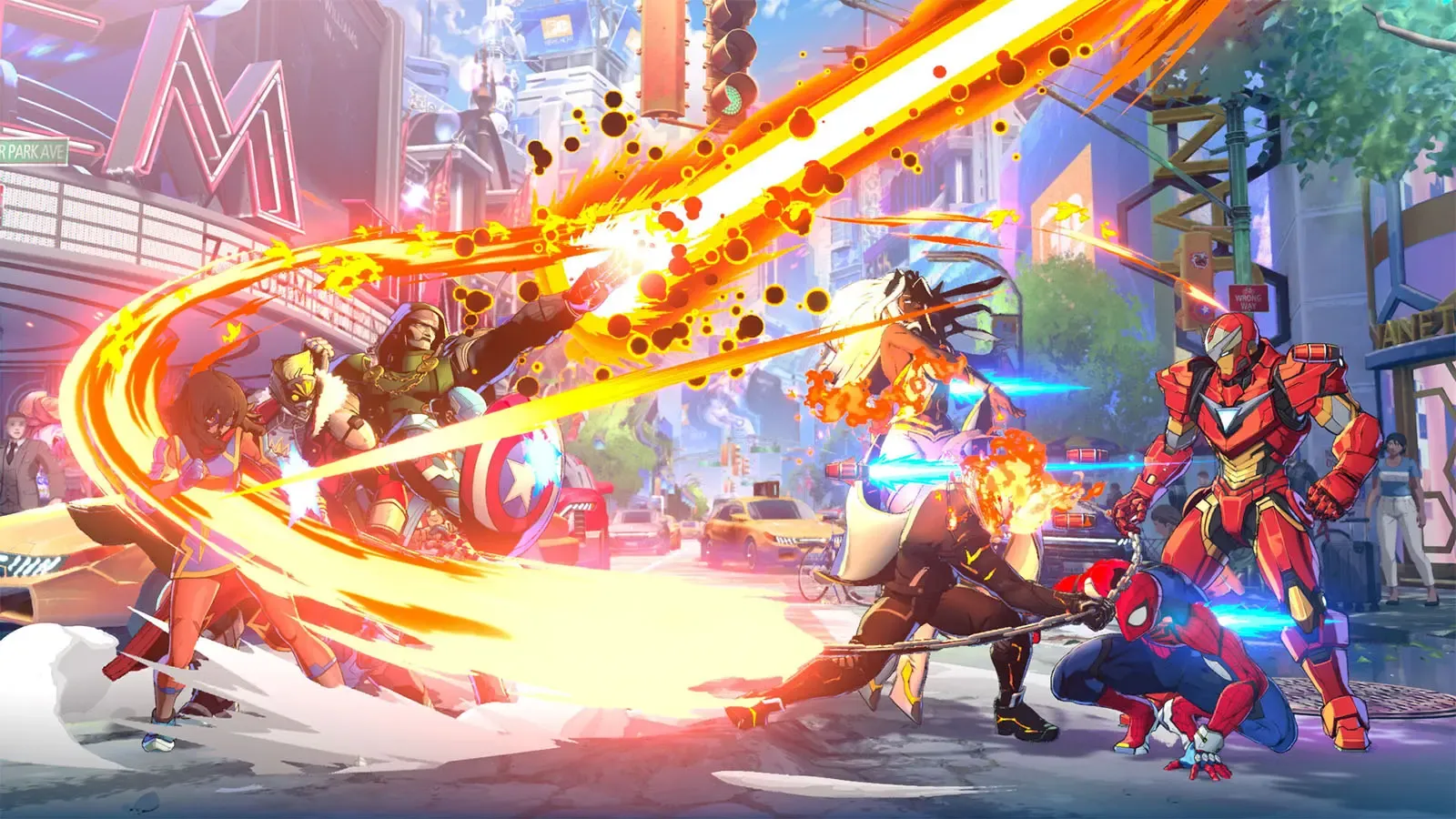
The character select screen shows an EASE OF USE star rating for every fighter. Five characters sit at the Easy tier and cover the main playstyle archetypes:
| Character | Archetype | Why They Work for Beginners |
|---|---|---|
| Captain America | All-rounder | Tutorial character; fills Skill Gauge faster than anyone else |
| Ms. Marvel | Mid-range | Clean chain confirms, forgiving hitboxes |
| Wolverine | Brawler | Aggressive melee, straightforward Heavy chains |
| Iron Man | Hybrid/Zoner | Ranged attacks that pair well with melee-heavy teammates |
| Spider-Man | Rushdown | Easy aerial confirms, strong in Web Warriors preset |
Characters like Storm and Danger sit at the advanced end of that rating scale and will punish you for imprecise inputs. Start with one of the five above, get comfortable with their chain routes, then expand.
For team composition, mixing close-range and long-range specialists pays off early. Wolverine paired with Iron Man is a practical starting point: Wolverine pressures up close while Iron Man covers space from range.
How do the chain combo inputs work?
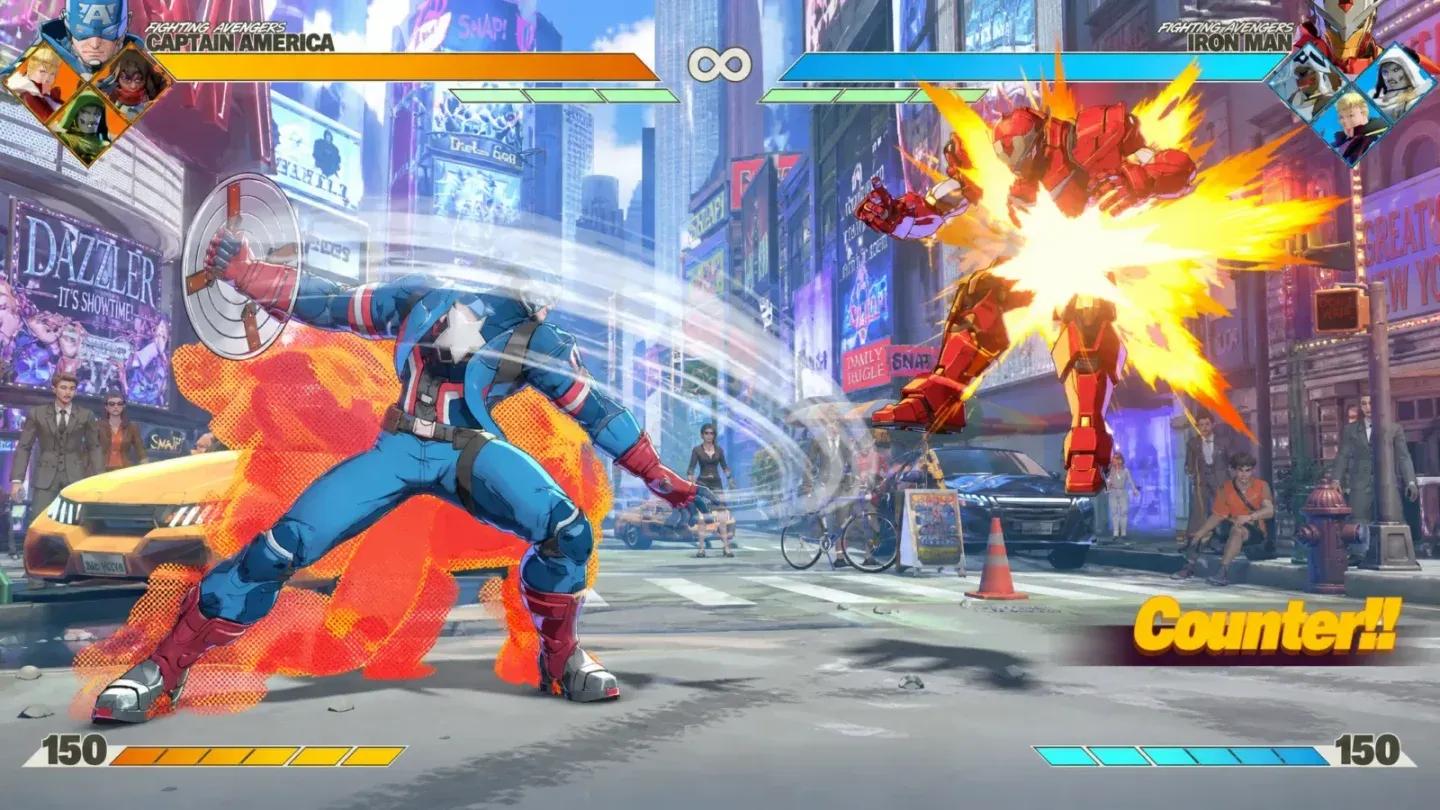
The attack system uses three buttons: Light (L), Medium (M), and Heavy (H). Pressing the same button repeatedly chains into a sequence, and each chain leads somewhere specific:
- L → L → L → L chains into a Skill and can trigger a Break (stage transition)
- M → M → M leads into a Super Skill
- H → H → H leads into an Ultimate Skill
Those three routes are the foundation. Once they feel automatic, the next step is the universal Advanced Combo:
- L → M → H → Skill → Assemble Rush → Follow-up Attack
This sequence brings a teammate into the combo, extends damage, and teaches the Assemble Rush timing that shows up in nearly every character-specific route. Practice it in Training Mode until you can land it under pressure before moving to character-specific strings.
L-M-H chain combo route
How does the Skill Gauge work?
The Skill Gauge is a shared resource across your entire four-character team. Every special move costs a portion of it:
- Skills cost 25%
- Super Skills cost 50%
- Ultimate Skills cost 100%
Captain America fills the gauge faster than anyone else on the launch roster, which is one reason he works so well as a Point character. Command Inputs (traditional motion inputs) generate slightly more gauge than Quick Skill button presses, so there's a tangible reason to learn them over time.
For beginners, Quick Skill is the right starting point. It executes specials with a single button press and lets you focus on team rotation and neutral game before drilling motion inputs. You can remap the Quick Skill button in control settings to suit your layout.
Gauge management is where players coming from 1v1 fighters tend to struggle most. In a 4v4 format, four characters share one bar, so spending carelessly on one character leaves the rest of the team resource-starved.
How do assists and character switching work?
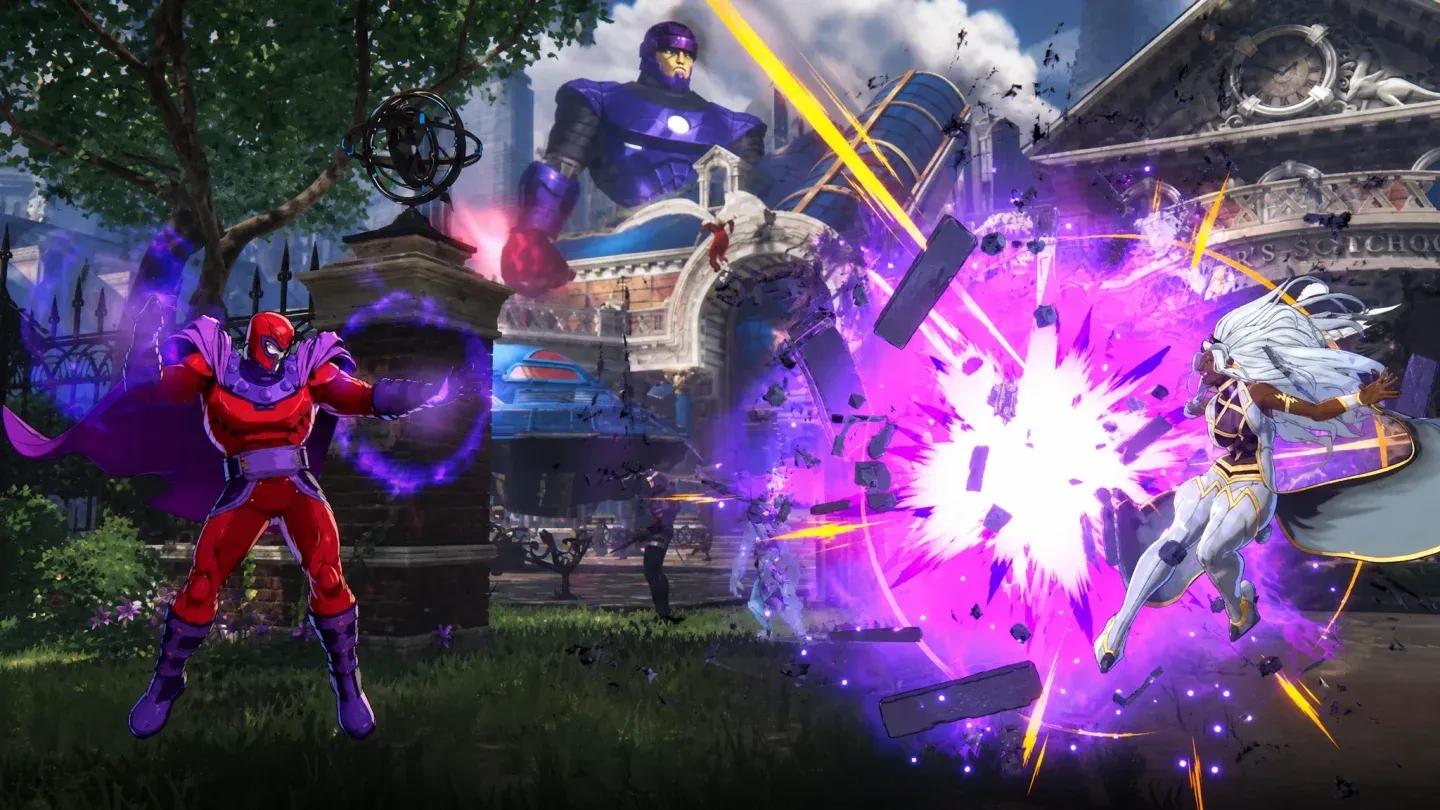
Pressing × calls in a teammate for an Assemble Assist attack. The teammate you get depends on your directional input:
- Neutral or → calls the 2nd teammate
- ↓ calls the 3rd teammate
- ← calls the 4th teammate
Switching uses L2 with a directional input (same directions as above). After calling an assist, a Switch? prompt appears briefly on screen. Pressing L2 during that window swaps to the assist character cleanly, which is the core of the assist-to-switch technique that separates fluid team play from choppy rotations.
New players should get comfortable with assists before attempting live switches. Assists are lower risk and still extend combos and cover pressure. Switching mid-match without understanding the timing windows leads to dropped combos and accidental character exposure.
Assist and Switch tag prompt
How do you defend yourself in Marvel Tokon?
Defense in Tōkon has three layers. Start with the guards:
- Standing Guard (hold ←) blocks overheads and mid attacks
- Crouching Guard (hold ↙) blocks low attacks, including the tip of many Heavy chains
The recommended default habit for beginners is to hold ← and watch the opponent's Heavy Chain starter. Most new players open up too early trying to react to every hit rather than waiting for a clear punish window.
Beyond basic blocking, two advanced defensive options are worth learning early:
- Assemble Counter (press □ + × while not guarding): your character performs a defensive backstep; if the opponent attacks during it, an automatic counterattack launches
- Crossover Counter (press □ + × while guarding): calls a teammate to interrupt the opponent's attack and create a counteroffensive opening
Both are practiced in Startup Battle. The Crossover Counter into Assemble Rush confirm is one of the three skills that separate beginner from intermediate players in ranked matchmaking, so it's worth spending dedicated Training Mode time on it.
What is Episode Mode and is it worth playing?
Episode Mode tells the story of the Champion of the Universe tournament through motion comics. The Open Beta includes part of the Amazing Guardians episode, covering key moments involving Promoter, Champion, and the reason Spider-Man assembles his team.
The full single-player campaign runs roughly 8 to 12 hours, which is shorter than most story-driven action games. Players buying Tōkon primarily for single-player content should know that going in. The mode does teach the Assemble mechanic in context, where every teammate contributes to the shared Skill Gauge pool and Follow-up Attacks extend combos after the Point character uses their Skill.
For the full confirmed roster and what the Year 1 DLC pass adds, the character lineup is worth checking before you commit to a team build.
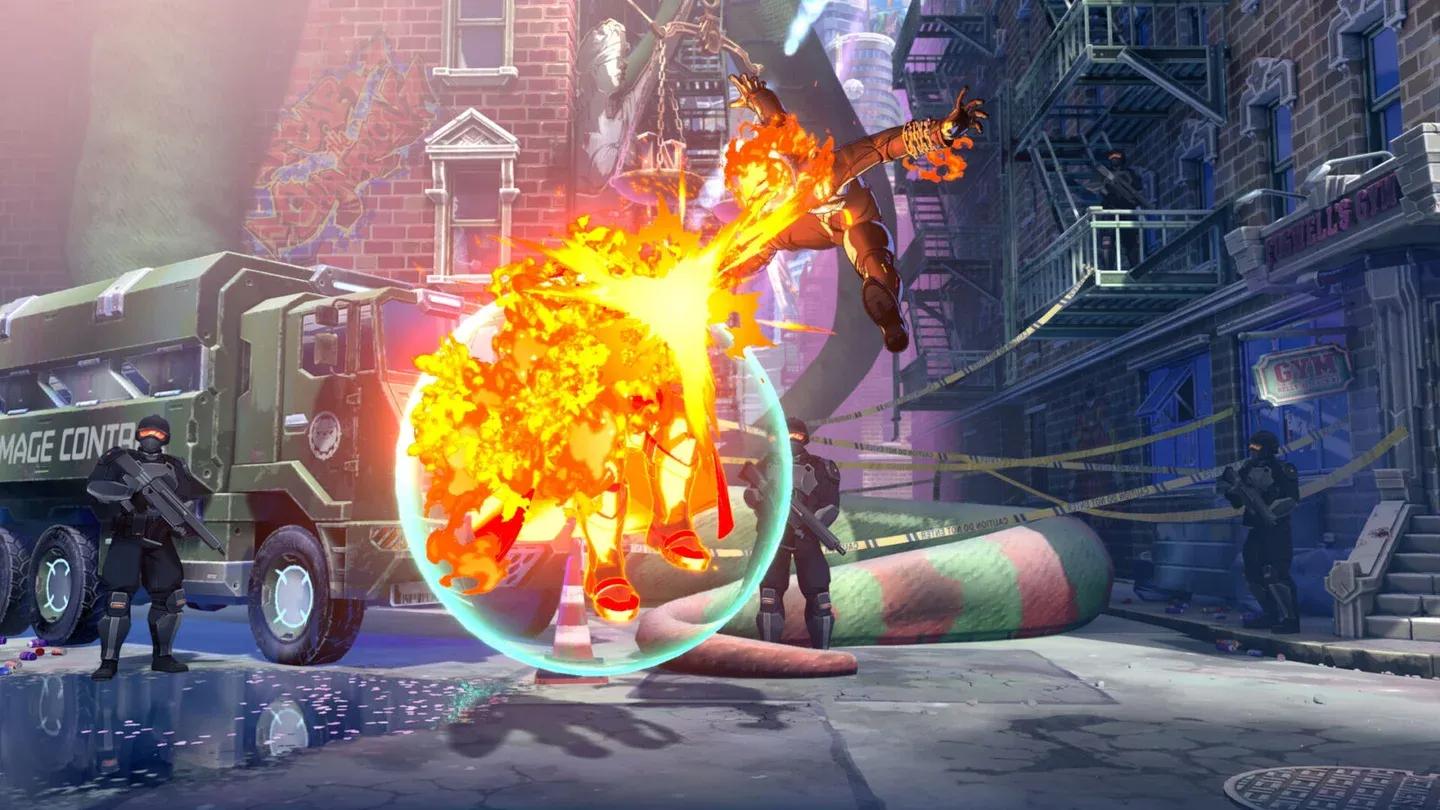
Episode Mode motion comic scene
How long does it actually take to get good?
Here's an honest breakdown of the time investment each system requires:
| System | Skill Level | Realistic Time to Functional Mastery |
|---|---|---|
| Startup Battle tutorial | Beginner | 1 hour |
| L/M/H chain inputs | Beginner | 2-3 hours |
| Assist and Switch system | Intermediate | 5-8 hours |
| Skill Gauge management | Intermediate | 8-12 hours |
| Online ranked climbing | Advanced | 20+ hours |
| Crossover Counter punishes | Advanced | 30+ hours |
The Open Beta ran July 24-26, and the full game launches August 6, 2026. Ranks from the Open Beta reset at launch, so the ladder starts fresh for everyone. That's a genuine window to build fundamentals before the competitive field solidifies.
For details on what was available during the beta window, the open beta dates, times, and playable content guide covers the 15-character roster and available modes.
Stage hazards to watch for
Two stages have interactive hazards that will interrupt long combos if you're not paying attention to positioning: Asgard and Knowhere. The Wakanda stage also has energy panels that factor into stage transitions. These are healthier competitive design choices, but they add a positioning layer that punishes players who only think about their combo route and not where on the stage they're executing it.
Practice the universal Advanced Combo near stage boundaries in Training Mode so you understand the Break (stage transition) trigger before it costs you a round in ranked.
For everything else covering editions, pricing, and pre-order bonuses, the Marvel Tokon: Fighting Souls editions and prices guide breaks down all three versions. The full Marvel Tokon: Fighting Souls guide collection covers tier lists, combos, and matchup breakdowns as the game's competitive meta develops.