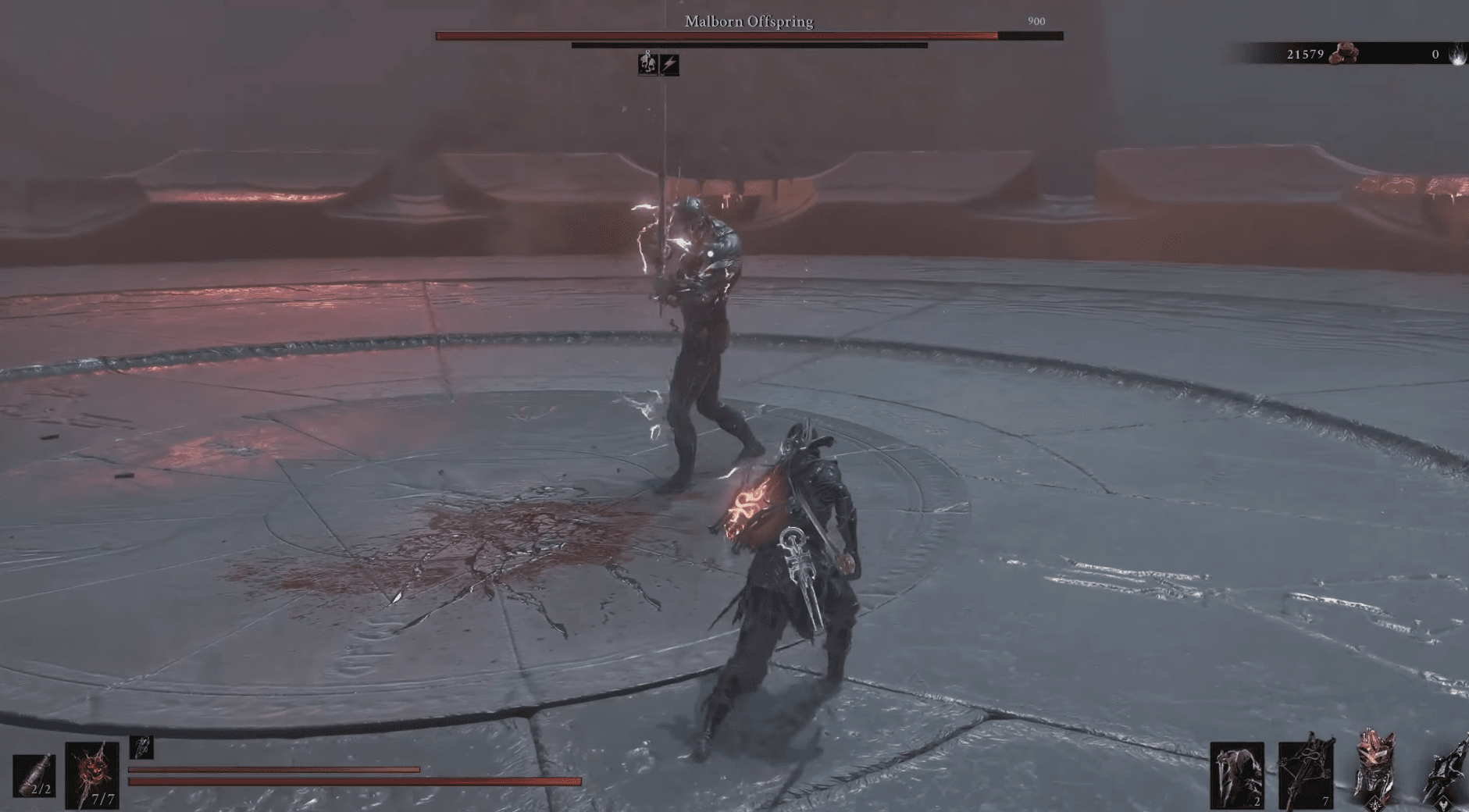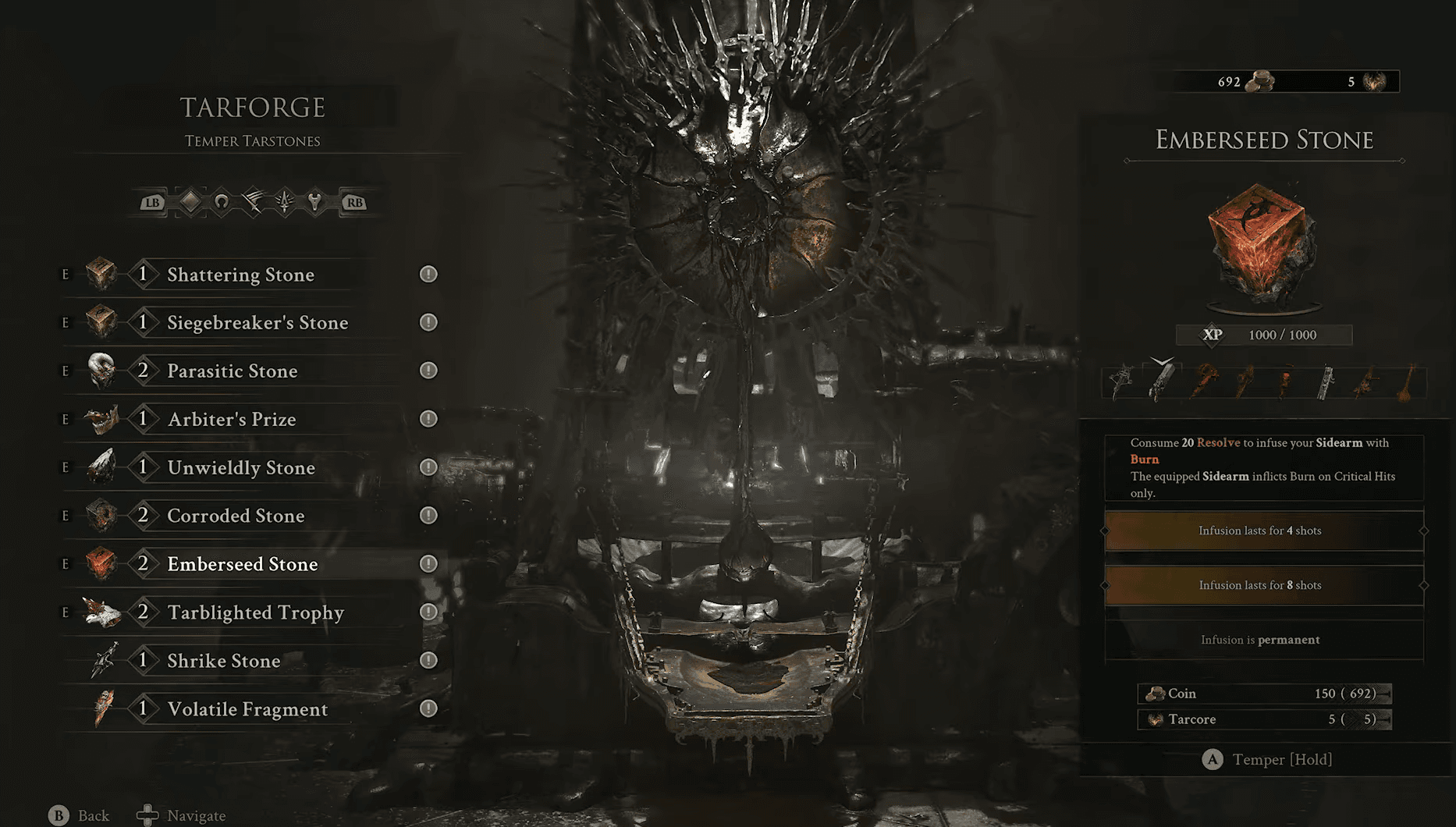

Tarstones are one of the most flexible tools in Mortal Shell II, giving your build meaningful passive bonuses that stack up fast once you start pushing them to higher levels. The problem is that upgrading them is locked behind a specific item most players miss entirely on their first run through the Fainweald. This guide covers exactly where to find that item and how the full upgrade process works at the Tarforge.
What do Tarstones do in Mortal Shell II?
Tarstones are equippable stones that slot onto your weapons and grant build-specific bonuses. They earn XP passively while equipped during combat, which means the more you use a weapon with a Tarstone attached, the more progress you rack up toward the next upgrade tier. One thing worth knowing early: not every Tarstone works with every weapon. Some are locked to specific weapon types, so check compatibility before grinding XP on a stone that won't fit your preferred loadout.


How to unlock Tarstone upgrades: find the Etching Needles
Upgrading Tarstones is not available from the start. You need to track down an item called the Etching Needles before Franz at the Tarforge can do anything useful with your stones.
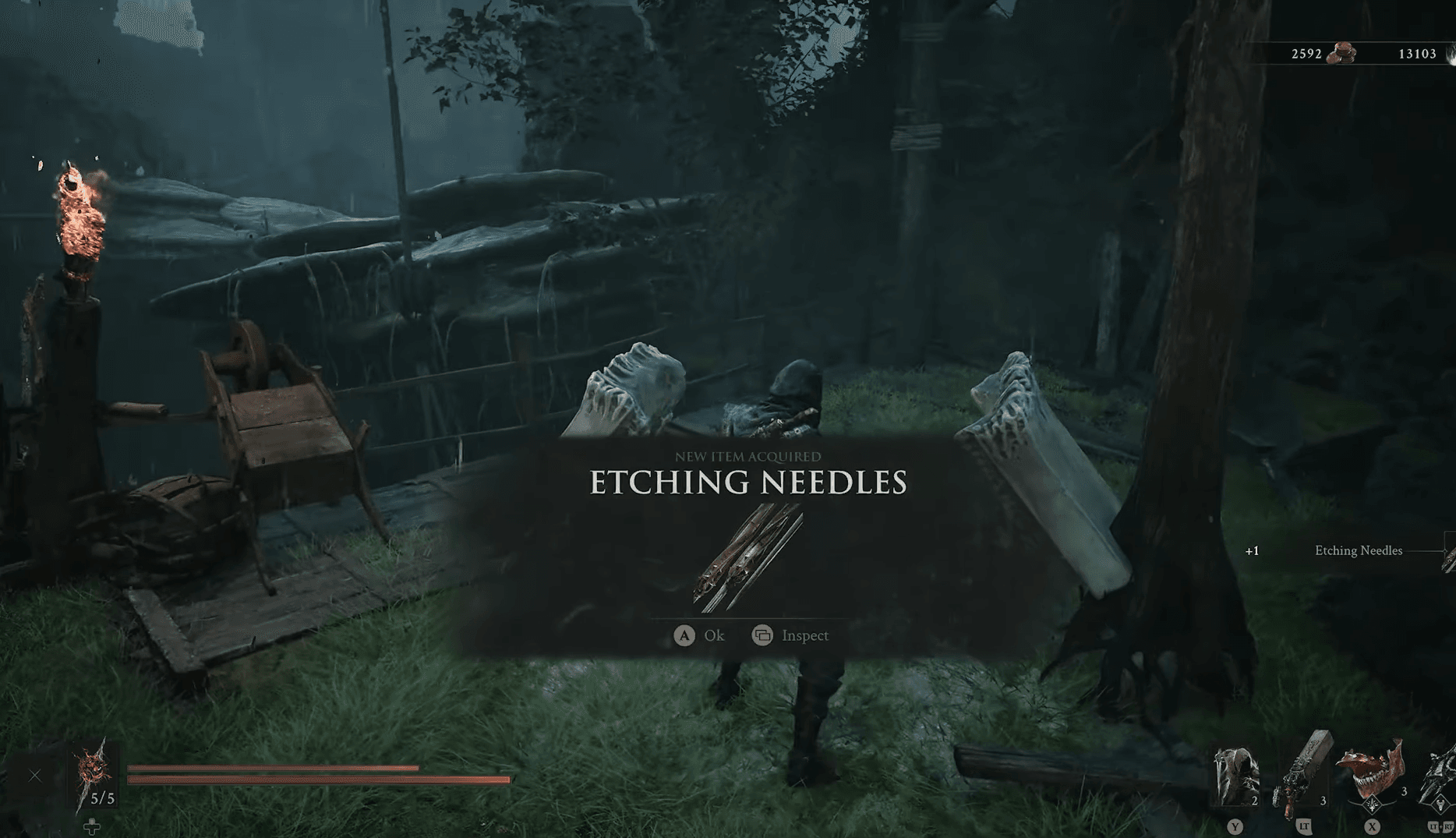
Mortal Shell 2 Guide: How to Upgrade Tarstones
Where are the Etching Needles?
Head to the Mushroom Village Gate beacon, which sits on the eastern side of the map. Cleanse that beacon, then step through the Cleansed Gate directly behind it. This transports you into the Glutted Mire, a swamp dungeon that holds the Etching Needles.
Work through the Glutted Mire normally until you reach the Wandering Shepherd mini-boss. Beat him, then break the crate blocking the gate nearby and squeeze through the opening. Cross the long bridge on the other side and open the chest waiting at the far end. That chest contains the Etching Needles.
How to upgrade Tarstones at the Tarforge
With the Etching Needles in hand, return to Marrow Keep via any Beacon. Find Franz at the Tarforge and hand over the Etching Needles. This single interaction unlocks Tarstone upgrading for the rest of your playthrough.
From that point, the upgrade loop works like this:
- Equip a Tarstone to a compatible weapon.
- Use that weapon in combat to accumulate XP on the Tarstone.
- Once the Tarstone maxes out its current level's XP bar, return to the Tarforge.
- Interact with the Tarforge, select the Tarstone upgrade option, and spend coins to push it to the next tier.
- Repeat the XP grind for each subsequent level.

Mortal Shell 2 Guide: How to Upgrade Tarstones
What do you need to reach level 3?
Pushing a Tarstone to level 3 requires Tarcores, which are not found in the world directly. To get them, you have to temper a Tarstone at the Tarforge. Tempering consumes the Tarstone and produces a Tarcore in return, which you then use to push a different Tarstone to its highest tier. Plan which stones you want to sacrifice before you start tempering.
Tips for upgrading Tarstones efficiently
- Pick one or two Tarstones that match your current weapon and focus XP there rather than spreading across every stone you find.
- Coins accumulate naturally as you explore, but if you need more, prioritize areas with dense enemy groups before returning to the Tarforge.
- Decide on your Tarcore strategy before you start tempering. Sacrificing a stone you later want back is a frustrating setback.
- If you are still figuring out the broader world layout, the Mortal Shell 2 map guide can help you clear fog and locate Beacons faster, which speeds up your return trips to Marrow Keep.
For a broader look at everything Mortal Shell II has to offer across its full runtime, including New Game Plus expectations, the how long to beat Mortal Shell 2 guide breaks down the hours for a focused run versus a completionist playthrough. Knowing roughly where you are in the game helps you decide whether to rush the Etching Needles early or pick them up naturally as part of your main path.
For more tips on this action game and every other system in the sequel, the full Mortal Shell II strategy guides collection has everything from boss strategies to build recommendations in one place.